
How to Keep Your CC Game Happy & Healthy
A gentle guide full of tips (not magic fixes) for all CC lovers 💫
Hey lovely Simmer,
If your game is acting weird, crashing, or simply refusing to load your favorite save — first of all: you’re not alone. These things happen. And while I sadly can’t offer a one-size-fits-all solution, I can share some gentle advice and personal practices that have helped me and many others keep our CC-rich games running beautifully 🌸
This guide focuses mainly on CC management — but please keep in mind that the biggest issues usually come from mods, especially after patches. CC might slow things down or conflict occasionally, but outdated mods are the true chaos gremlins 🐛
💻 Step 1: Always Test First
→ Temporarily move your Mods folder to your desktop
→ Launch your game clean
If it suddenly runs fine, the issue lies inside that folder — now the real work begins 🛠️
🧠 Special tip: game is running but strange overlays
If your game runs but something looks off (UI glitchy, strange overlays, missing buttons), check your core mods first. Start with these:
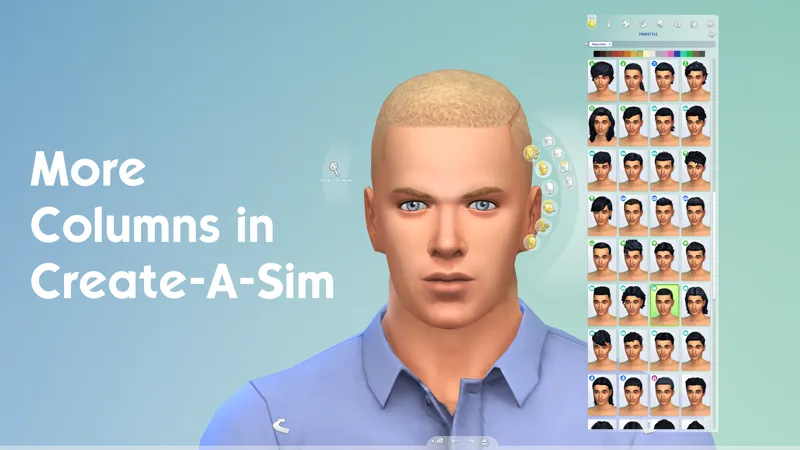
🔹 More Columns in CAS
🔹 UI Cheats Extension
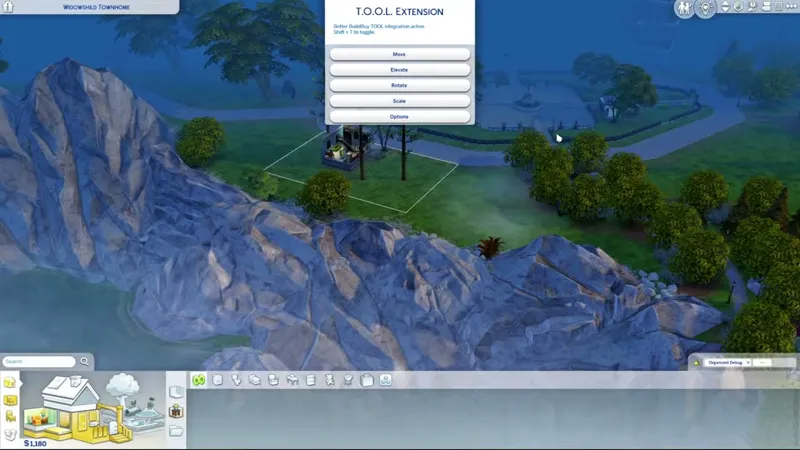
🔹T.O.O.L. Mod
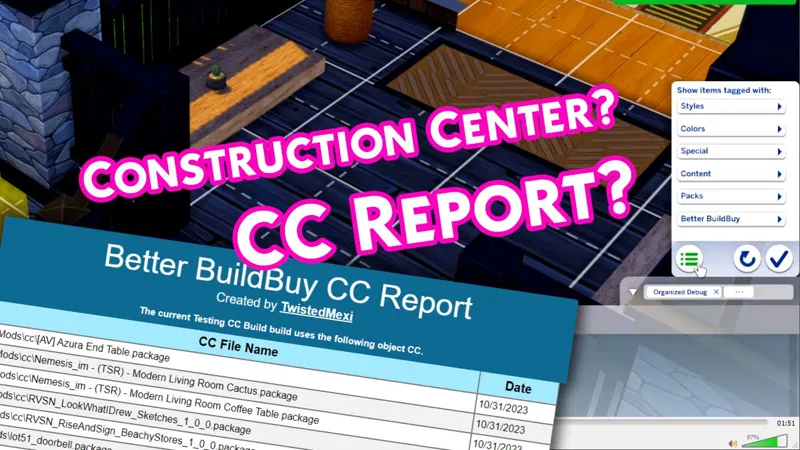
🔹 Better BuildBuy
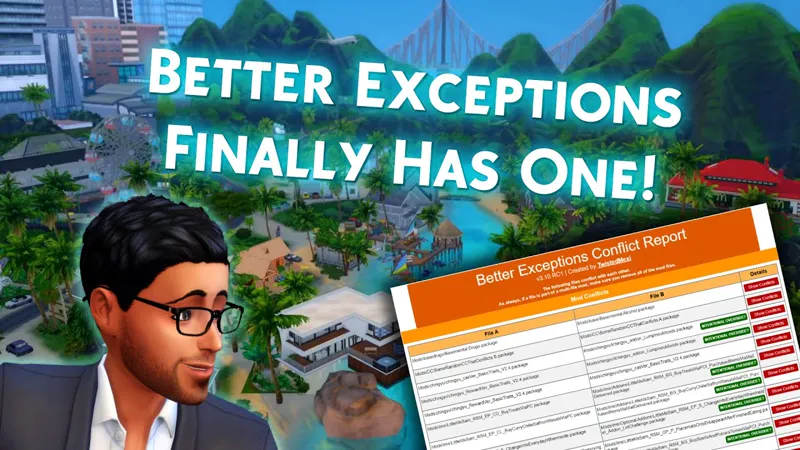
🔹 Better Exceptions
🔹 More Traits in CAS
🧾 A wonderful resource to check mod status after patches:
→ Scarlet’s Mod List
It’s super helpful to quickly see what’s broken, outdated or fixed 💡
🧹 Step 2: Clean Your CC
→ Split your mods in half
→ Test one half at a time
→ Narrow it down until you find the bad apple 🍎
Yes, it takes time. But it's the best method out there – trust me.
🧺 Step 3: Declutter with Love
Over time, your Mods folder grows like a wild garden.
Ask yourself:
❔ Do I actually use this?
❔ Does it still look good?
❔ Or is it yet another decorative book (Nr. 2392829 😅) I'll never touch?
Delete what doesn’t serve your joy.
Especially when using merged files – in my personal experience, they often collect lots of items you never wanted in the first place. If something breaks inside a merged file, you’ll have to delete the whole thing – and that’s just frustrating.
🔧 Step 4: Update Regularly (or as often as you can manage)
✨Some CC creators update after patches – some don’t.
✨Use Sims 4 Studio for batch fixes (especially after major updates).
✨Every now and then: declutter your Mods folder. CC from 2015? Trust me, it’s not as pretty as you remember. 😉
🪜 Step 5: Be Careful With Specific Items
This might sound strange, but I’ve had recurring issues with certain items – especially stairs from Syb. Don’t get me wrong, I love them and use them all the time! But for some reason, they sometimes prevent a lot from loading. If I delete the stair, the lot loads fine – I can then place it again, and voilà: it works. No idea why. But it’s a thing.
Also: Lot Traits can break after patches. If a trait no longer works, it can prevent the whole lot from loading. So always double-check them if something feels off 🧠
🏡 A Little Note About My Lots
I always do my absolute best to ensure my lots work at the time of release. I test every build in-game before I share it. But with the sheer number of builds I’ve created, I can’t keep every single one up-to-date forever – otherwise, I’d be doing nothing but patch maintenance 😅
If you ever run into trouble with one of my buildings, please don’t hesitate to reach out. I’ll happily take a look and try to fix it. But please keep in mind:
The older the lot, the higher the chance that something might have changed in the game since then 💛
🧡 Bonus Tip: Want to Learn More?
This little guide is just an introduction to the world of CC maintenance.
If you’d like to learn more about:
• Spiral Stairs Not Working? Here’s How to Fix It!
• How Can You Build So Fast? My CC Setup & Sims4Studio Guide
• How to Find Duplicate & Broken CC – Clean Your Folder Like a Pro
→ I’ve created full tutorials, available in my patreon shop!
🎁 And for all paying Patreon members – they’re completely free.
lovely greetings,
Katelyn 🌸


Comments (14)
Thank you so much for this and thank you also for sending me the email. I'm actually reading this post for the first time. I have a feeling it's a lot trait mod that I don't even know about. Thank you again!
Thank you for your feedback! I am happy to help :)
u so kind <3333
<3 <3
Thank you
I just spent the morning deleting old cc that I haven't used in over 5 years. Great advice! Thank you!
I'm so glad I could help! <3
I love this! I spend more time maintaining my mods folder than I do actually playing the game. lol
😆 I feel you!!
Thank you so much! Always love a guide to help clean my game up to make sure it actually runs and runs well 🤓
That makes me happy! I hope it will help you :)
Thank you so much :-)
Thank you.
Oooooof I need this