
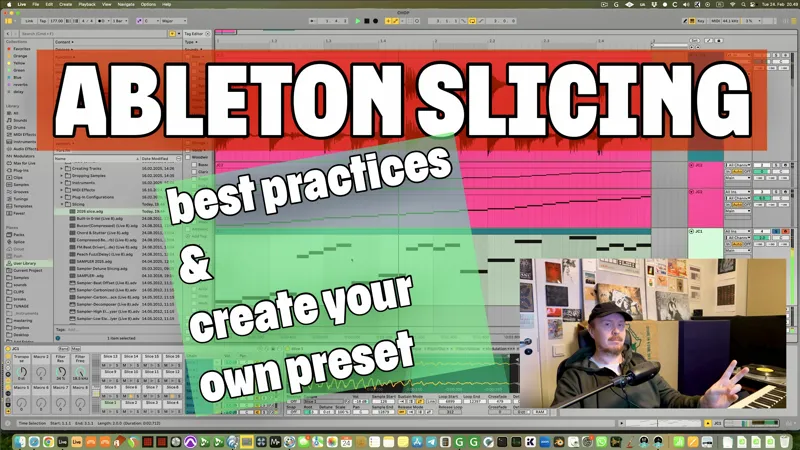

Ableton chopping: best practices and creating your own favourite chopping preset!
So a recent IG reel absolutely blew up and I've been flooded with questions on how to create a custom slicing preset with Ableton Live.
Here, I'm running you through it all, discussing how to create a preset, how to apply it, what to take into account etc.
The part about creating the preset starts at 8:39 on the video if you want to skip to that.
If you want to download the preset I used in this video and use it, download link (and the location to save it to) is below.
I'm giving you the drumloop download too, because I'm nice!
See below for downloads:
• Slicing preset using Drum Rack + Sampler download here (save it to User Library > Defaults > Slicing and apply as shown on the video).
• Drumloop used: JC Davis - A New Day (Is Here At Last) DOWNLOAD
Comments (3)
Given that there are 8 - or even 16 - macros, do you map other parameters to create a more useful slicing preset? For example, decay obviously can tighten up (heh!) hits for a quasi gated feel, so that is a handy one to map.
I rarely seem to control other things than pitch and filter; I guess I like to do a lot of other tricks via other plugins. Surely especially in Sampler, one could find a bit of this and that. Decay could definitely be one, to make the chops shorter. Sorry for boring answer!
Yeah! This is the best method. I always quatize main kicks and snares, but keep the groove between them and ghost snares. After chopping, I can also re-group kicks, snares, and other elements for further side-chaining and fx. Glad to see you making a video about it.