
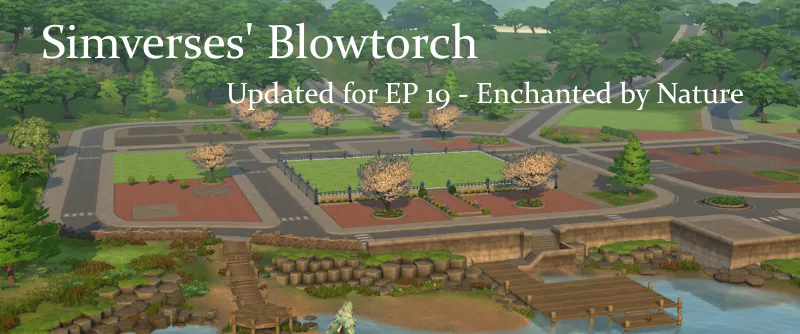
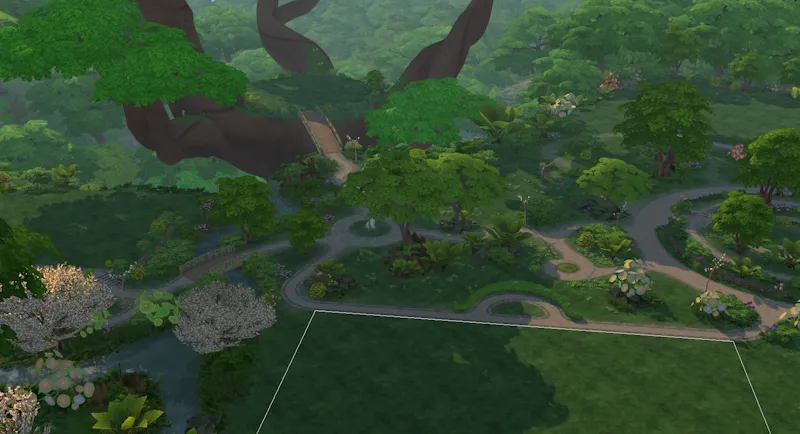
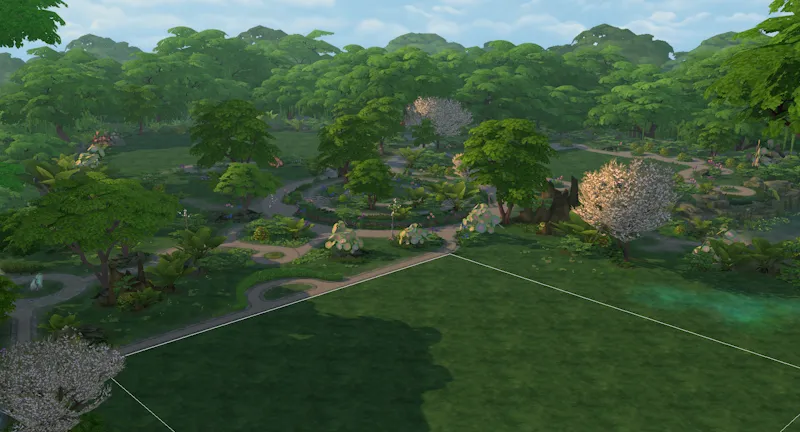
Blowtorch Updated for EP 19 - Enchanted by Nature
Maxi's worlds emptied of era specific stuff – made for simmers who wants themed hoods of their choice.
Now updated for EP 19 - Innisgreen (Enchanted by Nature)
NOTE: This mod must be installed in your Game Files, not the Mod Directory. See included Documentation PDF for instructions.
So, you found T.O.O.L, the super useful mod by Twisted Mexi, and learned how to decorate your sim world.
But there is this problem with Maxis houses and items, which do NOT fit in your sim world. So far, the most used method has been to hide them, as in either move them away (if even possible) from sight or use a hider/override to make them invisible. That method has its limits, is very tedious (need to find, make an override, ect. , and there are SO MANY items)
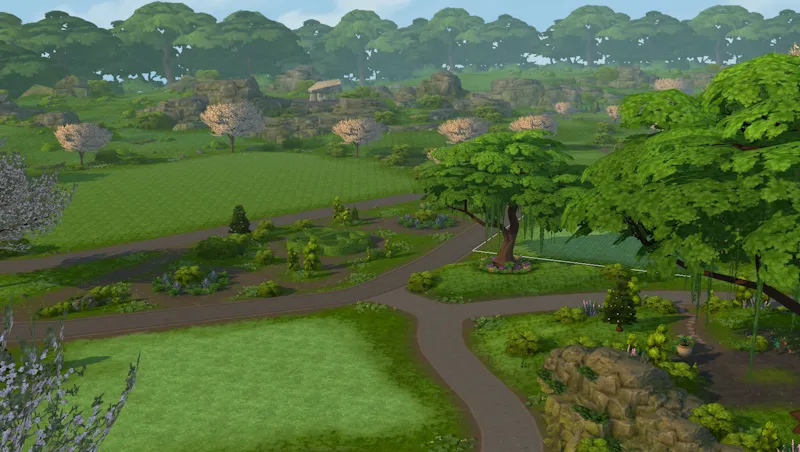
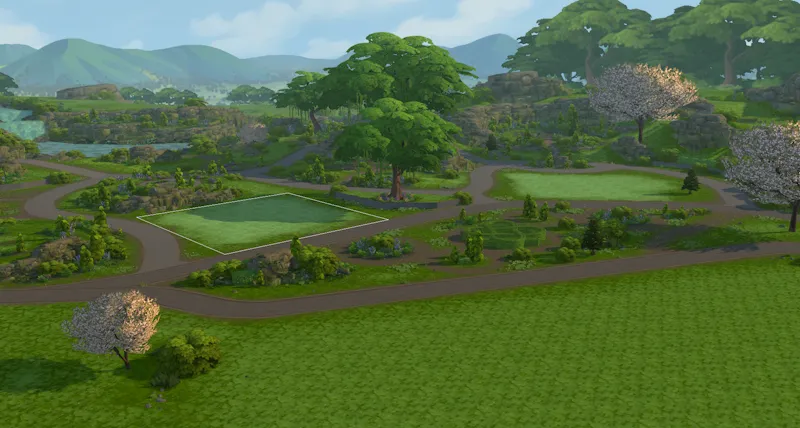
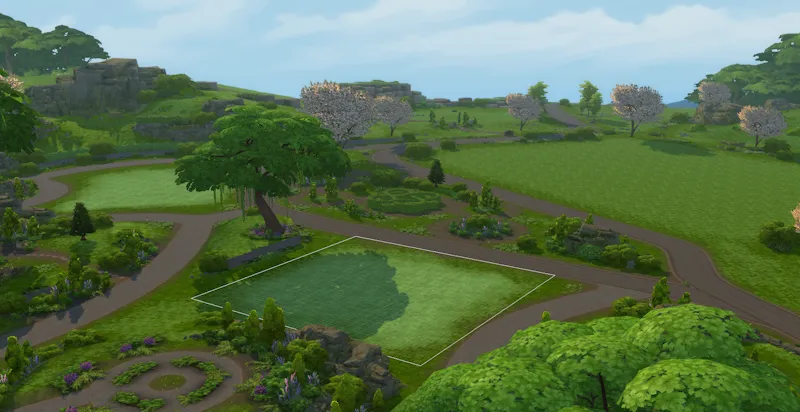
Blowtorch has another approach. It takes out the items (houses, vehicles, modern deco, well - all silly deco really) from the world. You can then place nicer deco or game items instead.
The items are not hidden from catalogue, so you can place the same items back but in a different place if you so wish. Or use cc deco. Make the world medieval, or Victorian, or sci-fi, or whatever.
HOW DOES THIS WORK?
This mod edits the preloaded deco in the world. It changes game files – and the changes will affect all your saves, old and new. If you decide that you want the deco back, you can do it either with the GAME REPAIR function or using the backup of the original folders that I included in the Blowtorch zip.
You can either use all my edited files – or the ones you want. If you for example want Willow Creek to be as it always has, but want a blowtorched Oasis Springs, just delete the Willow Creek files before installation, and keep Oasis Springs. In the included Documentation PDF there is a list with all the subworlds - their in game names and their names in the game files. (PRO TIP: Do read the documentation file.)
I have blowtorched almost all the hoods in the worlds, both EP and GP: s (See list below for exceptions.) If you don’t have all EP/GP I recommend to delete the ones you don’t have before installing.
(Save the zip with the mod somewhere safe so you can add new worlds when you add a new EP/GP with a world.)
Here are some general rules I went by:
- All landmarks, architecture deco, street deco, vehicles, with special effects - blowtorched
- Functional objects: outside tables, playground items, and such – blowtorched. Place them again where you want them!
- All lights, both streetlights and built in hood lights, blowtorched.
All palm trees, ever pink trees, wispy modern beeches, and other modern plants, blowtorched. (I of course kept the palm trees in Sulani and Selvadorada)
The toadstoles in Everdew. Yes they look magical especially at night, but they were so many. Add them back if you need them :)
- Visual effects belonging to vehicles and other stuff mentioned above, blowtorched. No modern yachts, no airplanes.
- The lights are gone. The world will be dark at night if you don’t place streetlights or such.
- ALMOST ALL THESE THINGS (not the built in lights, not moving visual effects like cars and rats) are still available in the catalog (debug, live edit) items though. So, if you still want a modern, but DIFFERENT hood, you can place them again, as you want them. This is a big advantage compared to hiders – those usually hide the items also from the catalogue.
WHAT I KEPT
I kept the seasons stalls, where they are available (if you have the Seasons EP.) They can also be placed, but as they are in conditional layers (changes with the seasons) this can't be done by placing them manually.
I kept all spawners. All the fishing spots and all the bugs, frogs, dig sites, wild growing plants.
Lighting mod included
This mod also includes the Sunblind lighting mod by Softerhaze. Lighting mods also change these files, so I added Sunblind with the creator's permission. Read more about their mod here.
This updated version includes the update from Softerhaze after EP 19.
https://softerhaze.itch.io/sunblind?download Read more here!
(You do not need to download or install their mod; it is included in the Blowtorch mod.)
If you want another lighting mod or no lighting mod, you need to edit the files manually.
This is done by replacing the resources “Sky Box Texture Data” and “World Timeline Color” in each world file.
ECO LIFESTYLE NOTE!
Unfortunately the Evergreen Harbor world that came with Eco Lifestyle (EP 9) has some special evil magic and the deco needs hiders anyway. If you play with that world and want it to be BLOWTORCHED, install the file ELHoodHidersMerged in your Mods folder.
Other recommended mods:
Check out T.O.O.L and Twisted Mexis other mods here: https://twistedmexi.com/Mods/
To add deco stuff outside lots:
T.O.O.L – at Tmexis page you also find information about his CAW-project, still in alpha testing.
I also recommend his Better Build/Buy mod, and his toggle mods, especially the Strangerville Story Toggle on if you want to use Strangerville as a normal world. And also his that enabled build/buy on the Secret Lab lot – in new saves.
Zerbu has a couple of super useful mods:
All Worlds are Residential https://zerbu.tumblr.com/post/173398784785/the-sims-4-mod-all-worlds-are-residential
Venue changes https://zerbu.tumblr.com/post/160347810775/the-sims-4-mod-venue-changes
Twelfth Doctor has a great mod for travelling to all the hidden/special lots, so you can edit them: https://td1sims.tumblr.com/post/635457539495084032/travel-to-venue
Modern roads and deco houses, many many options, by Scodee Jodee:
https://www.patreon.com/c/scodeeyodee/home
If Blowtorch is not enough
Use the Flamethrower mod to take it all out. And THEN rebuild.
https://www.tumblr.com/sdmsims/749696707063840768?source=share
Q&A about Blowtorch mod
1. Can I use this on my old saves?
Answer: Yes. The mod does not affect the saves, or your CC, or anything other than the game files in the Windows directory. You can easily uninstall the mod by using the backup files (included) or do a Game Repair.
2. Why are there stuff not deleted? Annoying modern fences in Windenburg Ugly Modern Business district, for example?
Answer: some items are a part of the world mesh and is not yet possible to edit. If there will be a solution later, I will update the mod.
3. Will I have to update the mod after patches and new expansions?
Answer: Yes, probably, if the patch overwrites and updates the world files. It will NOT affect your saves and you just need to reinstall it and all is back to blissful blowtorched state.
If the patch/ep/GP does not include a new world, you just reinstall the mod (see instructions) as you installed it the first time. I will make updated versions asap when new worlds are released.
4. I don’t have EP X or Y – can I use the Blowtorch mod?
Answer: Yes, but I recommend deleting the folders for EP/GP you don’t have. See list in the PDF-file with documentation.
5. Can I add back for example the traffic FX?
I added a How-To in the end of the Documentation PDF. Where I show what resources needed to change back, if you want the VFX or the Lights back. This needs to be done for every subhood you want the VFX in. (100 files at this point.)
Where to find nice themed hood deco to use with Blowtorch?
You can basically use any item, from game or CC, to decorate hoods. Try out the options with T.O.O.L to change the size of objects!
I already posted some Hood Deco CC – and I have much more to come. I have been converting/editing/creating and preparing hood deco from Sims Medieval, Sims 2 and Sims 3 and other games – my CC is medieval/historical themed but I hope for other creators to add to the hood deco options in the future.
If you want an empty savefile, updated for EP 19, I added that too :)
Comments (1)
idk if this is dumb but how do i get it for all o f them