
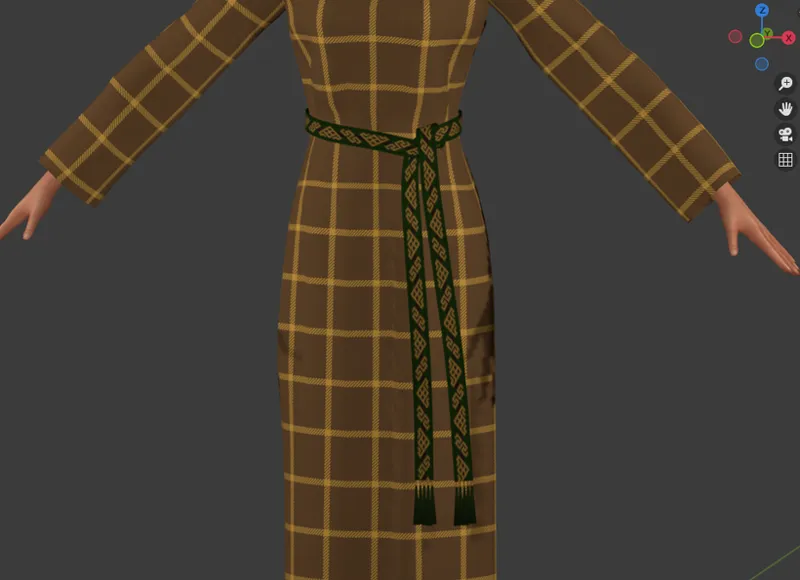
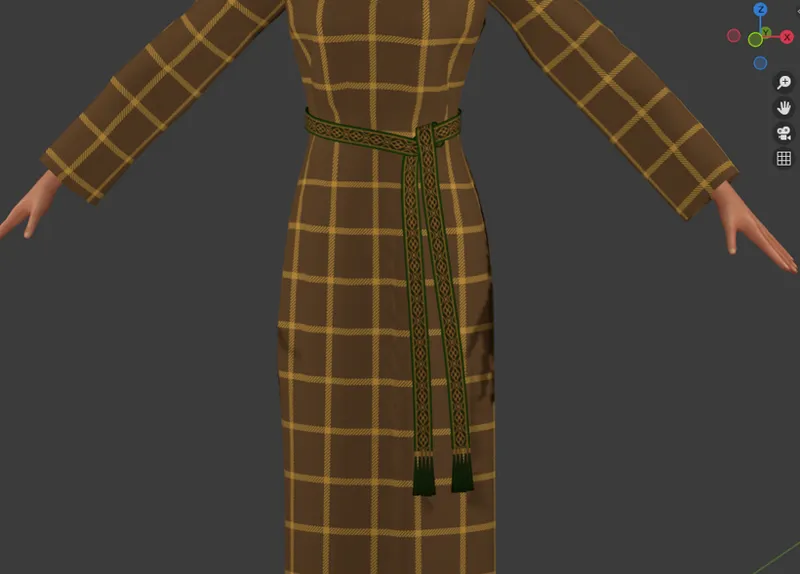
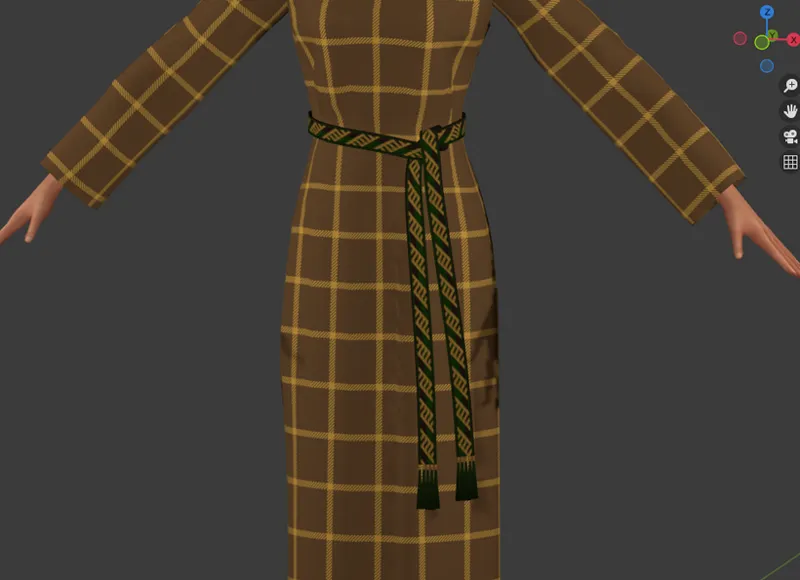
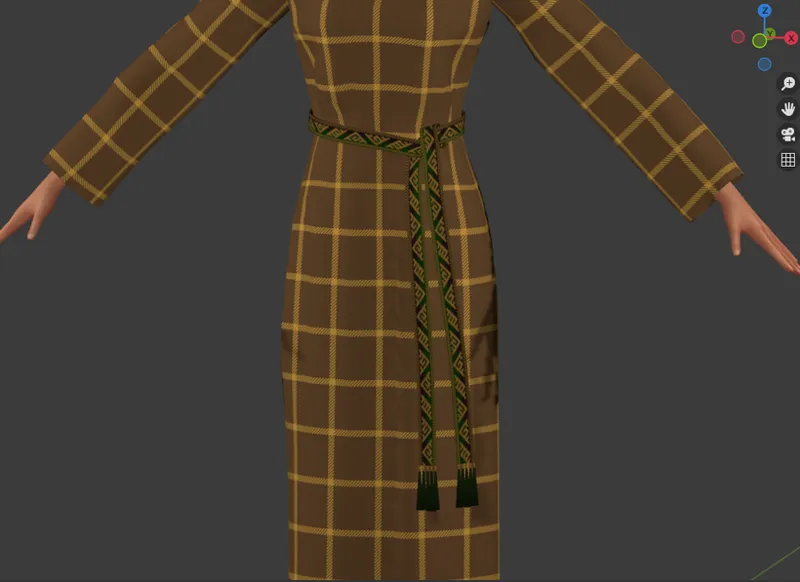
Vintage WIPs #2
Two things before I move to the WIPs themselves:
One, in case you haven't seen it yet, I made a 'where should I place the belts?' survey on my tumblr. Proper uv placement is very important for preventing any problems with overlapping textures , so if you're any interested in using those tablet-woven belts I keep teasing (and hopefully not only them) and still haven't voted, please rush HERE and let me know which option you'd like the most! You've got time until Saturday.
Two, do you remember how last time I 'could swear' that I've read somewhere about fringes being made simply by cutting the warp threads lower than necessary? Last week I got my copy of Alexandra Croom's Roman Clothing and Fashion (great purchase btw, highly recommend) and in chapter 2, Clothes and Colour, she explains the construction of a warp-weighted loom (so the kind of loom which would've been in use in Britain at that time):
The threads hanging vertically (called the warp) had clay weights tied to one end to keep them taut during weaving. (...) When the threads were set up on the loom, they were cut to the required length (plus a little extra), with the excess carefully tied to the weights to keep them out of the way until required. (...) This method wasted a small amount of thread, as the warp could not be woven right down to the weights, but these threads could be used to make long fringes if required.
See? Ha! I knew I've read about it somewhere!
(Also, is that book a hint as for the things to come? Is my head exploding from too many ideas while reading it? Can't I wait to try to drape a toga on my blender model using a nurbs path? We all know it's a resounding YES to all of that 😅)
***
Alright! So now... My WIPs, huh?
It's been, unsurprisingly, a week of belts.
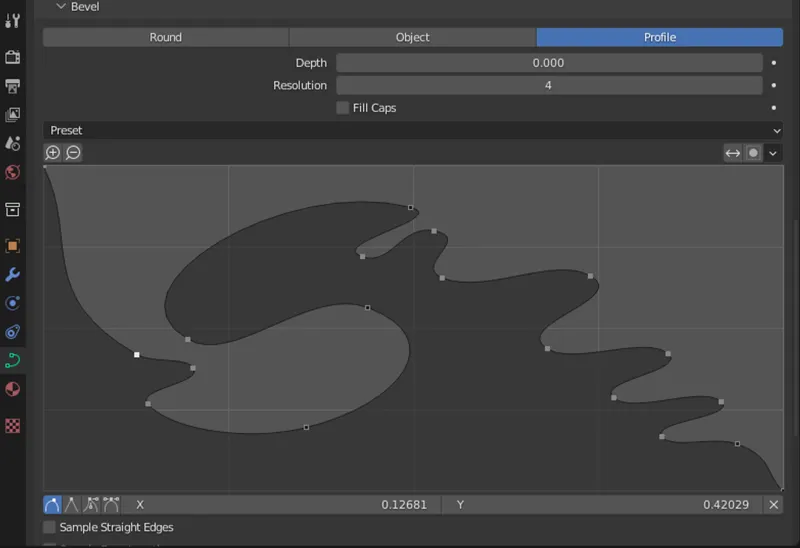
I started off by taking a little break from my tablet weaves and making a very simple, thin belt - as if it was made of a strap of material folded in half and sewn together. I hadn't planned on dealing with the basic belts just yet, but I randomly had an 'ooooh I know how to do it!' epiphany, so I rushed to try my idea out - and it worked. It was as simple as taking the same nurbs path I'm using for the tablet weaves and adding geometry to it. Actually, I created a custom shape to use for this purpose (a rectangle with rounded edges) and only later realised it wasn't even necessary - I could've easily done the same with the 'profile' option.
The most difficult part turned out to be reducing the polycount of the belt the right way. All the automatic options were decimating it either too much or too little. I made those rounded edges on purpose, dammit! Don't turn the profile back into a rectangle! Unfortunately, the only way I found around this problem included lots of manual selecting (with some help of checker deselect, bless it). In the end I managed to reduce it to a very pleasant number of 454 vertices. I unwrapped the thing and... That was it. It's ready. For now.
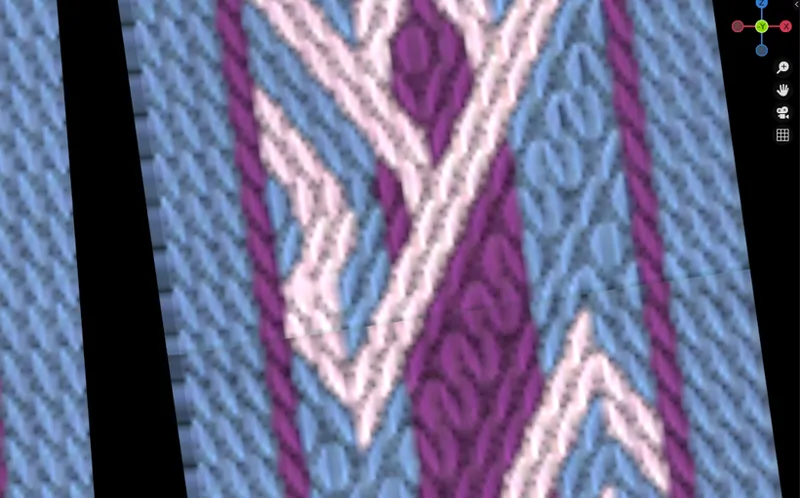
The remainder of the week was dedicated to the tablet weaves, which - drums please! - I've finished. I think I've finished. The textures, I mean. It turned out to be a longer and more complex process than I anticipated because of a sudden problem I discovered only while working on the second of the belts (no idea why it wasn't visible on the first one. Sheer dumb luck? Or maybe it is visible and I'll have to rebake those first 20 swatches...?)
I'll try to explain.
As mentioned last time, in my Blender each belt comes in three versions. Version one is cut into diamonds and triangles, split, subdivided and what not; as a result, it's very pretty and very high poly. Version two is a copy of v1 but without any of the modifiers; it's there for the sole purpose of baking the texture onto it. And then there's version 3, which is scaled down and applied to the nurbs curve; this is the version which eventually is supposed to be used in game. It should lose all those fancy shapes and ideally become just a simple rectangle - multiplied by x, of course, as each pattern gets repeated maaaany times.
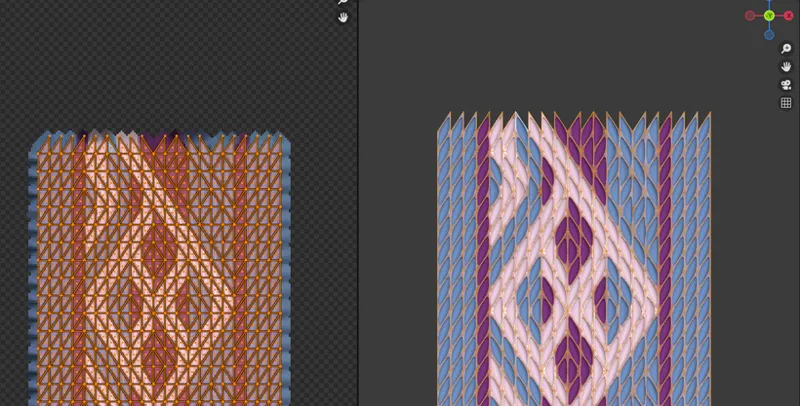
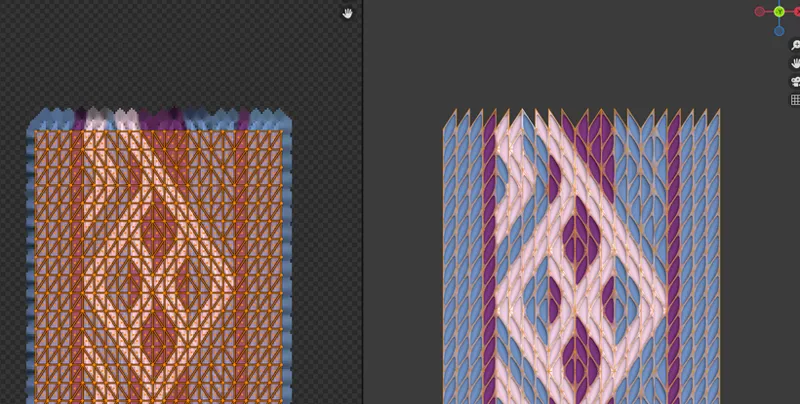
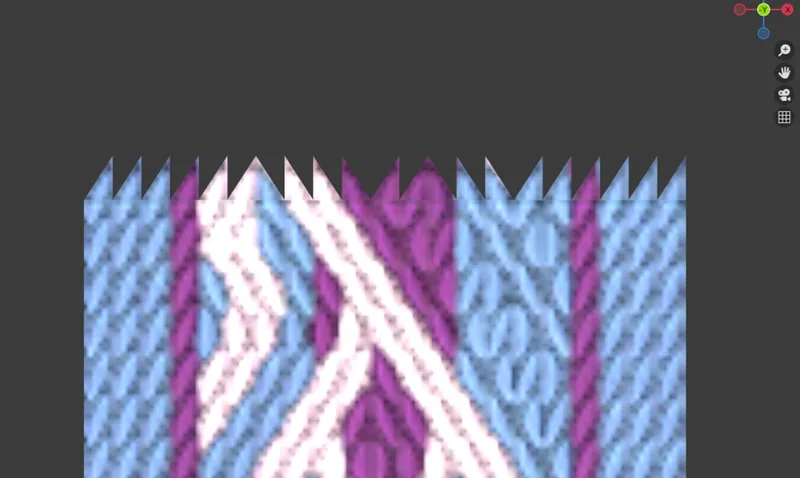
Of course, all those pointy ends of the diamonds and the triangles are a teeny tiny problem when the final version is supposed to be a rectangle. The texture must have straight edges if you want to eventually decimate the crap out of your mesh. And so I moved the uppermost line of triangular faces down on the uv map, snapping it to the lowermost line. This way I had a fancy shape in the mesh preview window and a (subdivided, but still) rectangle on my uv map.
You'd think it should do the trick, right? If you moved the triangles only on the uv map but didn't even touch the mesh, it should make no difference, right?
Wrong.
At some point I noticed ugly, annoying, dark lines going across the belt at suspiciously regular intervals. It took me quite some time to even realise what they were - at first I was sure it was caused by the edges of texture not being extruded enough. A closer look at v2 revealed, however, that it was the texture itself that was the problem. For some reason the split in the uv was totally visible.
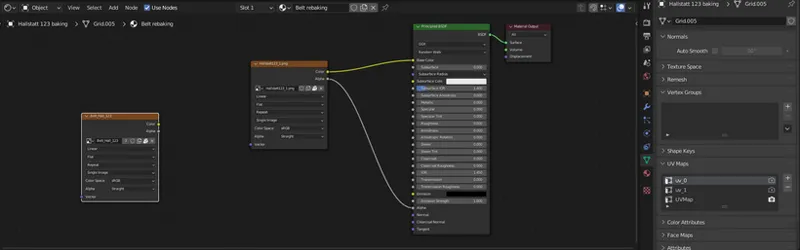
After several attempts of trying - in vain - to fix it by tweaking any settings I could think of, I gave up and decided the only solution to the problem might be to go about it the roundabout way: first bake the 'spiked' swatches, so that the annoying line wouldn't appear, and then rebake the texture from one uv map to another. It's not a complex thing to do; you just have to pay close attention which of your uv maps is being displayed (the spiked one), which is selected (the rectangular one) and make sure to add (and click, that is, select!) a separate image texture in your nodes, onto which you're going to rebake it all. Once it's all set up, you just have to upload the texture you want to rebake - bake - save - upload the next texture - bake - save... A very automated process, really. But it still significantly increased the time I had to spend working on the belts, as each of them has twenty swatches.
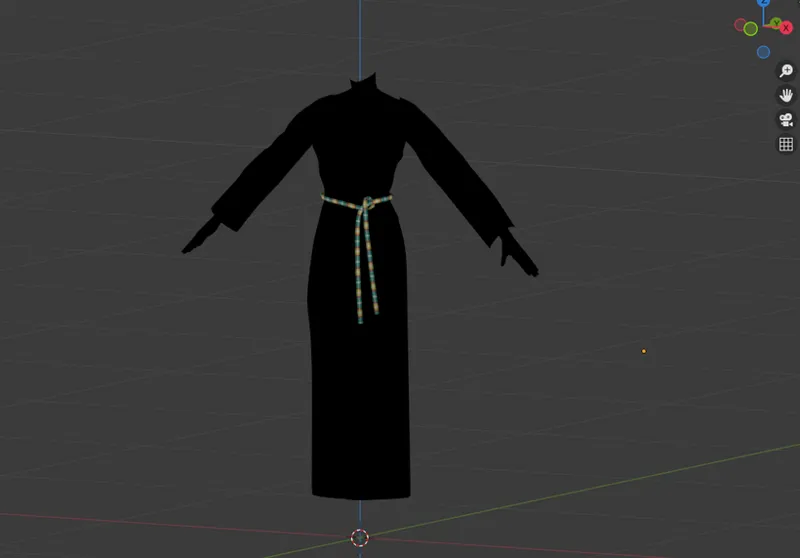
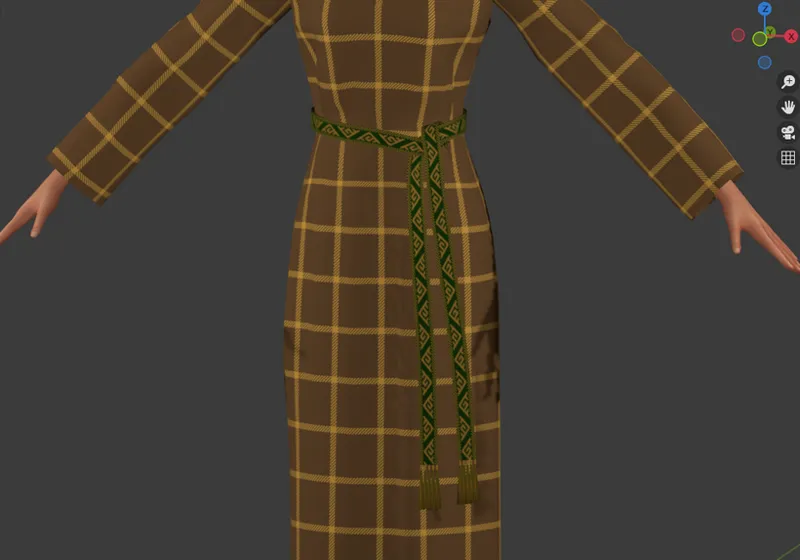
And that was it for the last week. As I said, all five belts have their textures baked, so the main bulk of the work is done. Now what's left to do is to adjust their positions (I have a kind of overcoat planned, so I'm afraid I'll have to sew that first, to make sure the belts wouldn't clip), transfer uv_1s, weight- and vertex paint them, and then, at last, check in game. Once the voting is over, I'll also rebake all the 100 textures AGAIN, this time to whichever uv placement wins (btw, as of now bracelets are clearly going for the win). And then... No, I don't even want to try planning it any further or my head might explode 😅
In any case, it shouldn't be much longer until they finally leave the realm of Blender and move first to S4S, then to game and then, at last, to you all. I definitely would like to get them out of the system by the end of the month. There's too many other exciting projects fighting for my attention!
I'm running to do some S4S work and leaving you with a little preview of all five patterns (all in the same swatch, for easier comparison. Might be my favourite one ;)). Until next time!