


Fantasy!
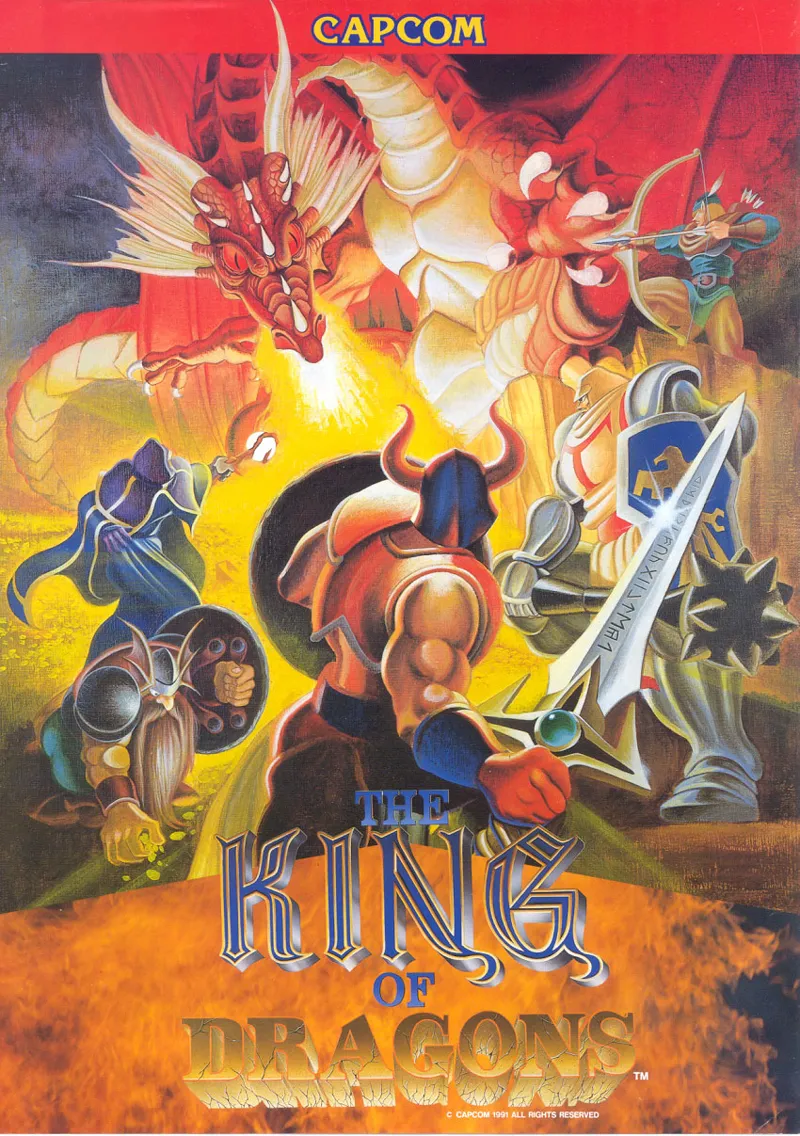
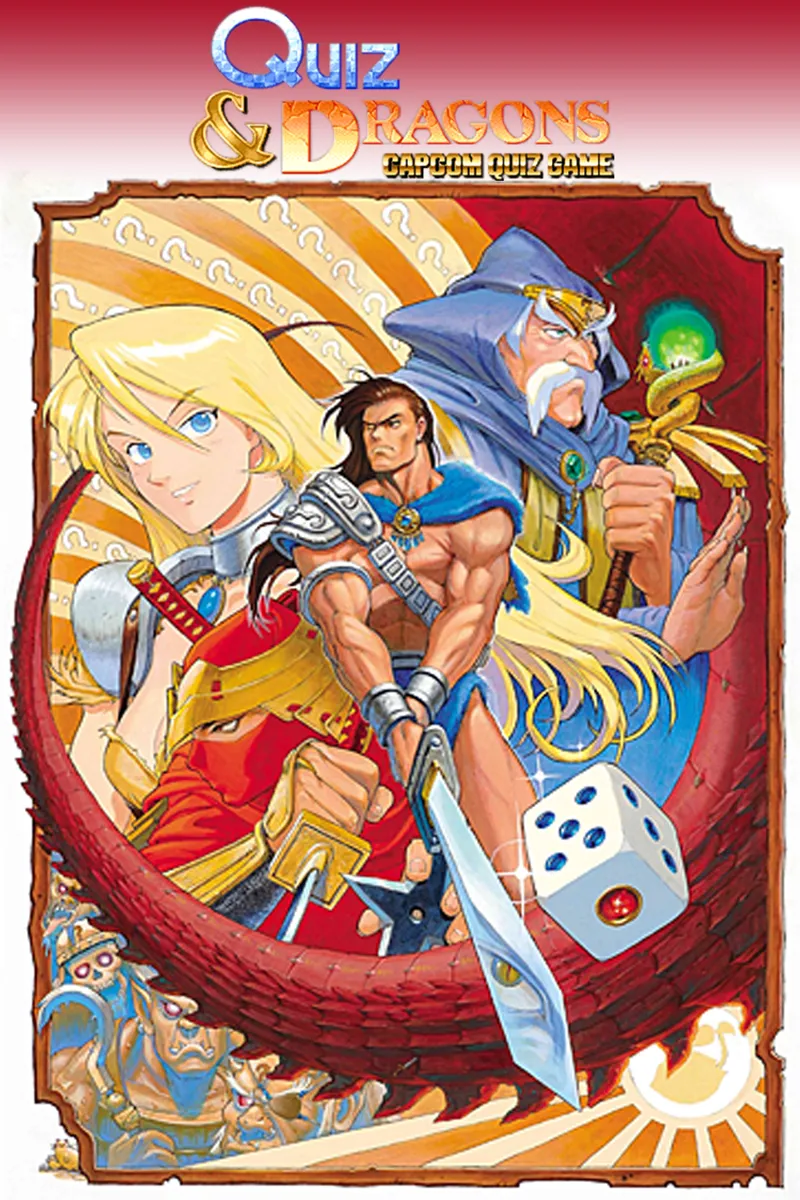
After much work I'm very glad to bring you four new titles for CPS! These titles belong to the fantasy genre. They have dungeons, they have dragons, and your character gains experience. Yet, they are not official D&D games.
Installation
-OLD MRA files are not compatible. Delete them!
-You need to remap the joystick in MiSTer
-Files are in the same folder as the first beta (here)
-MiSTer:
- Create a _CPS folder
- Copy MRA files to this folder
- Create a mame folder inside _CPS
- Copy mame zip files to this folder
- Create a cores folder inside _CPS
- Copy .rbf files to this folder
- Now you can load the games through MiSTer core load menu. Note that the OSD load option of the CPS core serves to load .rom files, which are optional in MiSTer.
-MiST:
- Create .rom files from .mra files using this tool
- Copy them to a folder called JTCPS1
- Copy the RBF file to the root of the SD card
- Games take about 12 seconds to load and screen can go out of sync during that time, just be patient
List of changes
-Improved analog sync signals. Direct video should work now. Thanks to paulb-nl for his insight.
-YM2151 LFO missing reset and signal overflow bugs fixed
-OKI ADPCM missing stop commands bug fixed
-Implemented DMA for sprite table as per the original PCB. Fixes title screen of Final Fight
-Added four player support (most games in this release are 3-player games)
-Added row scroll support (used in some of the fantasy games)
-Removed 2P START button from 1P joystick mapping
-MRA files now have the full game name
I think this is all. Some people have had trouble connecting to the Discord server. Please follow these steps if you want to connect to our Discord server.

Comments (52)
Gran trabajo Jotego, gracias, esperando con ilusión que saques más cositas para Sidi
Me alegro mucho de ver a usuarios de SiDi por aquí. :-)
Got it to work! just had to replace the Mister core again and it started right up! THX
Great!
I'm new to the arcade side of Mister. I'm getting MD5 mismatch when going to run the rom. Is this due to the zip file itself?
It is likely that the mame Zip files aren't in the right location. You can place them in the _Arcade/mame folder. If you join our discord channel you'll find a lot of help from other users who actually know more about configuring MiSTer than I do.
Excellent work! One rbf to rule them all ...
Thanks so much! So great playing these classics again!
Yes. I couldn't fix that in time but still wanted to release the whole fantasy set of games together. It'll be fixed in the next round of games.
Pretty sure the layers are ordered wrong in Quiz & Dragons. I don't have actual arcade cabinet footage to compare against, but judging by MAME and common sense, the die, player character, and top marquee should appear in front of the board tiles, not behind them.
Thanks so much for direct video! All seems working for me. I had issues when I followed the directions in the post, though. I simply deleted all mras, mame roms, AND the old rbf for CPS1. I put the new rbf in the directory where all my other arcade cores go and used the retrodriven script to download everything else to the correct folders. Worked flawlessly.
Thanks for this - it worked perfectly for me (I was having issues loading most games previously). Cheers :)
Just had a quick test all new games working great so far, and nice to see some fixes for previous 3 - great work, thanks Jose! Just one request if possible on Ghouls and Ghosts could we have an option so the the diagonal controls register as left or right as at the momemnt pressing diagonal causes you to stop moving. Thanks
Hi David, I have taken note of your suggestion here: https://github.com/jotego/jtbin/issues/21 Not 100% in favour of it as the original doesn't have it but I will consider it as I am going to re-evaluate common core options.
All working here, apart from Willow and Final Fight. Final Fight runs through the CPS1 memory checks at the beginning, but then doesn't start.Tried multiple mame roms. 128MB SDRAM module too.
Just wanted to say that I fixed my issue above by following Jim's post below - removed everything, placed the new core in the _Arcade/cores folder, then used the RetroDriven update script. Everything now working perfectly! Thanks for all the hard work Jose!
Thank you Jose Great job!
Muchas gracias Jose por tu inmenso trabajo!
Thank you! Tested all games following the setup from the main post and everything worked well! Final Fight Anniversary Edition also working with the latest core + MRA from Grego. :)
Thank you Jose. Great work!
neo geo working perfect every game 128mb ram too and jt arcade core working gng black tiger etc. double dragon 1-2 working too just this cps1 have problems
Hi Andrea, still having problems?
I have tested it with two different 128MB modules. It's unlikely that the memory is the problem. But it could happen. Try the NeoGeo core which uses SDRAM too or the latest JT cores for pre CPS games.
yes jose changed rbf too everiting is right it is possible that 128ram module can cause this problems?
Quiz & Dragons doesn't load for me either, all I get is the music and with the Japanese version I get some flashing garbled graphics, the US version only gives me a black screen and music.
Please try a cold reset (MiSTer OSD menu)
Looking good on the MiST. Tried ghouls, ffight, knights, msword with very little if any graphical glitches. Willow has flashing sprites. All have the shimmer effect, also affects blktiger, when scrolling as if the output isn't pixel perfect. Image is centred nicely though. This is on RGB.
Where did you see the flashing sprites in Willow? I'll have another look at the shimmer problem in MiST. It's really odd.
The only one I can’t get working is magic sword (black screen). Guessing it’s a case of trying alternative ROMs or could it be an issue with having 128mb RAM similar to the last CPS1 releases. Amazing work btw!!!
Please try a cold reset (MiSTer OSD menu) if a game fails to load.
yes everiting is ok i have tryed another sd card but same no loading maybe is the 128 mb ram module not compatible dunno other arcade are working
Have you got the new RBF file too? It's not just the MRA files that have changed. The RBF too. The date of the RBF should be 20200306.rbf
yes is plural cores just an writing error in some cases roms loading but just glitch colors ecc no sound
Did you delete the old MRA files? Those are not compatible with the new RBF.
Amazing progress! Looking really good for a beta
The core folder name is in plural "cores" That md5 mismatch error is just a generic error when loading. Right now MISTER doesn't provide a specific error during load. Keep the ROMs zipped. Join our discord for advice from other users too, who usually know how to set up things better than me!
hello again a tryed moving folders but not luck i have done a _cps folder in the root then inside create mame folder and core folder inside core put cps1 rbf and in mame copied mame roms but problem persist any advice maybe i have done other error i dunno tnx in advance problem still md5 mismatch rom 0 not loading in some cases load strange colors
Thanks for the update! King of Dragons, Magic Sword and Knights of the Round work really well, I just can't get Quiz & Dragons to load.
hello guys i have md5 mismatch rom 0 problem so roms not loading at all someone have solve this already? thank you
That means that mister is not finding the mame zip files. That error message is misleading. Check your folders.
Thank youuuu!!!!!
Thanks Jotego!!!!
🤩
Mil gracias!!
Thx
Thank You very much for all this hard work and dedication!
Umm...if continues are still disabled, and we no longer have the ability to swap in a dummy second player so that we can bypass the limitation, our games are going to either be really short or we are all going to need to learn to 1CC these games.....
You can still start the second player with a secondary controller or with keyboard button 2.
Thank you! :)
Mil gracias, justo para el fin de semana!!! Muy grande José. 😊
Holy mother of god!
Wow, thanks my friend 👏👏👏💪