
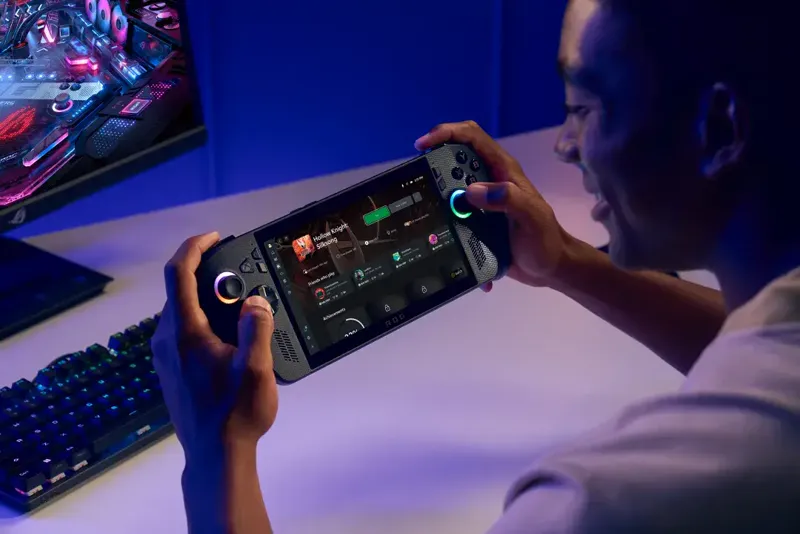
Xbox Fullscreen Experience & Game Bar
Dear all, as I write those lines, a few of you might have already installed Windows 11 25H2 through the Insider Program in order to enable the Xbox Fullscreen Experience (FSE) and enhanced Microsoft Game Bar.
While we believe both features are welcome additions to the handheld gaming experience on Windows 11, we have to warn you we're not yet supporting them and actually have issues doing so. As a matter of fact, when summoned, FSE, Game Bar or virtual keyboard (in Gamepad mode) are intercepting inputs from the physical controller (although supposedly hidden by HC), preventing us from feeding the virtual controller, ultimately preventing any inputs from reaching FSE, etc...
We're left with three options:
Detect FSE, GameBar and virtual keyboard opening and unhide the physical controller entirely. This won't work properly on bluetooth controllers that requires manual power cycling to break/restore visibility and might cause side-issues when games are running in the background.
Whitelist FSE, Gamebar and virtual keyboard so they have full access to the physical gamepad. This would be an ideal scenario but those applications likely relies on a common, unexposed, set of subroutines and applications that would also need to be whitelisted. We have NO IDEA how to discover those.
Prevent FSE, Gamebar and virtual keyboard from intercepting inputs from the physical controller. We have NO IDEA if it can be done and how.
As you can see, we're in a weird situation. If you know anything about FSE, GameBar and what's happening under the hood, please reach out to us.