
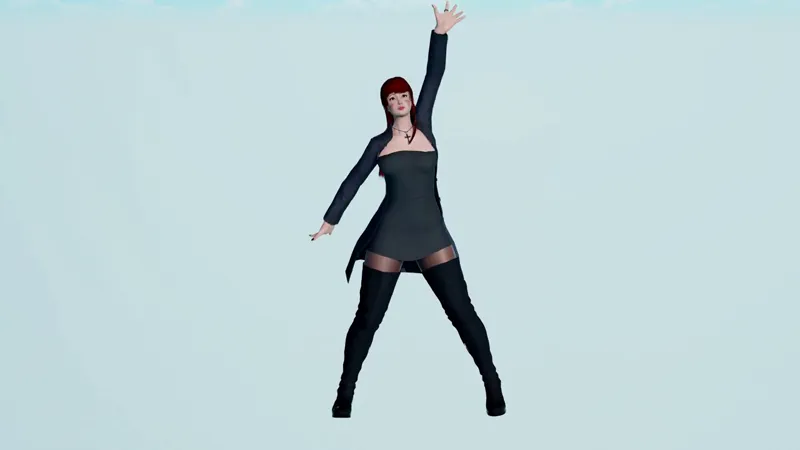
[HS] VideoExport 1.0.0
Got something brand new for you guys.
TL;DR: It's a plugin that allows you to make videos.
Here we go!
What does this mod do?
- This mod takes a sequence of screenshots at a constant rate and transform them into a video file.

Features
- Uses either HoneyShot or PlayShot24ZHNeo to take screenshots.
- Framerate can be configured and stays constant even if you have a potato PC.
- Can record until the user is tired or can be limited to stop automatically (so you can take a coffee while it's rendering).
- Limit the amount of frames, seconds, or bind the whole thing to an animation (can make perfect looping videos).
- Can resize (downscale) screenshots on the fly.
- Can rotate screenshots on the fly.
- Has multiple extensions and codecs available: MP4 (H.264, H.265), WEBM (VP9), GIF, AVI (MPEG-4).
- For advanced users: screenshots can be kept if you wish to generate the video manually using your own ffmpeg/gifski command line.
Requirements
HoneyShot or PlayShot24ZHNeo
Download
Installation
Extract the archive in your HS folder.
Uninstall
Remove VideoExport.dll and the folder "VideoExport" from your "Plugins" folder.
How to use it?
- Bring up the UI with Ctrl E.
- Tweak the options however you like them.
- Press "Start Recording" (alternatively, you can use Ctrl + Shift + E to Start/Stop recording).
For your first attempt, I would suggest you to start simply with a character doing an animation. Setup your character, bring up the UI, select your favourite screenshot plugin, select 60 fps, choose to Limit By "Seconds", set the Limit Count to 5 (aka 5 seconds here), optionally select resize if you wish to downscale the video, use the MP4 format with the H.264 codec, don't touch the quality and finally hit "Start Recording". At this point, your game will get very slow, that's normal since it needs to take a lot of screenshots probably. Once it's finished, the window should display a green "Done!" at the bottom.
Oh yeah, and before you ask, the resulting file is stored in "Plugins/VideoExport/Output/".
The video used in the preview was obviously generated by this plugin, it's 4K downscaled to 1080 and 120 fps (but youtube put it down to 60 fps sadly).
In any case, here is the original file: if you want to check it out in all its glory.
https://mega.nz/#!VxgW1SgS!Yy-7YjFYyX7pOBDFPyJiHJEohAUmhMApOG5RIdRMDog
And here are other examples (with sound):
https://mega.nz/#!o5xmEIgR!qplDevGOUL4zfmQSdu97CkLAi7JVEYrEUnv8nCIQNPE
https://mega.nz/#!x8JV2IDQ!yTW6Stj094JTW6lI3PhA6goGa0rMwDSL7ix7LTPcqjI
Enjoy!
Comments (9)
HoneyShot what is that?
It's a screenshot plugin, it's available on the pastebin https://pastebin.com/Z9kkjDjT
Thanks for the plugin ! Just a question, do you think port it to Koikatsu ?
There is already something that is close to this in koikatsu, not the same but close, so I'm hesitant to port it.
Appeared when using GIF。Error while generating the video,please check your output_log.txt file
Well, what about you send me the output_log.txt then? It's in StudioNEO_64_data. And you really shouldn't use gif anyway, it's a garbage format and anything else is superior to it in terms of size and quality
It worked perfectly here. Even scenes that run like trash on my PC produce good videos without frame rate problems and physics still works perfectly on the bones. Is there a specific occasion where the "every frame" option is more useful than "default"?
Not really, but it's more like a safeguard I'd say. With 60 fps, Every Frame is the same as Default", with the small difference that on Default, the physics update might skip during a frame here and there because of small imprecisions. With 120 fps, Every Frame makes everything stiffer which is... I wouldn't say good, but it's something, and it can be what you want sometimes. Finally, on 30 fps, Every Frame makes everything ultra bouncy (way too much actually), it's very fun to see honestly.
Very nice Joan. Been looking for something like this for quite some times.