

Translator++ Ver. 1.11.6 – The new Startup Screen
Hello everyone,
There are many things that have changed since the last update.
Translator++ ver 1.11.6
EnigmaVBUnpacker updated to v0.57
Error handling for project creation failed has been updated
Link to online help implemented
Fixed bug, unable to create a new project when a project has already opened.
Changing default .wolf extractor to sinflower’s wolfDec https://github.com/Sinflower/WolfDec
Add a hint for missing MVC in application start up.
Adding an intro page with non intrusive “open the last work” option.
Adding tips of the day at the intro scene
Online Help Integration
First of all, thank you for all of your feedback and error reports. Some of you even sent a very elaborate error reports. That was very helpful.
However, of all the error reports that I received about 70% of them were caused by application misuse. Most errors are due to over-translation, others are errors because of no required MSVC redistributable is installed. By this I’ve realized that an instruction manual or a help for Translator++ might be needed much more than I thought.
So I have a plan to create more guide, tutorials and instructions that available online at http://dreamsavior.net. This online help can also be accessed through the latest Translator++.
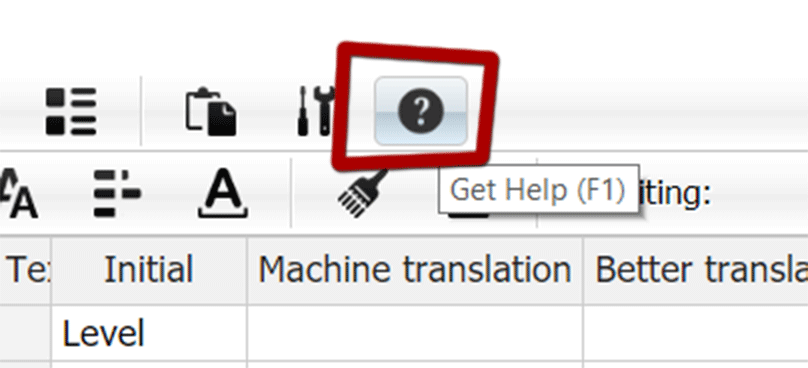
A help button, finally!
A new Startup Screen
I’ve heard that many new users get confused when they are using Translator++ for the first time. They are confused about where to start, what to do first, etc. I understand this, that’s why I made a video tutorial and a getting started guide. But I have to admit that this is indeed not enough! A good UI should be self explanatory after all.
So I made a new startup screen for Translator++. Its simplicity is designed so that new users can easily tuned-in into Translator++ workflow.

A new startup screen. It’s less intimidating now isn’t it?
This new Startup screen also replaced the old intrusive “open-the-last-work” dialog box with the non blocking one.
Update for Wolf RPG Editor modules
As you know, Wolf RPG uses a DX archive with an encryption key that has been changed several times. This makes the extraction process of the Wolf RPG games’ archive not an easy feat. I have tried many applications to extract the Wolf RPG archive and choose the best to be integrated with Translator++. I haven’t yet found the flawless one. Recently I heard about Sinflower’s WolfDec. It seems that WolfDec is better than the dx extractor currently used within Translator++. So I decided to integrate WolfDec with the latest version of Translator++.
You can download Translator++ V. 1.11.6 at the patron's download page.
Comments (5)
Hi Dreamsavior, I'm having an issue where, when I try to extract a Wolf RPG game, it says DXExtract failed, and to try a new key. I know about encryption keys and such, but I don't know how to figure this out within Translator++. There is no settings option to rectify the situation, and even if I manage to extract the files using another program, there's no way for me to add them to Translator++; not even the temp folder, because the temp folder deletes itself when it fails to extract. Very frustrating. What do I do?
Like: the original is 地下1階, translated as underground 1F, however when i exports, still stay 地下1階, i cant export underground 1F. the text is normally exported. if im nor wrong, is mv
This problem has been fixed in the latest release.
where i can get the previous version? since v1.10 i cant export some location names. in 1.9.29 works well
You can access the archive for past release by Mega or Gdrive link on the bottom of Patron's download page. But before that, can you elaborate, what do you mean by "can't export some location names"? What type of game engine you're working with?