
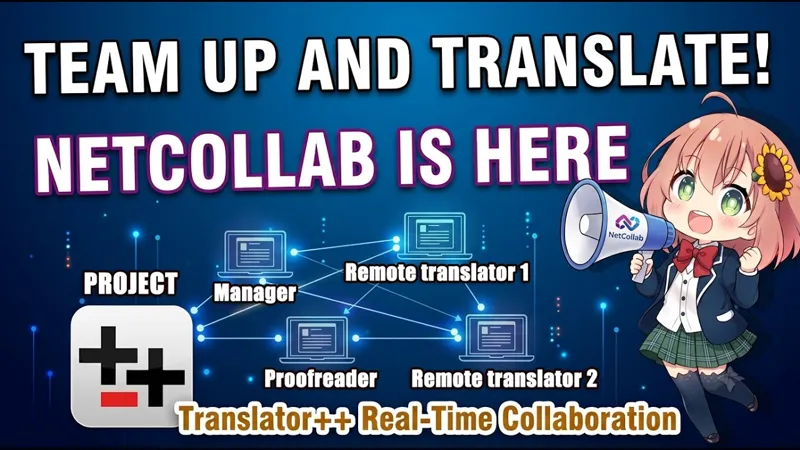
New feature: Translate together in real time with your team!
Hello fellow translators,
We are pleased to introduce a major milestone in the development of
Translator++: NetCollab, our new real-time collaboration add-on.
Many of you work in teams, and we know how tedious it can be to constantly pass
project files back and forth, manage version control, or manually merge
translations. NetCollab was built to simplify this process, allowing one user to
host a project while other team members join as collaborators to work on the
same session over the network.
We have put together a startup guide video to help you get up and running. Here
is a look at what NetCollab brings to your translation workflow:
Real-Time Synchronization: Standard cell edits, machine translations, and
even automation-driven changes sync instantly across connected clients.Metadata Sharing: Beyond standard text, NetCollab synchronizes important
helper data like row tags, comments, cell info, and Translation By Context
updates.Collaborator Presence Indicators: Much like a collaborative spreadsheet, you
can see exactly where your team members are active in the grid and file
list.Seamless Offline Mode: If you disconnect from the host, you can continue
translating offline. Once you are back online, your pending changes will be
synchronized with the host automatically.Host-Owned Safety Model: To prevent save conflicts, the host remains the
project owner (managing tasks like saving, injecting, and exporting), while
clients focus strictly on translating and editing.
How to get started:
To try it out, open Translator++ and navigate to Options > Add-ons > Install,
then search for NetCollab. Please remember to restart Translator++ after the
installation for the changes to take effect.
This feature is still evolving, and your feedback is incredibly valuable as we
continue to refine the collaborative workflow. Thank you so much for your
continuous support of Translator++—it is because of your backing that we can
keep developing and expanding these tools.
Please check out the attached (or the following) video for a step-by-step demonstration!
Happy translating,
Dreamsavior.
Comments (1)
Frankly, evolutionary stage of your technology!