
How to set up Spotify Synced Feeds
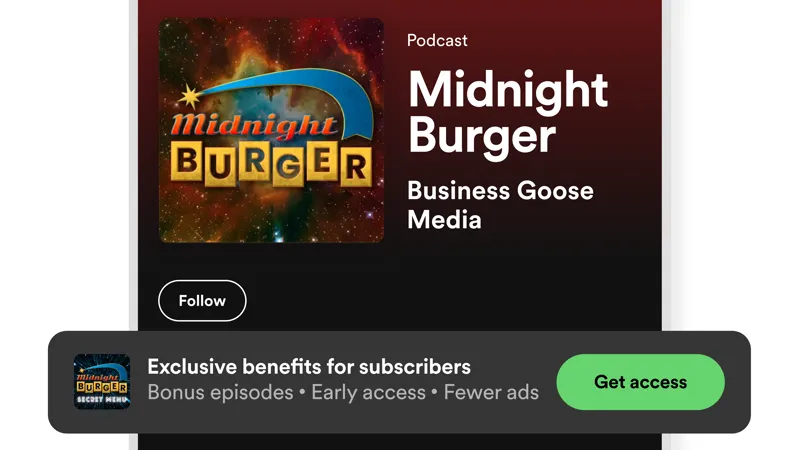
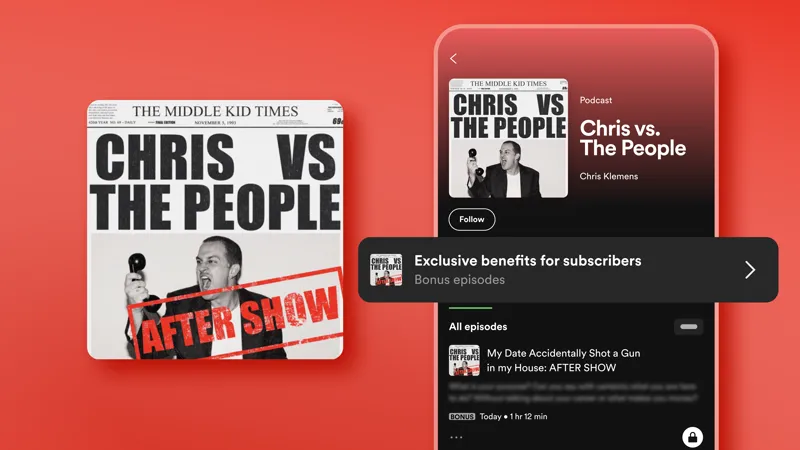
One easy way to grow your paid membership as a podcaster is to turn on Spotify Synced Feeds, which merges your paid and public episodes into a seamless listening experience. This lets non-members discover your exclusive episodes and easily join your Patreon, while members can access their premium episodes all in one place.
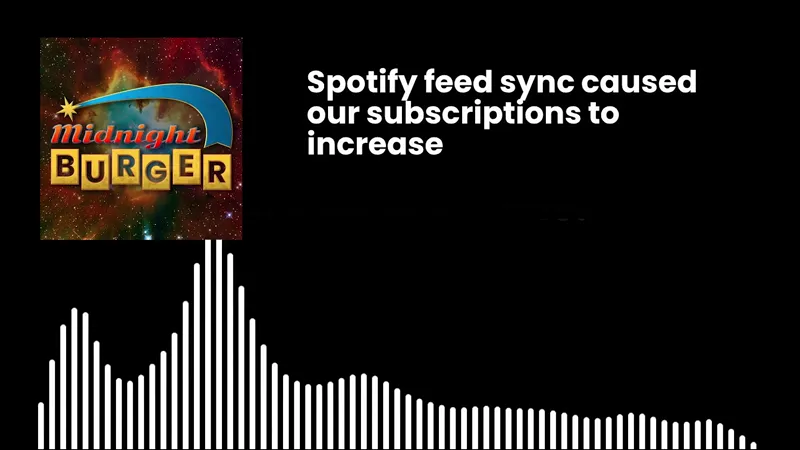
And thanks to Spotify Synced Feeds, podcasters like Midnight Burger double their earnings in two months, and Chris Klemens saw 24% of listeners who visited his Patreon via Spotify become paid members.
If you host a paid podcast on Patreon and offer a public version on Spotify, keep watching to see how to set up your synced feed, and get written instructions on our Help Center.
Comments (5)
This is frustrating. I'm going through this step by step. My Patreon doesn't have the members only option when I click 'podcast and audio'.
Hi Carl. We're sorry you're having trouble. If you haven't yet, please reach out to Patreon's Support team so they can help troubleshoot the issue, you can contact them here: https://support.patreon.com/hc/en-us/requests/new
This is great, wish we saw this when it came out, but thanks for recirculating!
パトレオンから心当たりの無い請求がクレジットカードからありました。3441円ですがキャンセルしたはずなのに何故料金が発生したのですか?クレジット請求をキャンセルしてください。返金してください。よろしくお願いします。
This seems to only work when you host your podcast outside of Sporify which doesn't work for me as my main FREE podcast is video.