





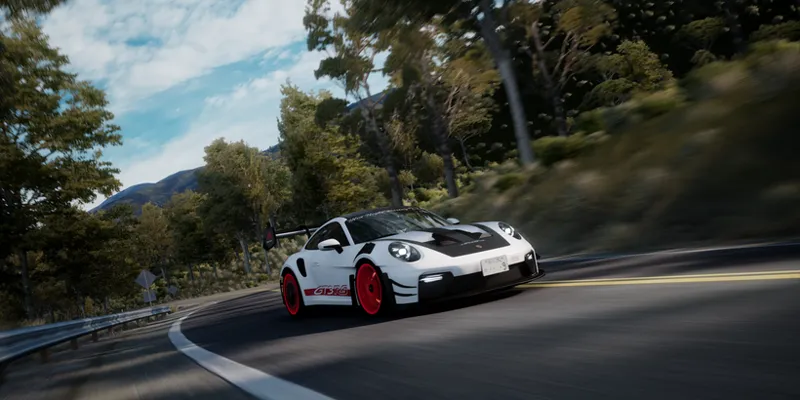

𝐌𝐚𝐲𝐨𝐧𝐚𝐊𝐚 𝐁𝐄𝐓𝐀 𝐯𝟐.𝟖𝟑 + New Prices‼️‼️⁉️
Edit:
New Prices and Merge Downloads
Hallo, I am reposting this to avoid confusion for new people who come in to download the mod.
Basically, I have decided that my pp filter is complete enough to publish it for Tier 1 members. It has changed a lot since the last version, with a lot of effort and, above all, many hours of work, so the prices of the Tiers have changed, as has their meaning.
Tier 1 will have all the downloads for my two mods, and of course there will be no more betas, so the price has been adjusted to reflect the time invested in the latest betas. I also hope that Tier 1 members agree with the progress that has been made.
And tier 2 will function largely as monetary support to continue maintaining these mods.
With these changes, I will watch closely and, depending on whether you agree with me, I will continue to rack my brains to keep offering user-friendly customization for everyone.
Well, that's all. Soon there will be an update for tier 1, which was going to be a beta, but will now be the transition. For now, this latest version will be available for download. Remember to read the instructions and read before asking questions.
Have a nice day.
-------------------------------------------------Original Post-------------------------------------------------
Hello, I've been working on this huge update with more problems than I could count, so it has delayed the update or anything special for the new year, but as always, I've worked on this update with love.
By the way, happy new year to everyone!
In this update, quite a few optimizations and bug fixes were applied, especially new improvements to the visual appearance of the filter, improving the handling of dynamic colors, light sources, and realistic light during the day.
Remember, the download links are on my Discord server. Further down in this post, you will find instructions on how to download and install the filter.
Changelog
𝚅𝚒𝚜𝚞𝚊𝚕 𝚃𝚠𝚎𝚊𝚔𝚜
Color, contrast, and white balance management has been improved for each preset filter for the new tone mapping management, improving rich whites in highly illuminated scenes.
Glare presets have been improved for the new tone mapping handling, improving the shape and quality of light flashes (however, I still need to improve them due to resolution issues; new updates will be coming on Discord).
I have created a new option to adjust the brightness of the emissive lights in reflections.
I have adjusted all the options in the Screen tab, as well as creating a new option to adjust the game's gamma (it's a bit buggy when set to 1, I'll look into why).
The overall brightness of the sun has been adjusted to improve the daytime experience and avoid excessive glare at normal screen brightness levels.
Response time has been improved, as has the auto exposure model's response in very dark and very bright environments.
𝙶𝚎𝚗𝚎𝚛𝚊𝚕 𝚃𝚠𝚎𝚊𝚔𝚜
The filter code has been completely optimized and improved to use as few resources as possible.
The CPL function is now disabled since the new versions of CSP provide a good reflection system without using post-processing.
Reflection settings have been improved to avoid oversaturated reflection horrors.
The white balance and color representation have been corrected for general viewing of the filter. Feel free to comment on Discord with any recommendations.
It has been completely removed and will no longer be supported in Pure Gamma. It is recommended and necessary to use Pure LCS with the Pure LUA PP bridge script.
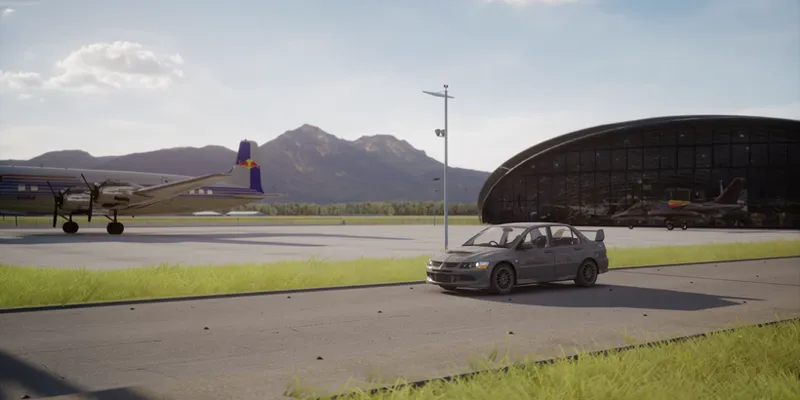
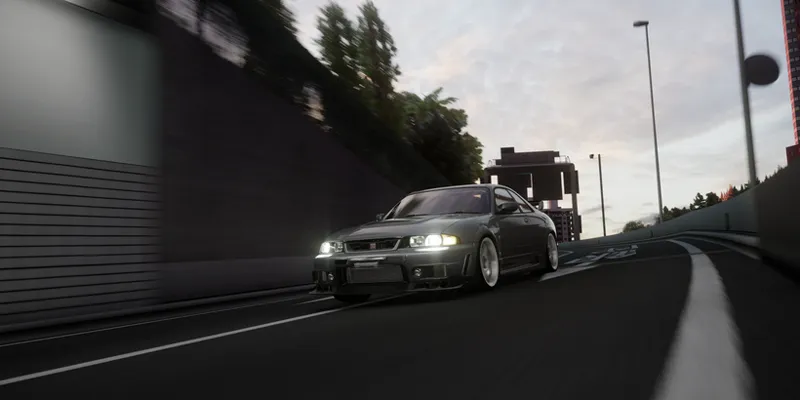
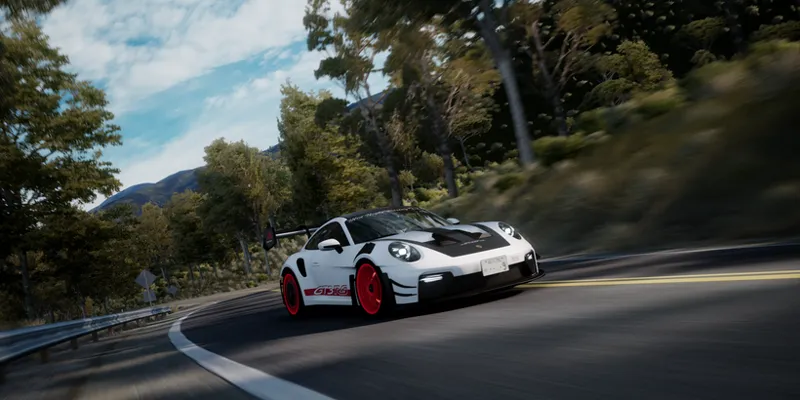
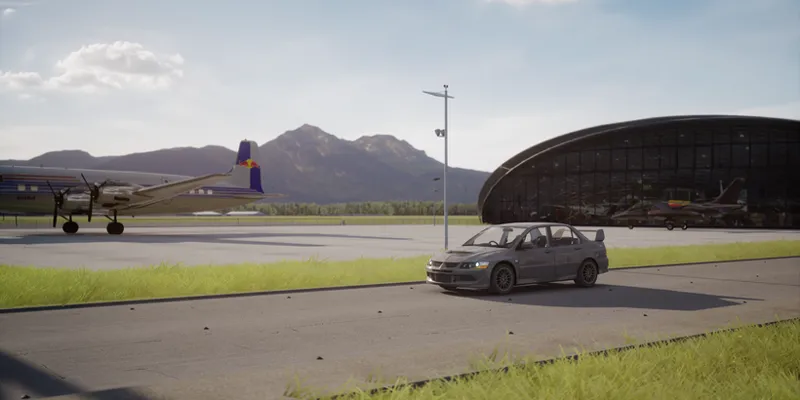
Promotional Images
Requirements!
This version is exclusively for TIER 2 members.
Newest version of Pure (Pure v3.10+)
CSP 0.3.0+
Use the latest version of Content Manager
I leave you the official links of Pure and CSP:
Note:
MayonaKa are automatically adjusted in the Pure Config settings, so I recommend using it without modifications in the Pure Config app, You can use the settings provided in the Pure PP app, to give it extra customization as you like!.
INSTALLATION & DOWNLOAD
This version is exclusively for TIER 2 members.
The DOWNLOAD links will be on our discord server, for that you need to connect your Patreon account with your discord account.
Discord SERVER link:
https://discord.gg/kArBTcVc4R
To connect your discord with Patreon you have to go to Account Settings --> More --> Connected Applications --> Discord.
Installation!
To install the PP-filter just paste or unzip the folder "system" in the root folder of Assetto Corsa.
IMPORTANT!!
Install the PP- filter MANUALLY!! not with Content Manager!
To apply the filter just go to "Options" --> "Assetto Corsa" --> "Video" and there you can apply the PP-filter. Or you can apply the filter in game with Photo Mode APP.