




⟡ 𝐌𝐚𝐲𝐨𝐧𝐚𝐊𝐚 𝐯𝟐.𝟗 ⟡
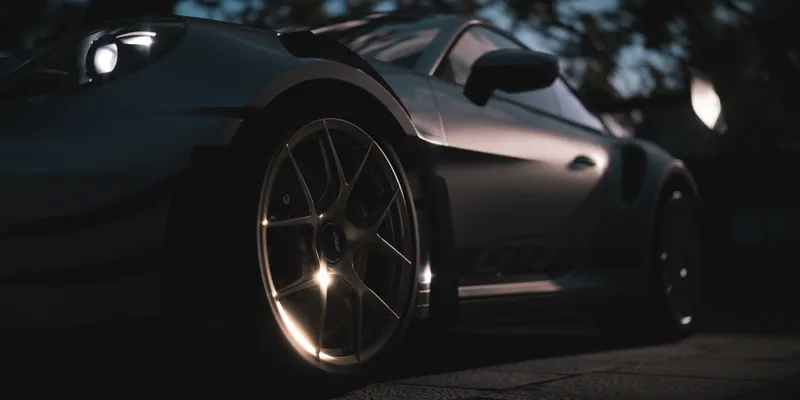
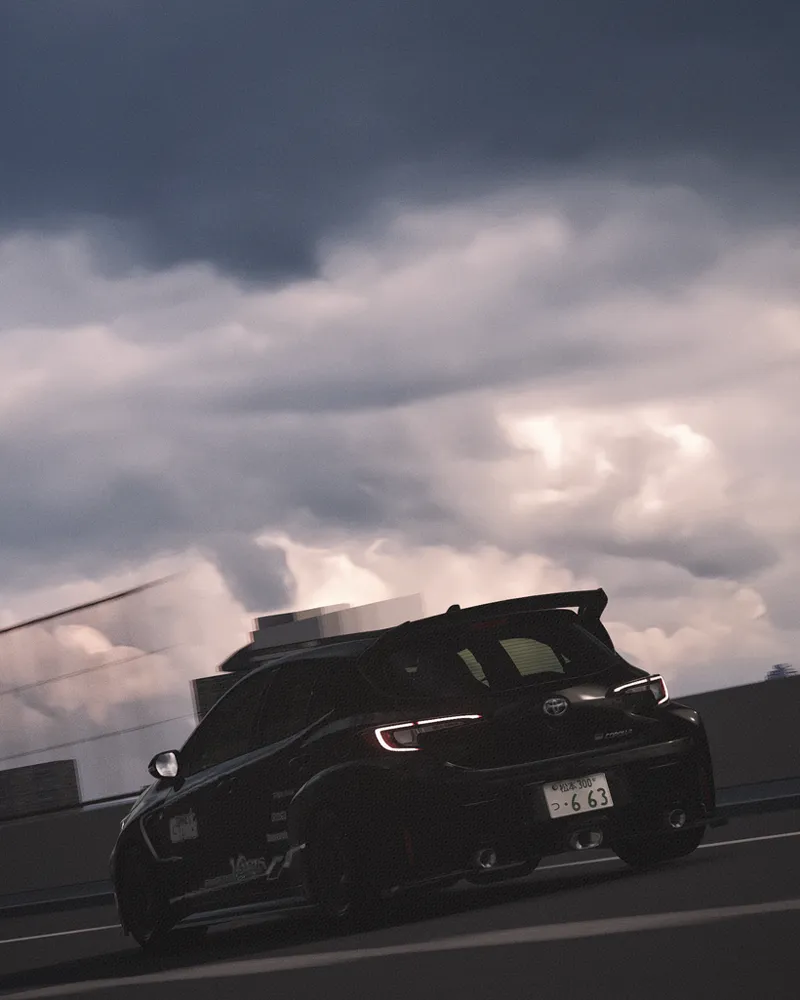
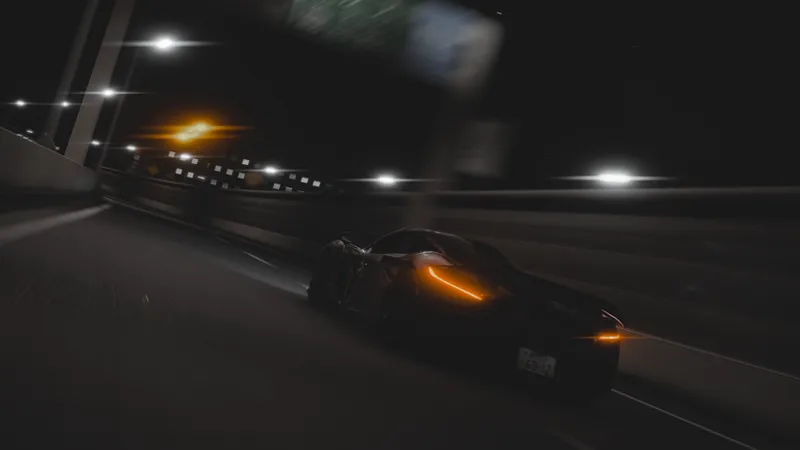
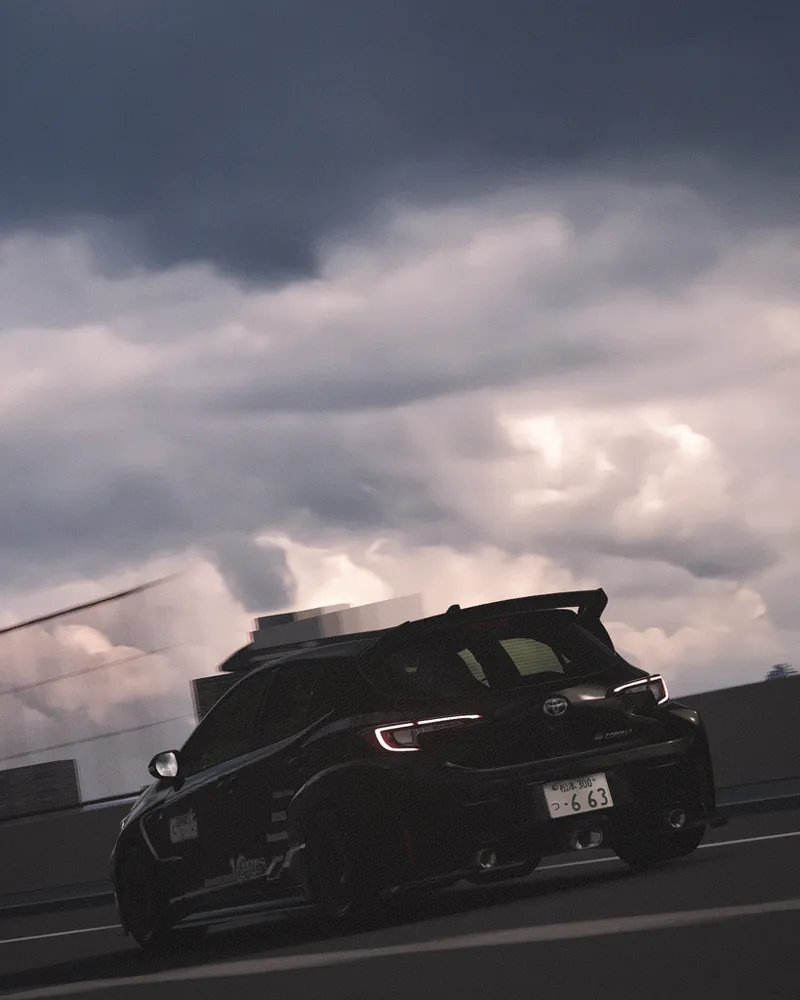
Hallo, as I mentioned in the last update in the previous post, this will be a full update, so Tier 1 and 2 members will have access. This is a major update that includes some image cleanup and a new approach to filters.
With this update, we’ve made significant progress with advanced photo editing features right from within the game, adding custom tone mapping, advanced exposure controls, and color grading filters that I created myself.
Similarly, there’s always room for improvement. The new approach I’d like to take is to give it a distinct and meaningful style for everyone—not just making it look realistic, but in most cases making it more fantasy than realistic. Of course, I support any way you choose to experience your game; however, with my settings, I provide a foundation for you to experiment with the configurations I’ve implemented and add the final “touch” however you like.
In the end, it’s your vision that matters.
So, since I have my own style and I enjoy exploring the virtual world of Assetto Corsa, you can also put your own spin on it by seeking out a different perspective—whether for gaming, photography, video, or anything else.
Anyway, I really appreciate your continued support, and that’s all for now. Have a great day.
𝚅𝚒𝚜𝚞𝚊𝚕 𝚃𝚠𝚎𝚊𝚔𝚜 ⟡
Custom tonemapping has been implemented along with a more sophisticated exposure system.
The "Color Profiles" section has been removed and replaced with a new color grading system designed specifically for photography.
In addition to the color grading system, 12 "filters" have been added that can be applied in the Style tab.
The glare system has been fully adjusted to improve visibility depending on what is displayed on the screen; in addition, the rendering of "godrays" has also been improved.
A feature has been added to the Glare section that adjusts the glow effect.
𝙵𝚒𝚕𝚖𝚒𝚌 𝚃𝚠𝚎𝚊𝚔𝚜 ⟡
The function for adjusting the Auto Exposure target has been improved by adding two options to adjust the speed at which the camera adapts to changes in brightness and darkness.
The "Reflections" adjustment feature has been tweaked and modified, replacing it with a slider and thereby improving the "CPL" function for photos that require controlled reflections.
The "Screen" section has been completely redesigned to take full advantage of the new features implemented with Custom Tone Mapping, adding various editing options to control the final image displayed.
A feature to adjust the vignette intensity has been added.
The Film Grain feature has been adjusted to improve its behavior based on the exposure calculated on screen.
The brightness of light sources in reflections has been adjusted.
𝙽𝚒𝚐𝚑𝚝 𝚃𝚠𝚎𝚊𝚔𝚜 ⟡
A feature in the "Night" section, called Night Brightness, has been improved and now functions independently of "Lowest Ambient."
𝙴𝚡𝚝𝚛𝚊 𝚃𝚠𝚎𝚊𝚔𝚜 ⟡
A "Sky Tweak" feature has been added to the "Day" section (formerly "SunRays"), which slightly adjusts the brightness of the sky.
The feature to adjust the collision effect when you crash the car has been added again. (It is disabled by default and works correctly with the latest Pure 3.20+ patch.)
𝙶𝚎𝚗𝚎𝚛𝚊𝚕 𝚃𝚠𝚎𝚊𝚔𝚜 ⟡
Complete code optimization.
Complete reorganization of existing features and new features across the script’s various pages.
Bugs have been fixed, and the features have been adjusted to the new tone mapping and exposure settings.
This version is exclusively for TIER members.
Newest version of Pure (Pure v3.20+)
CSP 0.3.0+
Use the latest version of Content Manager
✱ I leave you the official links of Pure and CSP: ✱
Note:
Please use the Pure PP app to configure your game and customize it however you like. We highly recommend experimenting with the settings without any worries; if you don't like something, just click the "Default" button or the left mouse button on a specific setting.
✱ DOWNLOAD ✱
✦ This mod is exclusively for TIER members.
✦ The DOWNLOAD links will be on our discord server, for that you need to connect your Patreon account with your discord account.
✦ To connect your discord with Patreon you have to go to Account Settings 🡪 More 🡪 Connected Applications 🡪 Discord.
✱ INSTALLATION ✱
To install the PP-filter just paste or unzip the folder "system" in the root folder of Assetto Corsa.
✱ IMPORTANT!! ✱
Install the PP- filter MANUALLY!! not with Content Manager!
To apply the filter just go to "Options" --> "Assetto Corsa" --> "Video" and there you can apply the PP-filter. Or you can apply the filter in game with Photo Mode APP.