
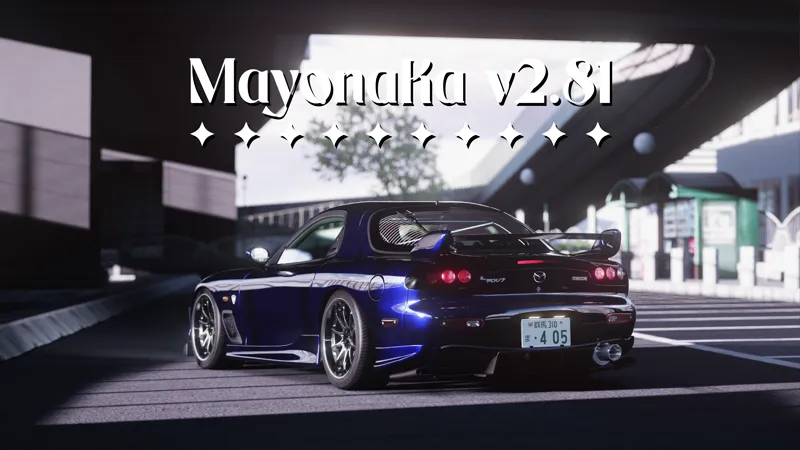




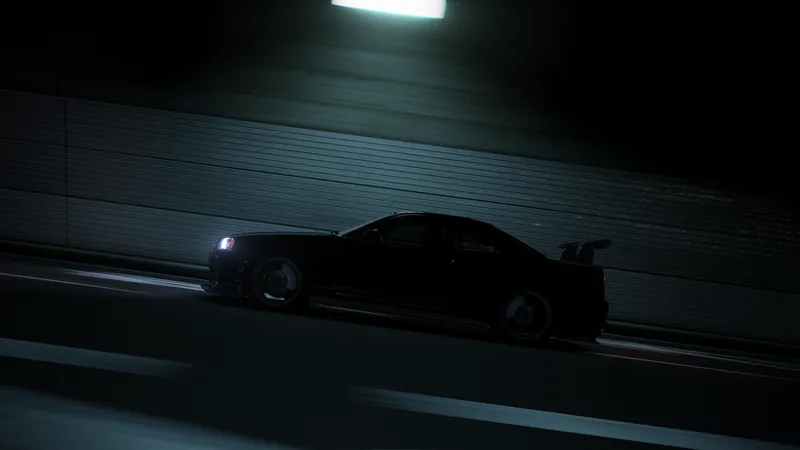


𝐌𝐚𝐲𝐨𝐧𝐚𝐊𝐚 𝐁𝐄𝐓𝐀 𝐯𝟐.𝟖𝟏
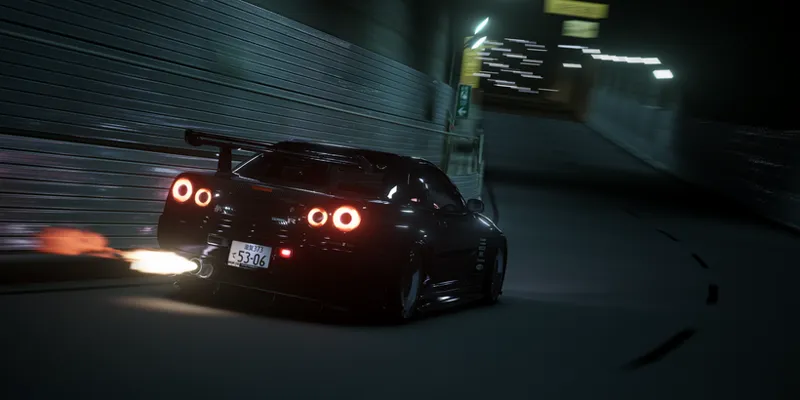
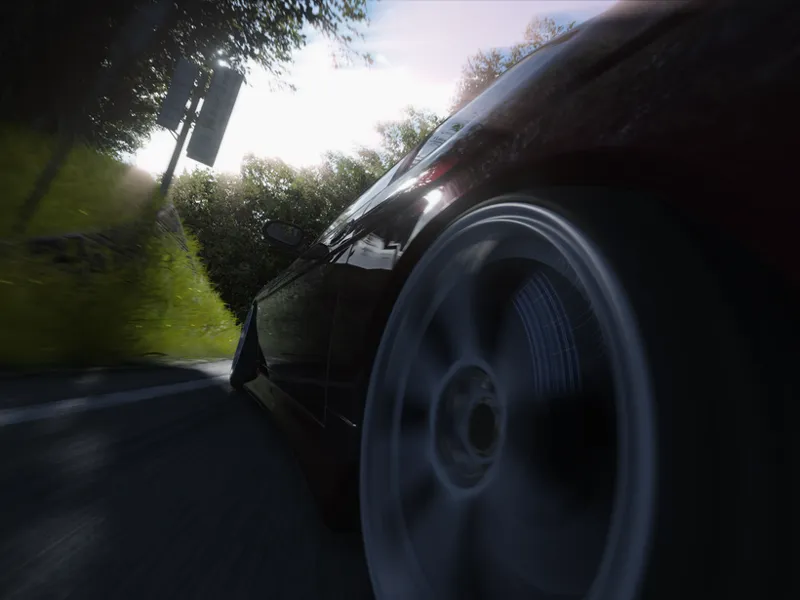
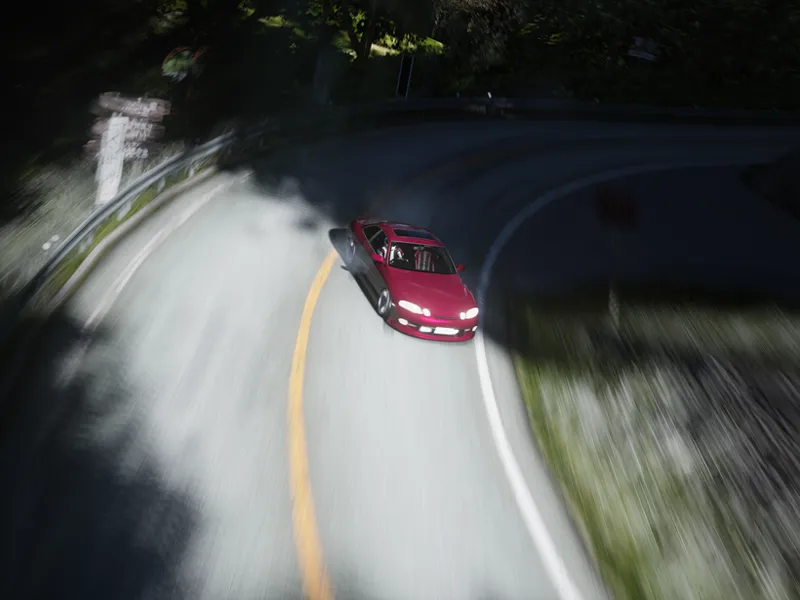
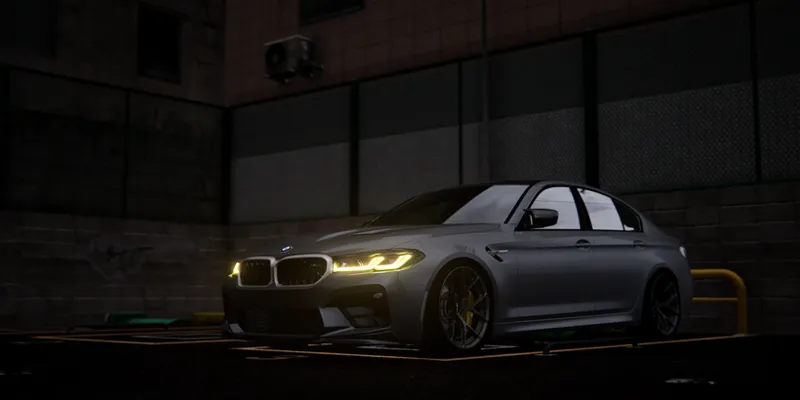
Hello, I have a new update that deserves to be shared as soon as possible. I simply simplified and improved the filter code to optimize it and clearly improve the visual quality, taking every little detail into account.
Remember also that now the download links are on my Discord server, below in this post you will find the download and installation instructions for the filter.
Changelog
__Changelog__
𝚅𝚒𝚜𝚞𝚊𝚕 𝚃𝚠𝚎𝚊𝚔𝚜
- An option to manage color temperature has been added to the Screen section.
- All PP-filter & Glare Presets have been adjusted.
- The film grain has been adjusted to make it more visible during the day.
- The Tonemapping options have been removed to improve the visual experience with a preset.𝙽𝚒𝚐𝚑𝚝 𝚃𝚠𝚎𝚊𝚔𝚜
- Improvements and corrections to the options in the night section.
- Adjusting the color and brightness of the stars.𝙶𝚎𝚗𝚎𝚛𝚊𝚕 𝚃𝚠𝚎𝚊𝚔𝚜
- The Godrays system has been improved.
- A minor code cleanup was performed to optimize the code itself.
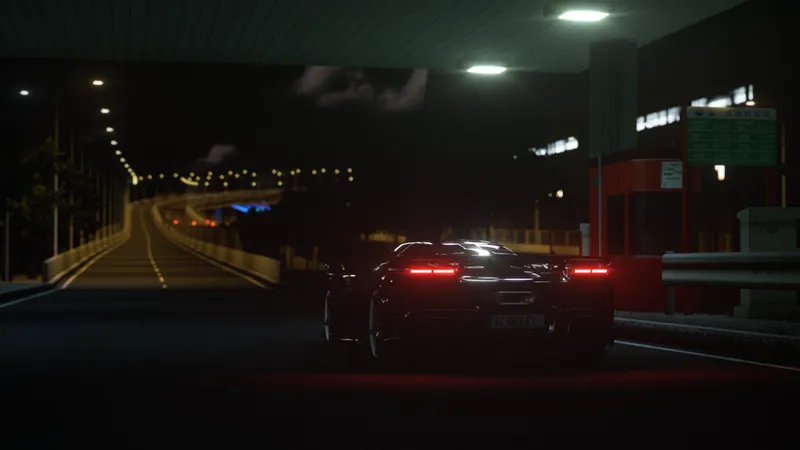
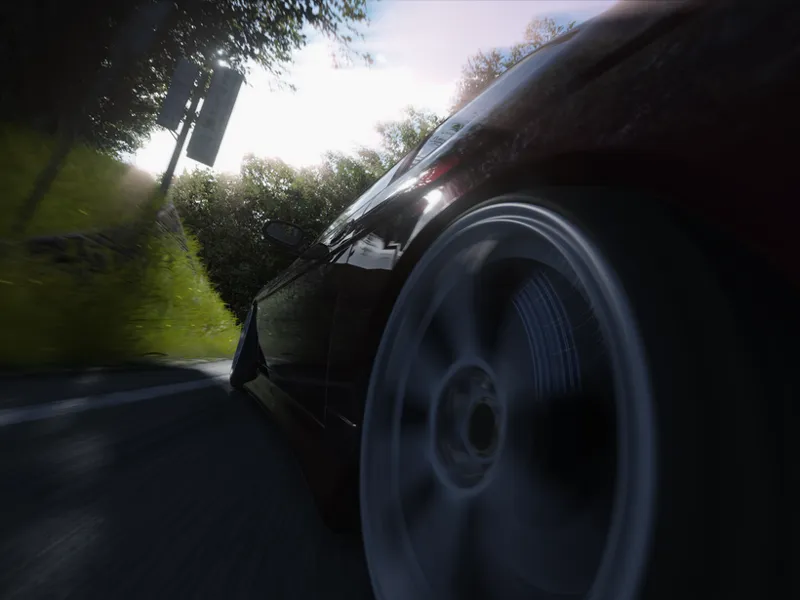
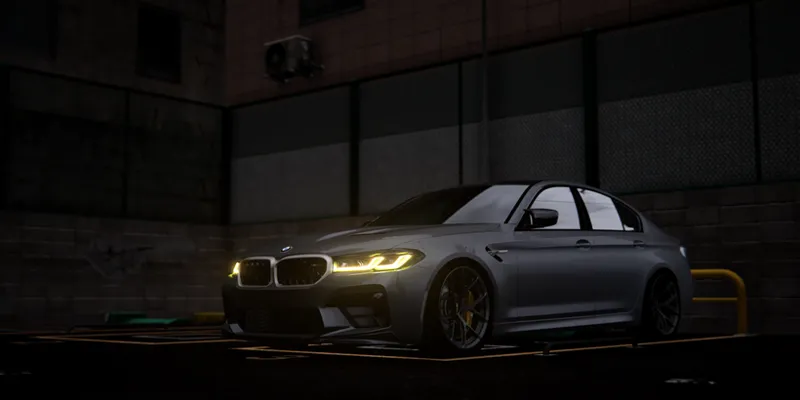
Promotional Images
Requirements!
This version is exclusively for TIER 2 members.
Newest version of Pure (Pure v3.03)
CSP 0.2.11+
Use the latest version of Content Manager
I leave you the official links of Pure and CSP:
Note:
MayonaKa are automatically adjusted in the Pure Config settings, so I recommend using it without modifications in the Pure Config app, You can use the settings provided in the Pure PP app, to give it extra customization as you like!.
INSTALLATION & DOWNLOAD
This version is exclusively for TIER 2 members.
The DOWNLOAD links will be on our discord server, for that you need to connect your Patreon account with your discord account.
Discord SERVER link:
https://discord.gg/kArBTcVc4R
To connect your discord with Patreon you have to go to Account Settings --> More --> Connected Applications --> Discord.
Installation!
To install the PP-filter just paste or unzip the folder "system" in the root folder of Assetto Corsa.
IMPORTANT!!
Install the PP- filter MANUALLY!! not with Content Manager!
To apply the filter just go to "Options" --> "Assetto Corsa" --> "Video" and there you can apply the PP-filter. Or you can apply the filter in game with Photo Mode APP.