



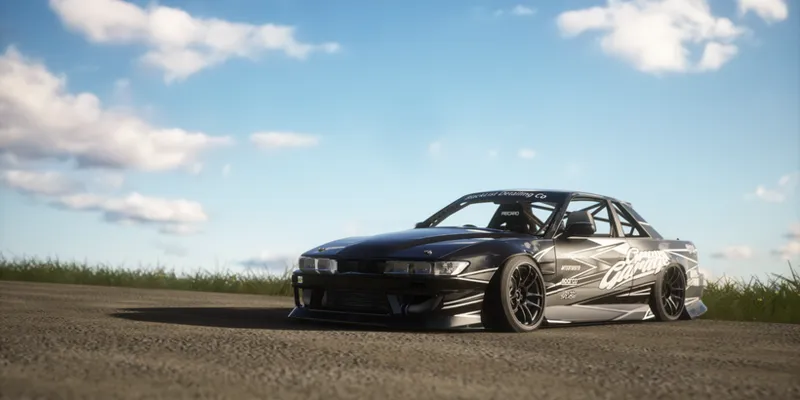
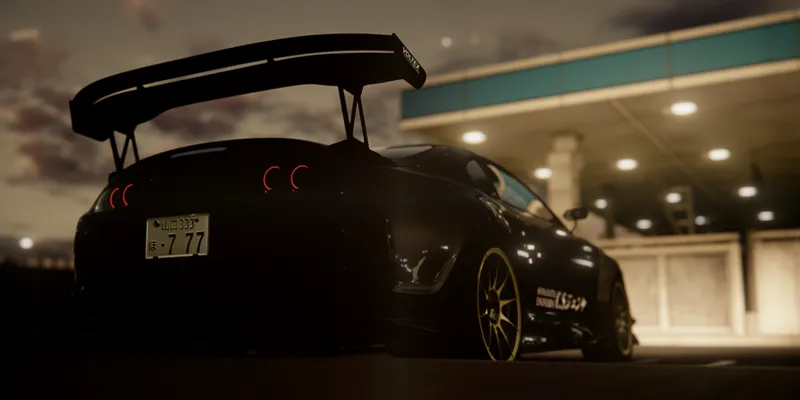


𝐌𝐚𝐲𝐨𝐧𝐚𝐊𝐚 𝐁𝐄𝐓𝐀 𝐯𝟐.𝟖
Hello, it's been a long time and a lot has happened since the last time. Well, no one is reading this post to find out about my life, so I'll just say the obvious.
I've improved the filter in its final stages so that it's completely customizable and works really well without requiring super complex processes and avoiding unnecessary calculations. Well, here are some of the changes I've made to the filter. Honestly, there are many more, but they're not relevant to mention.
For those on Discord, this is the same thing I posted a few days ago.
Remember also that now the download links are on my Discord server, below in this post you will find the download and installation instructions for the filter.
Changelog
The order of the options has been completely changed.
Tabs have been added to the PP settings and all sections have been adjusted to be more user friendly.
𝚅𝚒𝚜𝚞𝚊𝚕 𝚃𝚠𝚎𝚊𝚔𝚜
Updated the filter to Pure 2.35 with its new functions.
All PP-filter Presets have been adjusted.
Adjusted and changed the method when adjusting screen brightness.
Added 1 Glare presets (more to come in future updates).
Made a small change in the Color Vibrance setting.
Changed tonemapping, and modifed the 3 tonemapping presets.
𝙽𝚒𝚐𝚑𝚝 𝚃𝚠𝚎𝚊𝚔𝚜
Adjust the brightness of the moon.
Adjusting the color and brightness of the stars.
All daylighting has been adjusted, in addition to adjusting the “Brighter Sun”, “Brighter Ambient” and “Ambient Shadows Tweak” functions.
I have added a new feature that modifies the intensity of the ambient fog..
Adjusted presets and changed the method of global reflections adjustments a bit, in addition to adjusting the “CPL” function.
I have perfected the filter's automatic exposure function and color management.
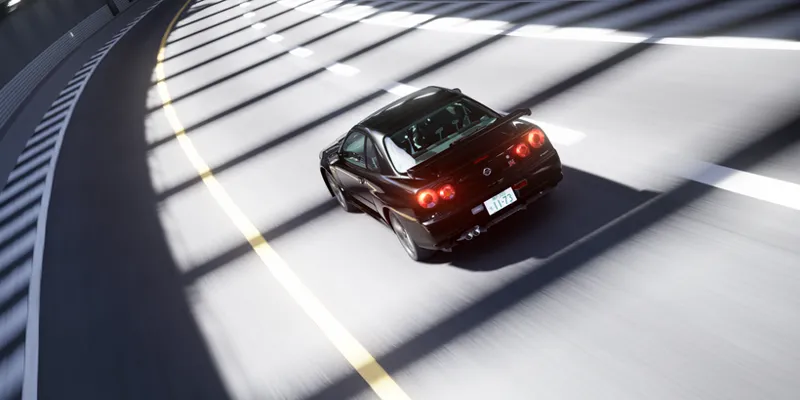
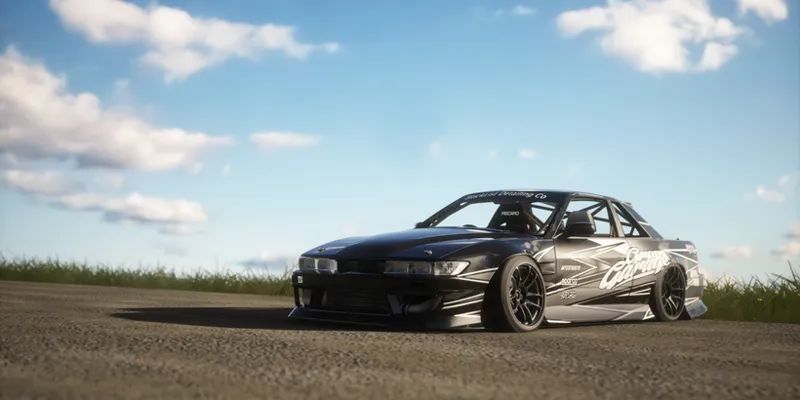
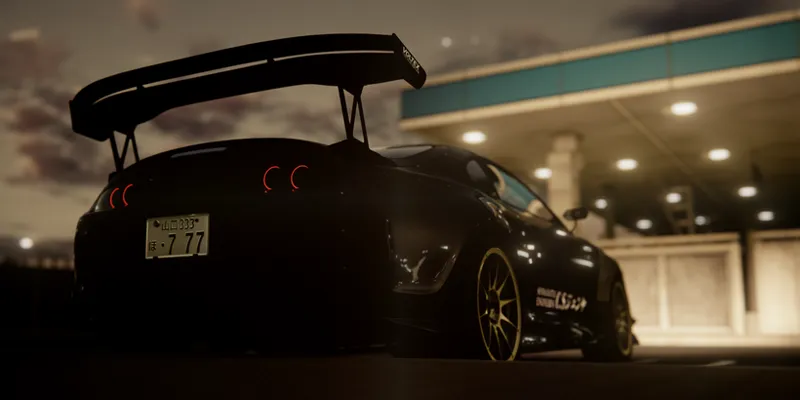
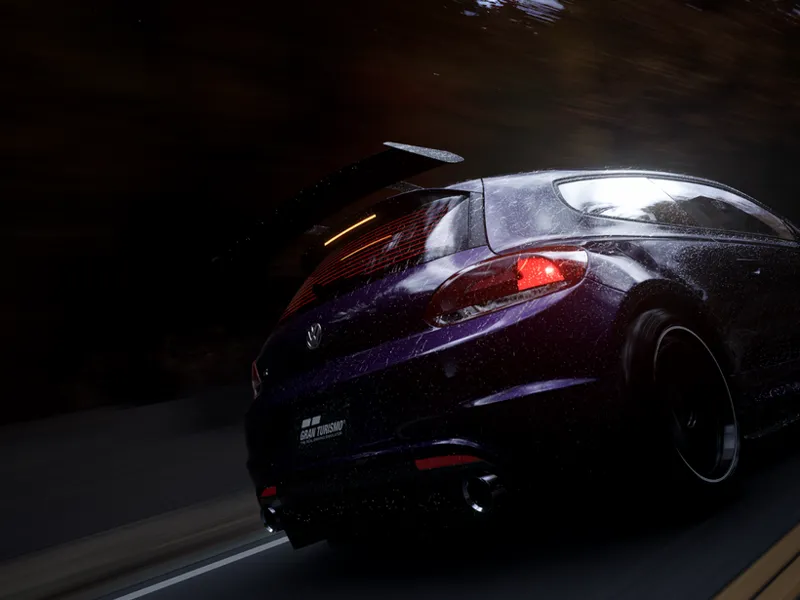
Promotional Images
Requirements!
This version is exclusively for TIER 2 members.
Newest version of Pure (Pure v2.65)
CSP 0.2.11+
Use the latest version of Content Manager
I leave you the official links of Pure and CSP:
Note:
MayonaKa are automatically adjusted in the Pure Config settings, so I recommend using it without modifications in the Pure Config app, You can use the settings provided in the Pure PP app, to give it extra customization as you like!.
INSTALLATION & DOWNLOAD
This version is exclusively for TIER 2 members.
The DOWNLOAD links will be on our discord server, for that you need to connect your Patreon account with your discord account.
Discord SERVER link:
https://discord.gg/kArBTcVc4R
To connect your discord with Patreon you have to go to Account Settings --> More --> Connected Applications --> Discord.
Installation!
To install the PP-filter just paste or unzip the folders "extension" and "system" in the root folder of Assetto Corsa.
IMPORTANT!!
Install the PP- filter MANUALLY!! not with Content Manager!
To apply the filter just go to "Options" --> "Assetto Corsa" --> "Video" and there you can apply the PP-filter. Or you can apply the filter in game with Photo Mode APP.