




𝐍𝐞𝐰 𝐋𝐢𝐠𝐡𝐭𝐬 𝐟𝐨𝐫 𝐒𝐡𝐮𝐭𝐨 𝐯𝟎.𝟑
Hello everyone!
I hope you are well, I have been working all this time on the mod that improves the lights and adds new lights, I have been experimenting a lot and now it also adds new materials and new textures for the map that improve the quality of the map. Everything is experimental and may change a lot in the future besides containing incomplete things, I hope you like it anyway ヾ(≧▽≦*)o
Btw!! this mod is only available for Tier 2 members!!
Here is the list of changes (something may be missing >w<).
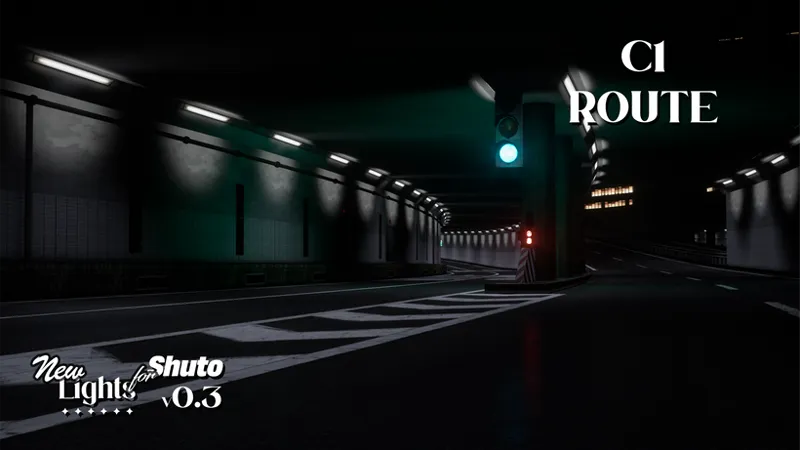
New environmental lights for non-accessible roads in Bayshore, C1, Shinjuku.
Re-setting of ALL road lights to generic white (not even close to being accurate to reality).
Adjustment of ALL tunnel lights to improve their lighting quality to be more realistic.
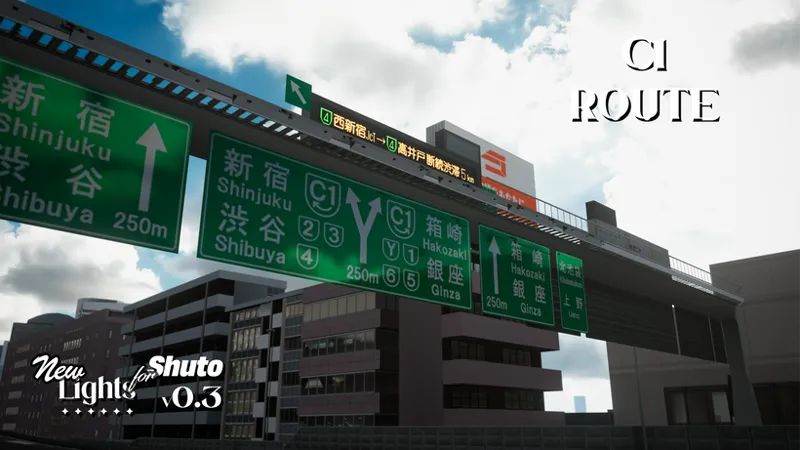
New materials for roads, highway signs and metal fences, etc.
New experimental textures for different types of concrete and some tunnel lights.
Re-tuning of floodlights at Haneda Airport and Oi ETC lights.
New Electronic boards mabe by Takeyoh!!
New previews of this update.
Requirements!
Shutoko Revival Project 0.9.3
CSP 0.2.5+
Use the latest version of Content Manager
I leave you the official links of Pure and CSP:
CSP Patreon
Credits to Takeyoh for allowing me to use his electronic board models. (p≧w≦q)
Now the download links will be on our discord server, for that you need to connect your Patreon account with discord.
Discord SERVER link:
https://discord.gg/kArBTcVc4R
To connect your discord with Patreon you have to go to Account Settings --> More --> Connected Applications --> Discord
IMPORTANT!!
Install the Skin MANUALLY!! not with Content Manager!.
Installation of the mod!
To install the skin, just grab and drop the “content” folder to the Assetto Corsa root folder and replace the files.
To apply the skin, it will be present below the map selection on the main Content Manager page, if you apply the skin it will be applied in Offline and Online.
Comments (2)
do u have a showcase video for the before/ after of this mod? And is this mod compatible with the Aegis Shutoko skin?
Hello! There is no video of this mod since it is still in beta as the name says, I will make a video when it is more complete, plus it is partially compatible with the Aegis skin.