






𝐌𝐚𝐲𝐨𝐧𝐚𝐊𝐚 𝐁𝐄𝐓𝐀 𝐯𝟐.𝟕𝟒
Hello everyone! I hope you have a nice day! ヾ(≧▽≦*)o
I have made a loooot of changes in this update, that's why I have lasted a long time since the last beta version I released, I must say that I really appreciate your support as it has inspired me a lot to continue in this mod to make it top in visuals and have many balanced options for all types of people and content, I hope you like this new update and what is shown!
Remember also that now the download links are on my Discord server, below in this post you will find the download and installation instructions for the filter.
Changelog
The order of the options has been completely changed.
𝚅𝚒𝚜𝚞𝚊𝚕 𝚃𝚠𝚎𝚊𝚔𝚜
Updated the filter to Pure 2.35 with its new functions.
All PP-filter Presets have been adjusted.
Removed Preset “MayonaKa Real”.
Adjusted and changed the method when adjusting screen brightness.
Added 3 Glare presets (more to come in future updates).
Made a small change in the Color Vibrance setting.
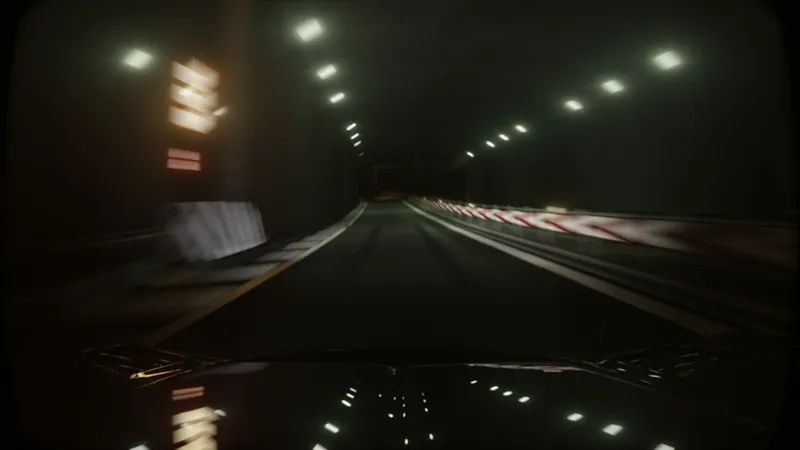
Added a new function to simulate a “Dash Cam”.
Added a function that adds a film grain filter in addition to your custom setting.
Added a Film Contrast.
Added a sepia filter setting.
Changed tonemapping, and added 4 tonemapping presets.
𝙽𝚒𝚐𝚑𝚝 𝚃𝚠𝚎𝚊𝚔𝚜
Refined the Moon size adjustment (no longer affects the sun).
Increased the brightness of the moon.
A new function has been created that regulates the minimum ambient brightness at night.
The brightness of the night sky has been adjusted and a function has been created to enable or disable the shadows produced by the moon.
Adjusting the color and brightness of the stars.
𝙶𝚎𝚗𝚎𝚛𝚊𝚕 𝚃𝚠𝚎𝚊𝚔𝚜
All daylighting has been adjusted, in addition to adjusting the “Brighter Sun”, “Brighter Ambient” and “Ambient Shadows Tweak” functions.
A function with different presets of the sun's rays has been created.
The “Shadow Impact” function has been removed.
Adjusted presets and changed the method of global reflections adjustments a bit, in addition to adjusting the “CPL” function.
Added first-person effects of high-speed blur, black and white color and impact effects at * high speeds, and camera shake at high speeds (can be activated in 3rd person).
An experimental function to adjust auto exposure has been added.
Soon all these changes will be available for 𝐓𝐢𝐞𝐫 𝟏. For now only available to 𝐓𝐢𝐞𝐫 𝟐 members
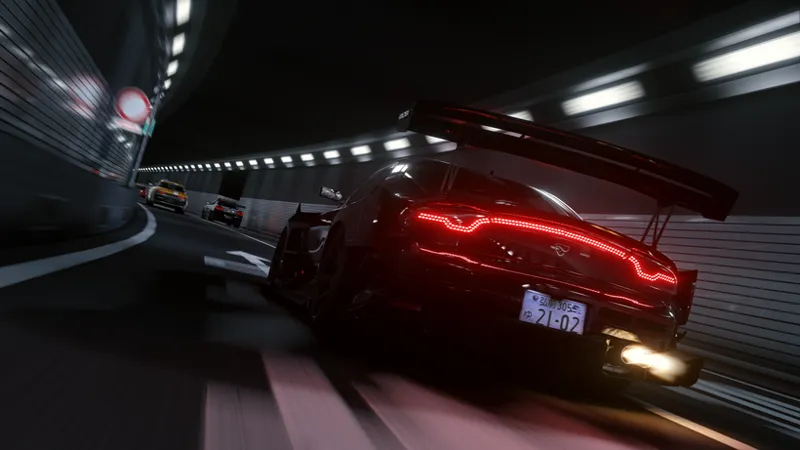
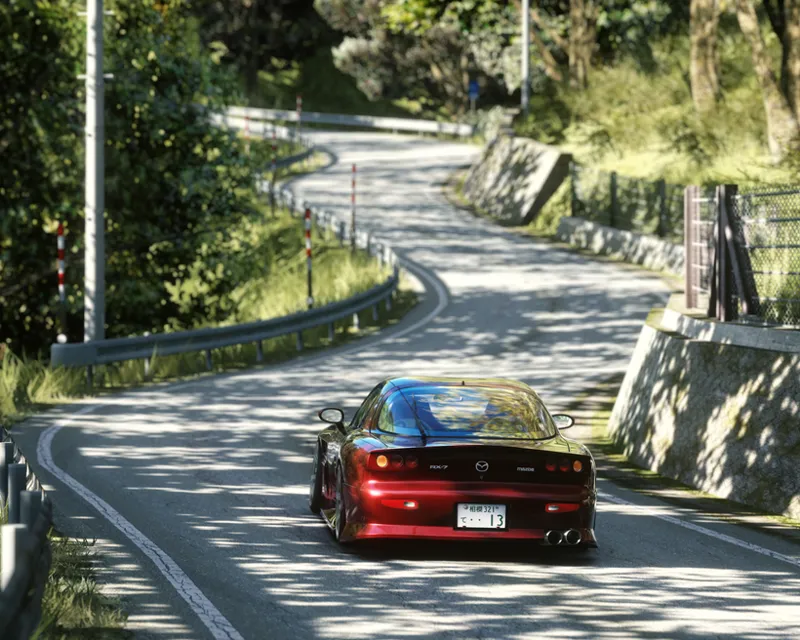
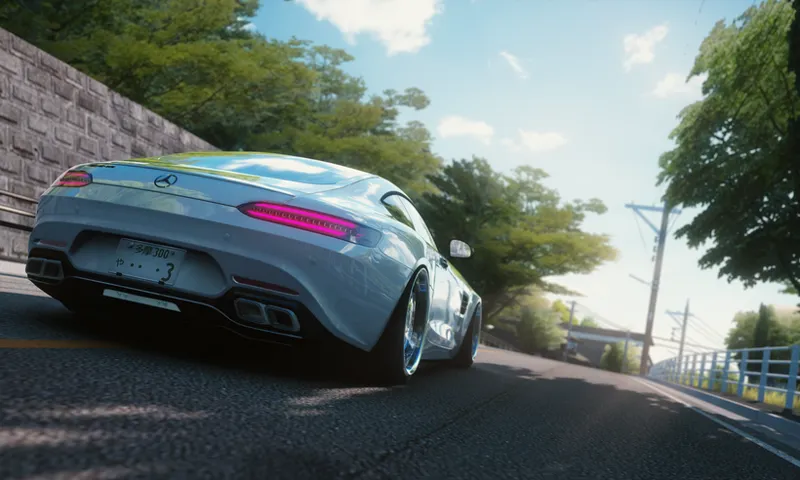
Promotional Images (I will leave the download of the configurations of each promotional image in the discord server.)
Cinematic Config.
Cinematic Dash Cam Config
Aesthetic Sun Rays Boosted Config
https://youtu.be/4saGe0Jl9ZA
Requirements!
Newest version of Pure (Pure v2.38 HOTFIX1)
CSP 0.2.4+
Use the latest version of Content Manager
I leave you the official links of Pure and CSP:
Note:
MayonaKa are automatically adjusted in the Pure Config settings, so I recommend using it without modifications in the Pure Config app, You can use the settings provided in the Pure PP app, to give it extra customization as you like!.
Now the download links will be on our discord server, for that you need to connect your Patreon account with discord.
Discord SERVER link:
https://discord.gg/kArBTcVc4R
To connect your discord with Patreon you have to go to Account Settings --> More --> Connected Applications --> Discord
IMPORTANT!!
Install the PP- filter MANUALLY!! not with Content Manager!
Installation!
To install the PP-filter just paste or unzip the folders "extension" and "system" in the root folder of Assetto Corsa.
To install the PP-Filter Configuration just paste or unzip the “extension” folder of any configuration zip file and move it to the root folder of the game. Replace if necessary. This setting is applied automatically when you enter the game, otherwise you can hit the “load” button in Pure PP app.
To apply the filter just go to "Options" --> "Assetto Corsa" --> "Video" and there you can apply the PP-filter. Or you can apply the filter in game with Photo Mode APP.
Comments (13)
para las personas que no sepan ,tiene que asociar el discort con la cuenta de patreon ,asi los agregaran a un canal donde podran descargar los filtros
😭😭😭😭😭
Ayudenmeee
Porfa ayudaaa ya pageeew
Dónde está mi ppfiltersssss
saben donde puedo descargar el filtro? ya pague
Broo lo encontrasteee
WHERE IS THE FILTER ?
no puedo descargar el archivo me dice que tengo que pagar nuevamnte y ya lo hice que estoy haciendo mal?
hola buenas en que parte de discort estan los pp filters
X2
Why does the "First Person Effects Promotional Video!" only feature what Peter Boese and Ilja have integrated into the game? (tunnel effect filter). I mean that is already in the game.
Yes it is a function created by Peter Boese, but simply by filtering you can adjust it more friendly, but I have never mentioned that it is the creator of this effect.