November 28, 2023
[Reshade] Installing ShaderToggler Add-on
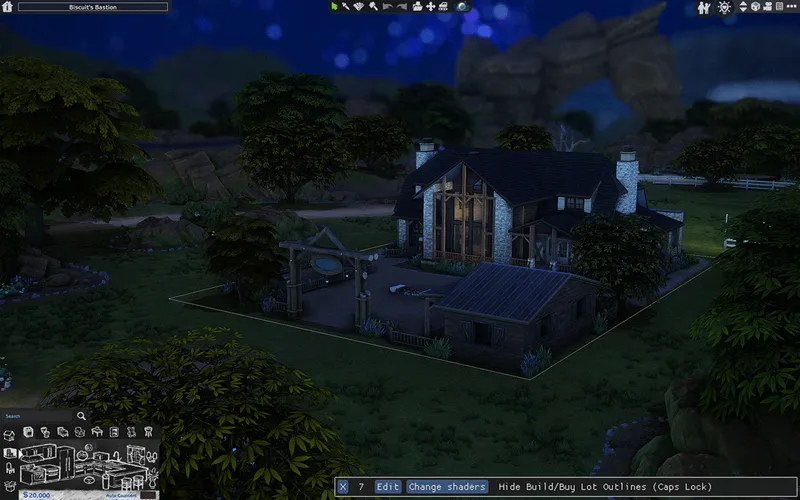
For those who learn better with visual guides, here's a quick video on how to install the ShaderToggler add-on from the Hide UI in CAS and More tutorial :]
// quick transcript + links
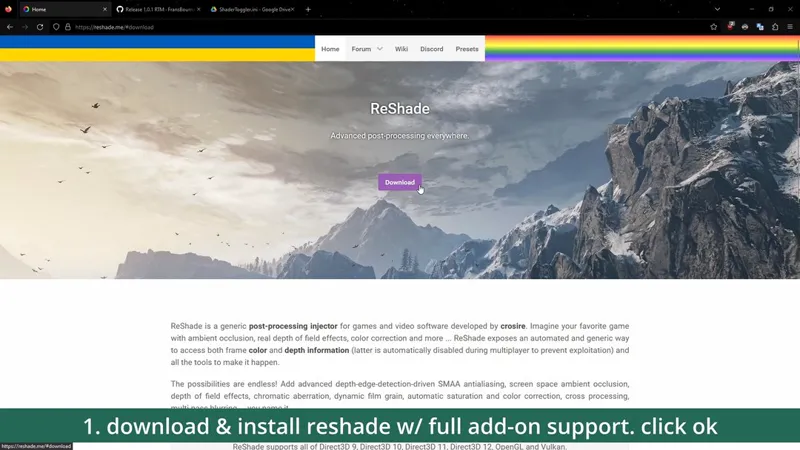
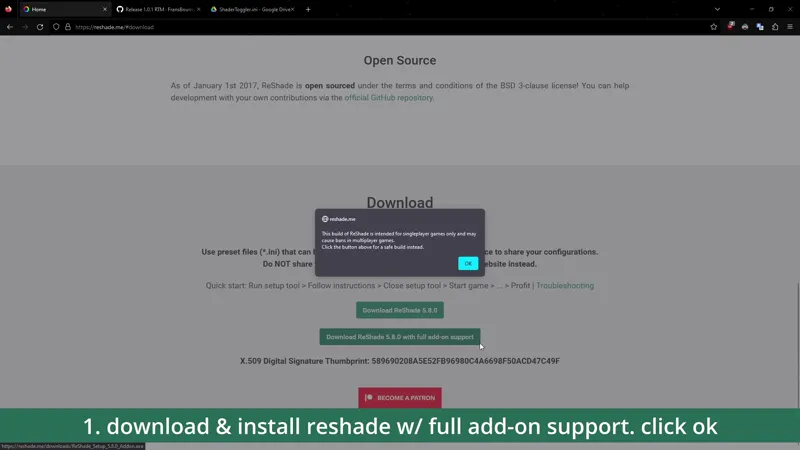
download & install reshade w/ full add-on support. click ok
download shader toggler add-on (_1.2.1)
download config file // SFS / Google Drive
extract .zip file
copy .addon & .ini file
paste into the /Bin folder (same folder as TS4_64.exe)
open game & check if it’s successfully installed. the option will show up under the Add-ons menu.
enjoy! :D