

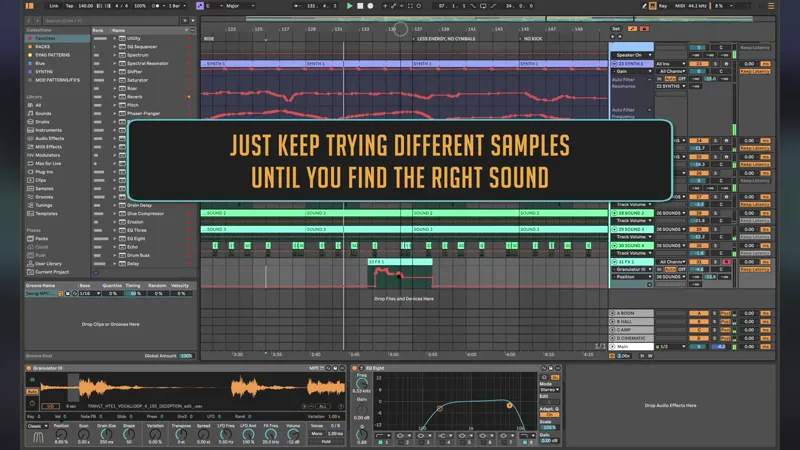
Creating FX with Granulator III Using a Vocal Sample
Granulator III is one of my favorite tools for experimenting with sound design and creating unique FX textures. Some of the most interesting and characterful results appear when playing samples in the lower octaves, where familiar sounds can transform into something completely unexpected.
One of the things I enjoy most about Granulator III is that it's impossible to predict what a source sample will become. A simple vocal recording can evolve into an organic texture, atmospheric effect, cinematic transition, or abstract sound layer with its own unique character.
In this tutorial, I demonstrate my workflow for exploring sounds, performing Granulator III like an instrument, recording MIDI and automation in real time, and resampling the final result into a new audio clip. This approach is perfect for creating original FX, textures, transitions, ambient elements, and experimental sound design for techno, house, ambient, cinematic, and electronic music.
Topics covered: Granulator III, Ableton Live, granular synthesis, vocal sample processing, FX sound design, resampling, automation recording, MIDI performance, creative sampling, organic textures, cinematic FX, electronic music production.