



Making characters look.. 2D?
Hey, Crash here!
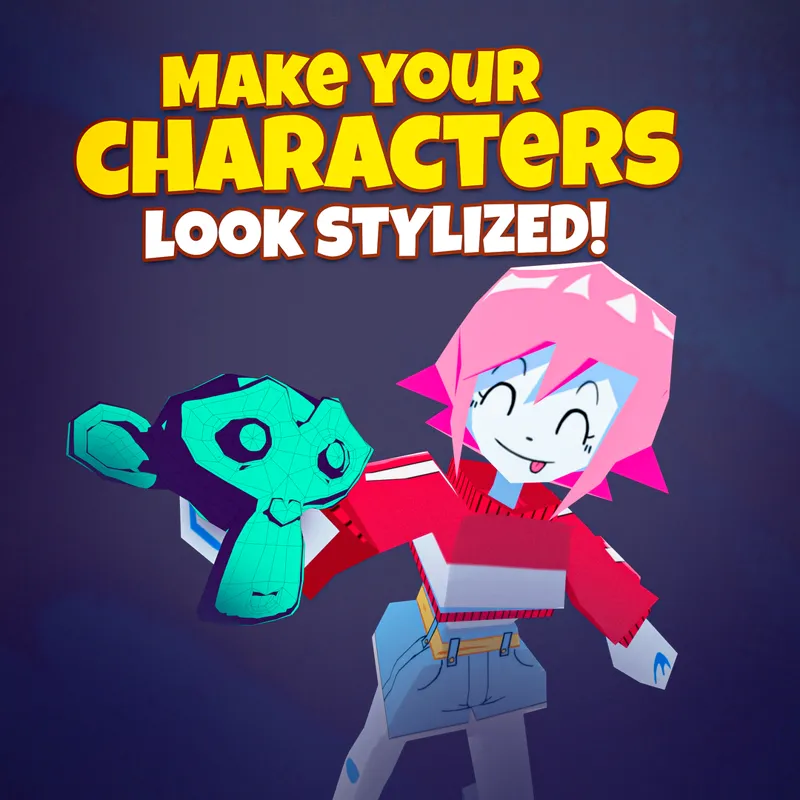
A tip on making your 3D characters look like 2D art!
It actually has nothing to do with using fancy lighting or rendering techniques.
The stylized look comes from having an “inaccurate” setup that creates super sharp shadows.
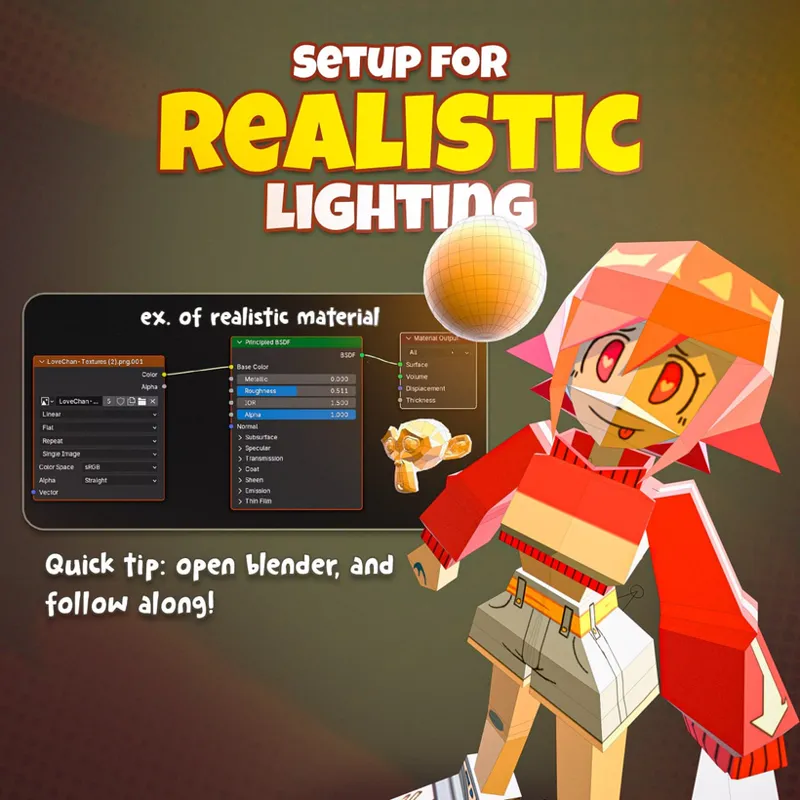
Basically, in realistic rendering, you have light wrapping around objects gradually, creating soft gradients.
What you want to do is the opposite.
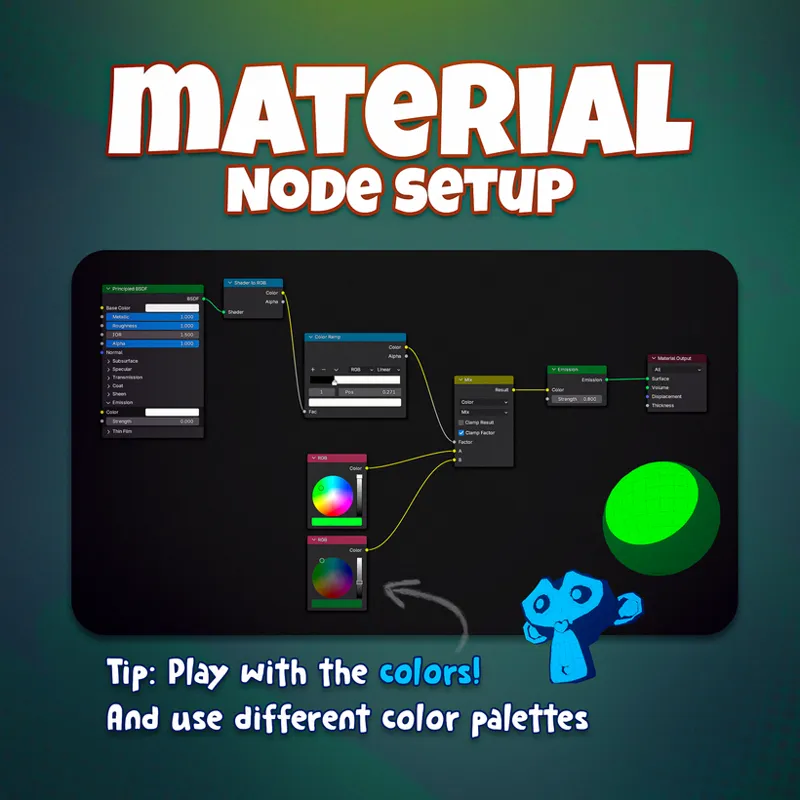
You force shadows into a hard "cel-shaded" threshold.
We either have shadows or we don’t. No in-between.
These areas are commonly referred to as “lit” and “shaded” areas.
And that’s exactly what you want to use to make your model look like a cartoon!
This is almost exactly how games like Wind Waker approach lighting to create a unique art style…
But wait wait wait!
If this sounds TOO complex to set up…
You can literally just draw the crisp shadows right onto your texture! (●'◡'●)
Hope this was useful!
-Crash
Comments (1)
How would one do this with an image texture?