
evermore | reshade presets
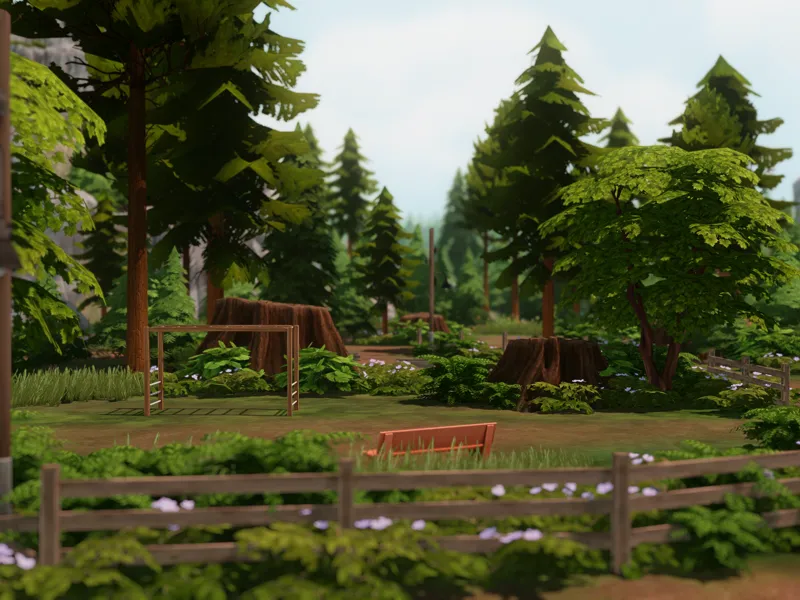
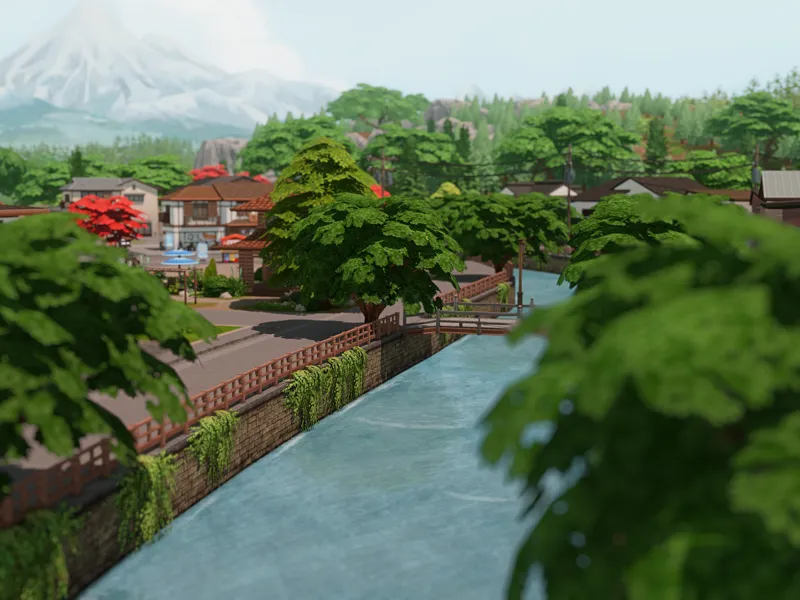
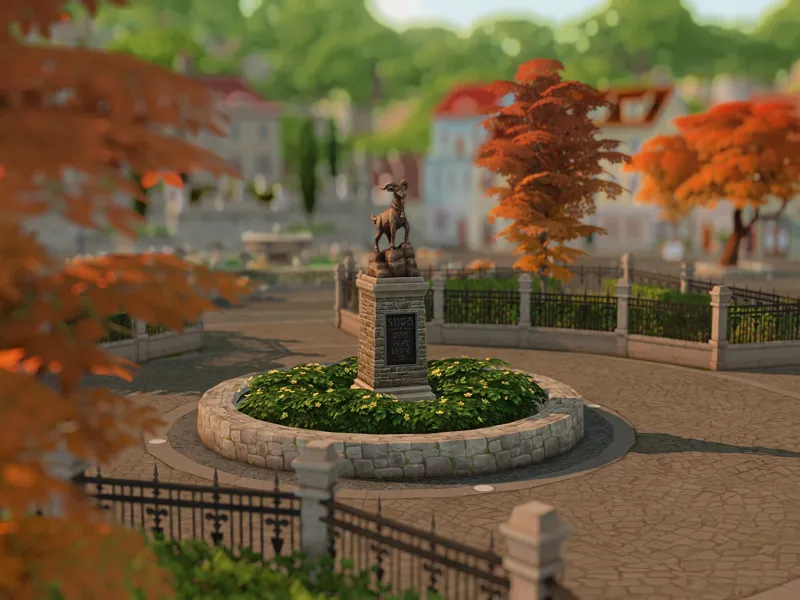
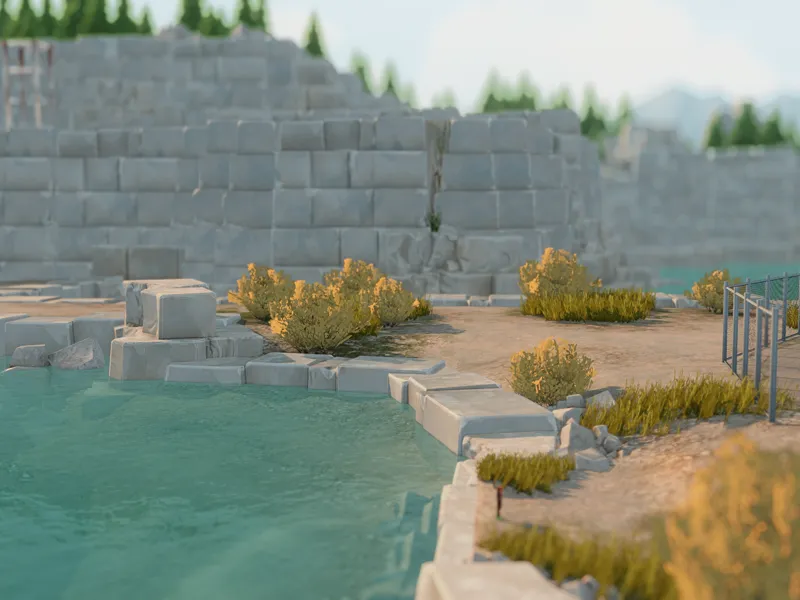
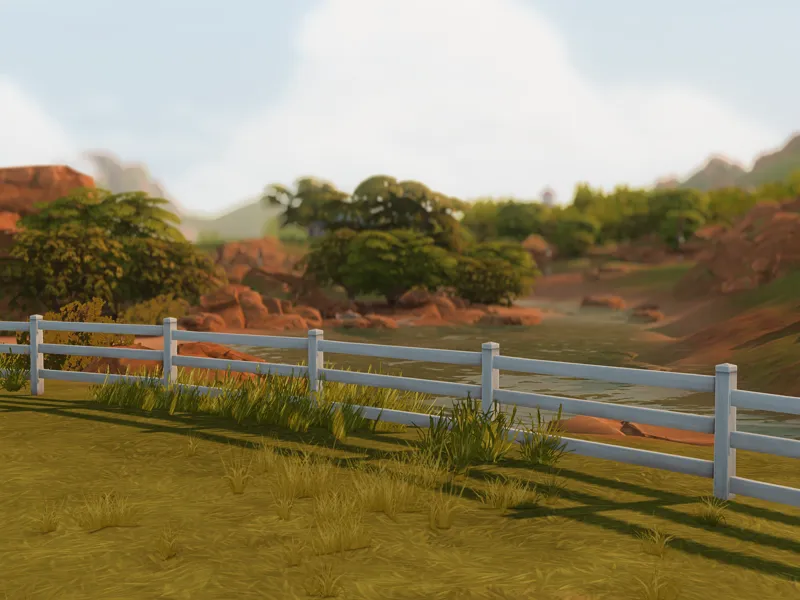
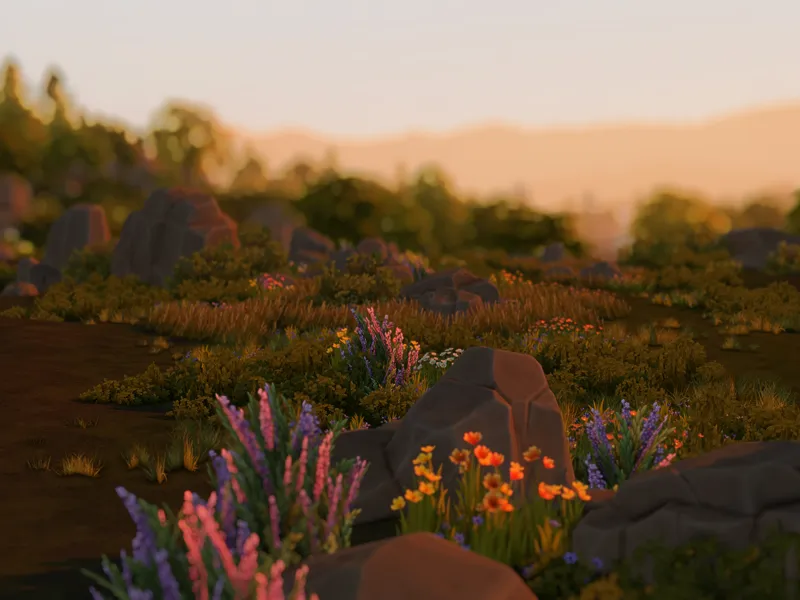
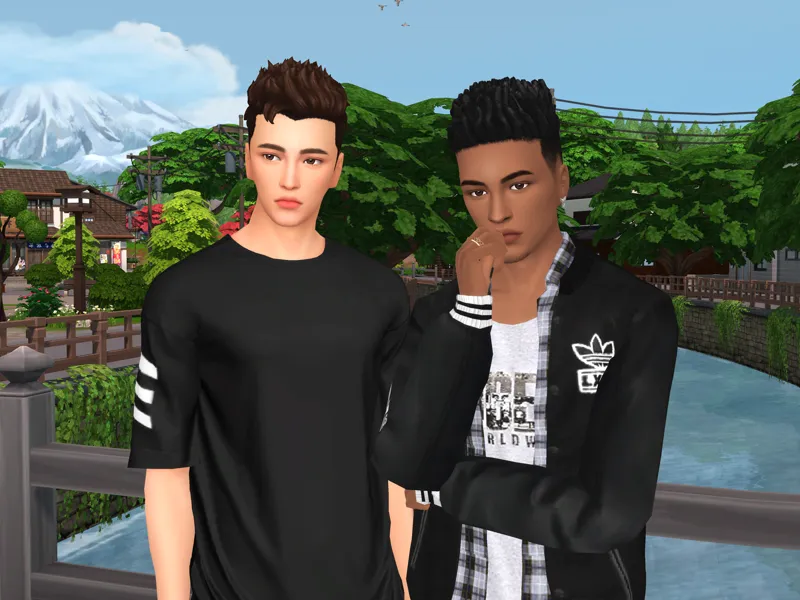
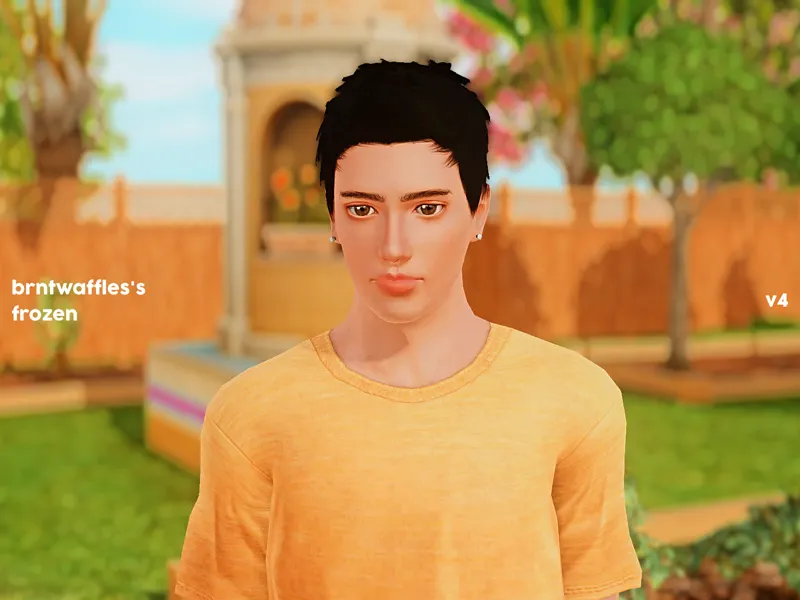
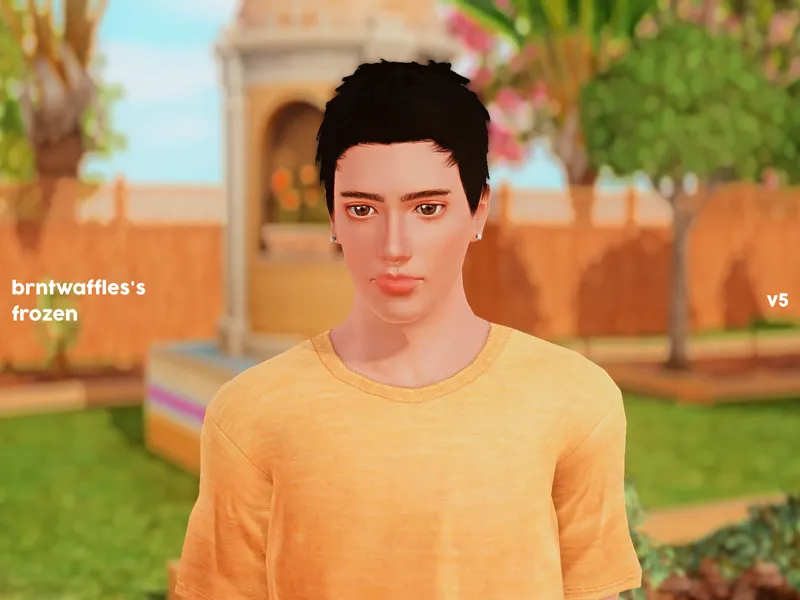
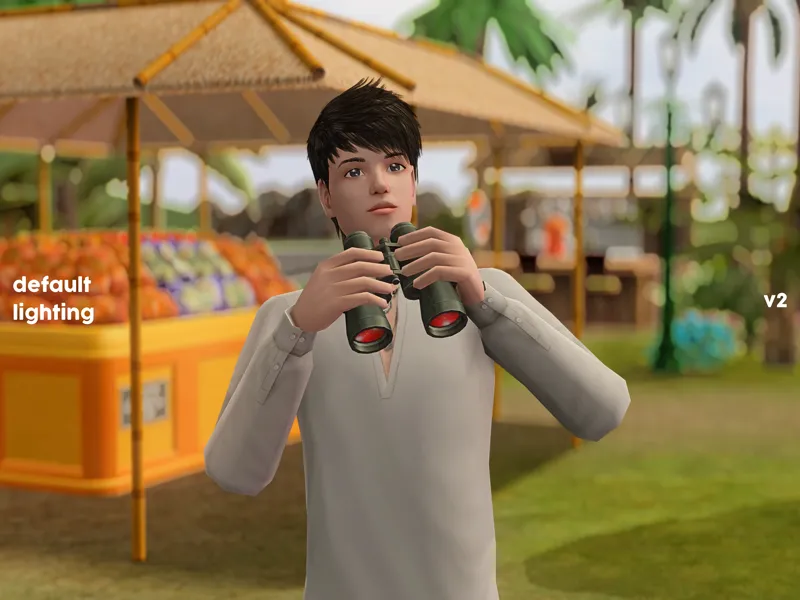
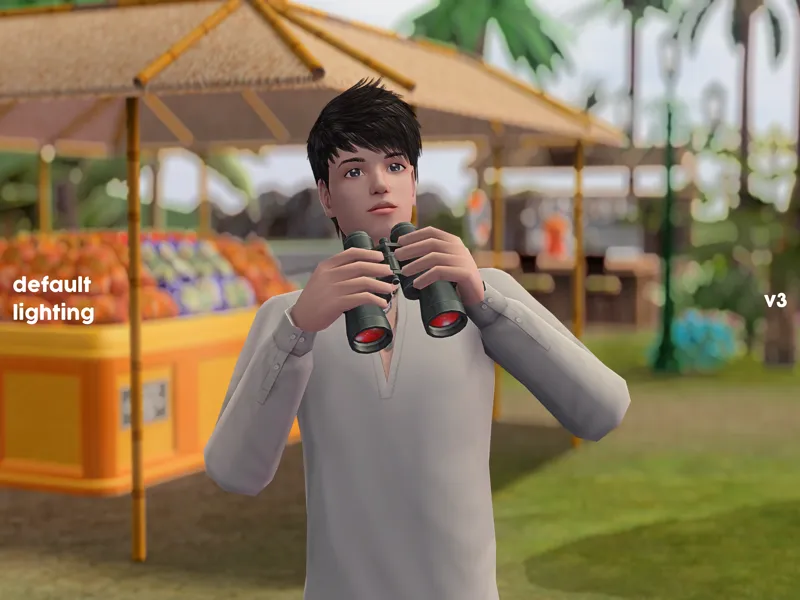
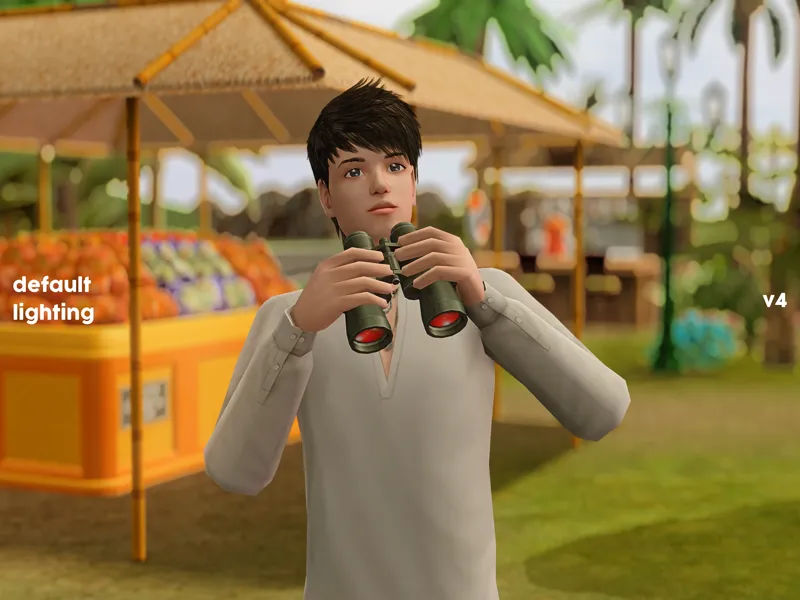
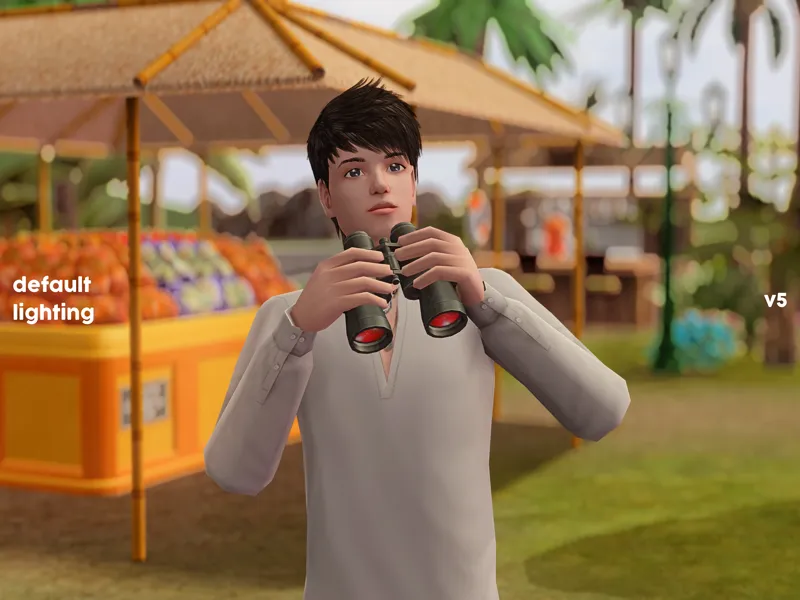
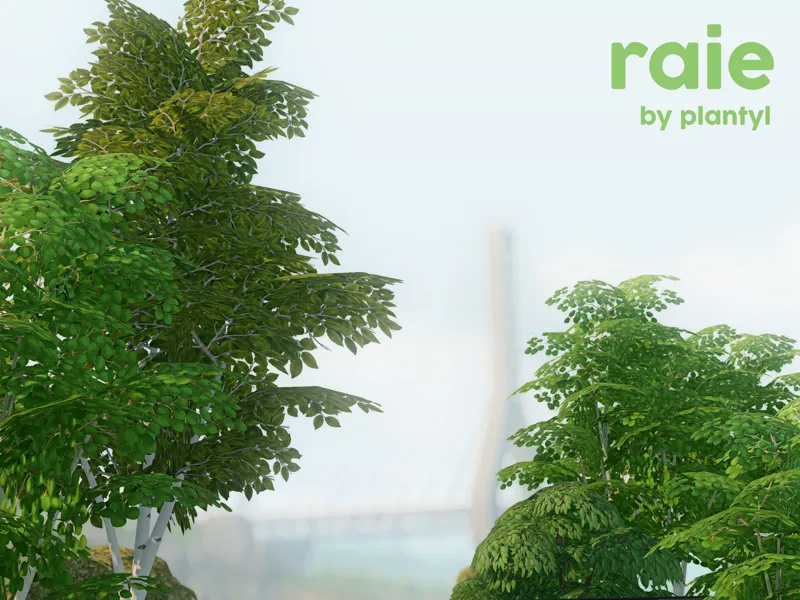
these are my most recent presets that i have been using personally. compared to raie, they are slightly darker but the results are more realistic and satisfying.
basic info
created with reshade 5.9.2
compatible with reshade 5.x.x and 6.x.x, preferably 5.6.x or newer
probably compatible with gshade, preferably the latest version or any of the late versions
15 variants: 5 for cas, 5 for gameplay, and 5 for taking screenshots
should be completely lag-free on strong computers
tones
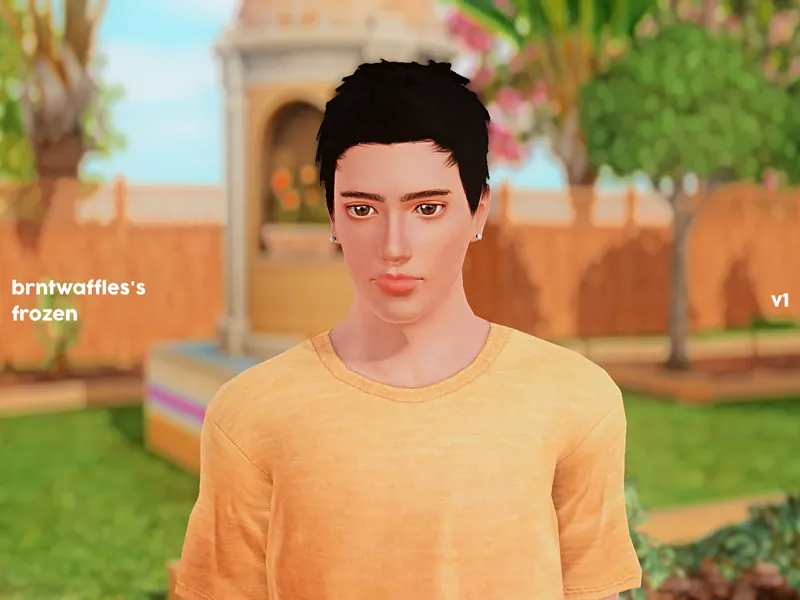
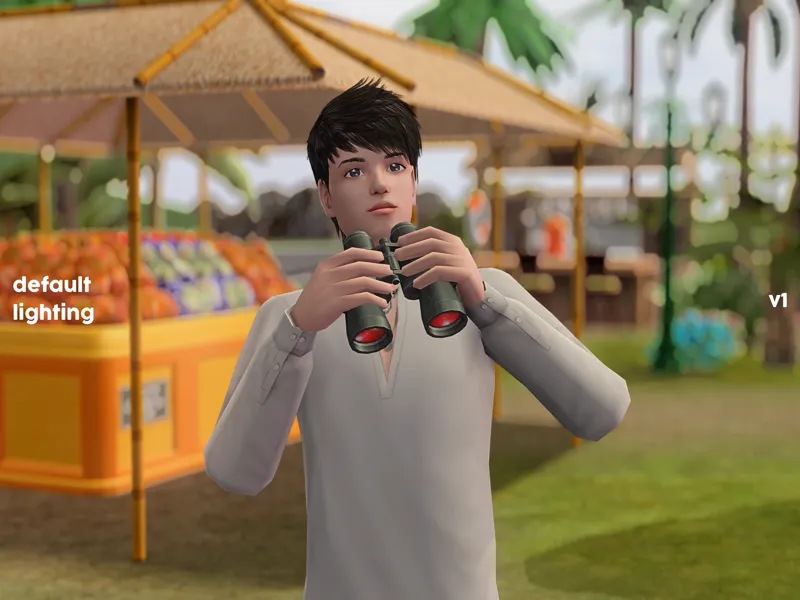
v1 - neutral
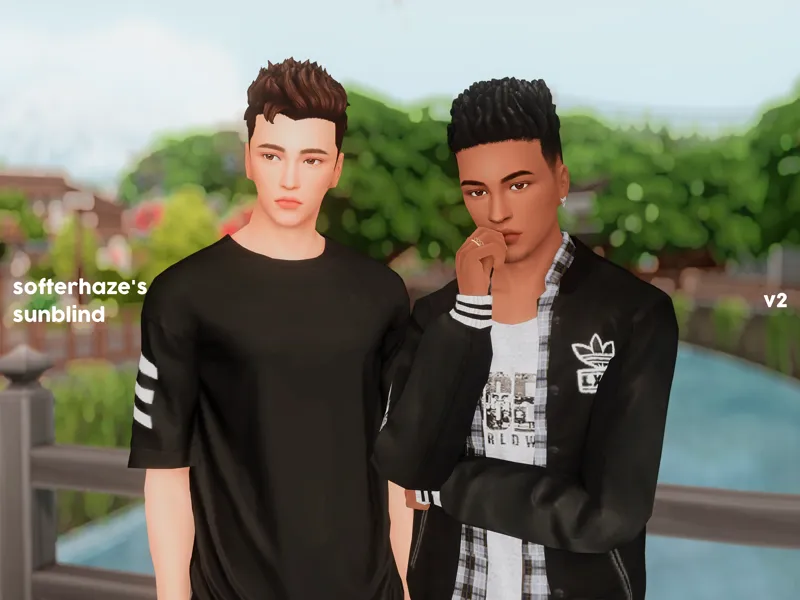
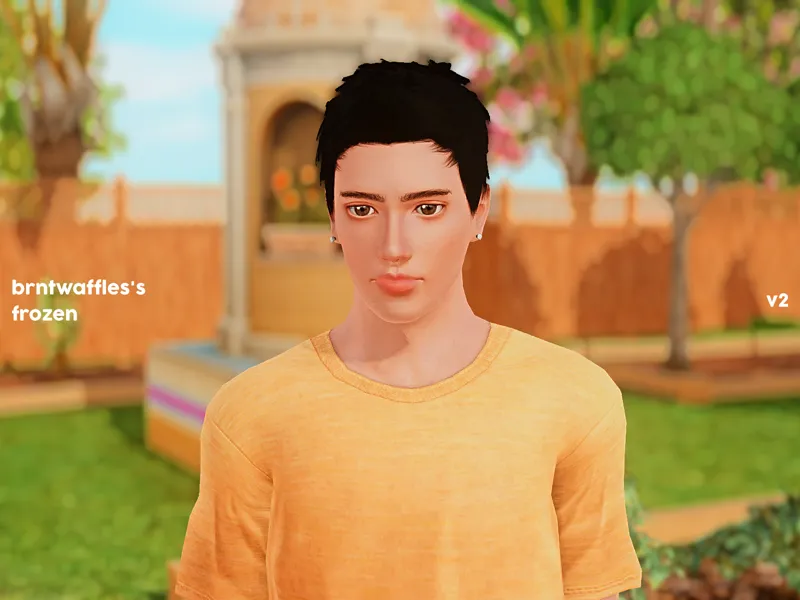
v2 - warm
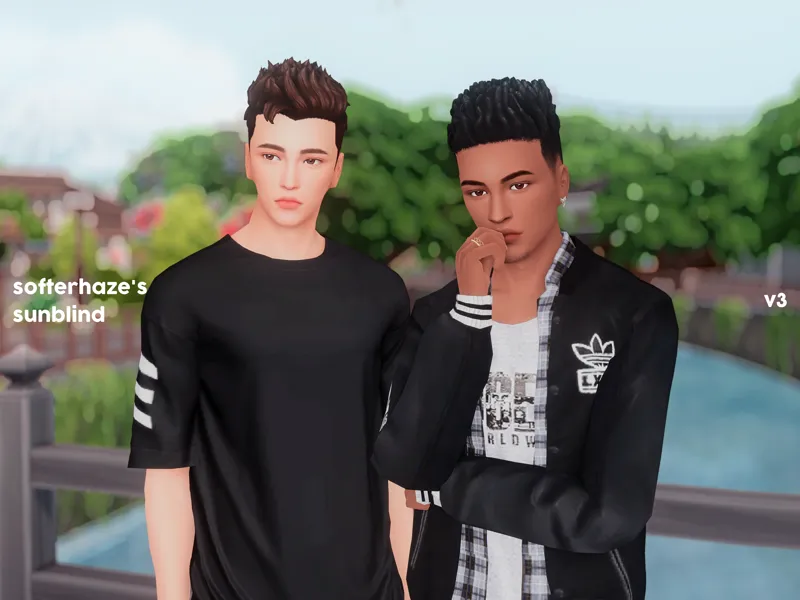
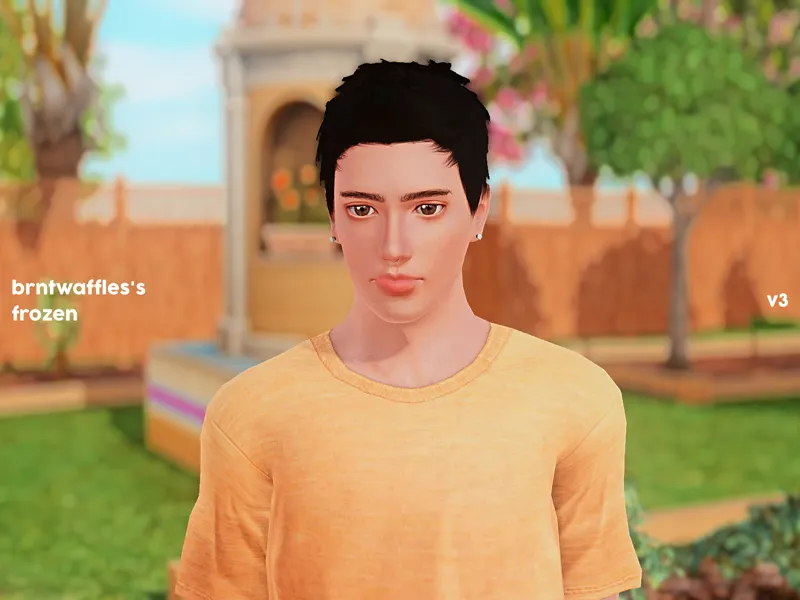
v3 - cool
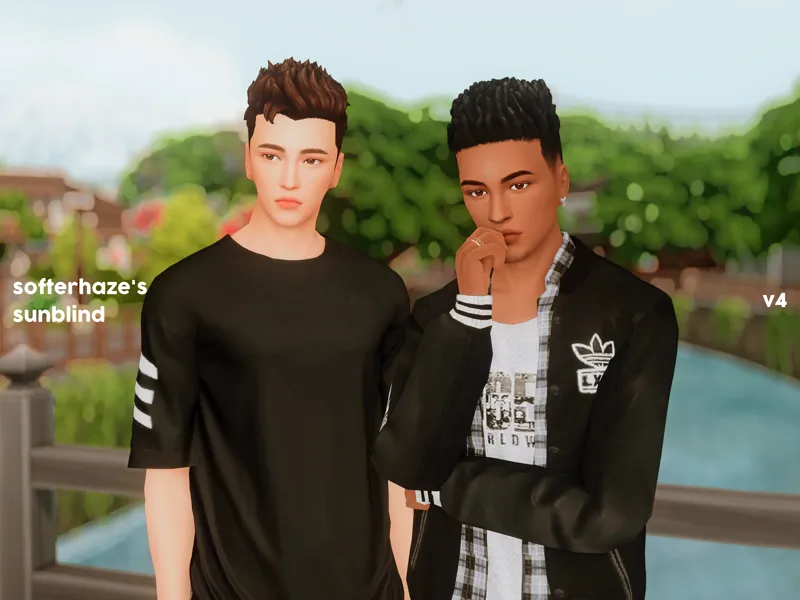
v4 - extra warm
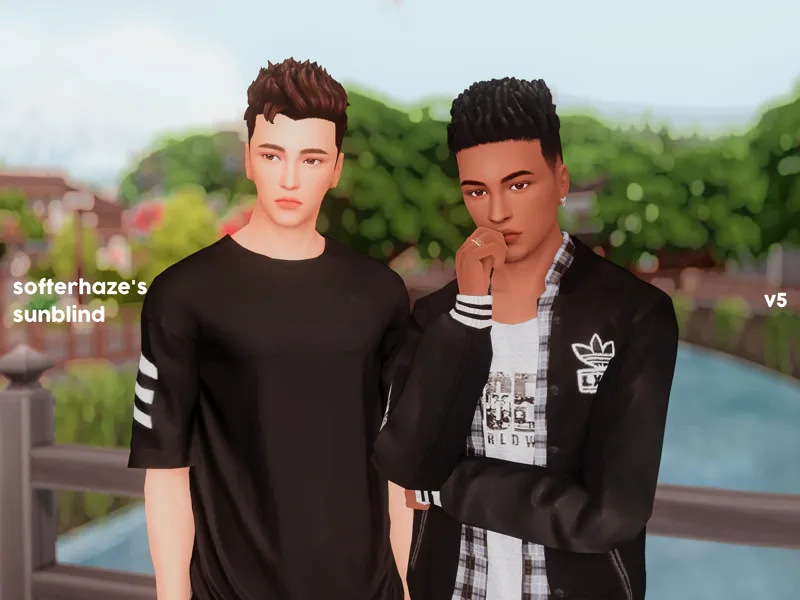
v5 - warm and red-tinted
hotkeys
NeoBloom + prod80_02_Bloom - shift + f9
CinematicDOF - shift + f10
required shaders
please make sure the following shaders are in your reshade-shaders folder
AdaptiveFog
AmbientLight
Bloom (BloomAndLenFlares)
CinematicDOF
Clarity
Colourfulness
DepthHaze
FilmicPass
FXAA
Levels
LumaSharpen
MagicBloom
MultiLUT
MXAO 4.0.2 EX
NeoBloom
prod80_02_Bloom (PD80_02_Bloom)
qUINT_dof (ADOF)
SMAA
Smart_Sharp
if you have qUINT_ReLight installed, the shader should appear underneath qUINT_dof.
misc info
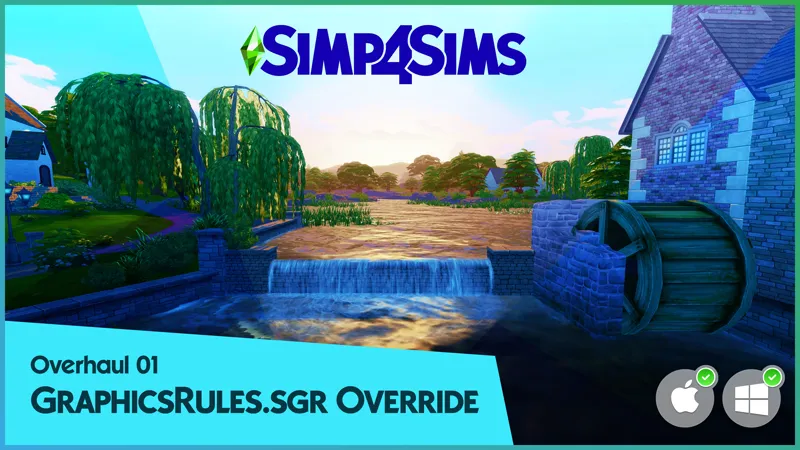
if you use any modified GraphicsRules files, e.g. Simp4Sims' GraphicsRules Overhaul or my modified GraphicsRules file, edge smoothing must be disabled so that shaders targeting 3d objects like MXAO and DOF can properly function. if you use the default GraphicsRules file, edge smoothing must be disabled only in CAS.
for night shots, simply disable AdaptiveFog
the 5 gameplay variants use only non RAM-hungry shaders and should not be laggy on computers with average specs.
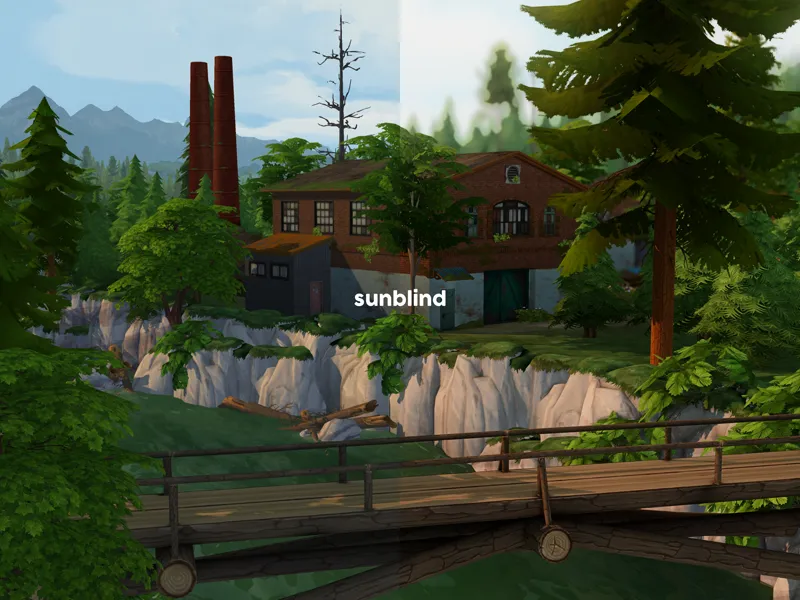
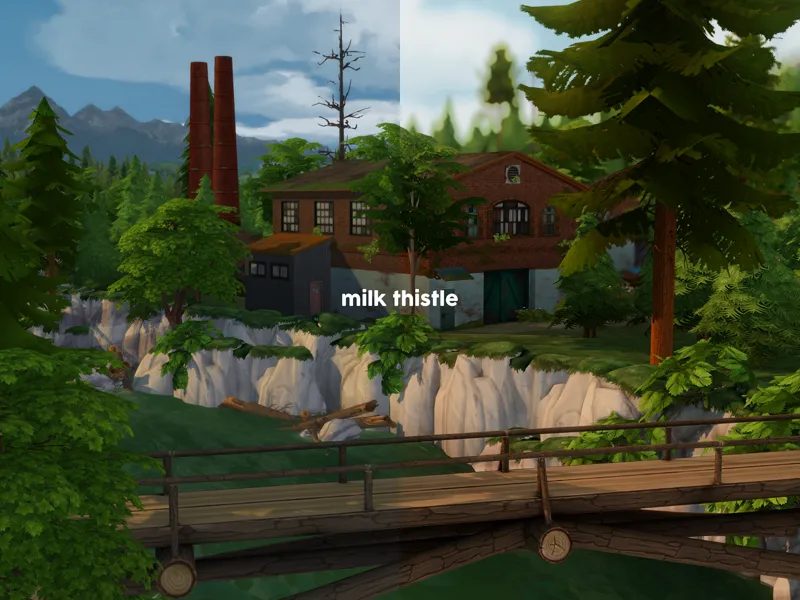
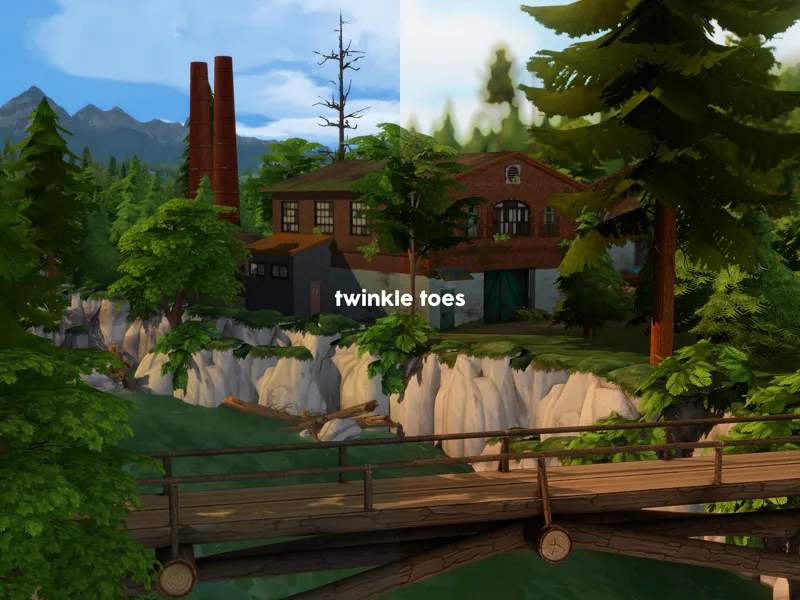
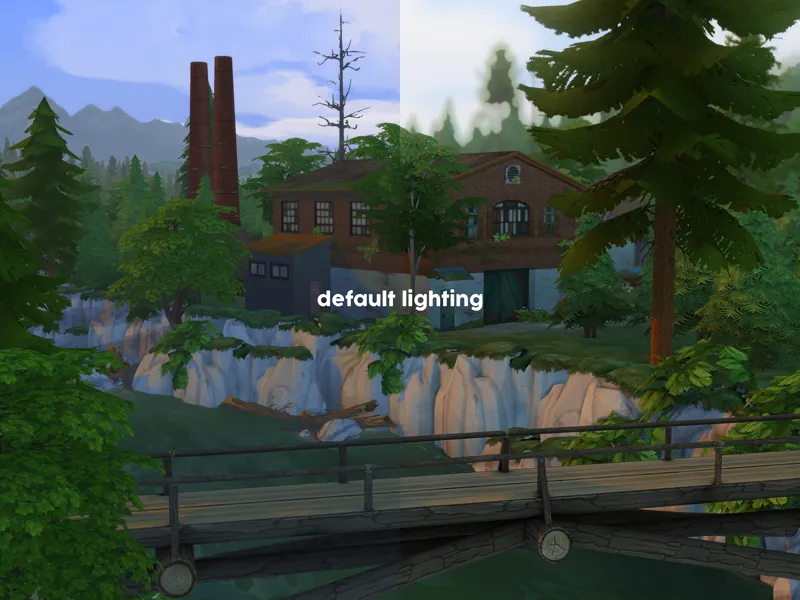
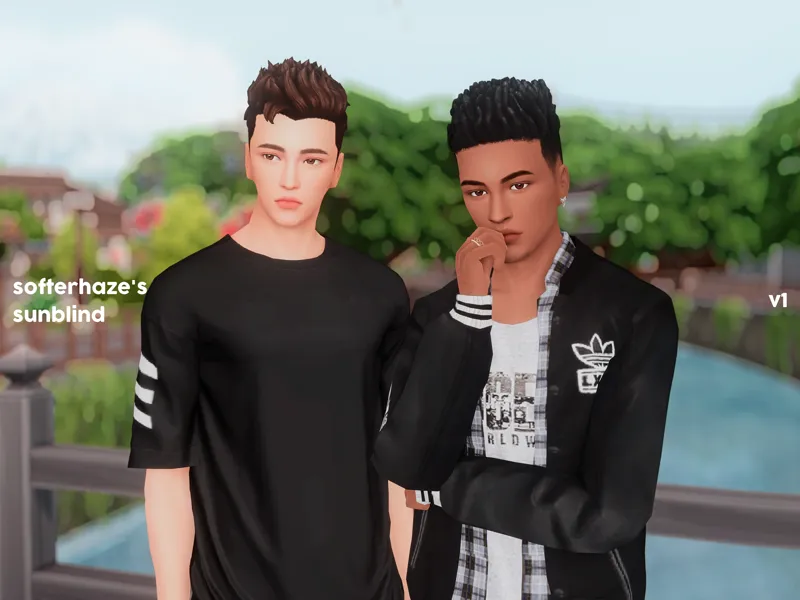
the presets are designed to work best with Softerhaze's Sunblind lighting mods.
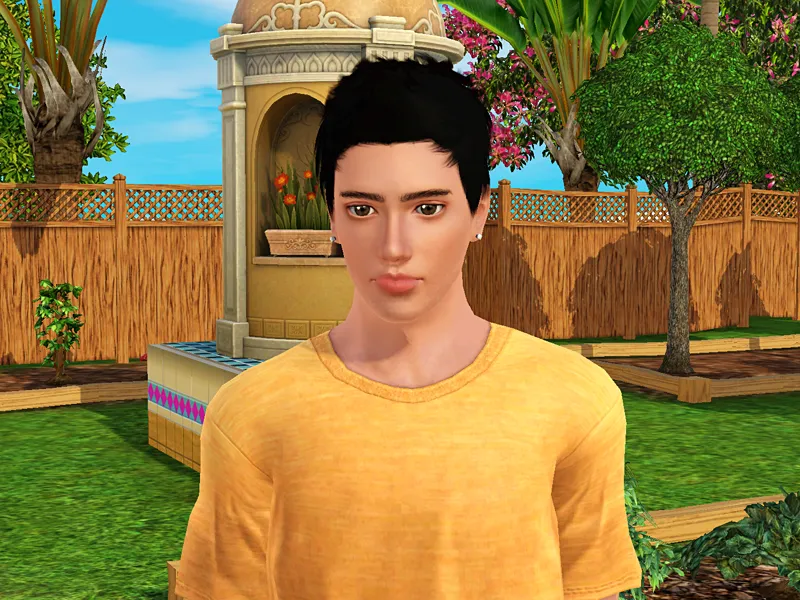
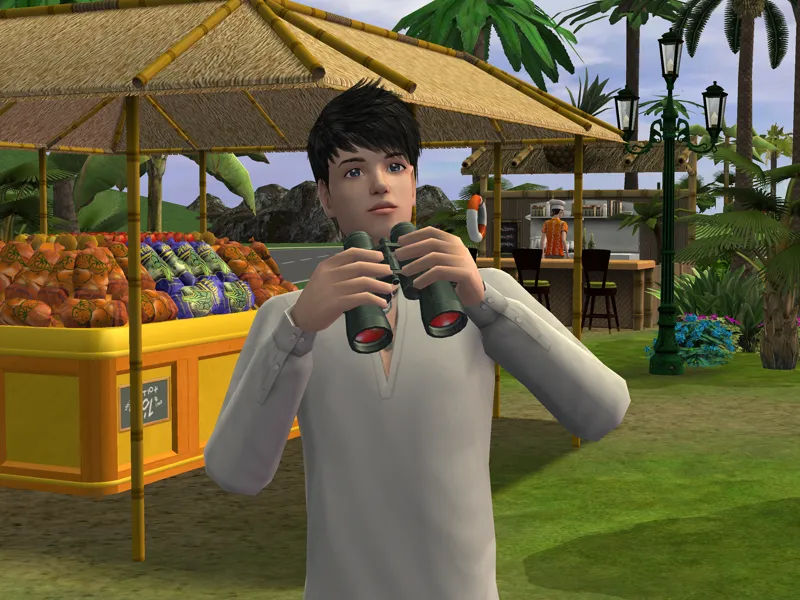
if you use the presets with The Sims 2 or 3, the results will look slightly different depending on the default lighting of the neighbourhood or world you're playing in, or the lighting mod(s) you're using.
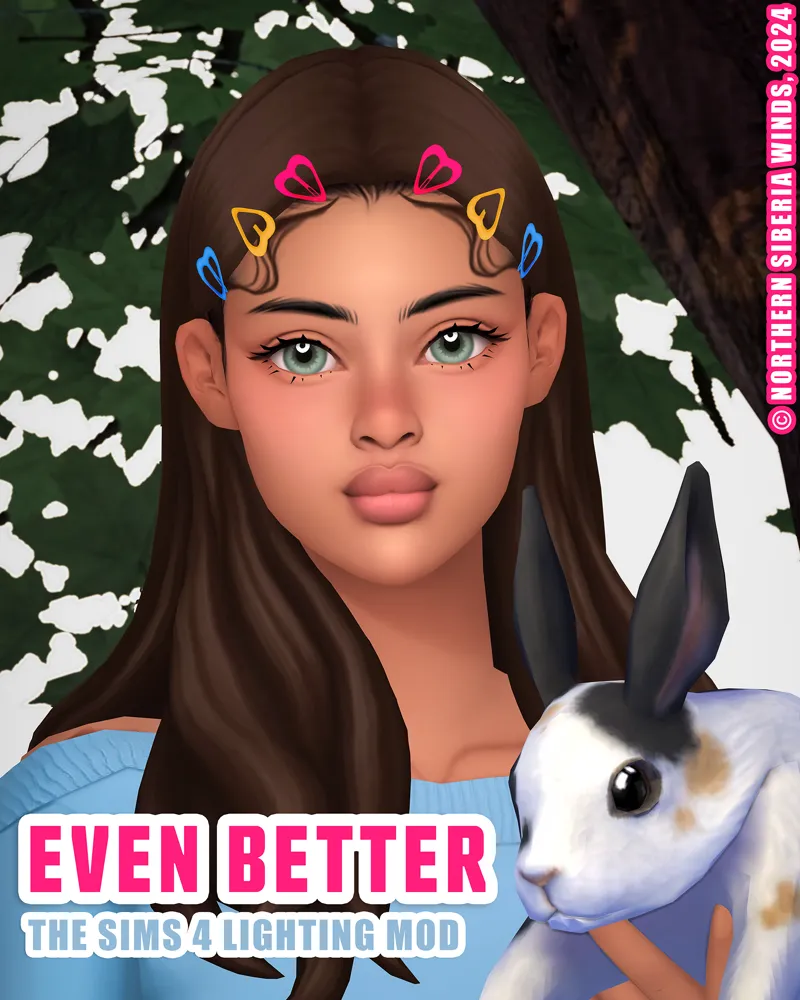
the Sunblind lighting mods and Northern Siberia Winds's even better in-game lighting mod - dark were used on most of the sims 4 photos.
Brntwaffles's Frozen-inspired lighting mod was used on the sims 3 photos.
the only things added to the photos are texts and watermarks.
drawback
if you use the Sunblind lighting mods, please note that the presets do intensify the darkness of any light-less outdoor areas at night to the point that you can barely see anything. however, turning off Levels can reduce the intensification. you can also add more brightness by turning on Tint (Sepia.fx) and then setting the colour to white (#ffffff) and the strength to around 0.085.
tou
you are allowed to adjust the presets only for personal use.
reuploading and monetising either the original or adjusted versions of the presets in any way, shape, or form are prohibited.
as always, let me know should there be any problem with this.
enjoy ♡
======================================
i am currently taking an indefinite break from the sims and the game is no longer on my pc. if any issues emerge from any of my creations; unfortunately, i will not be able to fix them for you. nonetheless, you can still submit your questions regarding my creations and i will try to answer them as soon as possible.
Comments (12)
thank you for providing comparison photos between the different lighting mods, it's truly so appreciated!! wishing you well on your hiatus~
tysm ✨✨
also, are re-shades for pictures only? Or do they actually make gameplay and building look different?
yes, they do make everything look different.
how do you put on a reshade in the sims?
tutorials on how to do that are abundant on youtube.
Mine is so bright its almost white! How do i fix this?
not sure if you’re the same person who commented under my tiktok clip but if you are not, 1) are you using reshade or gshade? 2) are all the required shaders turned on? 3) have you tried turning off some of the shaders to see which one of them is problematic?
สวยมากๆเลยค่าชอบตั้งแต่ตัวraieแล้วละมุนมาก ขอบคุณค่ะ
ขอบคุณนะครับ 🧡 ตัวนี้เน้นความ realistic ไม่เหมือน raie ไม่สว่างฟุ้งเหมือน raie ด้วย
YOU ALREADY KNOW LMAO TY!!!
🧡🧡🧡