
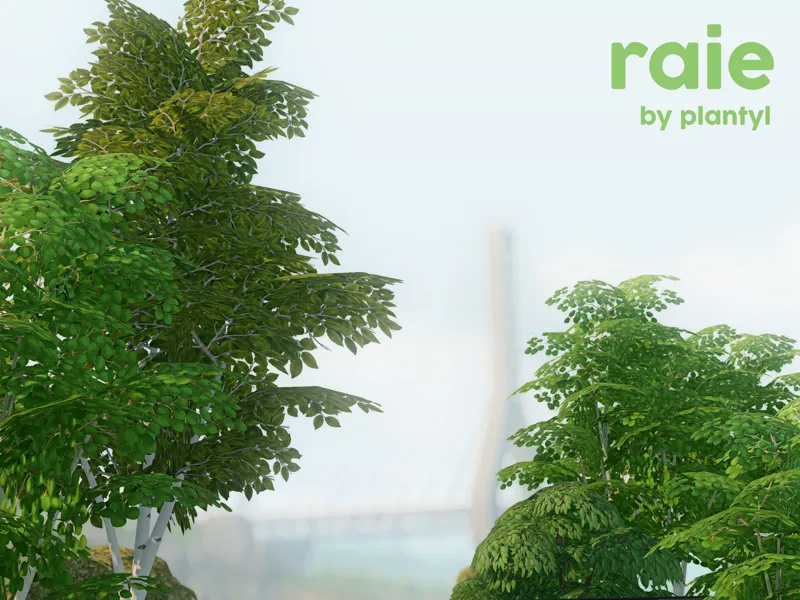
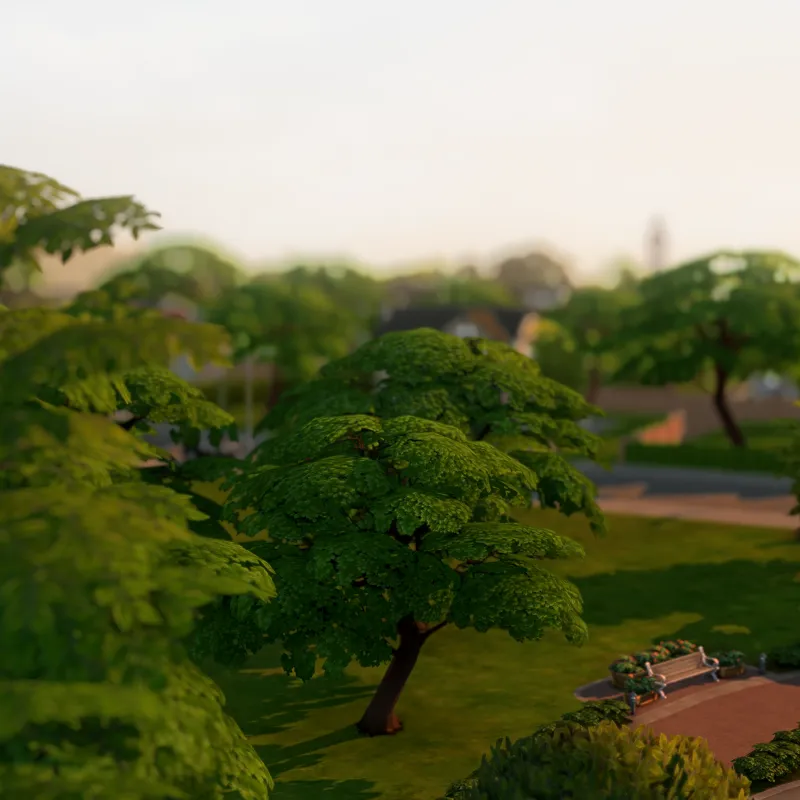
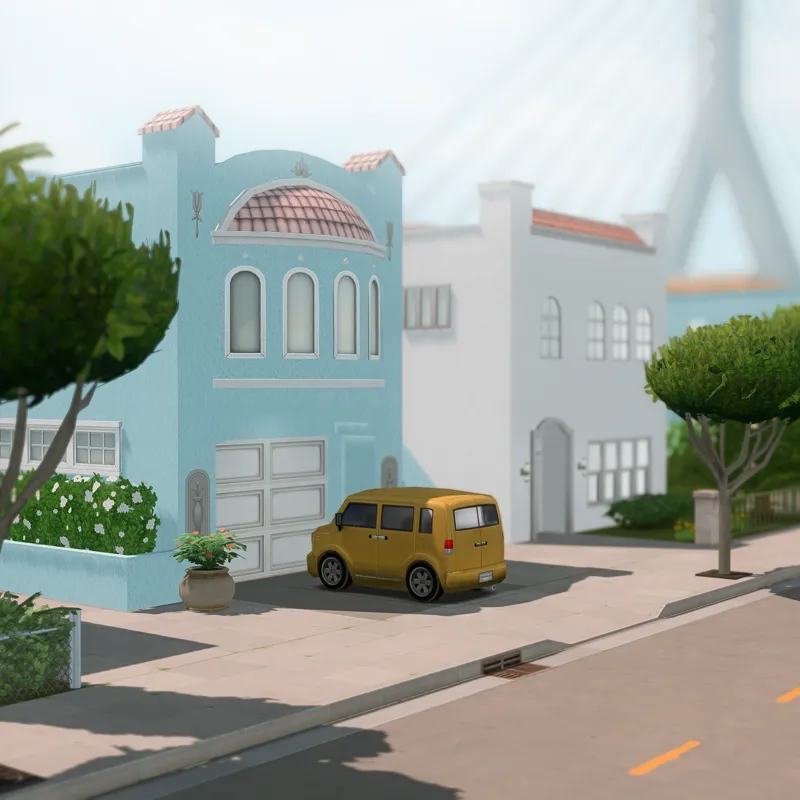
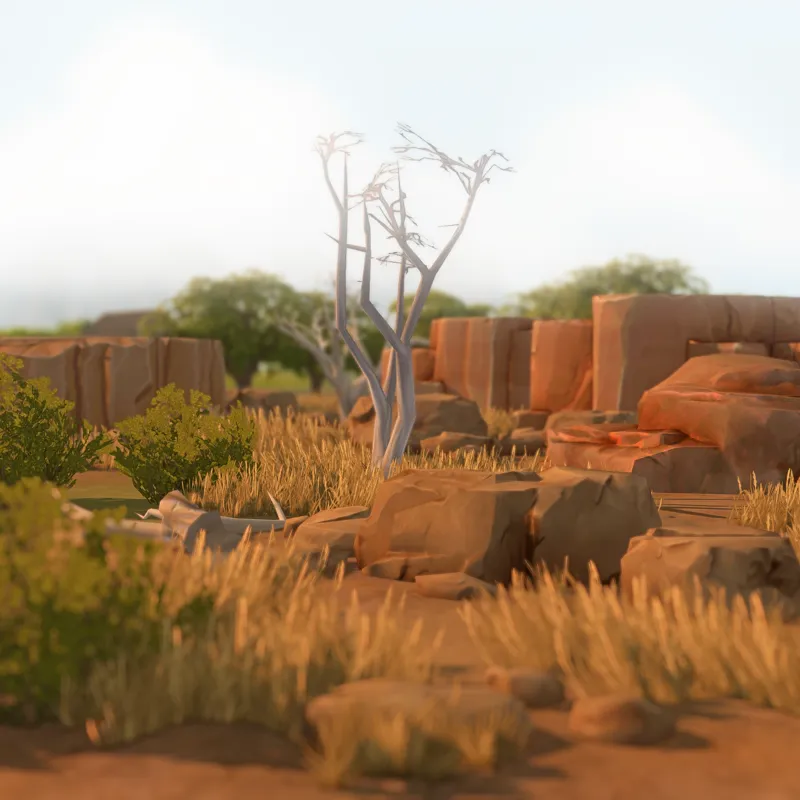
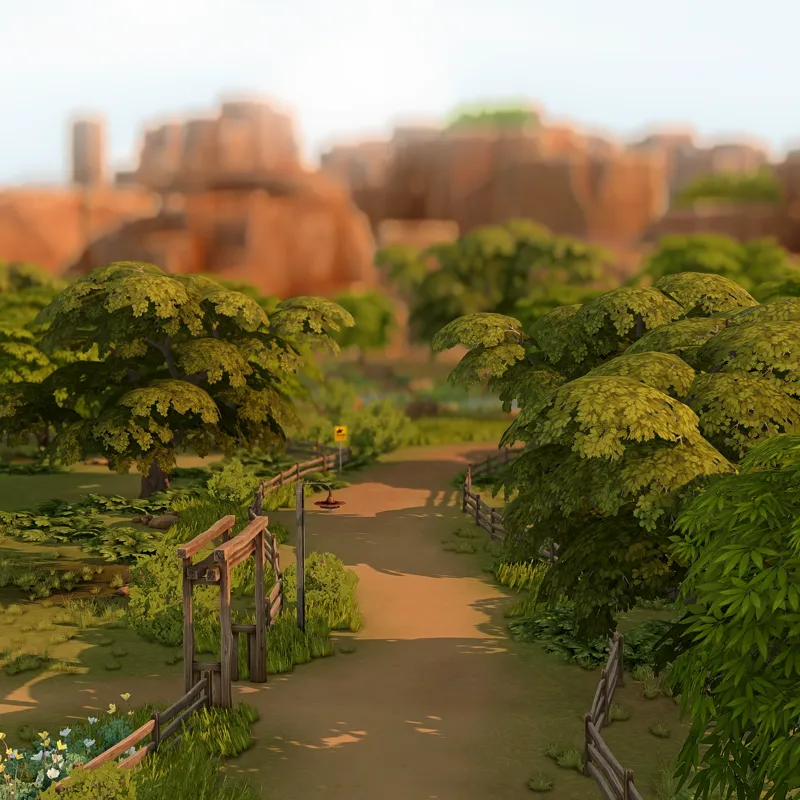
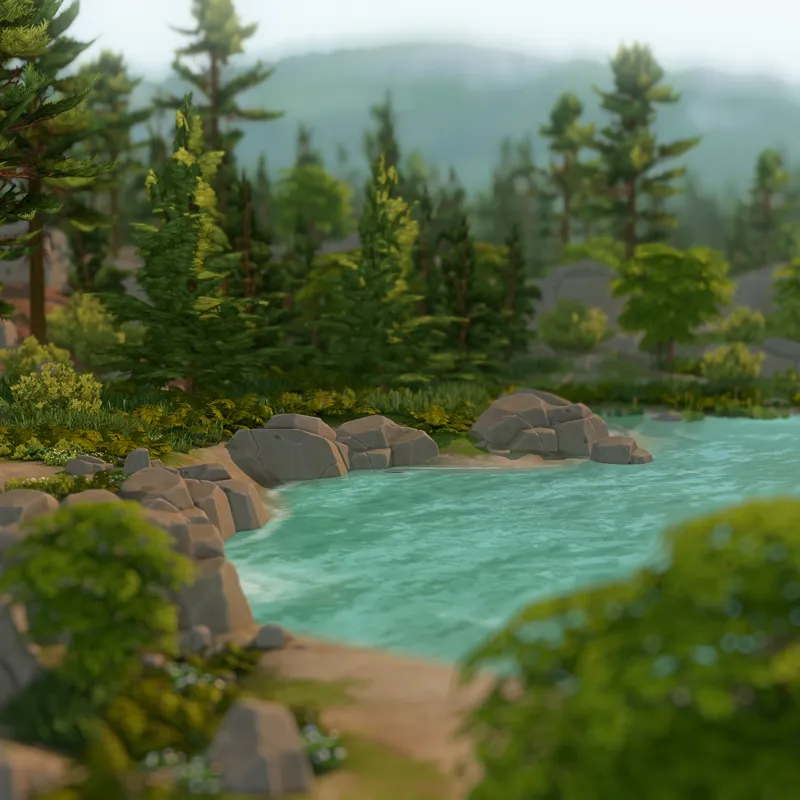
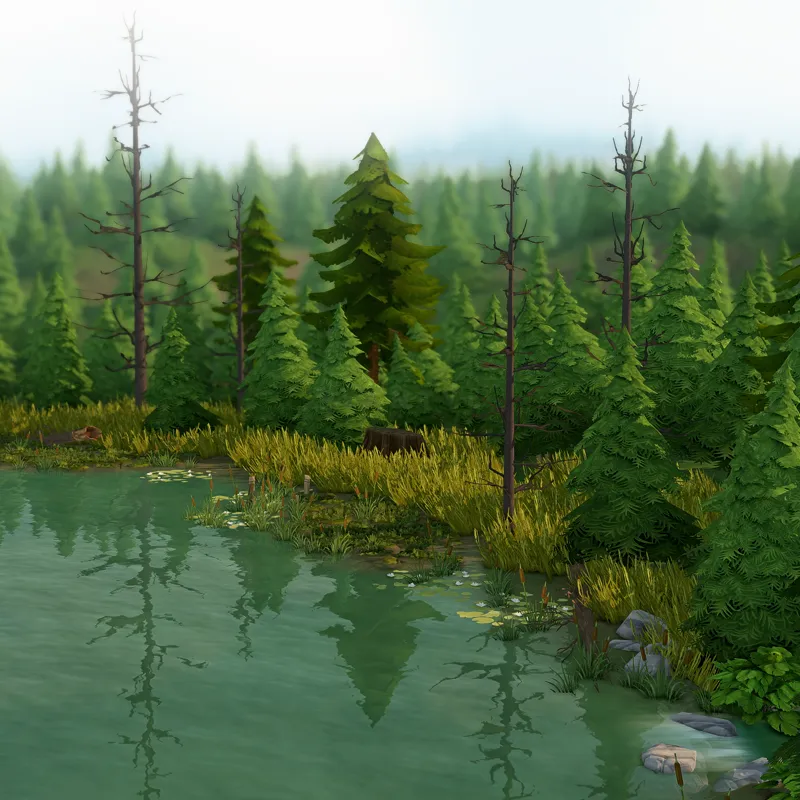
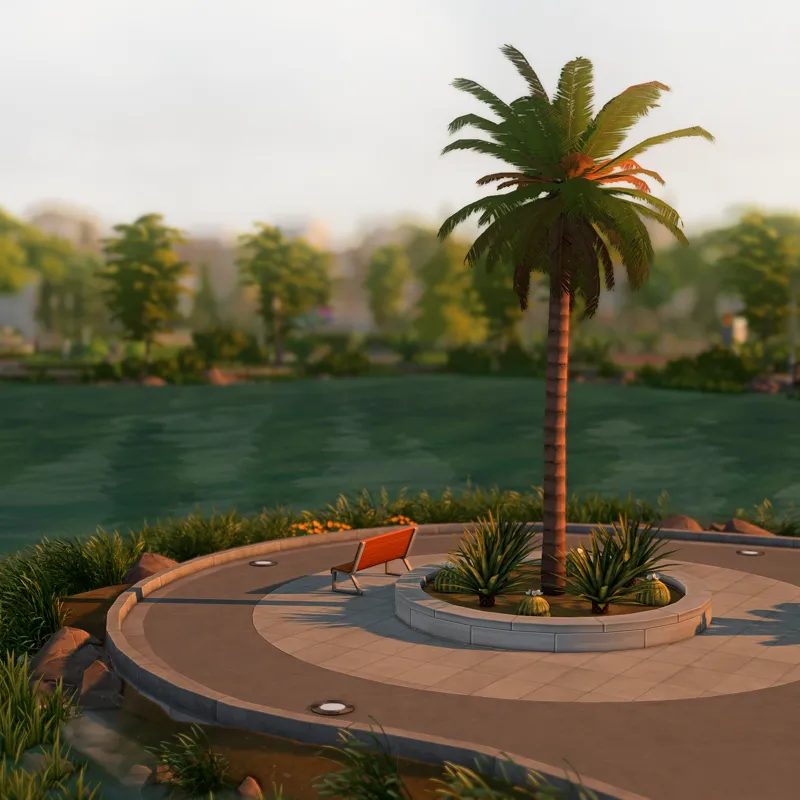
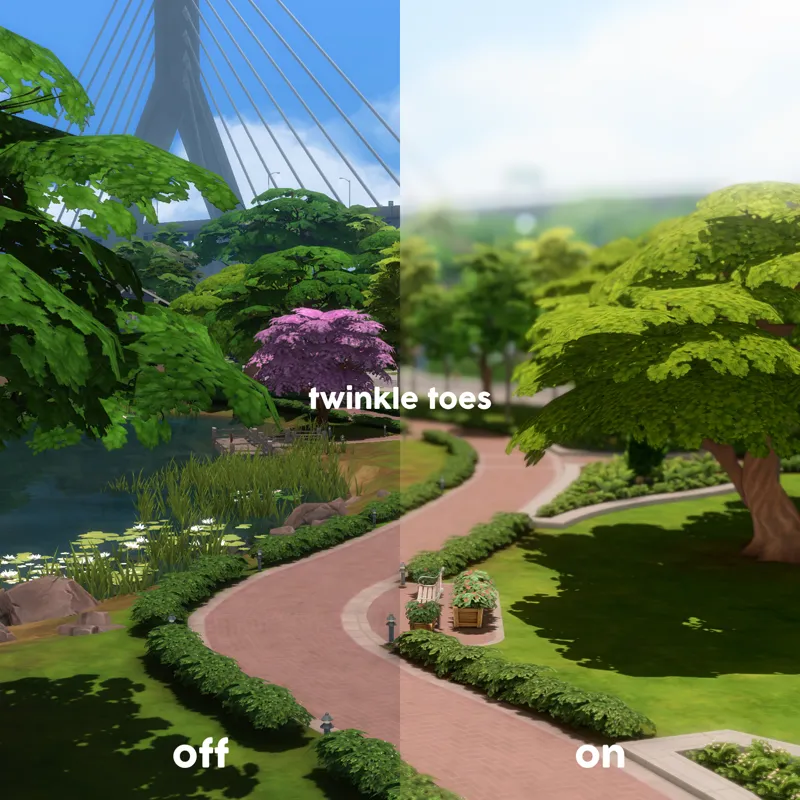
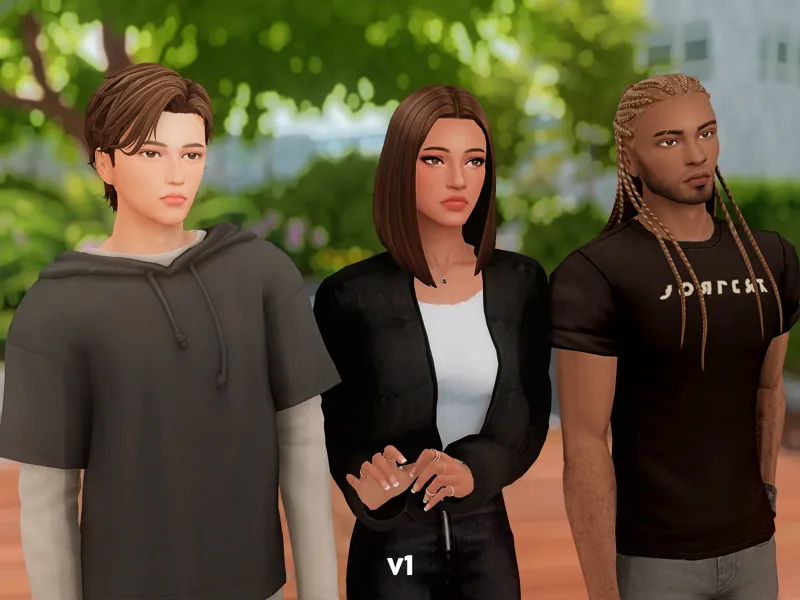
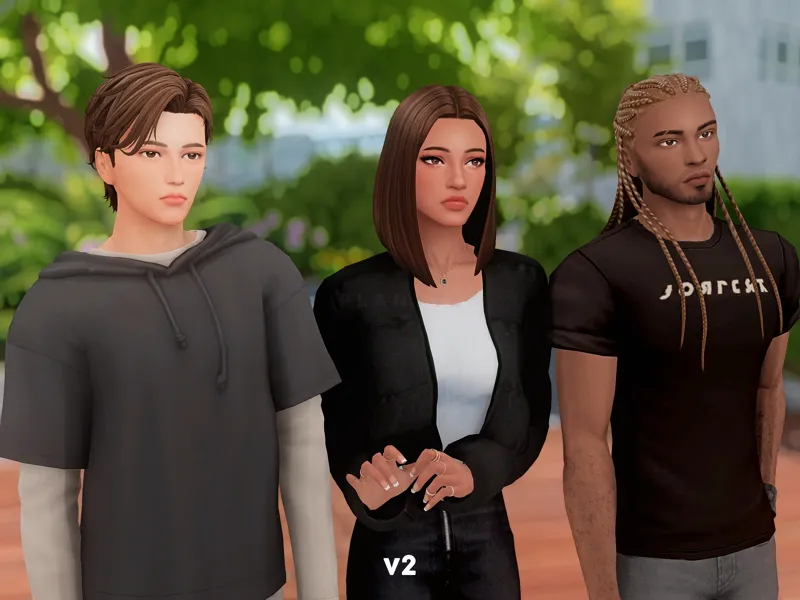
raie | reshade presets
/reɪ/
well, i can't come up with presets with a different style, can i?
basic info
created with reshade 5.9.2
compatible with reshade 5.x.x and 6.x.x, preferably 5.6.x or newer
probably compatible with gshade, preferably the latest version or any of the late versions
6 variants: 2 for cas, 2 for gameplay, and 2 for taking screenshots (the main ones)
the v2 ones are slightly cooler than the v1 ones.
should be completely lag-free on strong computers
hotkey
CinematicDOF - shift + f10
required shaders
please make sure the following shaders are in your reshade-shaders folder
AdaptiveFog
AmbientLight
Bloom (BloomAndLenFlares)
CinematicDOF
Clarity
Colourfulness
DepthHaze
FilmicPass
FXAA
Levels
LumaSharpen
MagicBloom
MultiLUT
MXAO 4.0.2 EX
qUINT_dof (ADOF)
SMAA
Smart_Sharp
misc info
if you use any modified GraphicsRules files, e.g. Simp4Sims' GraphicsRules Overhaul or my modified GraphicsRules file, edge smoothing must be disabled so that shaders targeting 3d objects like MXAO and DOF can properly function. if you use the default GraphicsRules file, edge smoothing must be disabled only in cas.
for night shots, simply disable AdaptiveFog
the two gameplay variants should be suitable for computers with average specs as they only use non memory-hungry shaders.
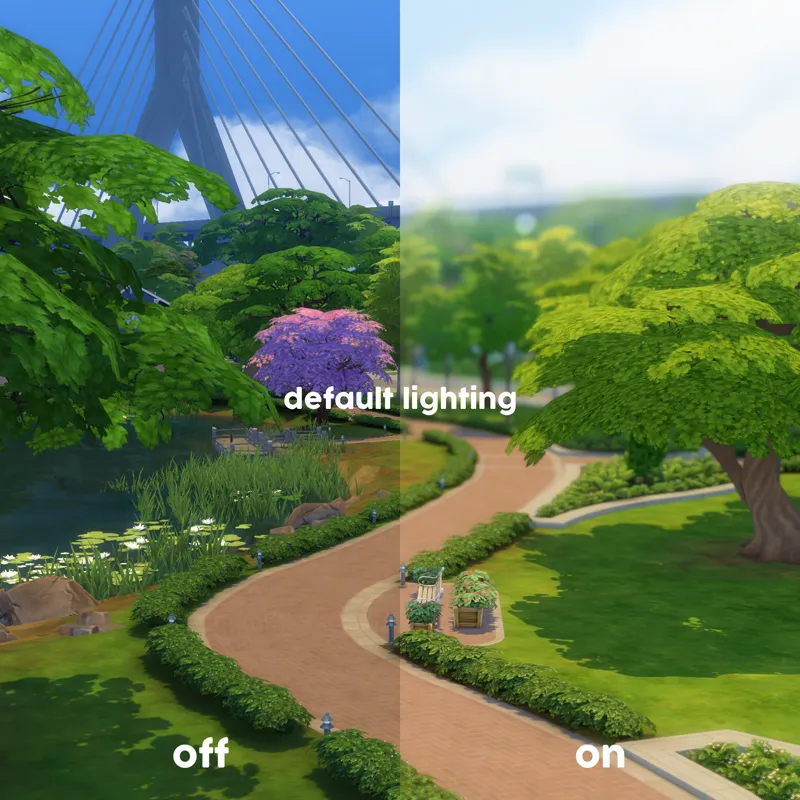
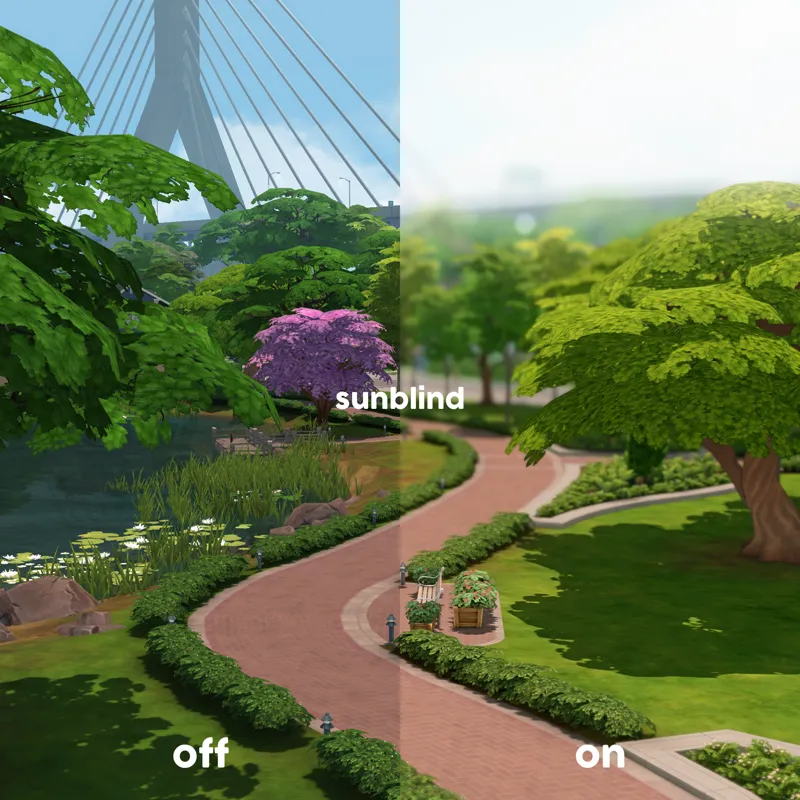
the presets are designed to work best with Softerhaze's Sunblind lighting mods.
if you use the presets with The Sims 2 or 3, the results will look slightly different depending on the default lighting of the neighbourhood or world you're playing in, or the lighting mod(s) you're using.
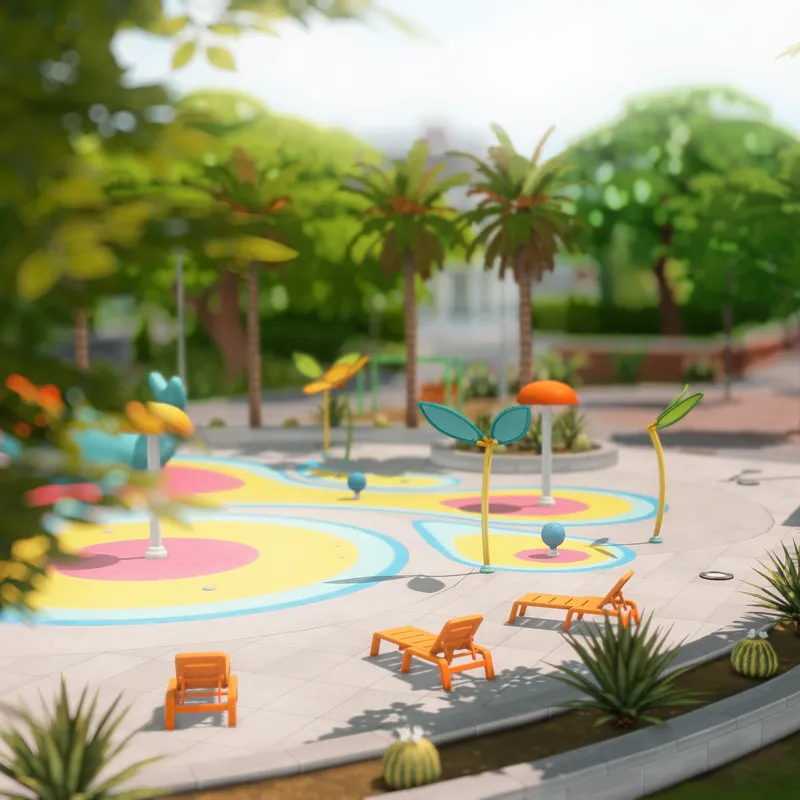
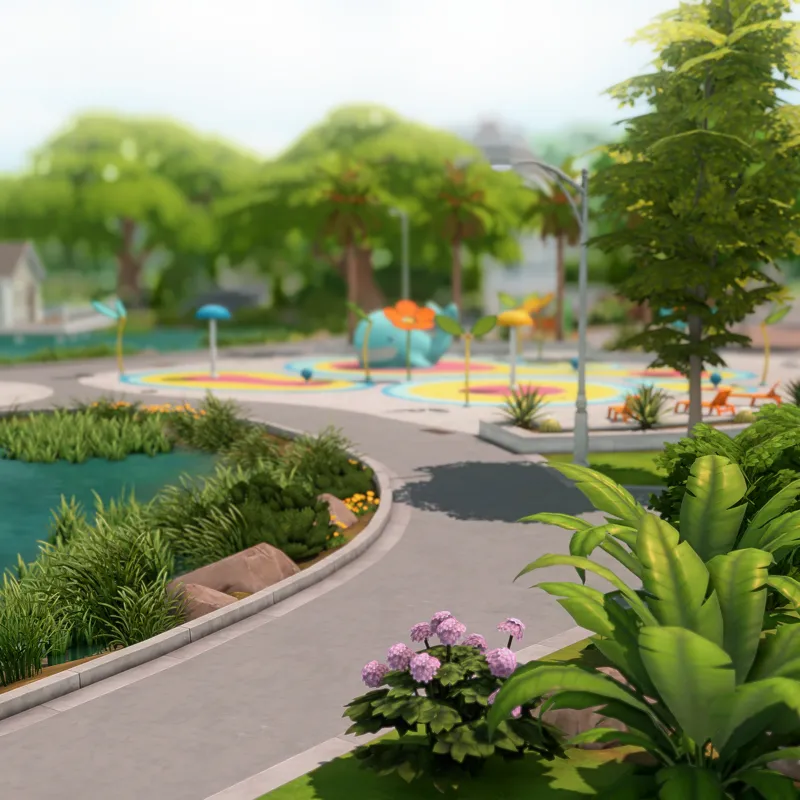
most of the photos above were taken with the main variants, Luumia's No Glo and No Blu, as well as Sunblind.
the only things added to the photos are texts and watermarks.
tou
you are allowed to adjust the presets only for personal use.
reuploading and monetising either the original or adjusted versions of the presets in any way, shape, or form are prohibited.
if you encounter any issues with these presets, you can send me an ask on tumblr. i'll try my best to help you.
enjoy ♡
======================================
i am currently taking an indefinite break from the sims and the game is no longer on my pc. if any issues emerge from any of my creations; unfortunately, i will not be able to fix them for you. nonetheless, you can still submit your questions regarding my creations and i will try to answer them as soon as possible.
Comments (6)
which ones for screenshots
v1 and v2 are the main presets
TWT the smart sharp is broken idky :(
you can try the one in the reshade-shaders zip file underneath this post. if it doesn’t work, then you might have to rely on LumaSharpen or any other available sharpening shaders.
Hey there, I had to remove the custom graphics rule sgr from Simp4sims that I was using after the switch to DX11 because I had objects glitching similar to when you put two objects on top of another. Does your one work with DX11?
Sorry for this late reply. I asked someone who uses my GraphicsRules file and they confirmed that it still works with DX11.