


























Qwen Image Models Training - 0 to Hero Level Tutorial - LoRA & Fine Tuning - Base & Edit Model
Tutorial Link
Info
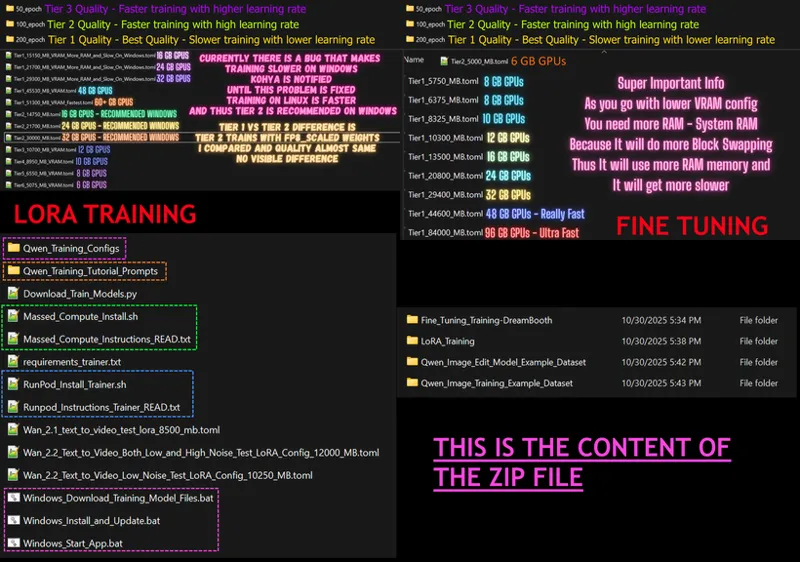
This is a full comprehensive step-by-step tutorial for how to train Qwen Image models. This tutorial covers how to do LoRA training and full Fine-Tuning / DreamBooth training on Qwen Image models. It covers both the Qwen Image base model and the Qwen Image Edit Plus 2509 model. This tutorial is the product of 21 days of full R&D, costing over $800 in cloud services to find the best configurations for training. Furthermore, we have developed an amazing, ultra-easy-to-use Gradio app to use the legendary Kohya Musubi Tuner trainer with ease. You will be able to train locally on your Windows computer with GPUs with as little as 6 GB of VRAM for both LoRA and Fine-Tuning.
Links
The post used in tutorial to download zip file : https://www.patreon.com/posts/qwen-trainer-app-137551634
Requirements tutorial : https://youtu.be/DrhUHnYfwC0
SwarmUI tutorial : https://youtu.be/c3gEoAyL2IE
Video Chapters
0:00 Introduction & Tutorial Goals
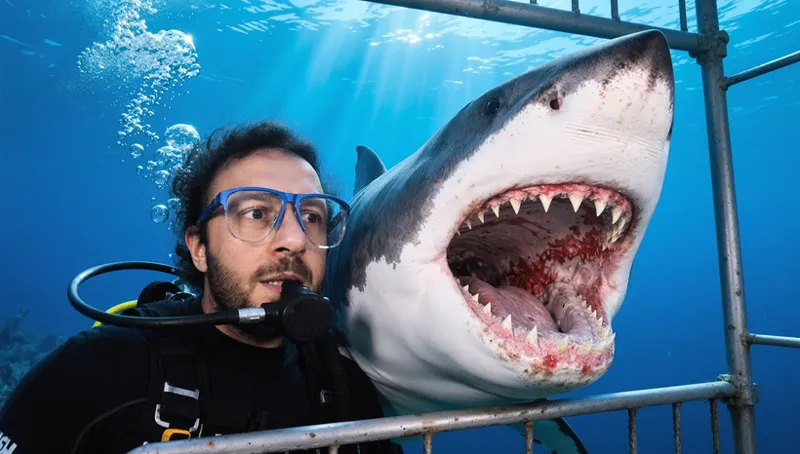
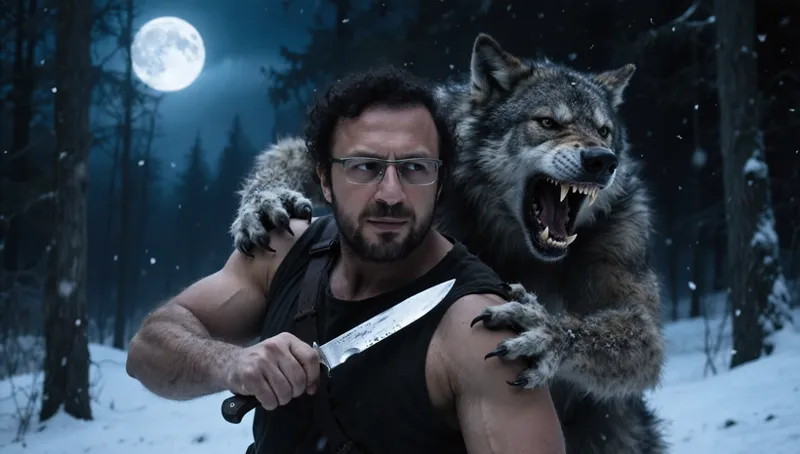
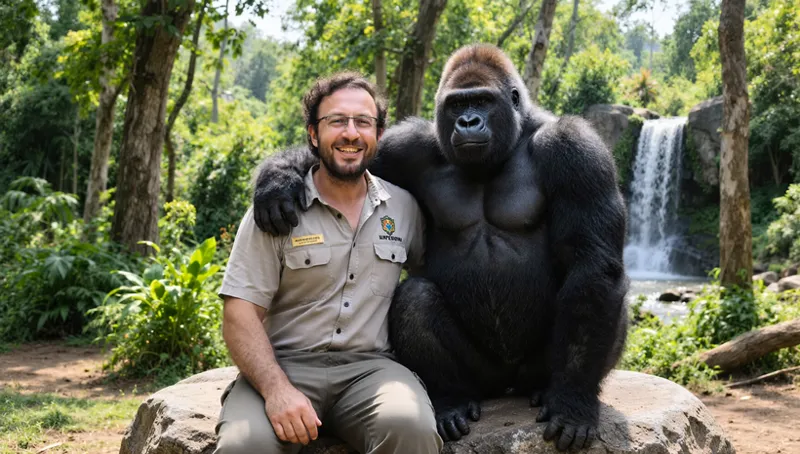
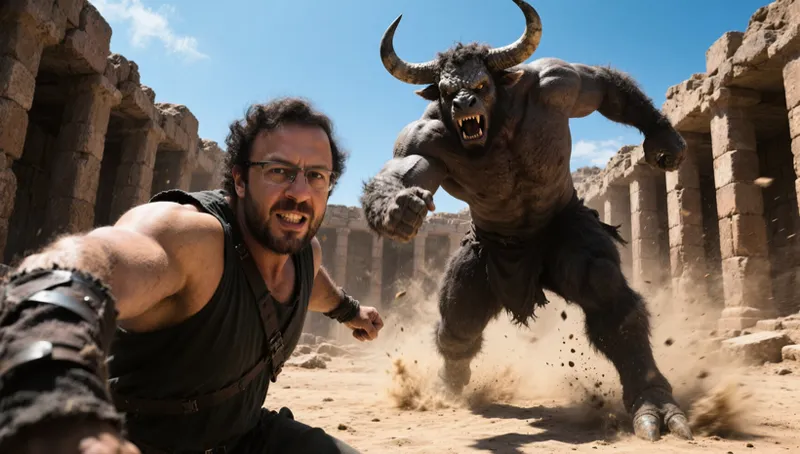
0:59 Showcase: Realistic vs. Style Training (GTA 5 Example)
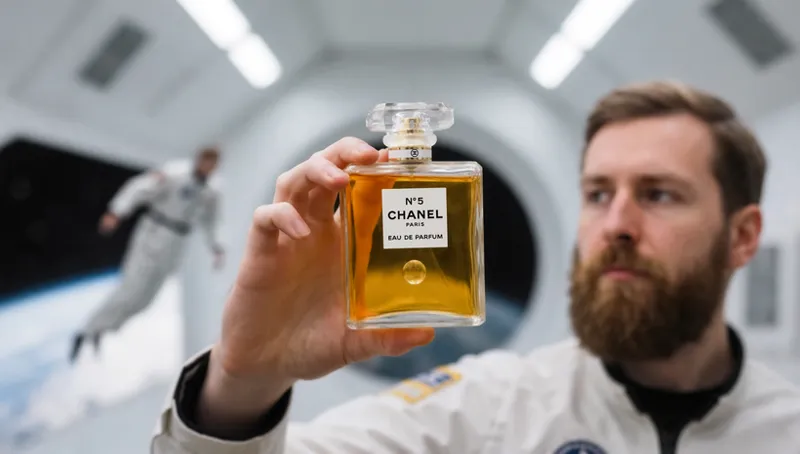
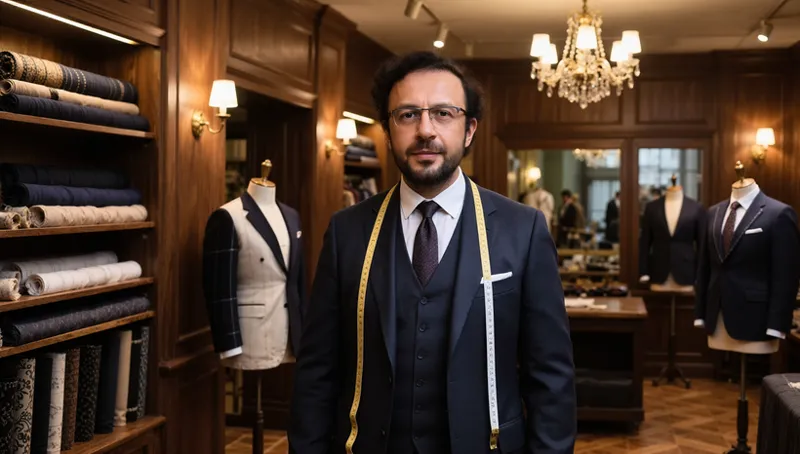
1:26 Showcase: High-Quality Product Training
1:40 Showcase: Qwen Image Edit Model Capabilities
1:57 Effort & Cost Behind The Tutorial
2:19 Introducing The Custom Training Application & Presets
3:09 Power of Qwen Models: High-Quality Results from a Small Dataset
3:58 Detailed Tutorial Outline & Chapter Flow
4:36 Part 4: Dataset Preparation (Critical Section)
5:05 Part 5: Monitoring Training & Performance
5:23 Part 6: Generating High-Quality Images with Presets
5:44 Part 7: Specialized Training Scenarios
6:07 Why You Should Watch The Entire Tutorial
7:15 Part 1 Begins: Finding Resources & Downloading The Zip File
7:50 Mandatory Prerequisites (Python, CUDA, FFmpeg)
8:30 Core Application Installation on Windows
9:47 Part 2: Downloading The Qwen Training Models
10:28 Features of The Custom Downloader (Fast & Resumable)
11:24 Verifying Model Downloads & Hash Check
12:41 Part 3 Begins: Starting The Application & UI Overview
13:16 Crucial First Step: Selecting & Loading a Training Preset
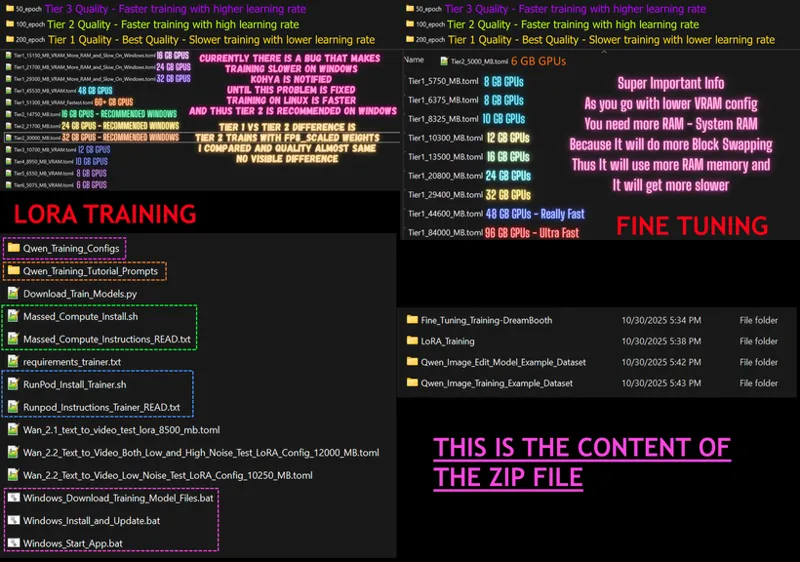
13:43 Understanding The Preset Structure (LoRA/Fine-Tune, Epochs, Tiers)
15:01 System & VRAM Preparation: Checking Your Free VRAM
16:07 How to Minimize VRAM Usage Before Training
17:06 Setting Checkpoint Save Path & Frequency
19:05 Saving Your Custom Configuration File
19:52 Part 4 Begins: Dataset Preparation Introduction
20:10 Using The Ultimate Batch Image Processing Tool
20:53 Stage 1: Auto-Cropping & Subject Focusing
23:37 Stage 2: Resizing Images to Final Training Resolution
25:49 Critical: Dataset Quality Guidelines & Best Practices
27:19 The Importance of Variety (Clothing, Backgrounds, Angles)
29:10 New Tool: Internal Image Pre-Processing Preview
31:21 Using The Debug Mode to See Each Processed Image
32:21 How to Structure The Dataset Folder For Training
34:31 Pointing The Trainer to Your Dataset Folder
35:19 Captioning Strategy: Why a Single Trigger Word is Best
36:30 Optional: Using The Built-in Detailed Image Captioner
39:56 Finalizing Model Paths & Settings
40:34 Setting The Base Model, VAE, and Text Encoder Paths
41:59 Training Settings: How Many Epochs Should You Use?
43:45 Part 5 Begins: Starting & Monitoring The Training
46:41 Performance Optimization: How to Improve Training Speed
48:35 Tip: Overclocking with MSI Afterburner
49:25 Part 6 Begins: Testing & Finding The Best Checkpoint
51:35 Using The Grid Generator to Compare Checkpoints
55:33 Analyzing The Comparison Grid to Find The Best Checkpoint
57:21 How to Resume an Incomplete LoRA Training
59:02 Generating Images with Your Best LoRA
1:00:21 Workflow: Generate Low-Res Previews First, Then Upscale
1:01:26 The Power of Upscaling: Before and After
1:02:08 Fixing Faces with Automatic Segmentation Inpainting
1:04:28 Manual Inpainting for Maximum Control
1:06:31 Batch Generating Images with Wildcards
1:08:49 How to Write Excellent Prompts with Google AI Studio (Gemini)
1:10:04 Quality Comparison: Tier 1 (BF16) vs Tier 2 (FP8 Scaled)
1:12:10 Part 7 Begins: Fine-Tuning (DreamBooth) Explained
1:13:36 Converting 40GB Fine-Tuned Models to FP8 Scaled
1:15:15 Testing Fine-Tuned Checkpoints
1:16:27 Training on The Qwen Image Edit Model
1:17:39 Using The Trained Edit Model for Prompt-Based Editing
1:24:22 Advanced: Teaching The Edit Model New Commands (Control Images)
1:27:01 Performance Impact of Training with Control Images
1:31:41 How to Resume an Incomplete Fine-Tuning Training
1:33:08 Recap: How to Use Your Trained Models
1:35:36 Using Fine-Tuned Models in SwarmUI
1:37:16 Specialized Scenario: Style Training
1:38:20 Style Dataset Guidelines: Consistency & No Repeating Elements
1:40:25 Generating Prompts for Your Trained Style with Gemini
1:44:45 Generating Images with Your Trained Style Model
1:46:41 Specialized Scenario: Product Training
1:47:34 Product Dataset Guidelines: Proportions & Detail Shots
1:48:56 Generating Prompts for Your Trained Product with Gemini
1:50:52 Conclusion & Community Links (Discord, GitHub, Reddit)
Some Example Photos
Comments (14)
for latest qwen2512 trained models is it possible to extract trained lora from trained model with musubi? or is the best method to use the reduced quant models instead of loras? I have tried musubi lora extraction and get zero likeness and is unusable. Unless I did something wrong, I don't see the use of musubi qwen lora extraction.
LoRA extraction sadly not working great. but you can convert to FP8 scaled it works amazing. did you try? we have FP8 quant preset for qwen too
Do you have a soln to this problem? It has been occurring for several weeks now and I have updated comfui several times in the past few weeks but it still happens and I have to install huggingface-hub 0.34.0 instead of >1.0. Here is the error: ImportError: huggingface-hub>=0.34.0,<1.0 is required for a normal functioning of this module, but found huggingface-hub==1.1.4. [ComfyUI-0/STDERR] Try: `pip install transformers -U` or `pip install -e '.[dev]'` if you're working with git main 09:59:28.902 [Error] Self-Start ComfyUI-0 on port 7821 failed. AutoRestart ignored as this was an initial launch failure.
yes use newest zip file. delete venv and run install again
Hey, nice tutorial very well explained, but i got a problem at the lora training with musubi. I run a Lora Training on a rtx 5090 for about 12 hours and got like epoche 165/200. I interrupted the training for personal use and now i got problem resume the training. I insert the path under resume training path to safetensors but he can't find it.
hello. please follow the tutorial. i have shown how to resume both LoRA and fine tuned model 57:21 How to Resume an Incomplete LoRA Training 1:31:41 How to Resume an Incomplete Fine-Tuning Training
fantastic training info! Do you see any need to train standard qwen model over the image-edit model? It appears image-edit training has more capabilities without any losses compared to standard qwen model training.
well in some prompts i feel like qwen base performs better. but qwen image edit has more features as you said. i think both can be used. if you need those extra features go with qwen image edit model
Love your tutorials! I have a problem with the Ultimate image processing toolkit. I run the resizing process of images of about 3024x3800 to 1338x1328. The process runs without errors. I have a set of images created in the 1338x1328 folder but the resolution is the same as the originals. I run the resizer but it doesn’t start. ‘Folder not found for the resolution 1338x1328. Skipping this resolution’ 😵💫
please follow video shown both process : https://youtu.be/DPX3eBTuO_Y check video chapters : 19:52 Part 4 Begins: Dataset Preparation Introduction 20:10 Using The Ultimate Batch Image Processing Tool 20:53 Stage 1: Auto-Cropping & Subject Focusing 23:37 Stage 2: Resizing Images to Final Training Resolution 25:49 Critical: Dataset Quality Guidelines & Best Practices 27:19 The Importance of Variety (Clothing, Backgrounds, Angles) 29:10 New Tool: Internal Image Pre-Processing Preview 31:21 Using The Debug Mode to See Each Processed Image 32:21 How to Structure The Dataset Folder For Training 34:31 Pointing The Trainer to Your Dataset Folder
In the training video around 1:32:11, it shows how if you want to continue from a trained checkpoint (dreambooth) that you put the checkpoint you want to continue from into the "DiT base model" path and it will continue from where it left off (though starting counting from step 1 (I think, or 0) again so you need to reduce the number of epochs/steps etc). But what will happen if you were saving it every x steps and it was saved partially through an epoch? Didn't Loras save a state folder? I don't know if dreambooths need that but wouldn't they need to know which image to continue from if you stopped it part way through an epoch, and what order the randomized training images were in, to continue from where it left off if it's stopped and then resumed from part way through an epoch? edit - though there's still the option for "save optimizer state checkpoints". I assume we can enable that with dreambooths as well as Loras so you can restart from where you left off using that state. Also can you please add a "stop" button that shows when it's caching, so if we remember we forgot to change a value in the setup we can stop it caching and change the value we wanted to change (such as learning rate) and restart training? Currently the "stop training" button doesn't show until after the caching and dataset stuff has finished.
there is no way to stop earlier than this. none of the configs saves state by default. you can save states but it will take extra space and slow down
Malwarebytes really doesn't like python accessing cas-bridge.xethub.hf.co for the huggingface hub downloads. FYI.
damn. sadly we have to depend on Hugging Face since no other platform provides such speed and storage for free. they have to fix this