












FLUX Tools Complete Tutorial with SwarmUI (as easy as Automatic1111 or Forge) : Outpainting, Inpainting, Redux Style Transfer + Re-Imagine + Combine Multiple Images, Depth and Canny
Tutorial Link : https://youtu.be/hewDdVJEqOQ
Tutorial resource link (public / no-paywall) : https://www.patreon.com/posts/tutorial-instructions-links-public-post-106135985
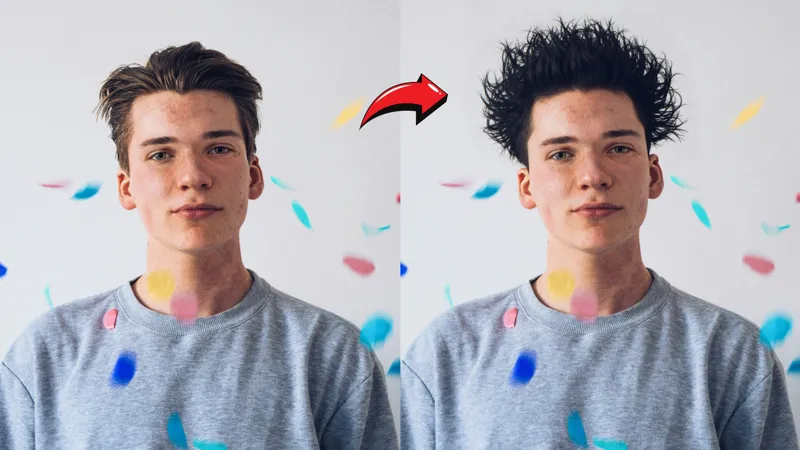
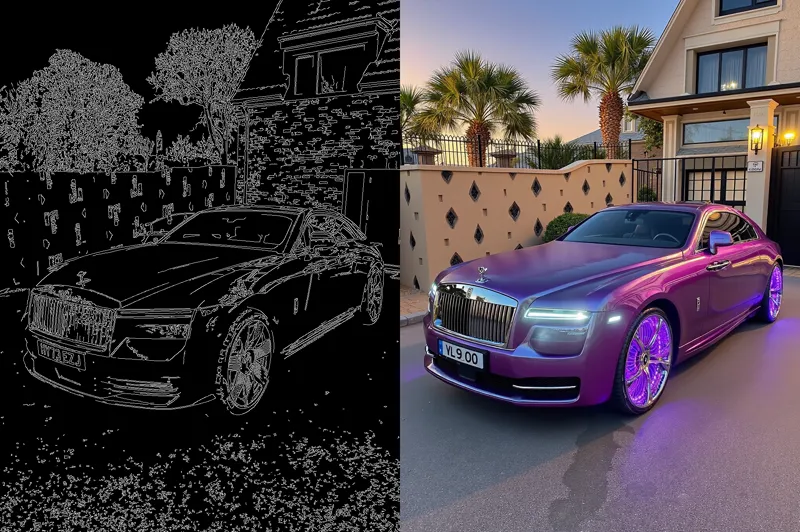
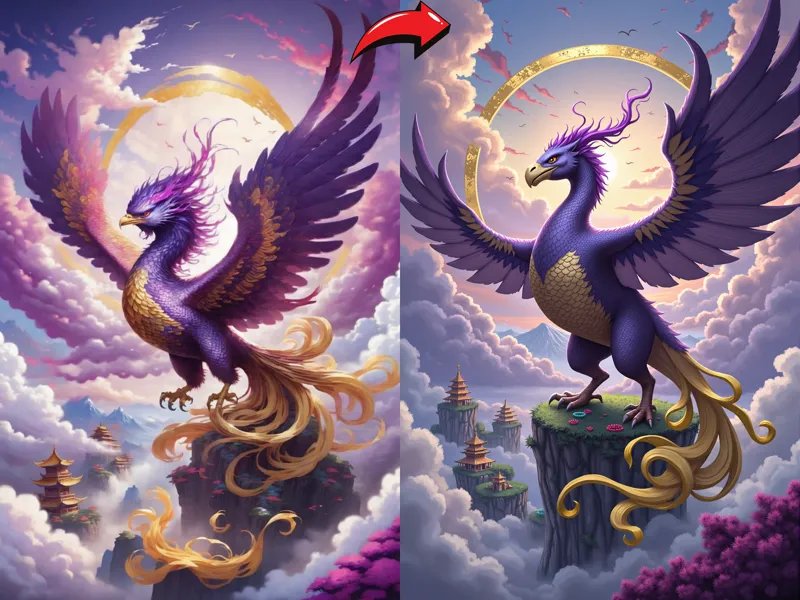
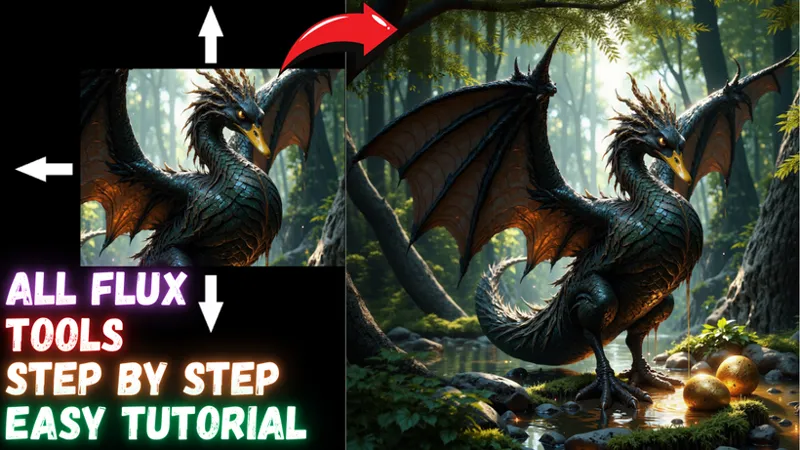
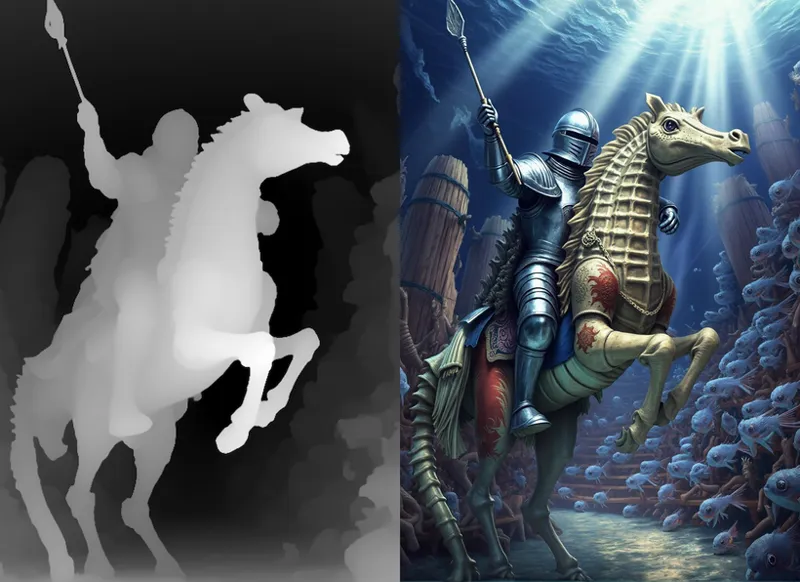
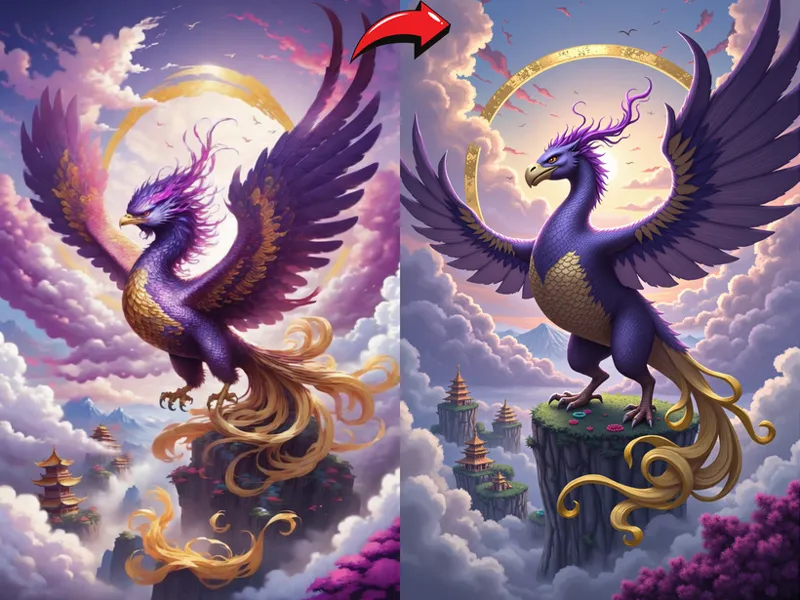
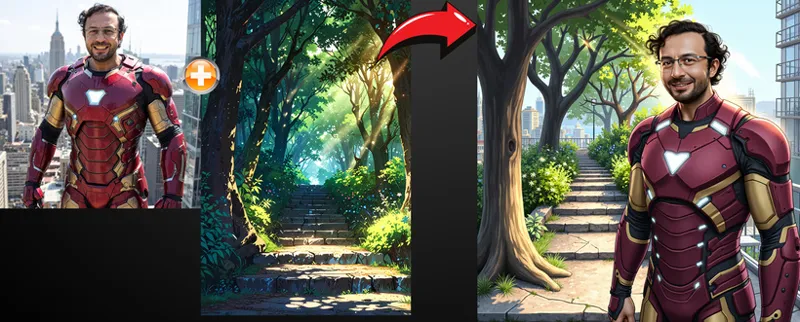
FLUX.1 Tools by BlackForestLabs changed the #AI field forever. They became the number 1 Open Source community provider after this massive release. In this tutorial, I will show you step by step how use FLUX.1 Fill model (inpainting model) to do perfect outpainting (yes this model used for outpainting) and inpainting. Moreover, I will show all features of FLUX Redux model to do style transfer / re-imagine 1 and more than 1 images combination. Furthermore, I will show you step by step how to convert input image into Depth or Canny maps and then how to use them on #FLUX Depth and Canny models. Both LoRA and full checkpoints of FLUX Depth and Canny.
🔗 Full Instructions, Configs, Installers, Information and Links Shared Post (the one used in the tutorial - Public - no-paywall) ⤵️
▶️ https://www.patreon.com/posts/tutorial-instructions-links-public-post-106135985
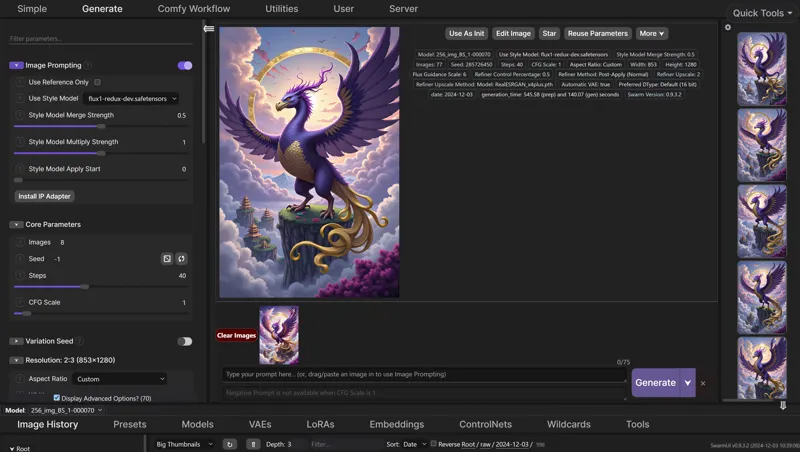
Preparation of this tutorial took more than 1 week and this will be the very best and easiest to follow tutorial since it is made with famous #SwarmUI. SwarmUI is as easy and as advanced as Automatic1111 SD Web UI. Biggest advantage of SwarmUI is that, it uses ComfyUI as a back-end. Therefore, It is extremely fast, VRAM optimized and supports all of the newest SOTA models as soon as they are published.
So in this tutorial I will show you how to setup SwarmUI and FLUX Dev tools on your Windows Computer, Massed Compute, RunPod and Kaggle. I will step by step explanatin and show you every tips and tricks that you need to properly do style transfer, re-imagine, inpaint, outpaint, depth and canny with FLUX.
Video Chapters
0:00 Introduction to step by step FLUX Dev Tools tutorial
2:21 Windows: main part of the tutorial for learning everything about SwarmUI and FLUX Tools
3:20 How to do a fresh install and update of SwarmUI
4:45 How to set automatic back-end update enabled for ComfyUI
5:09 How to update your existing SwarmUI and ComfyUI back-end into the latest version properly
5:45 How to download newest FLUX Tools models (Redux, Fill, Depth, Canny)
6:50 Updated features and mind blowing speed of SwarmUI Unified Model Downloader
8:38 How to start SwarmUI again after the installation
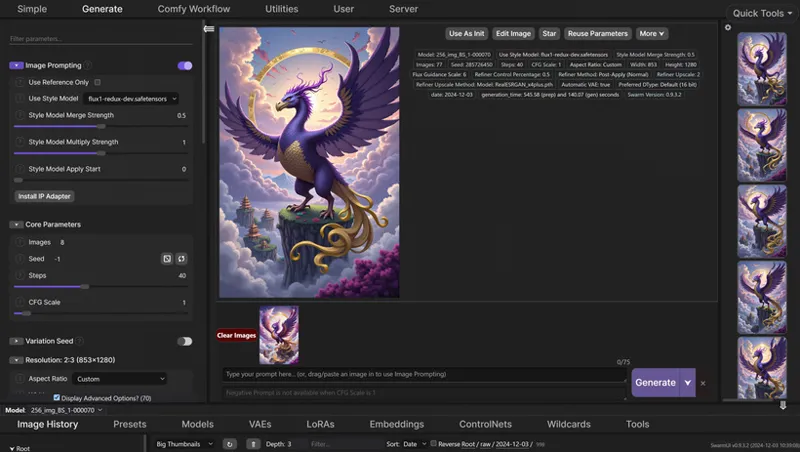
9:59 How to use Redux (style transfer and re-imagine) FLUX Tool model
10:55 How and when Image Prompt screen appears on SwarmUI
11:35 How exactly Model Apply Start works
12:45 How to see / follow what is actually happening - see logs
13:22 How to use Grid system to find best parameters / settings for your usage case
14:21 How to use FLUX Redux model to combine multiple images into a new image - style transfer
15:34 How to use automatic face inpainting to improve face quality and consistency with face
YOLO model and segment feature
17:10 Merging 3 images at once into a new image with FLUX Redux adapter model
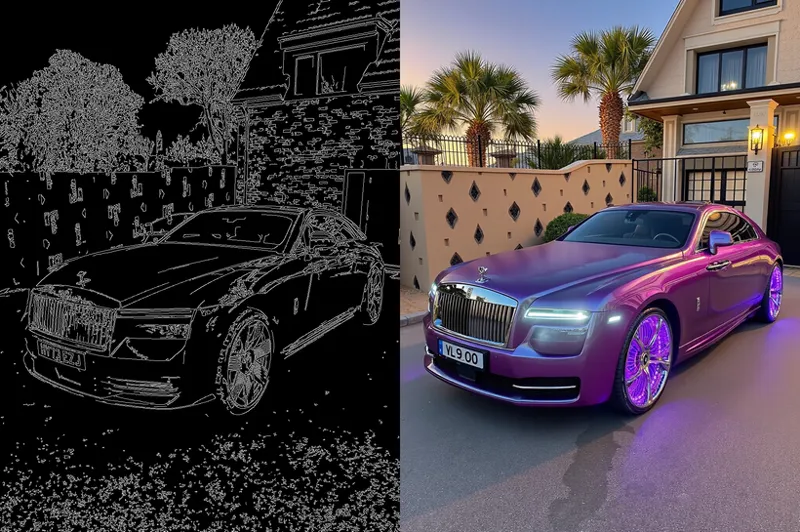
19:01 How to use FLUX Canny and Depth models
19:21 Beginning to show how to super easy use FLUX Canny model
21:20 Pay extreme attention to the aspect ratios when using Canny or Depth model
24:32 How to use Canny LoRA model
25:18 How to use FLUX Depth model
26:50 How to use FLUX inpainting (FLUX.1 Fill) model for inpainting task
27:33 How to properly use image editor of SwarmUI for inpainting
29:05 Best configs of FLUX fill model inpainting
30:28 How to make grid comparison to find best parameters for your case
30:57 How to remove / erase masking to fix the mask
31:51 Full guide for how to outpaint / expand images better than all paid apps for free with FLUX Fill model
34:35 Which prompting strategy works better for out-painting images
38:55 Where to find and follow us (SECourses) on Discord, Reddit, LinkedIn and GitHub
40:01 Massed Compute install and setup
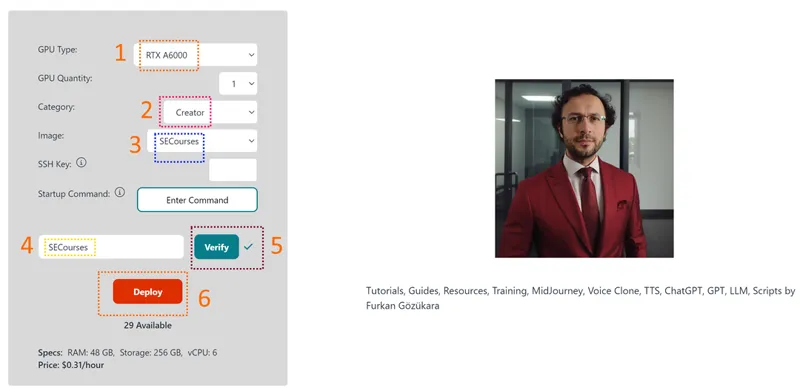
40:43 Selecting SECourses image and using our 0.31$ coupon (50% lower price)
42:25 Setup ThinLinc client and connect cloud Massed Compute machine and synch and transfer your files
45:24 How to update existing SwarmUI and download new FLUX Tools on Massed Compute
49:08 How much time downloading over 80 GB of models takes on Massed Compute
49:18 How to start SwarmUI on a shared link to use it in your computer, phone, table but run in Massed Compute
49:55 How to utilize multiple GPUs in SwarmUI - e.g. dual GPU setup
50:40 How to terminate machine to not use any credits
51:05 RunPod install and setup for FLUX Tools and SwarmUI
52:28 Which template to use on RunPod for SwarmUI and FLUX Tools
52:56 How to set a RunPod port to connect via RunPod port based proxy system through your browser on any device
53:51 How to install SwarmUI on RunPod - fresh installation
55:52 How to install onnxruntime on RunPod to fix onnxruntime error that you get
56:21 How to download new FLUX Tools models on RunPod for SwarmUI
59:27 How to start using SwarmUI after FLUX Tools models downloaded and all installed, refresh models
1:00:27 Kaggle install and setup for FLUX Tools and SwarmUI
Comments (10)
Redux always worked for me while using massed compute. On my Ubuntu machine I got today an error message (Flux-dev models work): All available backends failed to load the model '/opt/swarmui/Models/diffusion_models/flux1-redux-dev.safetensors'. Possible reason: Model loader for flux1-redux-dev.safetensors didn't work - are you sure it has an architecture ID set properly? (Currently set to: 'Flux.1-redux-dev')
your folder is wrong :D look our swarmui downloader where it downloads
I have tried to use character Loras with Flux Depth, where I preview in ControlNet and then use that preview in Init Image as in the video. However I can't get it to work. Either it completely change the image or I get a black and white image. I have tried playing around with Flux Guidance and Init Image Creativity values but get no good results. Do I need to increase steps from 40 to something much higher?
i think those loras are not compatible with depth model
Is this a true fp8 version of Flux Canny? https://civitai.com/models/995751/flux1-canny-dev-fp8-e4m3fn
i am not sure but memory consumption wont be different because SwarmUI already casts your full FP16 version into FP8 - unless you explicitly set FP16
Thank you so much for this video! I really love all the explainations in it! Could you do a video where you explain how to put 2 trained person from 2 different checkpoints into the same 1 picture? I know it somehow works with creating a picture of 2 people and then do regional prompting or masking in combination with "input image" and then yolo-facing person 1 with its checkpoint, and then masking + yolo-facing person 2 with its checkpoint. tried it, but the results are not that great for person 2 where the mask is applied. face 2 is more blurry than the "natively" generated person 1 in first generation step, and the resamblance is also not the best.
exactly as you said the results are not good. i did huge research on this but you really need to have both person at the same image in the training dataset. i will probably try cheap photoshoped both person put into same images to compare :D
Nice will check this out, looks cool. Can you please do a video on generating consistent character pictures too? Like character creation for LORA. It’s so hard to find good workflows or info on making like a character sheet and 20x photos of the same character. Very hard to do too. I’ve seen a couple decent ones with flux. But none that can generate the same character in different scenes, clothes, etc. any variability but same face.
well it is not very doable. so what you can do is this. augment your character image. like 1 image into 10 with different cropping. then do a training. then generate different positions of that character. pick good ones. and do second training. this way you can improve your virtual character. this is the best way atm