


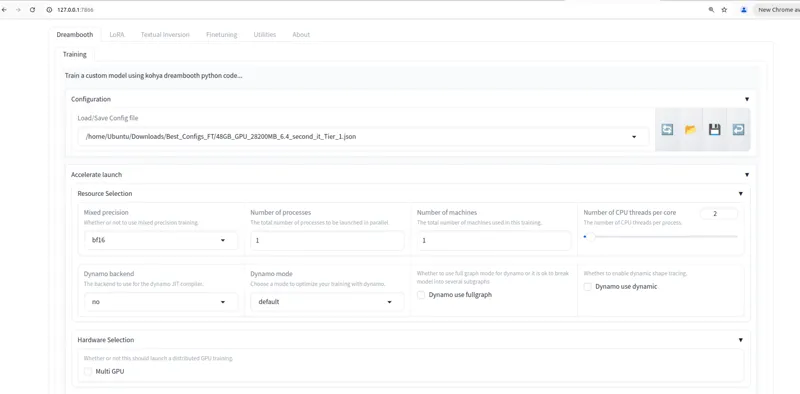






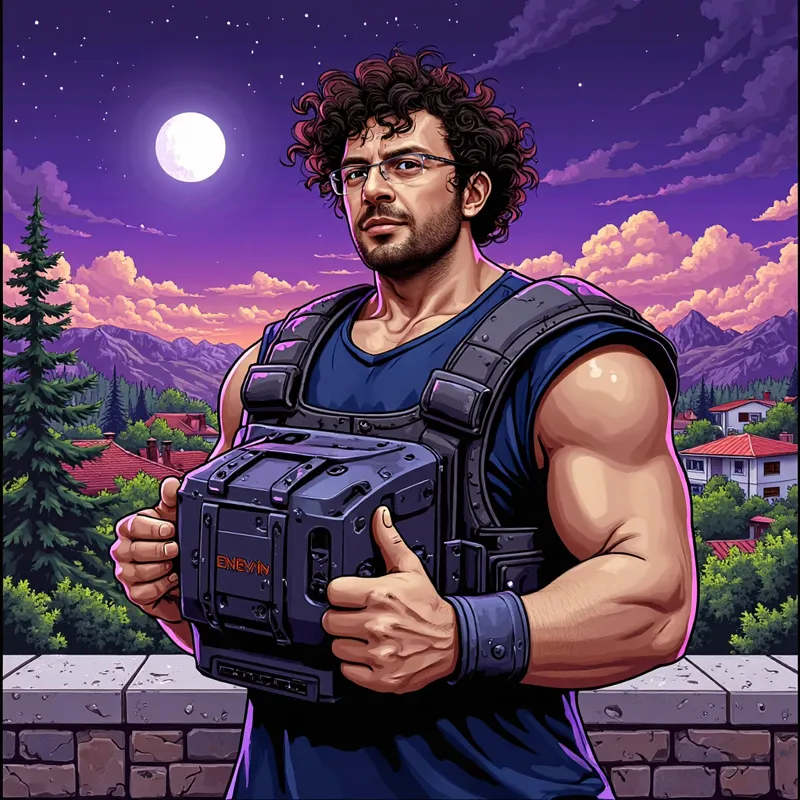
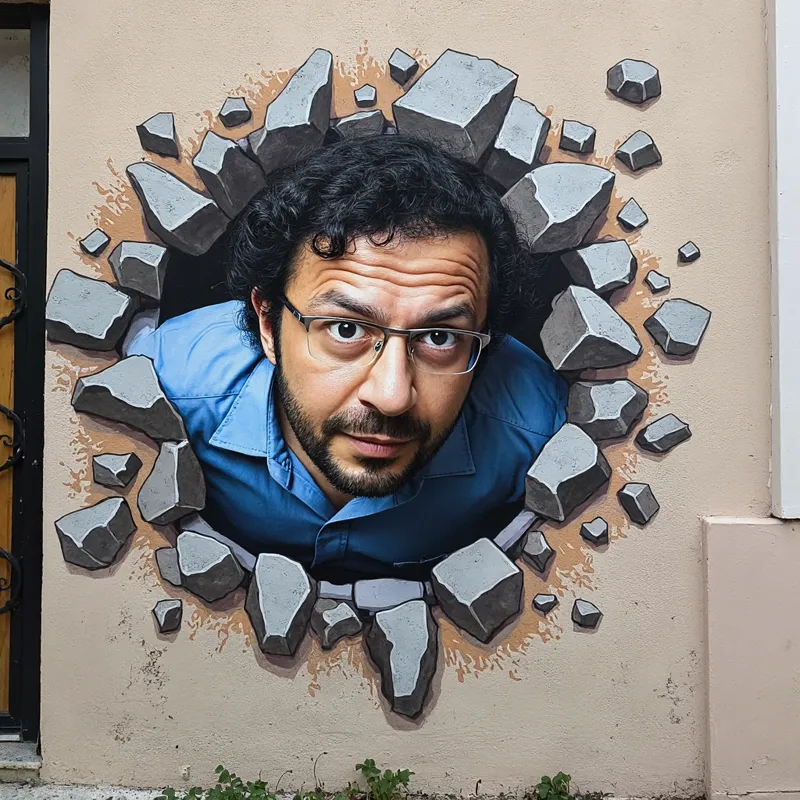







Huge news for Kohya GUI - Now you can fully Fine Tune / DreamBooth FLUX Dev with as low as 6 GB GPUs without any quality loss compared to 48 GB GPUs - Moreover, Fine Tuning yields better results than any LoRA training could
Huge news for Kohya GUI - Now you can fully Fine Tune / DreamBooth FLUX Dev with as low as 6 GB GPUs without any quality loss compared to 48 GB GPUs - Moreover, Fine Tuning yields better results than any LoRA training could
Config Files
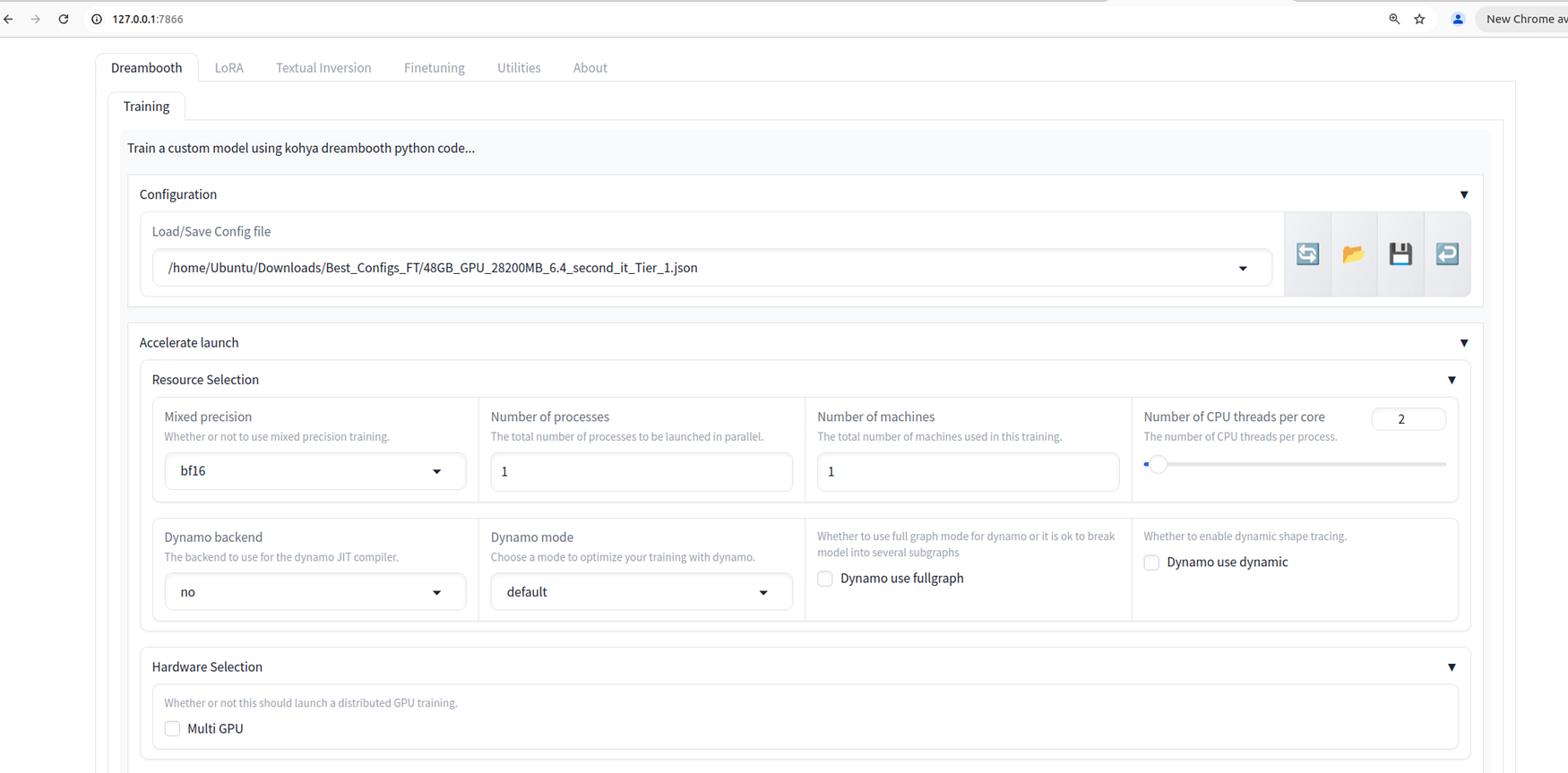
I published all configs here : https://www.patreon.com/posts/112099700
Tutorials
Fine tuning tutorial in production
Windows FLUX LoRA training (fine tuning is same just config changes) : https://youtu.be/nySGu12Y05k
Cloud FLUX LoRA training (RunPod and Massed Compute ultra cheap) : https://youtu.be/-uhL2nW7Ddw
LoRA Extraction
The checkpoint sizes are 23.8 GB but you can extract LoRA with almost no loss quality - I made a research and public article / guide for this as well
LoRA extraction guide from Fine Tuned checkpoint is here : https://www.patreon.com/posts/112335162
Info
This is just mind blowing. The recent improvements Kohya made for block swapping is just amazing.
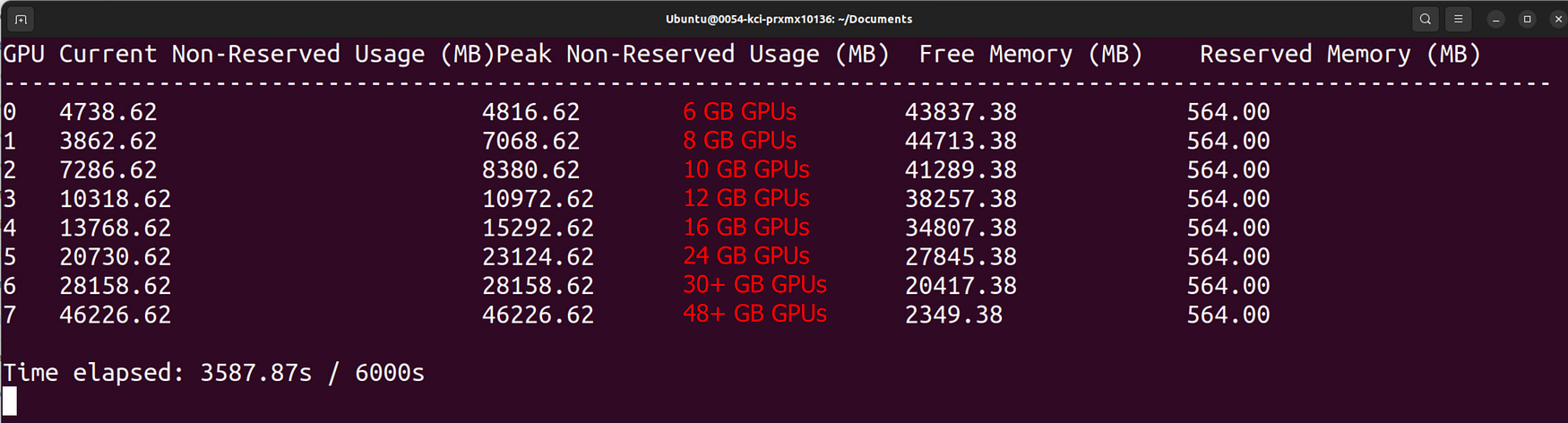
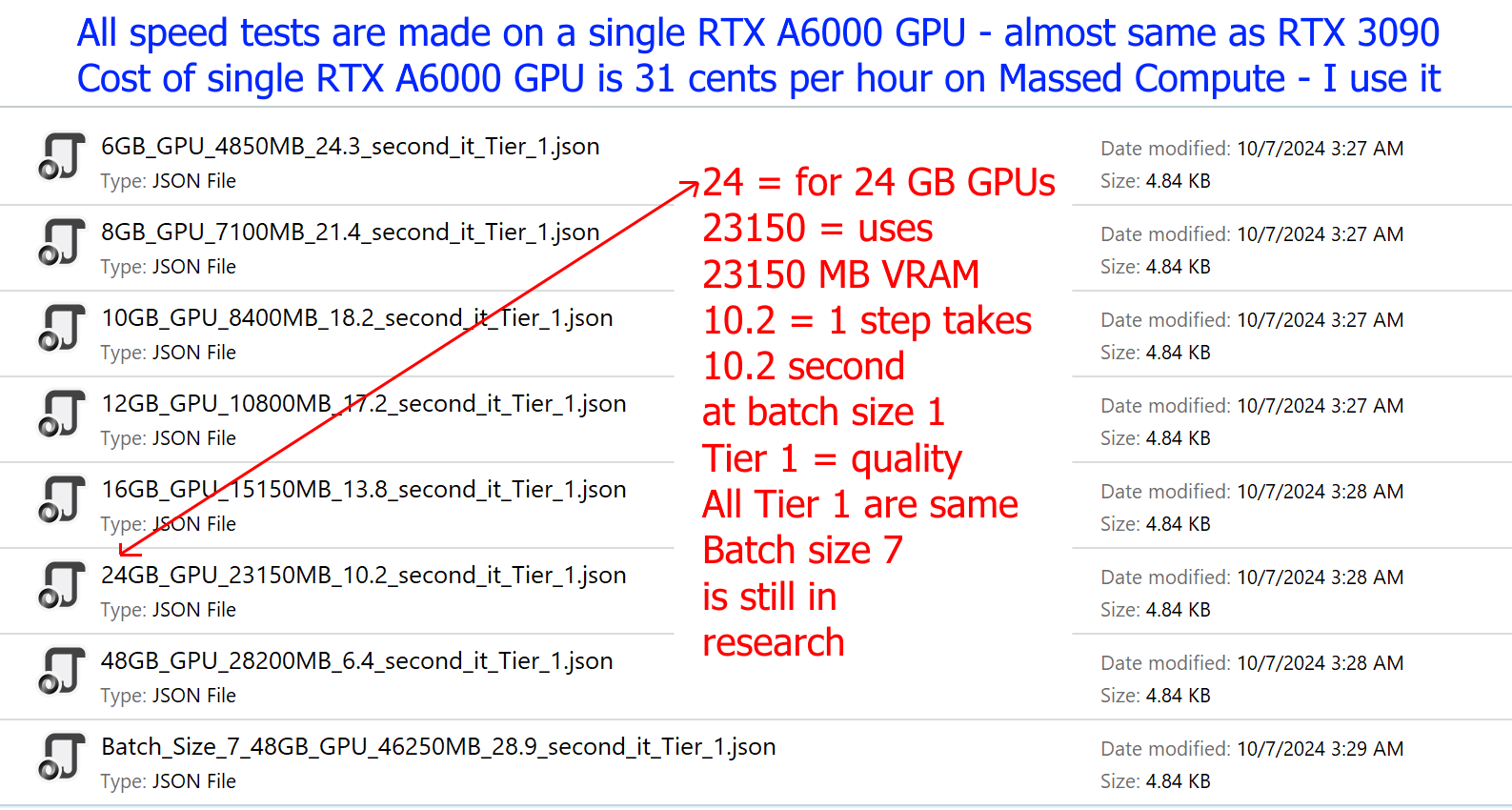
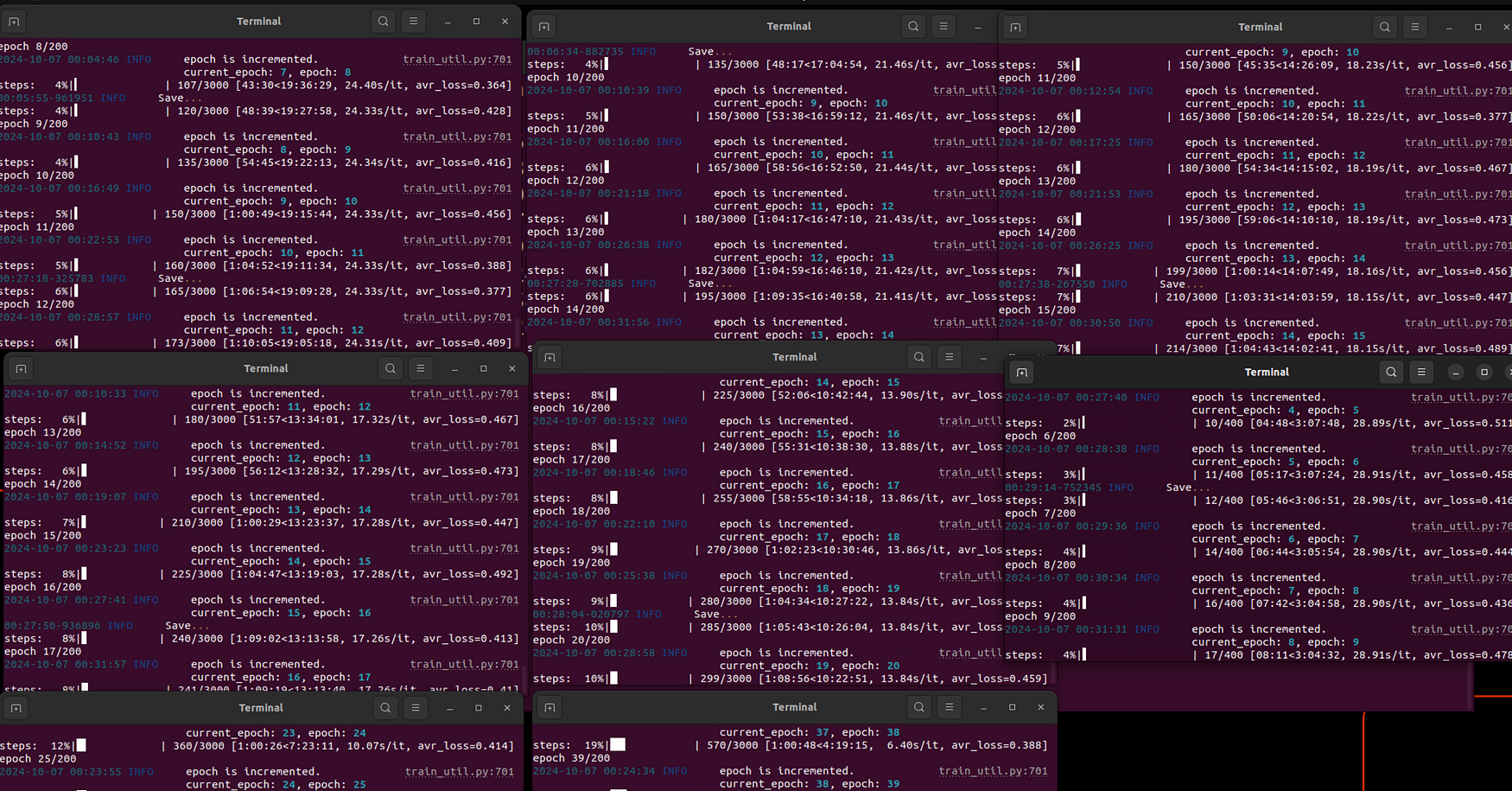
Speeds are also amazing that you can see in image 2 - of course those values are based on my researched config and tested on RTX A6000 - same speed as almost RTX 3090
Also all trainings experiments are made at 1024x1024px. If you use lower resolution it will be lesser VRAM + faster speed
The VRAM usages would change according to your own configuration - likely speed as well
Moreover, Fine Tuning / DreamBooth yields better results than any LoRA could
Installers
1-Kohya GUI accurate branch and Windows Torch 2.5 Installers and test prompts shared here : https://www.patreon.com/posts/110879657
The link of Kohya GUI with accurate branch : https://github.com/bmaltais/kohya_ss/tree/sd3-flux.1

















Comments (20)
Hi I followed instructions, I have 4090, 32gb ram, and when I run 24,16,or 12 gb config my completion time is always around 22000.00.00 hours , I do have accurate Cuda , git and python installed. I did run flux fix and also manually answered questions for choice 5 of install.
hi. either you can make a video of how you are trying so i can see your error , or upgrade to gold member and i can connect your pc and hopefully fix. rtx 4090 owners getting like 6 second / it - our other followers tested and reported this speed
Yo, I can't make it to work on my 4070 12GB and 32GB ram : OOM error. I tested 12GB_GPU_10800MB_17.2_second_it_Tier_1.json, Rank_6_10500MB_10_63_Second_IT.json and Rank_5_11700MB_12_40_Second_IT.json
yes looks like for 12 GB GPUs, you need at least 48 GB RAM memory. can you upgrade your PC RAM amount?
Doc, absent explicit detail, do you know what might be causing my RTX 4090 to spill over to system ram at high levels? I tried 24GB_GPU_23150MB_10.2_second_it_Tier_1.json, though after coming across the issue, I also tried the 16GB .json and in that test, it wouldn't use all of the available VRAM and instead used system memory 3x the VRAM it was using. I was trying to run 80 epochs, 1 base image repeat for 38 training images which lead to around 3,040 steps or so - nothing too taxing I thought. I have 128 GB System Ram.
it is how block swap designed. it moves blocks between RAM and GPU. RTX 4090 should get like 5 second / it what is your speed?
How do you resume training Dreambooth Flux after the training crashes?
As a base model select your last checkpoint, it will be same as continuing from that point
Hi, I just tried the latest install (v40). 2 things: I have python 3.12 installed so I need to stop the setup.bat from running to force a 3.10 install. Maybe that's something you can incorporate in your install script? After I install torch 2.5 and do gui.bat it says that the wrong torch is installed and reverts back to 2.4. Any ideas on that?
well normally i make python 3.10 to be used but in this case we are using official installer of bmaltais kohya so he needs to make it. you need to use python 3.10 , so make it default while installing . yes use my bat file to start it will skip that return back
Dude absolutely amazing results look incredible. Looking forward to trying
thanks working on a detailed tutorial as well
This is awesome
thanks a lot
Would the dreambooth & loras also train at higher resolution than 1024x1024 for flux, now that the GPU requirements are less? Or will it only work properly/at high quality up to 1024x1024? Or would it slow down too much if done higher?
i think 1024 works best but you can train 1280 or 1536px. lower reduces quality but higher i didn't see much improvements but can be tested and compared, i may test later
Hi Mate, i have unrelated question, can you update the template for massed compute A6000 to include flux model, VAE and t5 already downloaded ? I tend to generate stuff remotely during pause in the work but because i have to download models every time i deploy new gpu everything for flux have to be downloaded all over again and it takes my pause away ;-) Regards
hello. sadly I can't because template already big :D but we have downloader just run it and it is really fast
Could you create a comprehensive tutorial on how to make a style using Dreambooth?
I have a comprehensive style training : https://huggingface.co/MonsterMMORPG/3D-Cartoon-Style-FLUX just use dreambooth config instead of lora exactly same