













Trained Myself With 256 Images on FLUX - Results Mind Blowing
Detailed Full Workflow
Medium article : https://medium.com/@furkangozukara/ultimate-flux-lora-training-tutorial-windows-and-cloud-deployment-abb72f21cbf8
Windows main tutorial : https://youtu.be/nySGu12Y05k
Cloud tutorial for GPU poor or scaling : https://youtu.be/-uhL2nW7Ddw
Full detailed results and conclusions : https://www.patreon.com/posts/111891669
Full config files and details to train : https://www.patreon.com/posts/110879657
SUPIR Upscaling (default settings are now perfect) : https://youtu.be/OYxVEvDf284
Details
I used my Poco X6 Camera phone and solo taken images
My dataset is far from being ready, thus I have used so many repeating and almost same images, but this was rather experimental
Hopefully I will continue taking more shots and improve dataset and reduce size in future
I trained Clip-L and T5-XXL Text Encoders as well
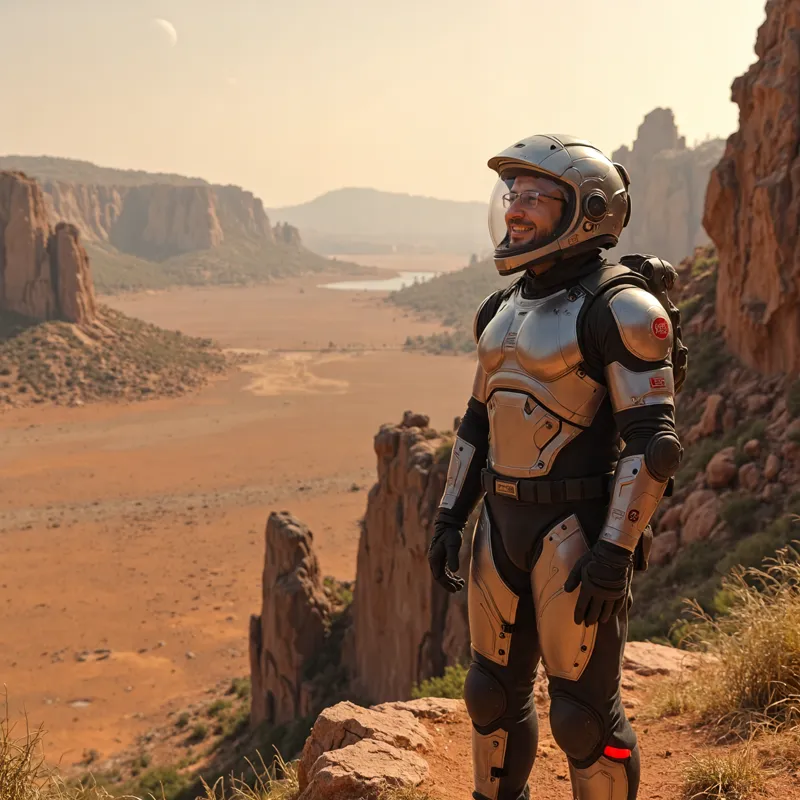
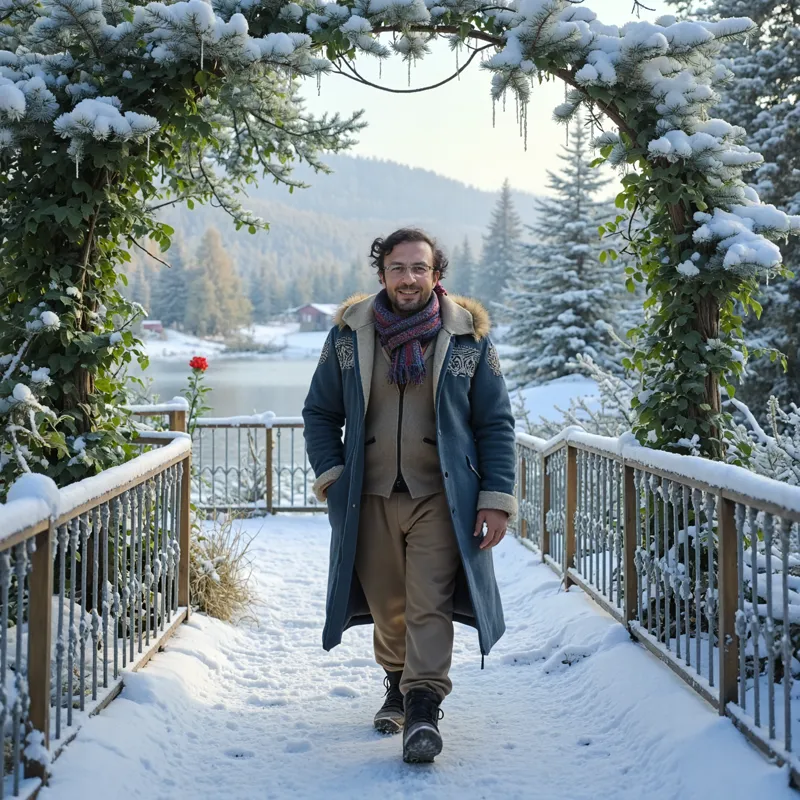
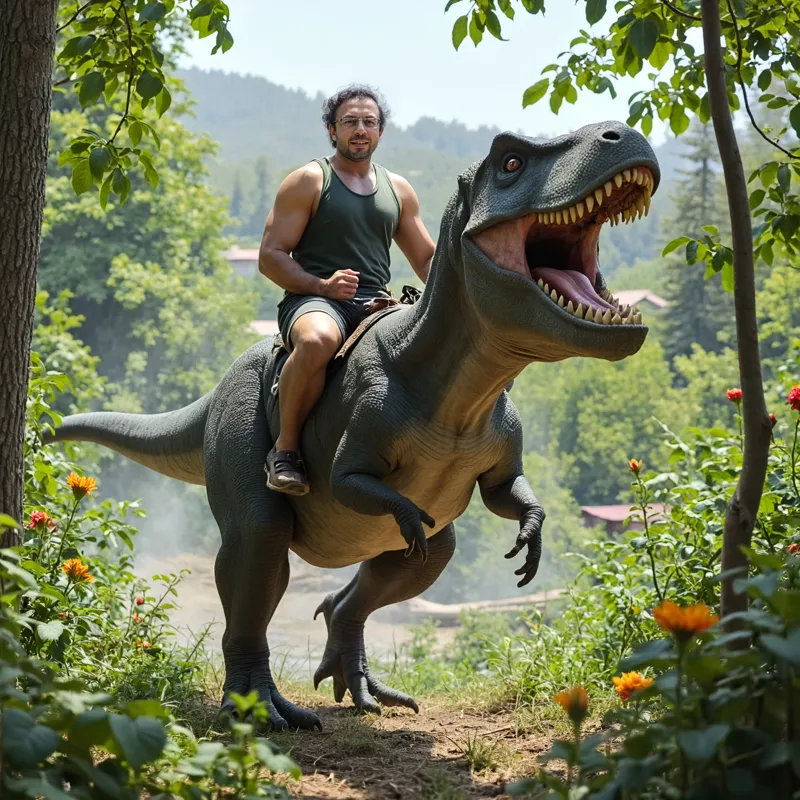
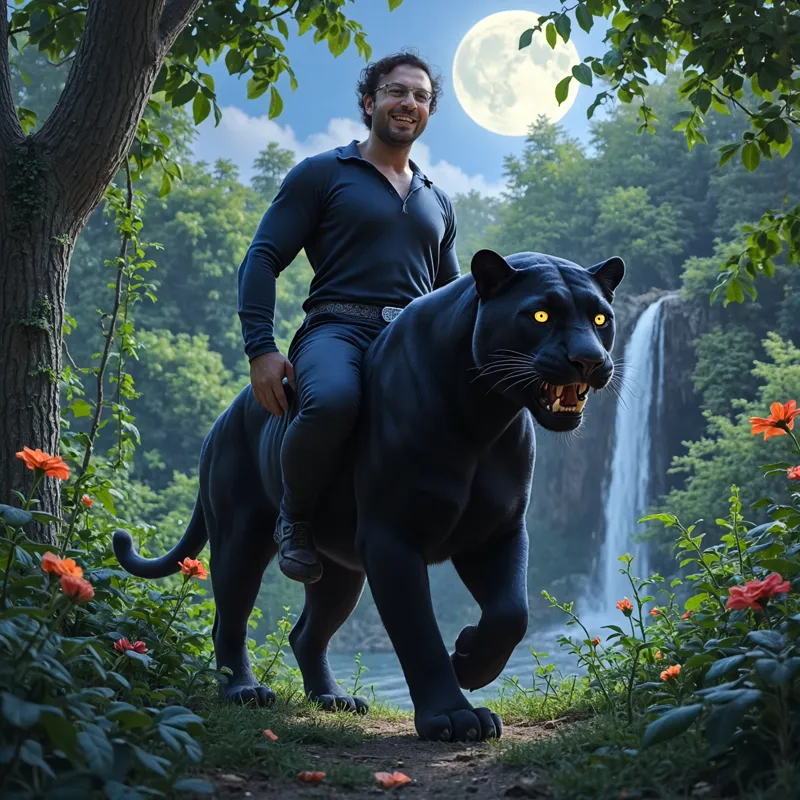
In the above shared images the 19th image is the used dataset, 256 images, and 20th image is the comparison with 15 images training dataset and several checkpoints of newest training
Since there was too much push from community that my workflow won't work with expressions, I had to take a break from research and use whatever I have
I used my own researched workflow for training with Kohya GUI and also my own self developed SUPIR app batch upscaling with face upscaling and auto LLaVA captioning improvement
Download images to see them in full size, the last provided grid is 50% downscaled
Workflow
Gather a dataset that has expressions and perspectives that you like after training, this is crucial, whatever you add, it can generate perfect
Follow one of the LoRA training tutorials / guides
After training your LoRA, use your favorite UI to generate images
I prefer SwarmUI and here used prompts (you can add specific expressions to prompts) including face inpainting : https://gist.github.com/FurkanGozukara/ce72861e52806c5ea4e8b9c7f4409672
After generating images, use SUPIR to upscale 2x with maximum resemblance
Short Conclusions
Using 256 images certainly caused more overfitting than necessary
I had to make prompts more detailed about background / environment to reduce impact of overfit, used Claude 3.5 (like ChatGPT)
Still FLUX handled this massive overfit dataset excellently
It learnt my body shape perfectly as well (muscular + some extra fat)
It even learnt even my broken teeth or my forehead veins perfectly
The outputs are much more lively and realistic and has better anatomy
I couldn't get such quality photo in a professional studio as in image 18 - the quality and details next level
Since dataset was collected at different days, weeks, months, the hair, the weight of me, the skin color was not consistent, which caused some different hair style and length or skin color at inference :D
Comments (12)
Can't get anywhere with this. Seems as though your installer didn't install everything correctly: Traceback (most recent call last): File "C:\Users\andre\AppData\Local\Programs\Python\Python310\lib\runpy.py", line 196, in _run_module_as_main return _run_code(code, main_globals, None, File "C:\Users\andre\AppData\Local\Programs\Python\Python310\lib\runpy.py", line 86, in _run_code exec(code, run_globals) File "J:\Kohya_GUI_Flux_Installer_v33\kohya_ss\venv\Scripts\accelerate.EXE\__main__.py", line 7, in File "J:\Kohya_GUI_Flux_Installer_v33\kohya_ss\venv\lib\site-packages\accelerate\commands\accelerate_cli.py", line 48, in main args.func(args) File "J:\Kohya_GUI_Flux_Installer_v33\kohya_ss\venv\lib\site-packages\accelerate\commands\launch.py", line 1106, in launch_command simple_launcher(args) File "J:\Kohya_GUI_Flux_Installer_v33\kohya_ss\venv\lib\site-packages\accelerate\commands\launch.py", line 704, in simple_launcher raise subprocess.CalledProcessError(returncode=process.returncode, cmd=cmd) subprocess.CalledProcessError: Command '['J:\\Kohya_GUI_Flux_Installer_v33\\kohya_ss\\venv\\Scripts\\python.exe', 'J:/Kohya_GUI_Flux_Installer_v33/kohya_ss/sd-scripts/flux_train_network.py', '--config_file', 'J:/Kohya_GUI_Flux_Installer_v33/Training\\model/config_lora-20240915-163812.toml']' returned non-zero exit status 3221225477. 17:17:54-386811 INFO Training has ended.
email me entire CMD logs this doesnt tell error : monstermmorpg@gmail.com
Hi, thanks for all of this. When I use CivitAI's flux lora maker i get a lora which is around 200mb. When i used your Rank 2 - each lora is 2.5gb, is there a reason for that?
yes we save as float, doubles size, we train lora rank 128 increases size, training clip l also increases size
Thanks for your finding ! Could you share more information about "Train Clip-L and T5-XXL Text Encoders"? How does it affect the result?
T5 minimally improves maybe it is just placebo but clip l really improves I had shared grids
could u make a flux finetune fulx-dev
Yes hopefully it is research of this week
amazing work
thank you so much
So would you say that many images was overkill? What do you think a great dataset size would be? I have done a couple on 20 images using DSLR images and my results have been fantastic but I'm always looking to improve it
yes they were overkill. i think adding a unique photo from each desired perspective , emotion, expression, distance and angle is the best one instead of adding similar ones as i used in the dataset :D