


I Am Researching Multi-GPU Training Speed Difference
Rented this machine on Massed Compute to test Stable Diffusion XL training speed difference with Kohya SS GUI on a 8x A100 (SXM4) machine and see the difference of multi-GPU training SXM vs PCIe linked GPUs
Hopefully will update this post as I get more info.
Update 1
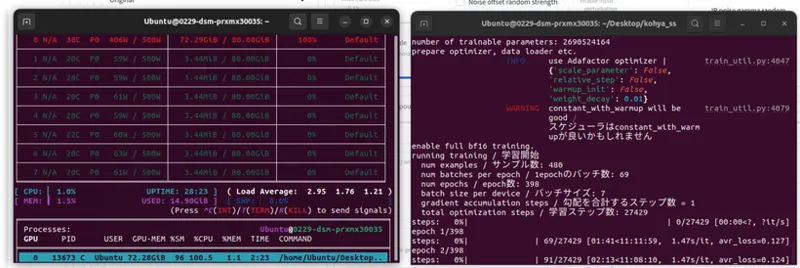
Single GPU works with Batch size 7 but more than 1 GPU fails
Reported Kohya : https://github.com/kohya-ss/sd-scripts/issues/1434#issuecomment-2244049699
Single GPU training speed as below with batch size 7
Comments (6)
Have you tested whether interconnecting two A6000 Nvidia graphics cards can speed up training?
yes it speed ups but the thing is we don't get linear speed up. we get like 25% speed increase due to communication delay with regular PCIe
Did you adjust the Accelerator settings to accommodate the extra gpus because I think the settings in Koyha only work if it has previously been setup in there
ye but which settings? there is no info regarding that. lets see if Kohya can comment : https://github.com/kohya-ss/sd-scripts/issues/1434#issuecomment-2244049699
Looking forward to seeing the results. When referring to training are you talking about Lora or model fine-tuning?
model fine tuning but it is same for speed gaining for LoRA. on SXM4 machine currently only 1 GPU works. reported the Kohya