


Who is this creator?
No community tags yet.

The Ultimate Habit & Goal Tracker For Obsidian
This is the best way to track your habits & Goals in Obsidian. Obsidian datacore is still in beta, but this habit tracker will serve you really well. Watch the full video to understand the full configuration steps. Install the obsidian DataCore plugin and add the attached file to your vault to enjoy
Feb 1, 2025 0 11

6:43
Task Management in Obsidian Made Simple
While this plugin is not going to be one fit for all, I think it will help a lot of the users who demand simplicity over complexity. It just feels perfect with Kanban like view, the managing and prioritizing tasks in different data columns just fits my workflow. I hope this video adds some value to
Jan 1, 2025 0 12
Complete Life Planner System for Obsidian
Dec 26, 2024 0
Free Downloadable Demo Vaults for Obsidian
Here are the links to all demo vaults example mentioned in the video: Vaults Links: The Sweet Setup Starter Vault: https://thesweetsetup.com/rm/obsidian-starter-vault/ Potato Starter vault: https://github.com/Pamela-Wang/Obsidian-Starter-Vaults?source=post_page-----4f060faa651c----------------------
Nov 6, 2024 0 1
24:08
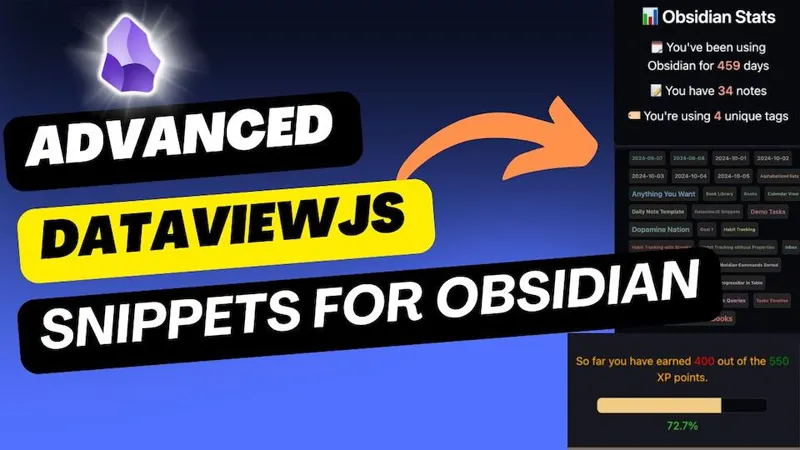
Advanced DataviewJS snippets For Obsidian
In this video, I'm sharing some of the advanced DataviewJS codes for Obsidian. Some of them I was already using. Some of them I found during the research for this video. All credits to the respective authors and creators of those codes. You can get all of these snippets as a DataviewJS demo vault sh
Oct 26, 2024 0 11
20+ Useful CSS Snippets for Obsidian
Following are the links to the source materials from where you can get the CSS snippet and use in your own vault to customize the appearance or add some new feautres. OR, You can get all of them from the CSS snippets vault(Free for Paid members). YouTube Video: You can also watch the youtube video i
Oct 18, 2024 0
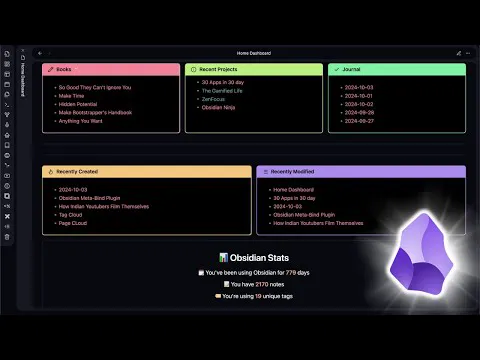
Homepage Dashboard Setup for Obsidian
Add the MCL multi-column css to your snippets folder, and copy the home dashboard file to your vault, and make the required changes to fit your personal needs. https://youtu.be/5VxKPVeDH1I (YouTube)
Oct 13, 2024 0 12
Why Fabric AI can Change the Way Use AI
In this video, we're going in-depth on Fabric AI tool. It's an open-source framework for augmenting humans using AI. This is the first video on the topic of Fabric. In this video, I've talked about the setup and basic usecase of fabric. In the next video, we'll talk about how you can use Fabric AI i
Aug 26, 2024 0
Daily Note Template for Task Management in Obsidian
Aug 8, 2024 0
Underrated Obsidian Plugins You Should be Using
Jun 29, 2024 0
How to Take Smart Notes with Obsidian: Book Announcement
I'm working on a guidebook titled Digital Zettelkasten- How to take smart notes with Obsidian. If you are interested sign up for the waitlist from here. For my paid patreon supporters, the book will be available for free. Thanks for supporting everyone.
Jun 4, 2024 0

16:42
AI-powered Smart Second Brain for Obsidian(Free & Offline)
In this video, we'll talk about how you can integrate local LLMs within Obsidian to chat with your notes and chat with the AI without any third party services like Claude AI, & ChatGPT. We'll be using the Obsidian Smart Second Brain plugin to help us achieve the setup. OLLAMA: https://ollama.com/ Sm
Apr 18, 2024 0 21
The Ultimate Book Library Setup For Obsidian
Mar 25, 2024 0

15:12
PDF++: The Best PDF Reader Plugin For Obsidian
PDF++ is the most Obsidian-native PDF annotation & editing tool. With this plugin you can do backlink highlighting in your PDFS, annotate directly inside PDF such that they are also visible outside Obsidian. And the best part, it allows you to make sidenotes as pure markdown, so you don't lose your
Mar 15, 2024 0 11
Journals Plugin: The Better Way to Start Journaling in Obsidian
Mar 3, 2024 0
9:49
How to Batch Edit Obsidian Properties
The Obsidian, Linter plugin allows you to efficiently batch edit properties, also known as YAML frontmatter, across multiple notes in your vault. To use it: Install and enable the Obsidian Linter plugin. Go to the plugin settings and toggle on "Insert YAML attributes" to add properties or "Remove YA
Feb 26, 2024 0 11

7:05
How to Use Gemini AI with Obsidian for Free
Create Gemin AI API Key: https://ai.google.dev/
Feb 25, 2024 0 11
8:25
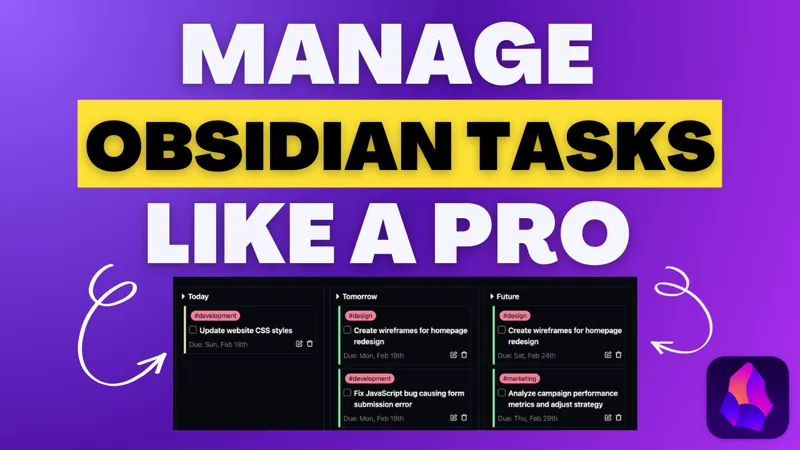
Obsidian Cardboard: The Best Way to Manage Tasks in Obsidian
The Obsidian cardboard plugin is a must-have companion for Obsidian tasks plugin. If you manage tasks in obsidian, you'll love it. You can use this plugin for a cleaner and more visual task management system in Obsidian.
Feb 18, 2024 0 11

14:32
Creating an Efficient Meeting Note Template and Workflow in Obsidian
This video provides a thorough guide on creating a system to track meetings in Obsidian using an efficient workflow and templates for meeting, people, and project notes. Newsletter: https://obsidianninja.com Here's the demo vault from the Video:
Feb 15, 2024 0 111

Obsidian Templater Snippets I Wish I Knew Sooner
Templater is a powerful Obsidian community plugin. Most users use it only on the base level. In this video, I will share some of the best templater snippets for Obsidian to add pro-level functionalities to your vault. Article Link:: Obsidian Templater Snippets I Wish I Knew Sooner Templater:: Templa
Jan 19, 2024 0 1

Minimal Theme Cards CSS- Update
With recent update to Obsidian, cards CSS no longer function properly. You need to update the CSS code as well. If you are using the cards CSS snippet, this is a must. Here is the updated cards CSS snippet you can download. One is simple plain cards CSS. Another one is customized to give a rounded c
Jan 11, 2024 0 12
Downloadable Vaults
Jan 4, 2024 0

Obsidian Life OS Dashboard Demo Vault
A few days back, I published this screenshot from a setup I created for myself on the Obsidian Subreddit. The responses were overwhelming. Everyone was asking how I created such a beautiful-looking setup like this. <figure></figure> This setup is not just beautiful. It's perfectly organized to help
Dec 31, 2023 0 1

Top Menu Callout CSS Snippet
Use this to create a top menu bar style in your dashboards.
Dec 20, 2023 0 11

Insert a Callout with Templater Function
You can use this templater function to make it easier to add callouts in notes in your Obsidian vault. <%* const callouts = { note: '🔵 ✏ Note', info: '🔵 ℹ Info', todo: '🔵 🔳 Todo', tip: '🌐 🔥 Tip / Hint / Important', abstract: '🌐 📋 Abstract / Summary / TLDR', question: '🟡 ❓ Question / Help /
Sep 27, 2023 0 11

Add Callouts to Your Templater Notes Easily
Add this templater script as a template and it will be easier to add callouts than ever before. <%* const callouts = { note: '🔵 ✏ Note', info: '🔵 ℹ Info', todo: '🔵 🔳 Todo', tip: '🌐 🔥 Tip / Hint / Important', abstract: '🌐 📋 Abstract / Summary / TLDR', question: '🟡 ❓ Question / Help / FAQ', q
Sep 24, 2023 0 1
MD
Add Table of Content in Your Obsidian Notes Anywhere
Here's the templater script for adding TOC. Or, You can also download the attached markdown file. >[!SUMMARY] Table of Contents <%* let headers = await tp.file.content .split('\n') // split file into lines .filter(t => t.match(/^[#]+\s+/gi)) // only get headers .map(h => { let header_level = h.split
Sep 24, 2023 0 1
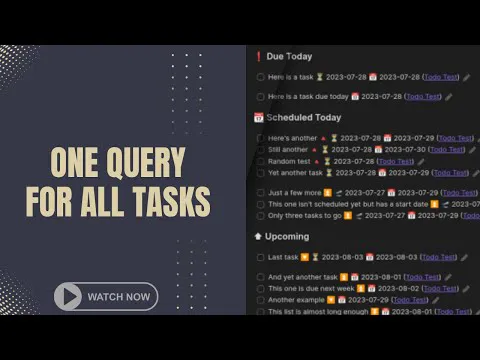
The Only Task Query You Need For Task Management in Obsidian
```tasks not done sort by priority sort by due sort by scheduled sort by starts group by function task.happens.moment? (task.due.moment?.isBefore(moment(), 'day') ? task.due.format("[%%0%%‼️ Overdue]") : (task.due.moment?.isBetween(moment(), moment(), 'day', '[]') ? task.due.format("[%%1%%❗ Due Toda
Sep 14, 2023 0 1
8:54
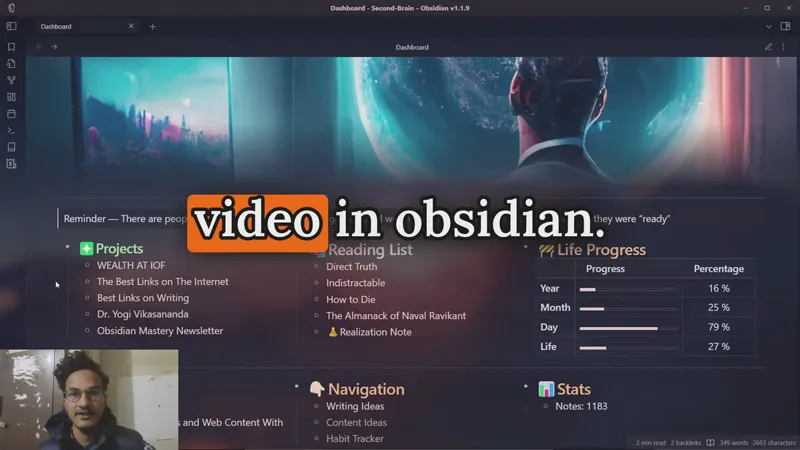
How to Create a Dashboard in Obsidian
Download files attached below.
Feb 9, 2023 0 112
CSS
Minimal Theme Cards CSS
Download this CSS file and add it to the .obsidian>snippets folder.
Feb 6, 2023 0 1
DataView Query for Life Progress Dashboard
Copy to code below and add it to your vault. See the youtube video for more details: ```dataviewjs const today = DateTime.now() const endOfYear = { year: today.year, month: 12, day: 1 } const lifespan = { year: 80 } const birthday = DateTime.fromObject({ year: 2020, month: 5, day: 6 }); const deathd
Jan 29, 2023 0