
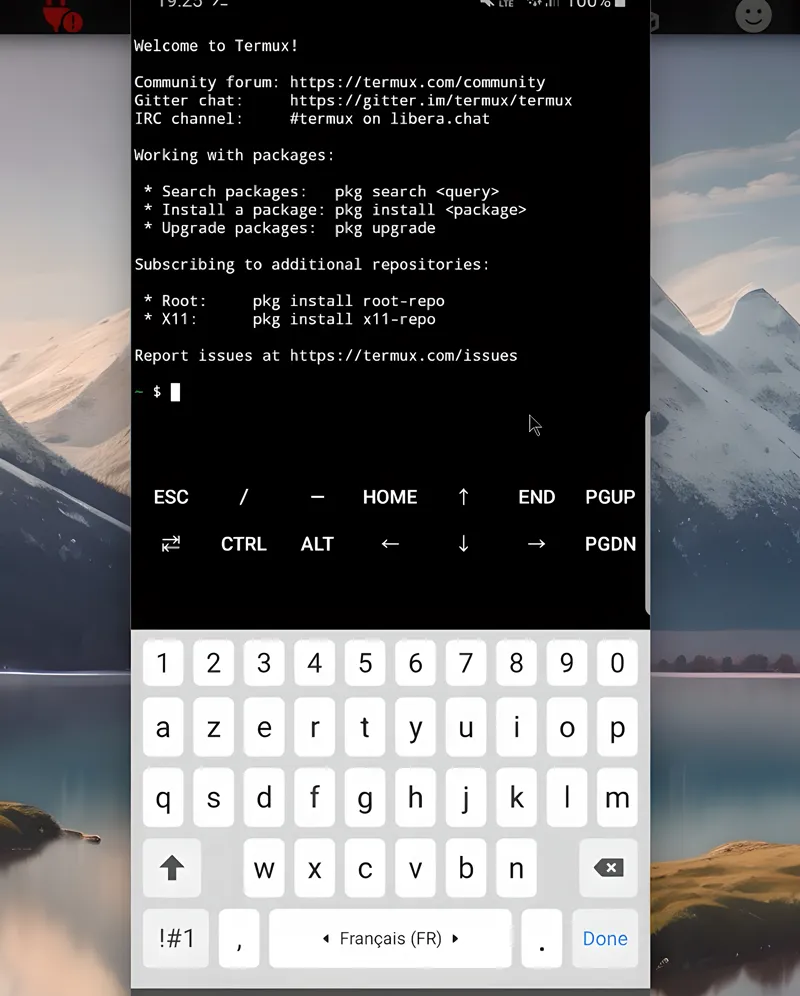
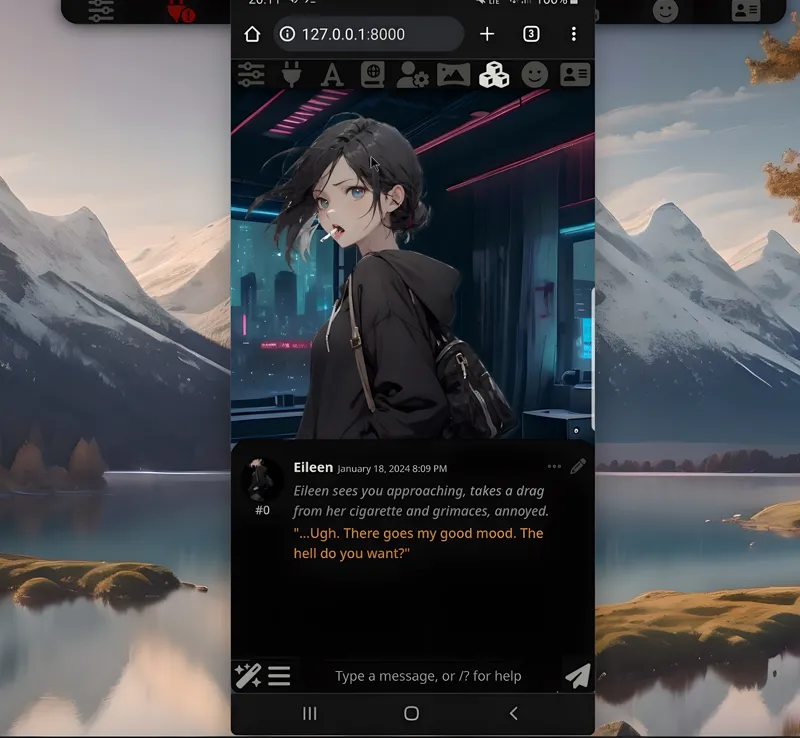
Termux & SillyTavern FOR PHONES!
Hey everyone! I've just released a new video on how to install and run Sillytavern on any Android phones. You can check out the video right here: https://youtu.be/kTAKL97FL8g
I also created a 1-click installer for the software for my Patreon supporters, that you can find right here: https://www.patreon.com/posts/96803255
As well as a Google Colab doc to run any LLM for free: https://colab.research.google.com/drive/1DeTTwJPjmZMJNYCzYHX6LfsUay9-s0Kk?usp=sharing
SillyTavern UI is a powerful local text-generation UI for character chat, creative writing, storytelling, and interactive fiction.
As always, supporting me on Patreon allows me to keep creating helpful resources like this for the community. Thank you for your support😉!
Comments (6)
Also Inside sillytavern under the open ai compatible API what do I put where it says "custom endpoint" or model ID? It says I bypassed the status check but I still get no reply from the AI
Check the video again you need to use the openai compatible api adress (the one that ends with cloudflare)
I'm confused after I do both steps of the Google colab l get this ."RuntimeError: Found no NVIDIA driver on your system. Please check that you have an NVIDIA GPU and installed a driver from http://www.nvidia.com/Download/index.aspx"
you need to click connect and choose a GPU by default google colab now starts with CPU
Can this colab be run locally and how much vram is needed?
Colab is not local that's the whole point, you can run it even on a mobile device since it's online