
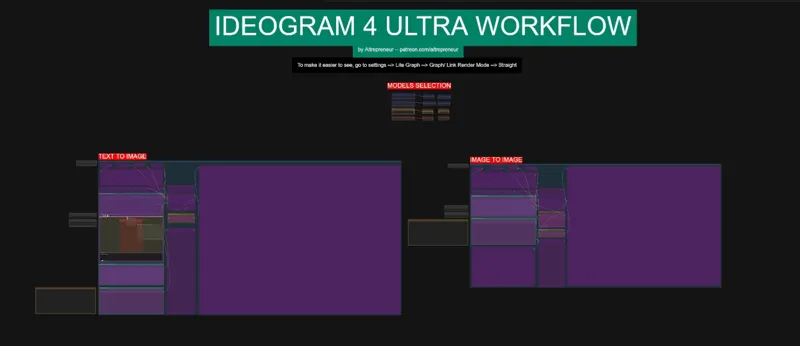
IDEOGRAM 4 ULTRA WORKFLOW
Edit: A few users lora are now out and apparently you need to apply the lora for both the normal and the conditional models, not a big issue, I fixed the workflow to allow that, just download the new V2 worklow
Hey everyone! I’ve just released a brand new video on IDEOGRAM 4, the NEW MOST POWERFUL OPEN-WEIGHT TEXT TO IMAGE AI MODEL!
And...this model is just insane. At first, a lot of people judged it way too quickly because of the early workflow, the blocked generations, and the licensing drama...BUT after testing the newest workflow and especially the new Ideogram 4 Prompt Builder KJ node, the community realized very quickly that this model might be one of the most powerful and most controllable AI image models we have ever had locally.
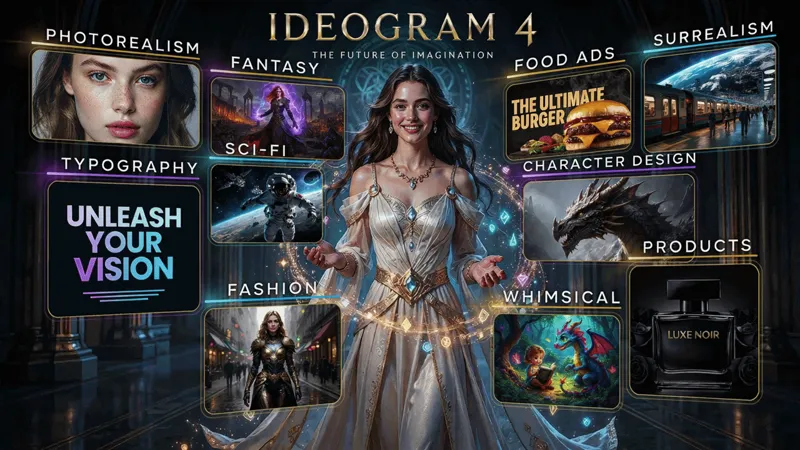
Ideogram 4 can generate amazing realistic images, artistic images, logos, posters, thumbnails, readable text, products, characters, backgrounds...but the real magic is the AREA PROMPTING workflow. You can literally create different areas inside your image, describe each part separately, control the character, the face, the pose, the background, the text, the colors, and the composition with insane precision. THIS IS JUST MIND BLOWING...
You can check out the video right here: https://youtu.be/XKYPlTu1c3M
I also created a 1-click installer for the Webui for my Patreon supporters for Local AND Runpod, that you can find right here: https://www.patreon.com/posts/160357712
Down below you will also find the IDEOGRAM_ULTRA_WORKFLOW.json for you to use!
As always, supporting me on Patreon allows me to keep creating helpful resources like this for the community. Thank you for your support - now go have some fun😉!
Comments (8)
Hl
Hey o/ dont know if you already saw it but Ostris released an 2-4 step turbo LoRA that, as far as i understand, makes the whole unconditional model unnecessary. Probably worth some testing an maybe an updated workflow :) Here his announce: https://x.com/ostrisai/status/2067298198344093838
Yes but unfortunately it is only compatible with the base model, if you want to use your own loras, it doesn't work...quality is impacted as well once you start generating complexe images, I prefer longer generation time for the perfect quality than fast and mid but I'll talk about it in the next video this weekend
Why do all the photo images come out slightly grainy. I can't seem to get a high resolution output. I have tried various prompts etc.
can you dm me a few examples?
The node isn't showing the template tab, even though it is updated to the latest version? Uninstalling and reinstalling solved this problem.
Very impressive results from this workflow thanks! A), why does it feed 2 seperate power loras into positive and negative? B), the image to image workflow would be great if i could use the regional prompt builder kj ... then i could add something to an existing photo, almost like inpainting.
It's how it works, you need the 2 separate models to get the best results possible, you can only use 1 but then the image won't be as good. For the image to image, this time, that's not how this works, believe me I tried, hence why I removed it from the workflow, this specific model can't do edit and inpainting with it is not great. It's better to use Flux Klein for this instead