
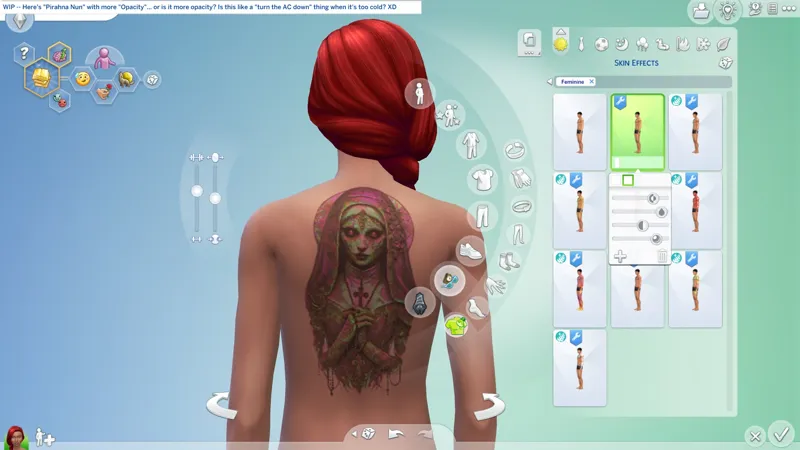
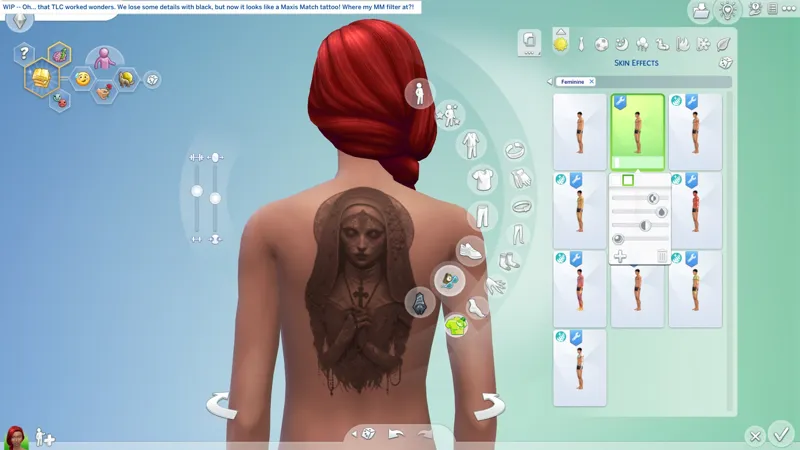
🚧🎓 Removing Image Backgrounds: Is not AI, is the power of Point and Click (and GIMP tools)! -- Y'know, I was once accused of being AI-Generated...
🤖 To make matters worse, it was someone I know in real life. Apparently my wall of text on whatever "Bruno" topic I was discussing at the time was too... I dunno, take your pick! A stranger on social media also once told me to "have fun talking to myself" (as an insult), as though I don't already have oodles of fun talking to myself! What a silly goose! <CACKLES>
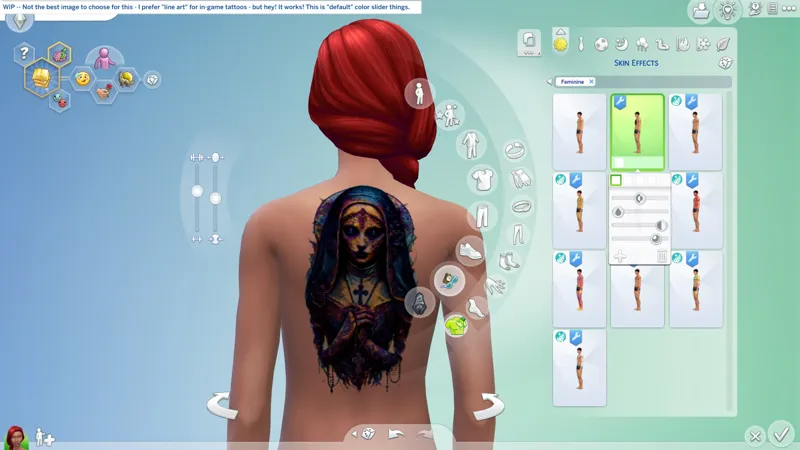
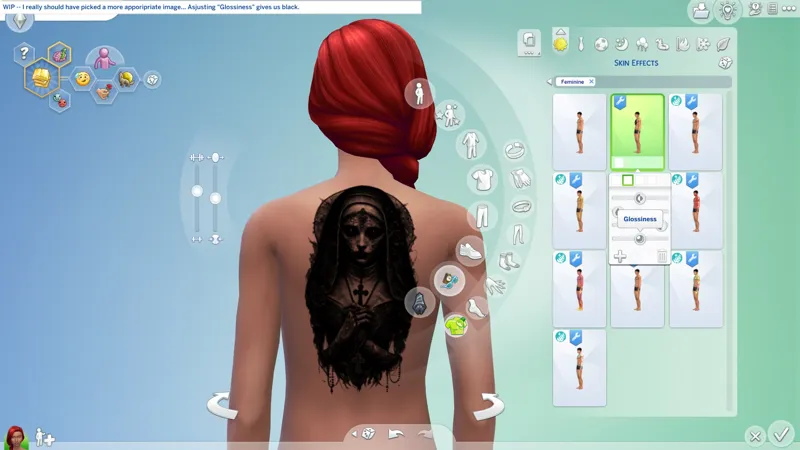
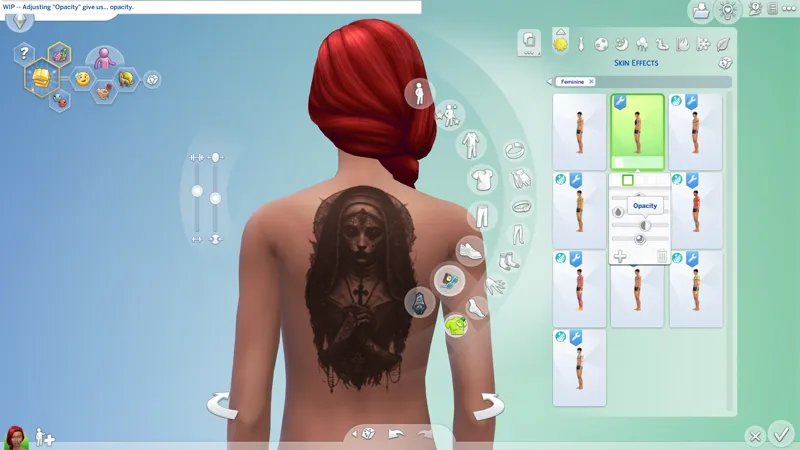
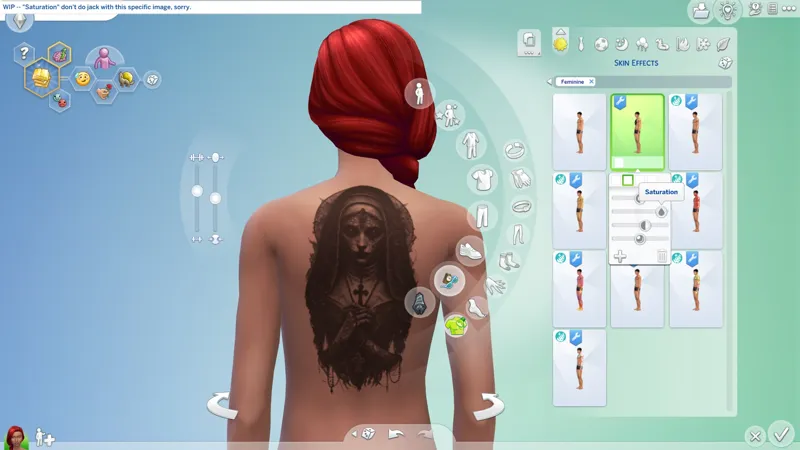
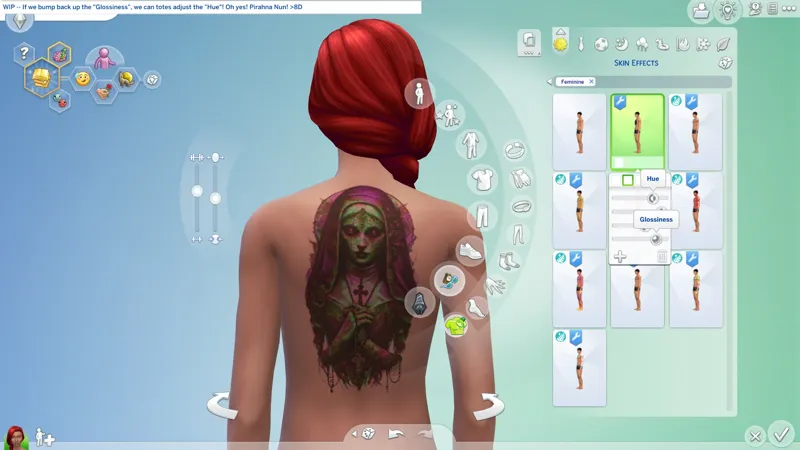
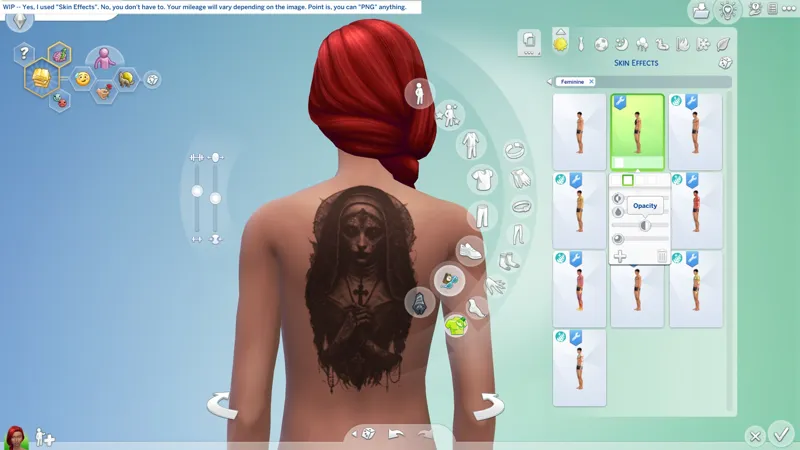
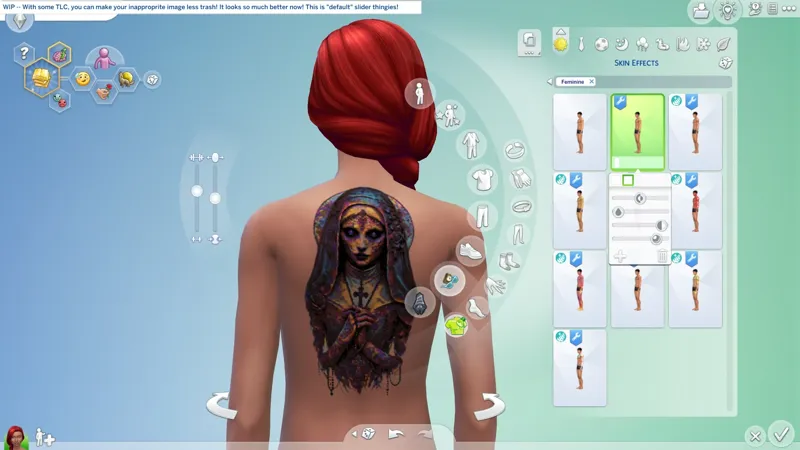
🖋️ Maybe I should turn this image into a Tattoo first, so we can see how it looks? I don't actually like "tattoos" in the game. I don't like that I can't use a different tattoo on every outfit, so I configure my tattoos as Makeup (Skin Effects now). I did them as Rings before Crystal Creations released with its Infinity Stones.
🚨 I have no idea who created this image, or if it's drawn, or Generative AI, so I likely won't share whatever I make with this, sorry. The website I found it on probably also stole it from the original artist... because this is the internet! <SIGH>
☆// ⋆ RELATED BOOTY:
🗺️ RESO: Snowflakes (D.I.Y.-Friendly) -- https://../posts/124912487
☆// ⋆ FOREWORD:
I learned how to do this when I was looking into modding the body detail overlays to remove that wretched "triangle" shadow on Female Sim's crotches.
I haven't done that mod yet, but I used the process to make my cute little "Squidlet" Snowflake RESO (resource override).
Is this a better description of what we're doing here:
You can totes easily remove the "solid background" from any image, and no, we're not using the "Fuzzy Select" tool. I loathe the "Fuzzy Select" tool. 😹
Is this something I should show you how to do, if you don't already know how to do it?