
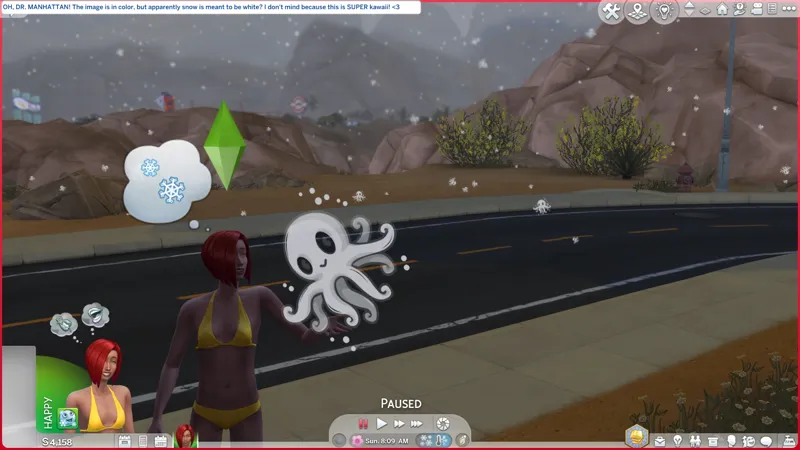
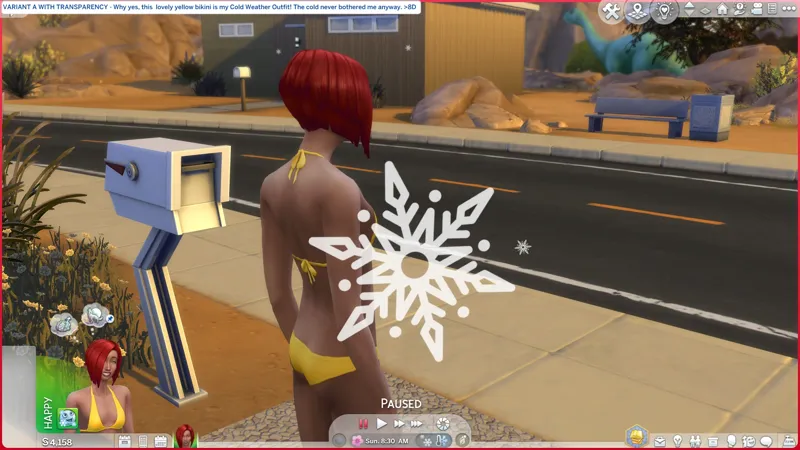
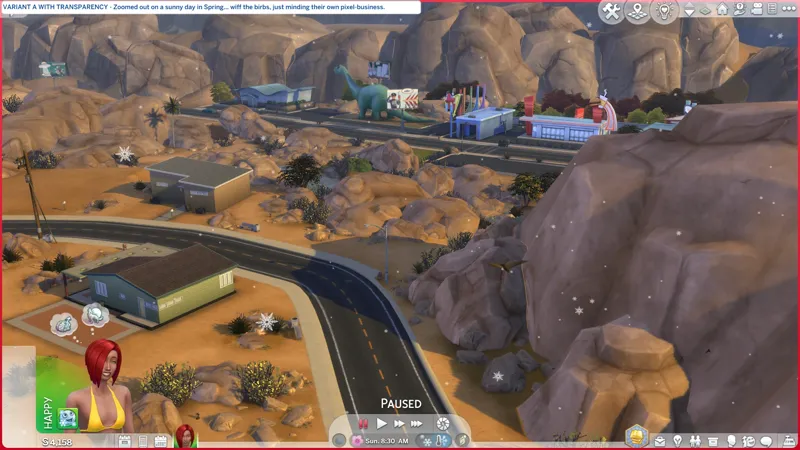
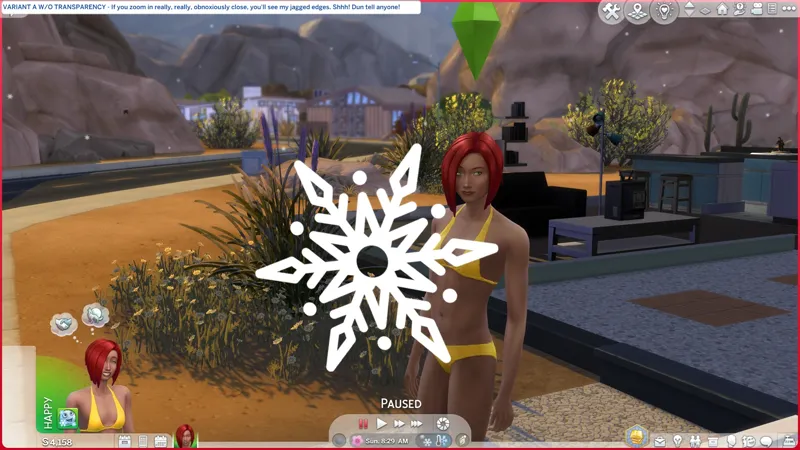
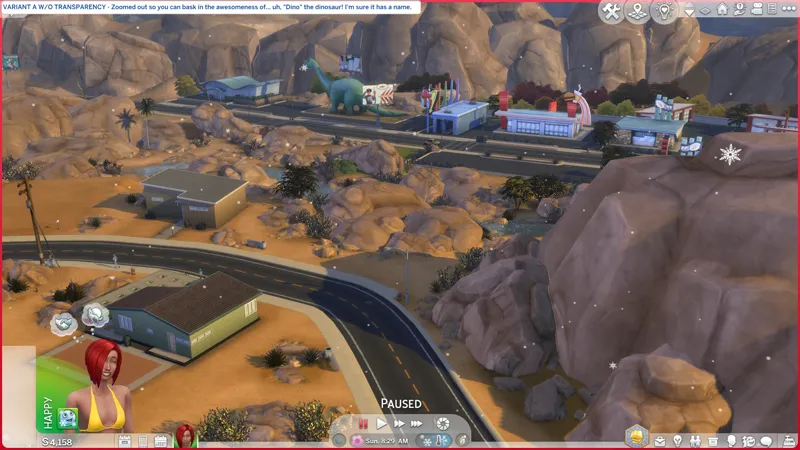
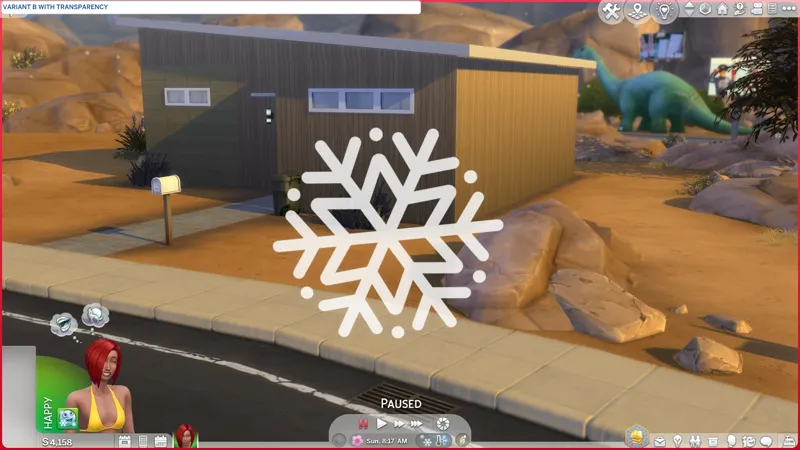
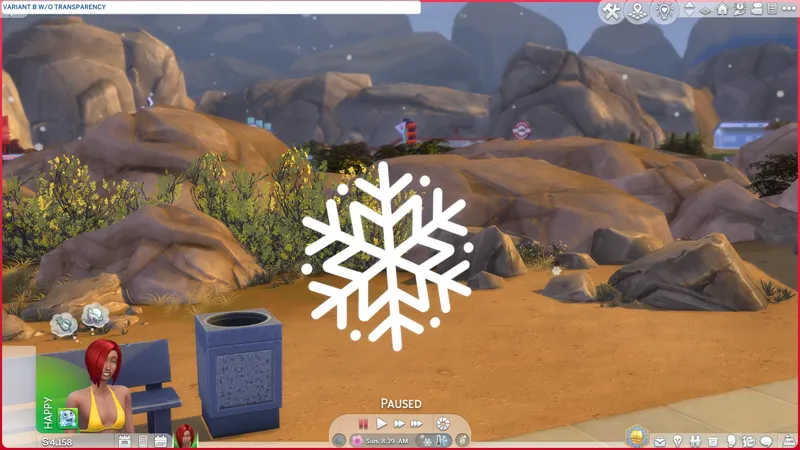
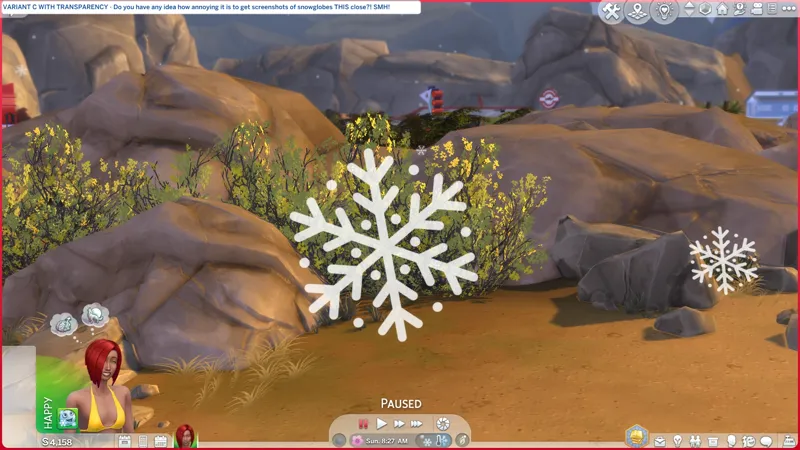
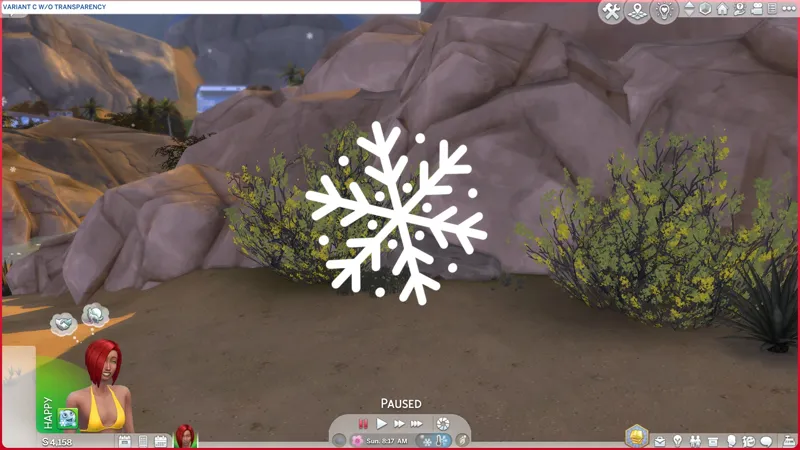
🎁 [BG/EP05] RESO: Snowflakes + D.I.Y. -- How about a cute baby squid instead? We can pretend Dr. Manhattan is watching over us. -- [8/16] 🚧 I need to re-release these with the adjusted filenames.
⚔️ TS4: BASE GAME ⋆ 🚀 3/22/2025 ⋆ 🌠 NIL ⋆ ☄️ NIL
🔄 YES! Notify me via the Comments, Community Chat, or DM if it ain't workin'.
⚙️ These are loose PACKAGE files. Simply toss them into your Mods folder or into a sub-folder inside your Mods folder - I use #Sej for all things me - then ensure GAME OPTIONS » OTHER » "Enable Custom Content and Mods" is enabled and "Apply Changes" and restart the game if it wasn't.
🎙️ Just like a snowflake turns into an avalanche, we lose control and turn into an avalanche!
—
SEVEN (3+3=6+1=7) little overrides that change the little puff of snow into a viewtiful butterf- uh, SNOWFLAKE! You can only use one of these at a time.
There are THREE (3) snowflake variants to choose from, and each of them has a transparent variant and an opaque variant. ⋆꙳•❅°⋆❆.ೃ࿔:・* ⛇ ₊⋆
The baby squid was meant to be for funsies but I can't not share it now that I've seen how cute it is. It only comes in transparent. Shall we do some more and make this a thing? I need to find a good Hello Kitty image... or a Headcrab!
These are BASE GAME resources but I don't think there's any instance where we have snow without EP05: SEASONS.
This totally didn't take me the greater part of the day to complete... ❄️
⋆⋅ SQUISHY SQUID IN BEAN SAUCE, SENPAI:
🎁 SFS Folder - PENDING™
🎁 GDrive Folder - PENDING™
⋆⋅ MOAR STEA- UH, SNO- SQUIDLETS:
🔎 Resource Overrides Collection - https://../collection/view=condensed
🎀 Real Snowflakes Override by Darkolaito - https://modthesims.info/d/637604
⋆⋅ D.I.Y.-FRIENDLY FOR EVERYSQUIDDY:
Open up my PACKAGE in Sims 4 Studio » IMPORT your new image » SAVE to overwrite or SAVE AS to create a new PACKAGE.
Et voila, you've got your own custom snowflake! Go wild!
Ensure your image is a perfect square divisible by 8. I started with 256 × 256, then jumped to 1024 × 1024. You can probably use 32 × 32, 64 × 64, 128 × 128, 512 × 512, 2048 × 2048, etc.
Your image MUST have a SOLID BLACK BACKGROUND.
If you want transparency, you need to layer/paste a transparent image over/onto your solid black background. You CANNOT just add transparency to an image with a black background. It will not work... or it might? I didn't test it with PNG! I exported as DDS.
Colors don't work. See my Squidlet? The image is actually orange and brown.
For your GIMP DDS export, you should use these settings:
Compression = BC3 / DXT5
Save = All visible layers (If, like me, you didn't merge your layers.)
Mipmaps = Generate mipmaps
⋆⋅ ARTIST CREDITS:
Variant A -- "Snowflake Silhouette" by ShapeShiftCreative [🌐]
Variant B -- "Snowflake Silhouette" by ShapeShiftCreative
Variant C -- "Snowflake Silhouette" by ShapeShiftCreative
Squidlets -- Vector Illustration by andsproject [🌐]
⋆⋅ CONTAINS (0) TS4SCRIPT + (1x7) PACKAGE:
This is a simple DST resource override. It should NEVER include TS4SCRIPT.
I decided against archiving these. The loose PACKAGE files attached here should always match the PACKAGE files available Elsweyr, and vice versa.
This section exists as a reminder that we are in someone's crosshairs. Rogue TS4SCRIPT files encountered where they don't belong could contain malicious PYTHON script that will attempt to infect your device and steal your personal information when executed by the game. If what was revealed was true, then the malware we saw in JAN-FEB 2024 can ruin lives. Don't !@#$ around.
Comments (2)
Oooh love this!! 😍❄️😍❄️😍❄️
😺