
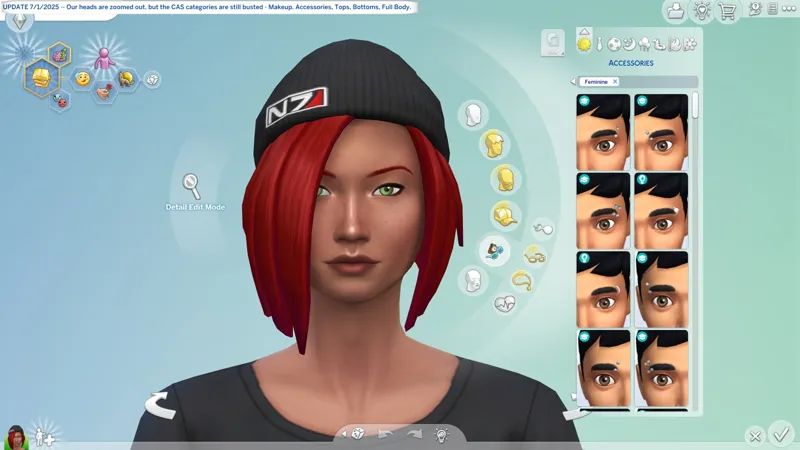
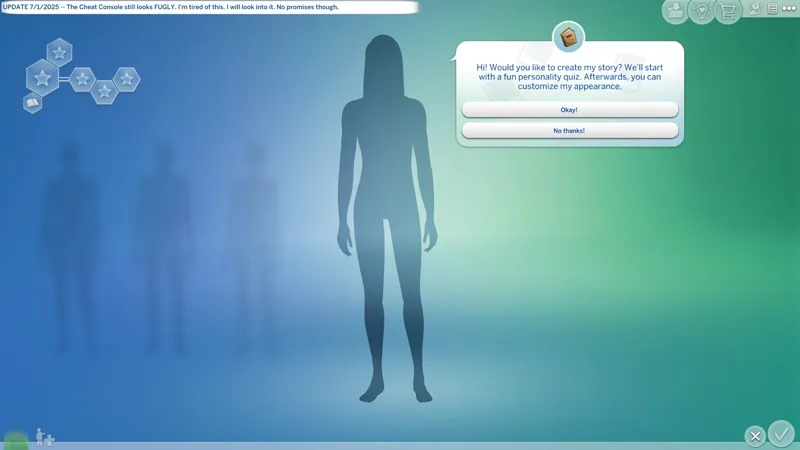
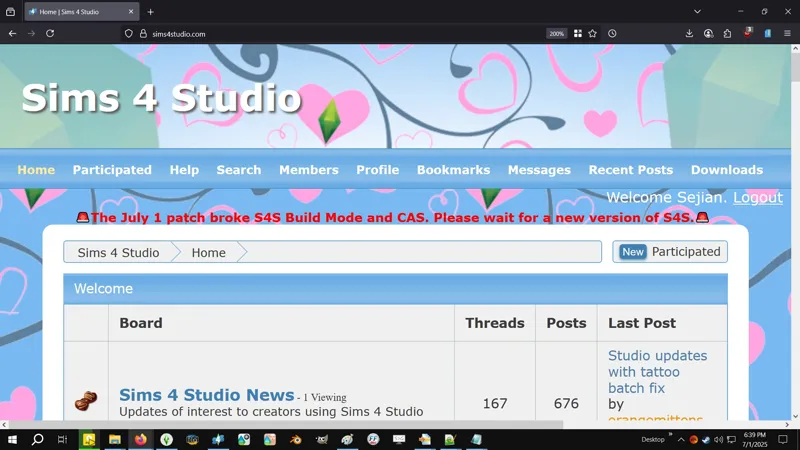



🔄 Update 7/1/2025 (3.4 GB) -- CAS Head Menu zoom is "fixed", CAS categories are still broken, most plants ain't roofing, "Outfit Generation" is still broken, and Trashley is missing again! (╯'□')╯︵ ┻━┻
🔄 EAxis' Update Notes -- https://../news/update-7-1-2025
🌹 Scarlet's Update Notice -- https://../posts/132998672
🚨 Tis the pre-EP update! Errbady in the club about to break down.
⚠️ Some UI panels have changed, which means "Scale Form GFX" resources have been modified, which means UI mods might be broken. Approach with caution!
☆ // ⋆ THINGS I NEED TO DO:
Verify my FOMO Unlocks are compatible.✔️
Update my SGFX Overrides.✔️
Update my SGFX Patches if necessary.❓
The patches work with the versions of the mods they were made for. If a mod updates, the Patch must update. Until then, there's nothing for me to do.
I'm meticulous about my SGFX mods. I update mine with every official game update to ensure 100% compatibility whether or not they're throwing errors - in fact, I don't even bother to check no more, because I know I'ma update it anyway. It's a "me" thing. Not everyone does it. If you'd like to know why I'm "so meticulous", you can read through this old post - https://../posts/112915351
With EAxis mucking around CAS, I need to check my CAS Overrides.❓
Verifying my mods for update compatibility and continue the re-release.❓
I might rename my BAND-AIDS because I want to fine-tune my file order some more.
Give kitty head pats and nose boops!✔️✔️✔️😸
⋆ ── ─ ─ ─ ─ ─ ─ ─ ─ ─ ─ ⋆ \\⚡// ⋆ ─ ─ ─ ─ ─ ─ ─ ─ ─ ─ ── ⋆
☆ // ⋆ I'M JUST MUSING:
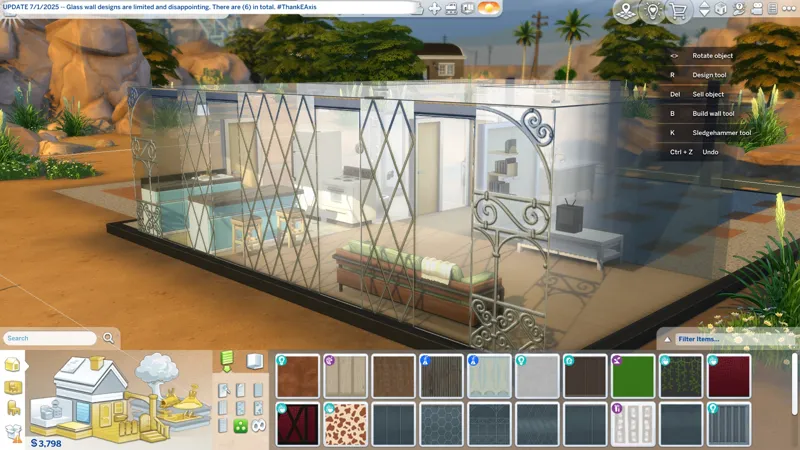
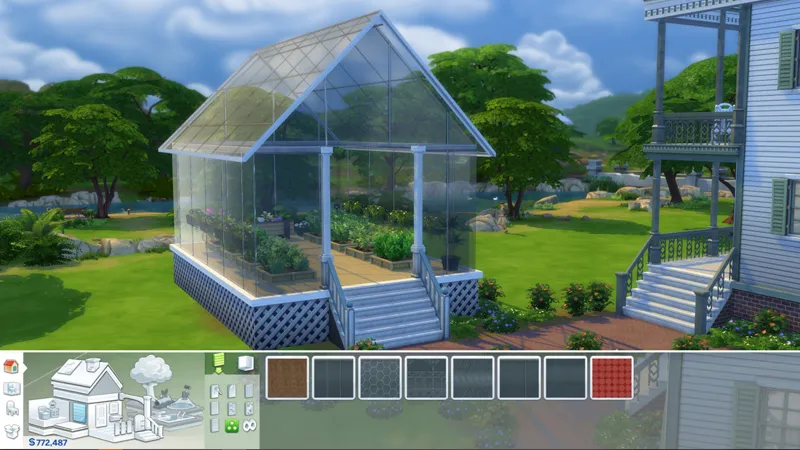
I've been wanting glass walls for quite a while. We had them in Sims 2.
Where are the glass floors though?
Also, does anyone remember the "reflective walls and floors" mod for Sims 2?
☆// - MY REPORT - IN PROGRESS:
NEW GAME HICCUP -- The loading screen froze just as it was supposed to transition into Live Mode. I heard the obnoxious "New Game / Resume Game" jingle (that I removed in my RESO Silencio collection of overrides) and my cursor changed when I moved it around, meaning Live Mode was active behind the frozen loading screen. I had to kill the game through Task Manager. I've never experienced this before, and I start a new game every time the game updates. Every. Single. Time. Maybe it was my computer. We had an electrical hiccup earlier and it wonked my graphics card for a hot minute. I restarted my computer and created a new new game with no hiccups.
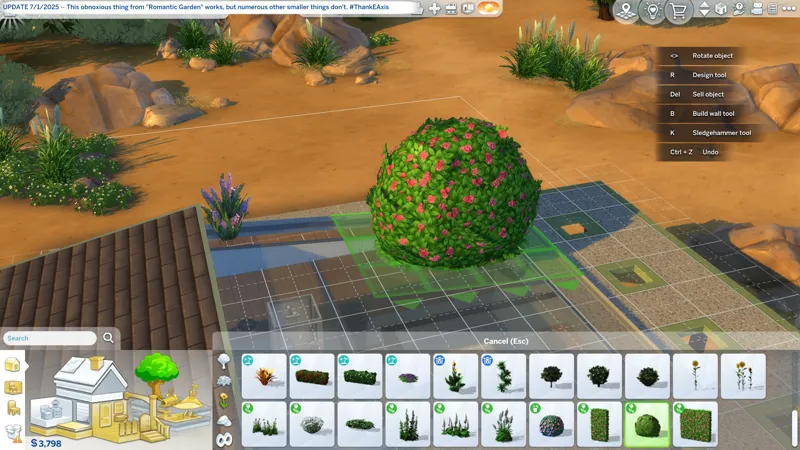
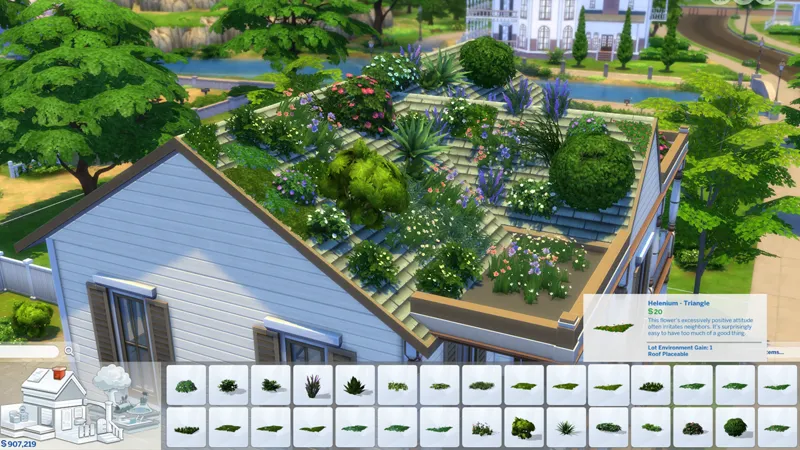
PLANTS ON ROOF -- Some, nay, most plants ain't workin' on roofs. <HEAVY SIGH>
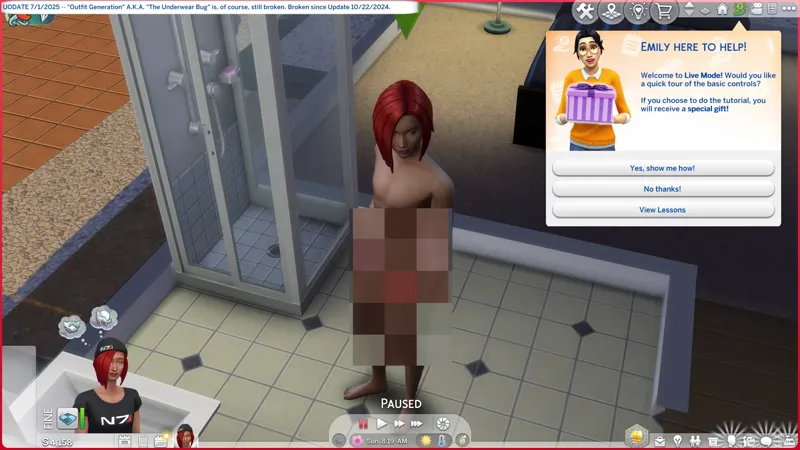
OUTFIT GENERATION -- Has been broken since Update 10/22/2024 and is still broken. Our Nude/Bathing outfits are still generating with underwear. We're now THREE (3) months away from this being broken for a full year! How? How is this still broken?! How many Expansion Packs and Kits have we had since Update 10/22/2024? For crying out loud! I need to filename update and re-release my BAND-AID. I'm sorry, but this is !@#$ing ridiculous.
OBNOXIOUS NOTIFICATION SOUNDS -- Did you notice that EAxis removed some of them? A few of my "RESO: Silencio" overrides might no longer be required, but I won't remove them because EAxis might re-enable the sounds in the future. I will make a note of it in the mod-posts when I figure out which one's EAxis has removed.
⋆ ── ─ ─ ─ ─ ─ ─ ─ ─ ─ ─ ⋆ \\🔄// ⋆ ─ ─ ─ ─ ─ ─ ─ ─ ─ ─ ── ⋆
☆ // ⋆ HIGHLIGHTS FROM THE NOTES:
Top Fixes:
[EA Forums] Rain, rain go away. Come again, another day—just not inside. Rain and snow now stay out of enclosed rooms.
I need to track this down and figure out what causes it, 'cause EAxis keeps resurrecting this !@#$ and it's really annoying. I assume they'll break it again next update.
[EA Forums][EA Forums] The Eyedropper tool was grumpy about some items. We put them into proper categories so now the Eyedropper is much happier.
In other words, EAxis forgot to TAG their Build Mode objects properly.
[EA Forums] Townies will now have more diversity in their names.
Does this mean my RNG townies won't all have Asian names anymore?
Live Mode:
[EA Forums] Children no longer become silly stretchy Sims when picking up a Violin.
This sounds like it was a animation issue.
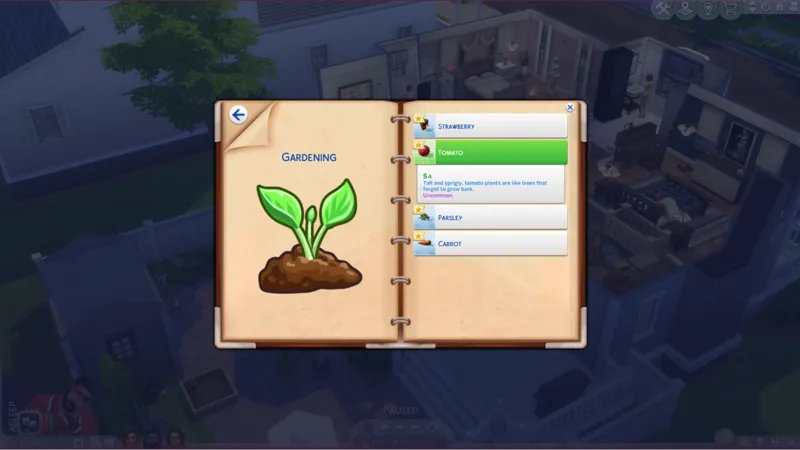
[EA Forums][DX11] Mature plants no longer are transparent in Laptop mode. Your garden will look lush—if you continue to care for it, of course!
You shouldn't be using "Laptop Mode" anyway unless your device really struggles with the game.
Interactions for locking computers, mopping puddles, and autonomously leaving lots are now more performant.
Does this mean no more computer interactions that don't "lock" at all? If this nonsense is still broken, I'll look into it.
The occult Plumbob now appears for infant, toddler, and child Vampires, Merfolks, and Spellcasters, ensuring even the youngest occult beings display their unique status!
How long has this been broken?! I don't have child sims! I don't know these things!
Sparks are flying! Sims can now enjoy intimate interactions right in the Hot Tub!
Build Mode:
[EA Forums] Did you know an Aloe Vera Plant was hiding in Build Mode? It now has a category so you can find it.
Create a Sim:
[EA Forums] The Reaper’s Rewards buckled boots (ymShoes_EF61BootGoth) now fit better and have zips that look great from every angle. They are also available under the “Feminine” Fashion Style.
Took them long enough.
[EA Forums] The adorable fuzzy bear slippers (ymShoes_EFDec24EVRanimalSlippers_Bear) from the Cozy Celebrations event are now fixed for female Sims. Enjoy cozy feet without distortion, and no more duplicate pairs!
Took them long enough.
[EA Forums] A handful of missing Feminine Fashion Choice clothes are now available for Masculine frame Sims.
Oh goddess no! Please don't tell me they flagged more frame-specific clothes for both Physical Frames! I swear...
Cottage Living:
[EA Forums] Chickens, Cows, and Llamas no longer Age Up (and eventually die) when Animal Aging is disabled in Game Settings. Players rejoice, but Grim is sad.
High School Years:
[EA Forums] High School Years hats now are in their proper Hat sub-categories. Silly hats.
IN OTHER WORDS, EAxis didn't TAG the damn hats.
Growing Together:
[EA Forums] We’re all excited when an Infant reaches a new Milestone. However, we didn’t need to be reminded over and over again. Infant Milestones no longer are marked as New if a user switches to another Sim and back.
Someone brought this to my attention. Forgive me for not remembering who exactly it was in this very moment.
For Rent:
[EA Forums] Tenants can now Pay Rent after Bills are delivered.
Save files with fifteen or more Rental Units on a lot no longer are missing thumbnails.
Lovestruck:
[EA Forums] The hairstyle (yfHair_EP16Long) has been placed in a hair category, making it easier to find than ever before.
IN OTHER WORDS... I think you get the idea. How long ago was Lovestruck?
The long wavy hair (yfHair_EP16LongWavy) now contours better to the torso so Sims can have a perfect hair day.
I assume the mesh was modified?
Businesses & Hobbies:
[EA Forums] The cute little tuck-in top (yfTop_EP18TshirtTuck) has received “Masculine” and “Feminine” Fashion Choices tagging.
Ugh...
Vampires:
[EA Forums] Vampires won’t lose their fangs in Live Mode if their Dark Form was selected in Create a Sim. Is a Vampire really a Vampire without their fangs?
Secret Sanctuary:
[EA Forums] The yfBody_SP59Dress — you know, the red one with the slit that is amaaazing — now fits larger Sims better for more dazzle and rizz.
Am I thinking about the correct dress? Y'know the one with the abysmal mesh that pokes out in front?
⋆ ── ─ ─ ─ ─ ─ ─ ─ ─ ─ ─ ⋆ \\🐺// ⋆ ─ ─ ─ ─ ─ ─ ─ ─ ─ ─ ── ⋆
☆ // ⋆ CHECK THE STATUS OF YOUR FAVORITE MODS:
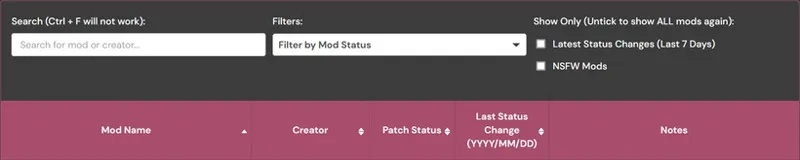
1️⃣ Visit Scarlet's Realm, maintained by Scarlet -- https://scarletsrealm.com
2️⃣ Hover over "The Mod List" and click on one of these options (or any of the others):
SFW Only -- https://../the-mod-list-sfw-only-edition
SFW + NSFW -- https://../the-mod-list-sfw-nsfw-edition
3️⃣ Scroll down to "The Mod List" section and follow the instructions to search for your favorite mods using the Search feature.
☆ // ⋆ MY "GAME JUST UPDATED" ROUTINE:
Every time the game updates, I do this routine. It ensures that my game is always working the way it's meant to. I have never encountered issues with launching after an update because I always do this.
The "TS4 USER FOLDER" is your "Documents\EA*\The Sims 4" folder.
1️ RENAME my TS4 USER FOLDER.
Doing this removes all mods, caches, and settings, and forces the game to create a brand new TS4 USER FOLDER with all new configuration files - meaning the game should run as it's meant to without any issues.
I simple suffix the date of the last game update to the folder name, e.g. "The Sims 4_250429" is today's rename because 4/29/2025 was the last game update.
YYMMDD or YYYYMMDD is proper archiving for file systems.
DDMMYY is calendar and clock trash. That's just the way it is. 😹
2️⃣ LAUNCH the game and re-configure my GAME OPTIONS » GRAPHICS » GRAPHICS options.
Display Type = Windowed Fullscreen
If you're experiencing performance drops with "Windowed Fullscreen", then you should play "Fullscreen". At least this is how it was back in the day with games. "Fullscreen" was the recommended thing for best performance, but with advances in technology it has become less of "a thing".
Vertical Sync = ENABLED
3️⃣ EXIT and RE-LAUNCH the game for other game stuff to initialize.
There are some stuff in the background that doesn't initialize the first time you launch the game, so this "EXIT and RE-LAUNCH" dance is required.
4️⃣ Click through the "Pack Pop-ups" and re-configure my other GAME OPTIONS.
5️⃣ After all of the above is done, I migrate my "personal data" into my new TS4 USER FOLDER. My "personal data" includes:
📁 ConfigOverride (folder) - I have a third-party mod that enhances shadows and textures that goes in here. I should "Community Highlight" this mod. Of course, you need to verify compatibility before migrating this if you use that mod.
📁 Custom Music (folder) - I have MP3 files in here for the custom radio station that I need to continue work on.
📁 Mods (folder) - I NEVER migrate this folder. I verify my mods in batches then toss them over when I'm sure they're compatible.
📁 saves (folder) - I don't migrate this folder because I create a new saved game with every new update. Yep... I ain't ever gon' progress in this wretched game. 😹
📁 Screenshots (folder) - Because screenshots.
📁 Tray (folder) - This is where all of your locally saved Gallery households, etc. and CAS-created households, etc. get saved. This is your "Library" a.k.a. your personal Offline Gallery.
📄 ExcludedMusic.txt (file) - If you disable radio songs, this "text" file is where those settings are saved.
But wait! I have another routine...
☆ // ⋆ MY "GAME JUST UPDATED" ROUTINE FOR S4S:
Every time the game updates, I delete the following folders and files located in the "S4S USER FOLDER" a.k.a. "Documents\Sims 4 Studio". This ensures Sims 4 Studio is always working optimally:
1️ EXIT Sims 4 Studio if it's open BEFORE updating the game.
2️⃣ DELETE the "Tuning" folder.
3️⃣ DELETE the "S4Studio_v*.sqlite" file.
4️⃣ (KEEP READING...)
5️⃣ LAUNCH Sims 4 Studio and wait for it to rebuilt the "S4Studio_v*.sqlite" file.
6️⃣ Click on TOOLS » "Extract Tuning..." to open the "Export Tuning..." window and wait for Sims 4 Studio to rebuild the contents of the "Tuning" folder.
That's it, but...
7️⃣ If you use a "TDESC.zip" file in the "Tuning Descriptions" folder, you should probably move it out and check for an updated "*TDESC.zip" file.
This thing is provided by EAxis in their official Discord server.
It's kinda useful but it can also completely ruin your Tuning mod if you don't know what you're doing or if it's not compatible with the Tuning resource you're modifying, e.g. this thing completely ruins my "CAS Filters" mod if I make any changes using the features it enables in Sims 4 Studio.
If Sims 4 Studio updates, I do all of the above and one more thing:
4️⃣ DELETE the "Settings.xml" file BEFORE re-launching Sims 4 Studio.
Yep! This is why I left out #4 up there.
Don't forget to re-configure your options (and your "Creator Name") before modding.
Cheers!

Comments (2)
Yet the damn infants are probably more broken than ever. It's okay apparently having fairies fixes everything 😂
Yeah, and it don't look like they fixed any of the issues I harp on about either, so... Pfft! (╯'□')╯︵ ┻━┻ I'm now reading through the BUGFIX list. I am kinda excited for the glass walls and plants on roofs though! Fingers crossed they haven't completely broken walls or roofs, or doors, or y'know, everything else. 😹