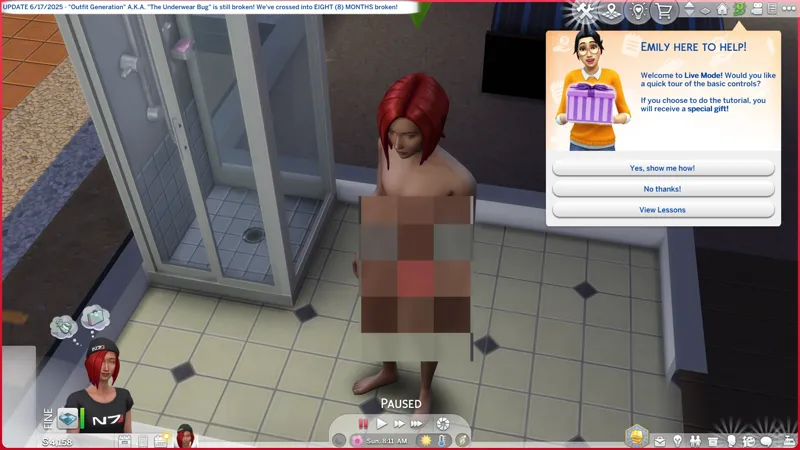
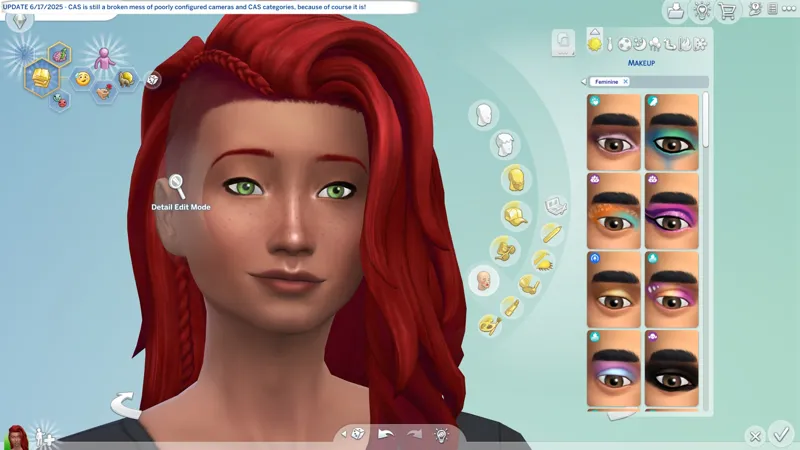

🔄 Update 6/17/2025 (700 MB) -- CAS is still broken, "Outfit Generation" is still broken. <SIGH> OK, let's get to work.
🔄 EAxis' Update Notes -- https://../news/update-6-17-2025
🌹 Scarlet's Update Notice -- https://../posts/131672791
🕒 We're still in the process of moving from one apartment to another. We should have been finished days ago, but everything has to be a spectacle when a toxic narcissist is involved.
🎓 I need to turn my "ROUTINES" into a standalone post and just link to it.
☆// - THINGS I NEED TO DO:
Verify my FOMO Unlocks are compatible.✔️
Update my SGFX Overrides.✔️
The Event isn't live yet, so I still can't fix my "No Event Button" variants. They'll be available again on 6/24/2025 when the Event goes live.
Update my SGFX Patches if necessary.❓
The patches work with the versions of the mods they were made for. If a mod updates, the Patch must update. Until then, there's nothing for me to do.
I'm meticulous about my SGFX mods. I update mine with every official game update to ensure 100% compatibility whether or not they're throwing errors - in fact, I don't even bother to check no more, because I know I'ma update it anyway. It's a "me" thing. Not everyone does it. If you'd like to know why I'm "so meticulous", you can read through this old post -- https://../posts/112915351
Update my Sweet Allure Kit CAS Override if necessary.❓
Outstanding since the last update.
Start verifying my mods for update compatibility.❓
I might rename my BAND-AIDS because I want to fine-tune my file order some more.
Give kitty head pats and nose boops!✔️✔️✔️😸
⋆ ── ─ ─ ─ ─ ─ ─ ─ ─ ─ ─ ⋆ \\🔄// ⋆ ─ ─ ─ ─ ─ ─ ─ ─ ─ ─ ── ⋆
☆// - HIGHLIGHTS FROM THE NOTES:
Is this it? Really?
In case you haven't caught on yet, EAxis does more !@#$ behind-the-scenes than what's reported in these Update Notes. Every update can potentially be a dumpster fire, because they generally don't mention any of the things they go mucking around with in the PYTHON files squirreled away in our INSTALL FOLDER, and if you've been paying attention to my ramblings, a number of the issues we're experiencing is likely due to changes they've made to those PYTHON files, e.g. Update 10/22/2024 and "outfit generation" a.k.a. the underwear bug, or the nonsense with Island Living sunbathing, or the issues currently seen in CAS. I could be wrong, but I believe that's all PYTHON.
Base Game / Multipack
[EA Forums] Resolved an issue where Sims models could become distorted when traveling shortly after aging up.
[EA Forums] Sim Portraits are now properly updated with career outfit when Sims join a career.
Businesses & Hobbies
[EA Forums] Small business employees no longer disappear after loading the lot from the Manage Worlds or Create a Sim screens.
Seasons
[EA Forums] The New Year’s Resolution menu now correctly appears when making a resolution.
[EA Forums] Scout’s Badge Progress UI no longer appears without text.
⋆ ── ─ ─ ─ ─ ─ ─ ─ ─ ─ ─ ⋆ \\⚡// ⋆ ─ ─ ─ ─ ─ ─ ─ ─ ─ ─ ── ⋆
☆// - MY REPORT - IN PROGRESS:
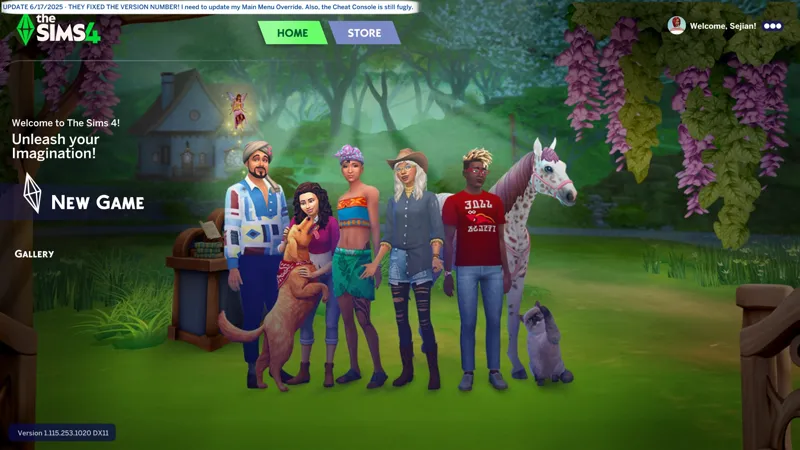
MAIN MENU -- The version number is fixed. I wasn't waiting for this before updating my Main Menu Override, I just noticed that they "broke" it last time.
☆// - MY REPORT - CONSPIRACY THEORIES:
I've developed this conspiracy theory over the past year that EA is !@#$ing with my internet connection. Not intentionally, but whatever nonsense they're doing in the background is !@#$ing with my internet connection.
A lot of it could be coincidence, but how many times does the internet connection need to drop immediately as I click on the update button in EA App, for it to not be coincidence?
I kid you not. The internet was working. Not great, but it was working, and as soon as I clicked "update", it poofed!
COINCIDENCE?! I THINK NOT! 👹
INB4 it is exposed that EA is using EA App to farm crypto currency on our devices.
What? I put nothing past this company.
EA App behaves like a potentially unwanted program (PUP).
Displaying unwanted pop-up ads is part of the definition of a "PUP"!!!!!!1111111 👹
⋆ ── ─ ─ ─ ─ ─ ─ ─ ─ ─ ─ ⋆ \\🐺// ⋆ ─ ─ ─ ─ ─ ─ ─ ─ ─ ─ ── ⋆
☆// - CHECK THE STATUS OF YOUR FAVORITE MODS:
1️⃣ Visit Scarlet's Realm, maintained by Scarlet -- https://scarletsrealm.com
2️⃣ Hover over "The Mod List" and click on one of these options (or any of the others):
SFW Only -- https://../the-mod-list-sfw-only-edition
SFW + NSFW -- https://../the-mod-list-sfw-nsfw-edition
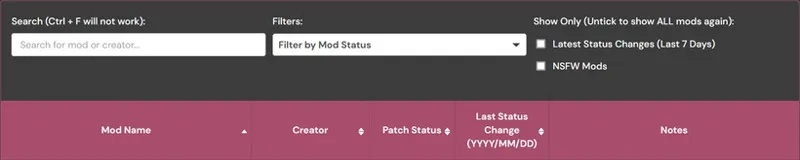
3️⃣ Scroll down to "The Mod List" section and follow the instructions to search for your favorite mods using the Search feature.
☆// - MY "GAME JUST UPDATED" ROUTINE:
Every time the game updates, I do this routine. It ensures that my game is always working the way it's meant to. I have never encountered issues with launching after an update because I always do this.
The "TS4 USER FOLDER" is your "Documents\EA*\The Sims 4" folder.
1️ RENAME my TS4 USER FOLDER.
Doing this removes all mods, caches, and settings, and forces the game to create a brand new TS4 USER FOLDER with all new configuration files - meaning the game should run as it's meant to without any issues.
I simple suffix the date of the last game update to the folder name, e.g. "The Sims 4_250429" is today's rename because 4/29/2025 was the last game update.
YYMMDD or YYYYMMDD is proper archiving for file systems.
DDMMYY is calendar and clock trash. That's just the way it is. 😹
2️⃣ LAUNCH the game and re-configure my GAME OPTIONS » GRAPHICS » GRAPHICS options.
Display Type = Windowed Fullscreen
If you're experiencing performance drops with "Windowed Fullscreen", then you should play "Fullscreen". At least this is how it was back in the day with games. "Fullscreen" was the recommended thing for best performance, but with advances in technology it has become less of "a thing".
Vertical Sync = ENABLED
3️⃣ EXIT and RE-LAUNCH the game for other game stuff to initialize.
There are some stuff in the background that doesn't initialize the first time you launch the game, so this "EXIT and RE-LAUNCH" dance is required.
4️⃣ Click through the "Pack Pop-ups" and re-configure my other GAME OPTIONS.
5️⃣ After all of the above is done, I migrate my "personal data" into my new TS4 USER FOLDER. My "personal data" includes:
📁 ConfigOverride (folder) - I have a third-party mod that enhances shadows and textures that goes in here. I should "Community Highlight" this mod. Of course, you need to verify compatibility before migrating this if you use that mod.
📁 Custom Music (folder) - I have MP3 files in here for the custom radio station that I need to continue work on.
📁 Mods (folder) - I NEVER migrate this folder. I verify my mods in batches then toss them over when I'm sure they're compatible.
📁 saves (folder) - I don't migrate this folder because I create a new saved game with every new update. Yep... I ain't ever gon' progress in this wretched game. 😹
📁 Screenshots (folder) - Because screenshots.
📁 Tray (folder) - This is where all of your locally saved Gallery households, etc. and CAS-created households, etc. get saved. This is your "Library" a.k.a. your personal Offline Gallery.
📄 ExcludedMusic.txt (file) - If you disable radio songs, this "text" file is where those settings are saved.
But wait! I have another routine...
☆// - MY "GAME JUST UPDATED" ROUTINE FOR S4S:
Every time the game updates, I delete the following folders and files located in the "S4S USER FOLDER" a.k.a. "Documents\Sims 4 Studio". This ensures Sims 4 Studio is always working optimally:
1️ EXIT Sims 4 Studio if it's open BEFORE updating the game.
2️⃣ DELETE the "Tuning" folder.
3️⃣ DELETE the "S4Studio_v*.sqlite" file.
4️⃣ (KEEP READING...)
5️⃣ LAUNCH Sims 4 Studio and wait for it to rebuilt the "S4Studio_v*.sqlite" file.
6️⃣ Click on TOOLS » "Extract Tuning..." to open the "Export Tuning..." window and wait for Sims 4 Studio to rebuild the contents of the "Tuning" folder.
That's it, but...
7️⃣ If you use a "TDESC.zip" file in the "Tuning Descriptions" folder, you should probably move it out and check for an updated "*TDESC.zip" file.
This thing is provided by EAxis in their official Discord server.
It's kinda useful but it can also completely ruin your Tuning mod if you don't know what you're doing or if it's not compatible with the Tuning resource you're modifying, e.g. this thing completely ruins my "CAS Filters" mod if I make any changes using the features it enables in Sims 4 Studio.
If Sims 4 Studio updates, I do all of the above and one more thing:
4️⃣ DELETE the "Settings.xml" file BEFORE re-launching Sims 4 Studio.
Yep! This is why I left out #4 up there.
Don't forget to re-configure your options (and your "Creator Name") before modding.
Cheers!