
🎁 [SP66] CASO: Golden Years Kit -- I included my "SP66DressBaker" BAND-AID in the update.
⚔️ SP66: GOLDEN YEARS KIT ⋆ 🚀 5/9/2025 ⋆ 🌠 5/12/2025 ⋆ ☄️ 5/12/2025
🔄 4/29/2025 - Check Announcements [🌐] if this isn't up-to-date [🌐].
😾 CAS Review - https://www.patreon.com/posts/127964924
⚙️ This is a ZIP archive. Use Windows Explorer [🌐] or Finder [🌐] to open/extract it, then place the extracted folder/files in your Mods folder. Ensure "GAME OPTIONS » OTHER » Enable Custom Content and Mods" is enabled. "Apply Changes" and restart the game if it wasn't.
—
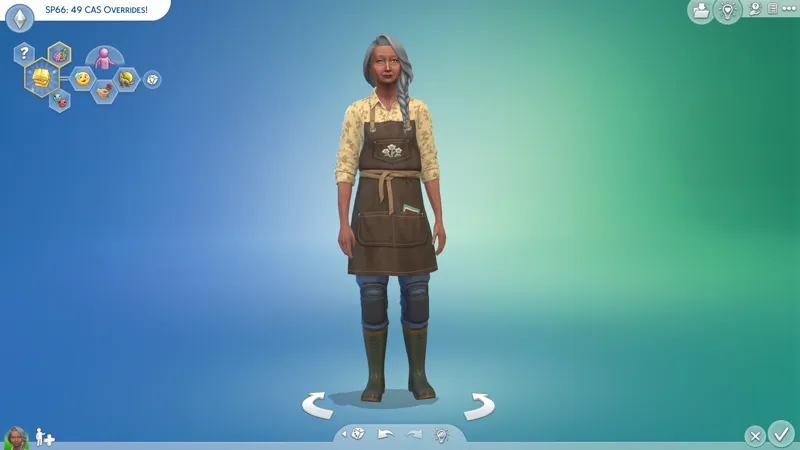
This MERGED PACKAGE contains (49) overrides - that's everything I could find for this Kit in S4S. When S4S updates and adds the SP66 filter, I will verify that I didn't miss anything.
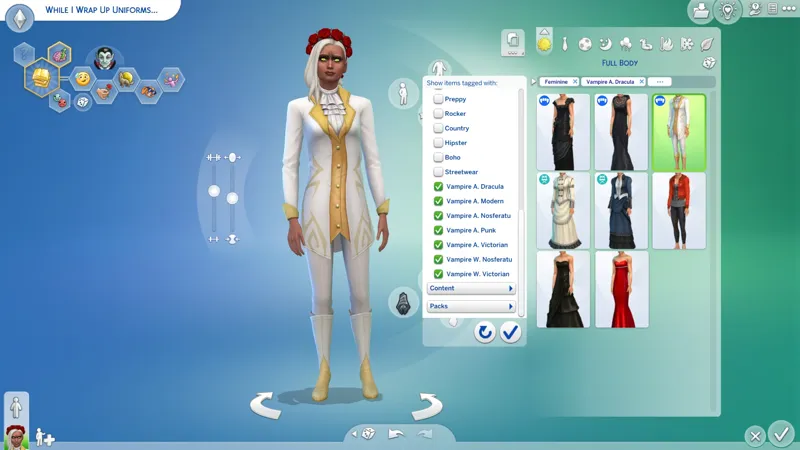
These overrides aim to fix EAxis' abysmal PartFlags and TAGS.
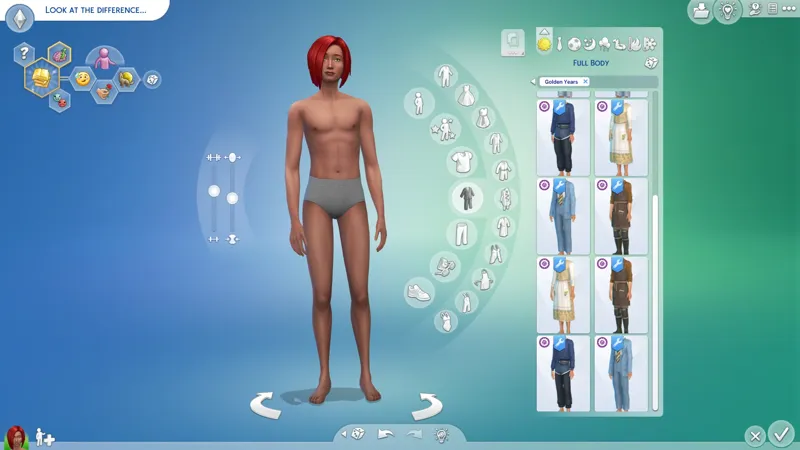
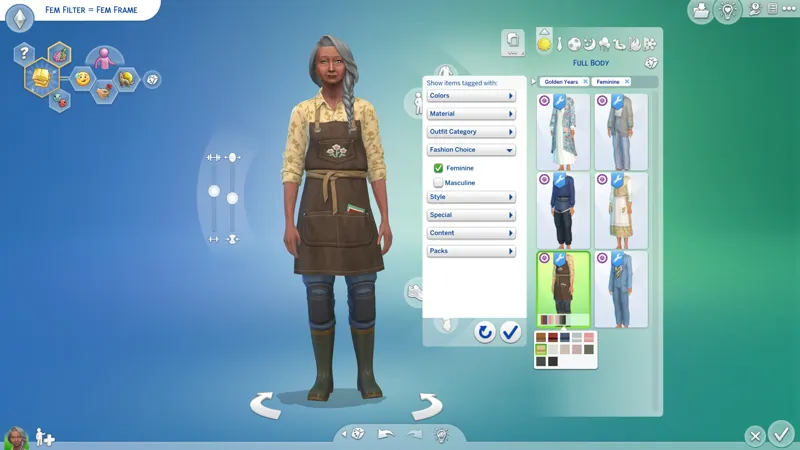
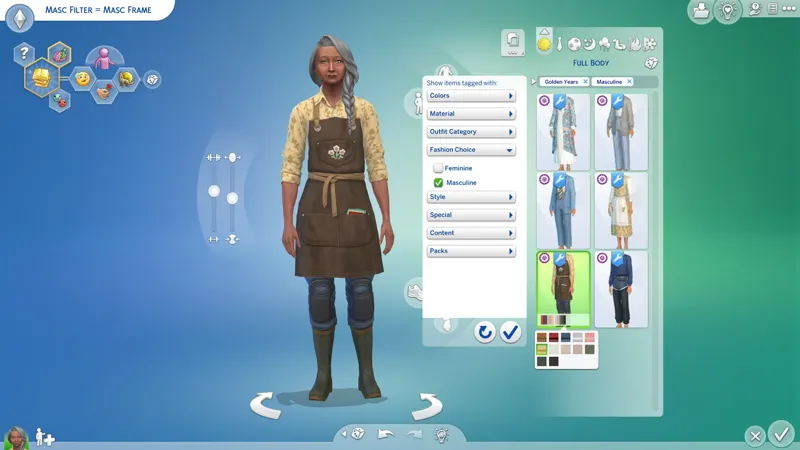
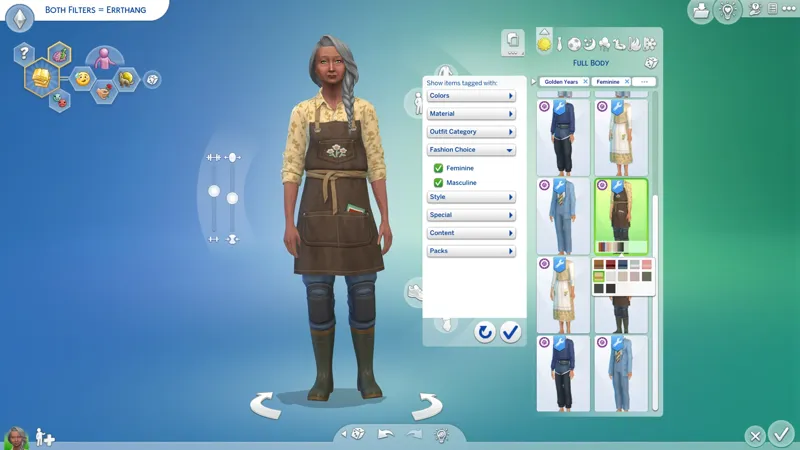
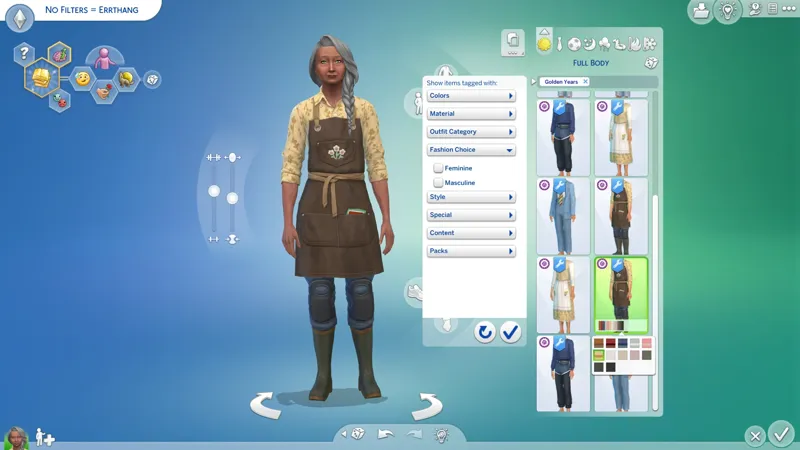
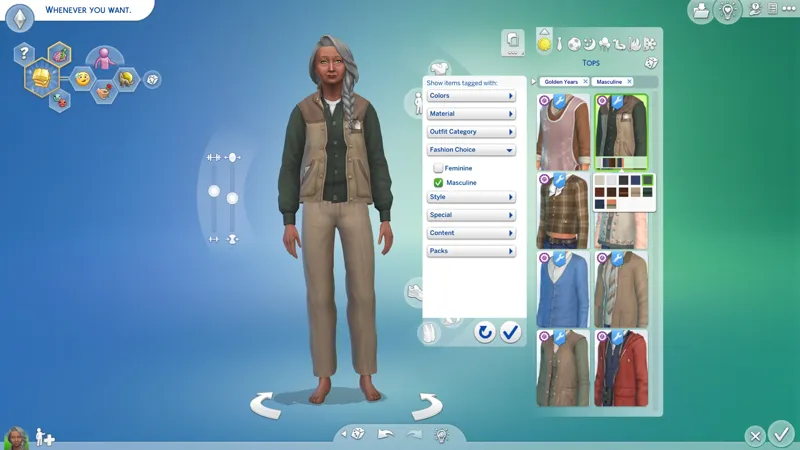
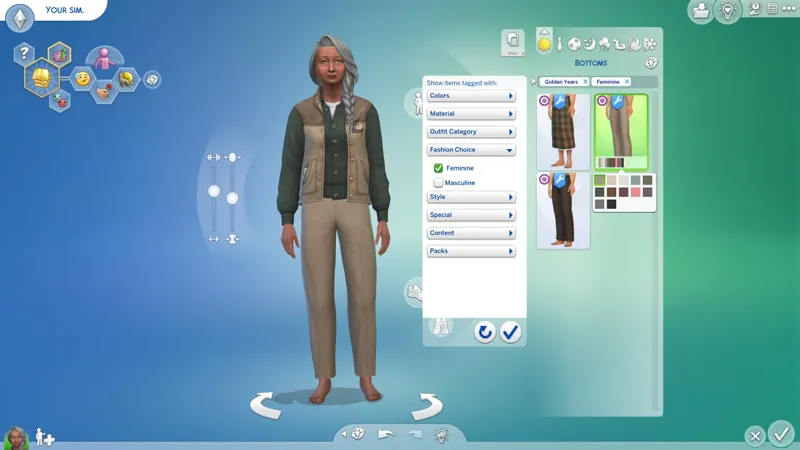
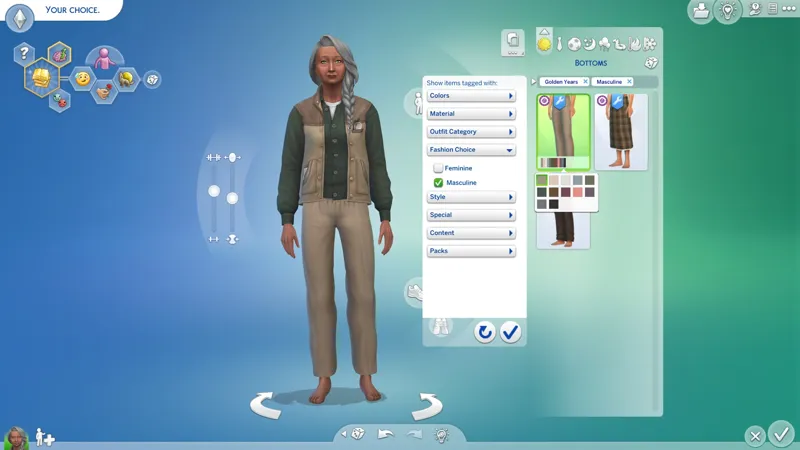
Additionally, all TOPS, BOTTOMS, and FULL BODY items for TEEN+ have been unrestricted for all "Gender" and "Physical Frame" combinations, meaning "cisframe" sims and "transframe" sims now have access to the same selection of items via the "Fashion Choice" filters.
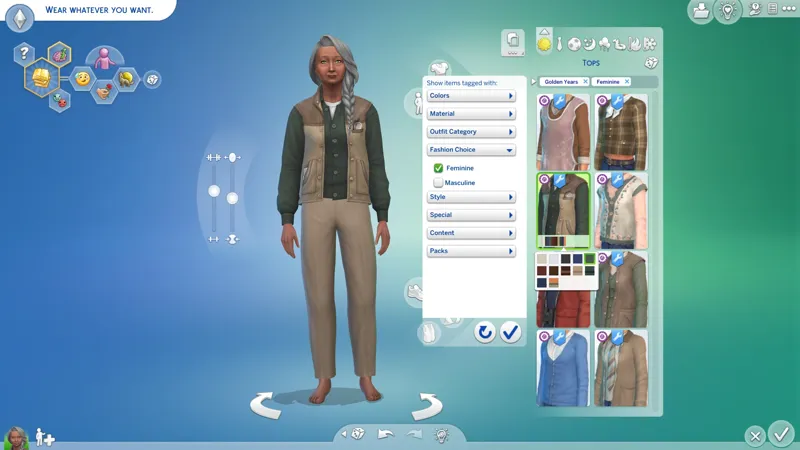
All clothes made for the Feminine Frame can be found under the Feminine Fashion Choice filter and all clothes made for the Masculine Frame can be under the Masculine Fashion Choice filter. Adding or removing both Fashion Choice filters will show both sets of items.
Making CAS inclusive for everyone isn't rocket science. It's just PartFlags, baby!
THIS MOD IGNORES REAL-WORLD "FASHION STEREOTYPES" - You will find "feminine fashion" items that were made for the Masculine Frame under the Masculine Fashion Choice filter, but I have disabled randomization on all of these items to avoid them randomizing onto anysim. It is more important to me that you know which Physical Frame an item was made for, so you can avoid unnecessary body "deformities" from wearing clothes that don't match your Physical Frame. EAxis has long made a mess of this by flagging items made for one Physical Frame for the other Physical Frame.
A "FASHION STEREOTYPES PATCH" IS NOT YET AVAILABLE - These "patches" reorganize "feminine fashion" items that were made for the Masculine Frame back under the Feminine Fashion Choice filter while retaining all of my other fixes.
Refined, with some ☔ thrown in, 'cause I'm a mean mo- 🙀😹
☆// - NOTICE MY POST ATTACHMENTS, SENPAI...
☆// - RELATED BOOTY:
🥂 CAS Overrides Collection - https://../collection/934728?view=condensed
🗺️ CAS Add-Ons for Golden Years Kit - https://../posts/128433634
🗺️ De-Bloating™ Golden Years Kit - https://../posts/128433758_PENDING™
☆// - MOAR BOOTY:
🌟 CAS Filters - https://../posts/126616540
🗺️ All-in-One Live Event Rewards Unlocker - https://../posts/120588981
🗺️ No Random Body Scars on Occult Sims - https://../posts/119633307
🗺️ XMODTko "Goodbye Clownies" - https://../posts/116350036
I need to verify this for "GVUpdate" compatibility, but this little Tuning override disables randomization on all "Accessories" (except the "Body Scars" that keep randomizing onto occult sims).
☆// - SP66DRESSBAKER'S MESH IS FUBAR:
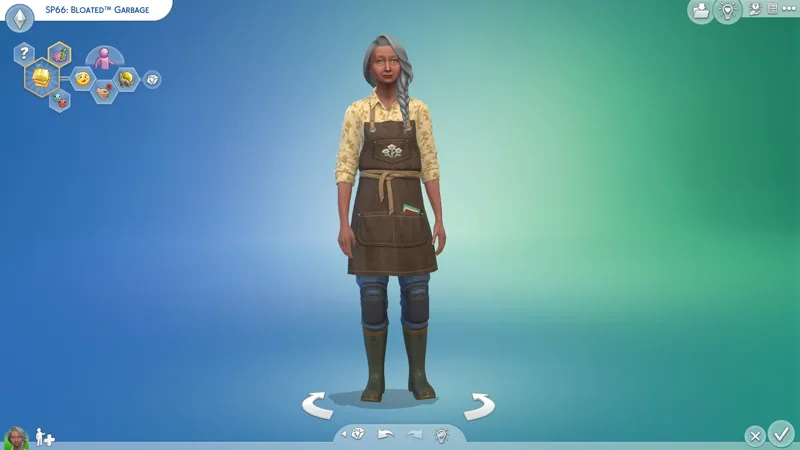
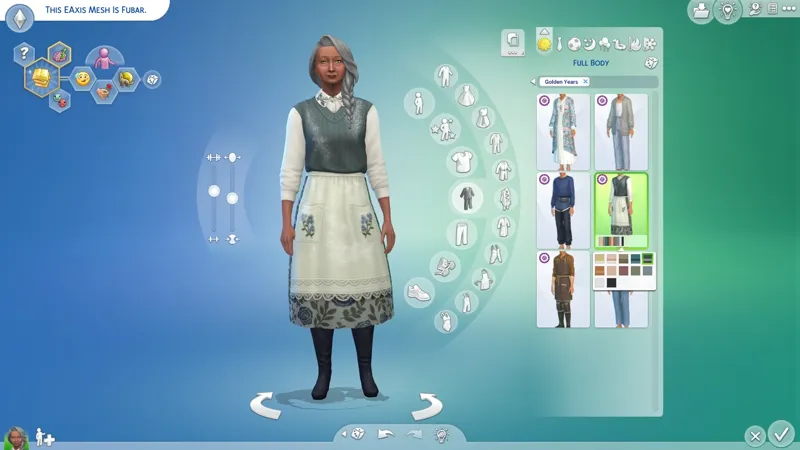
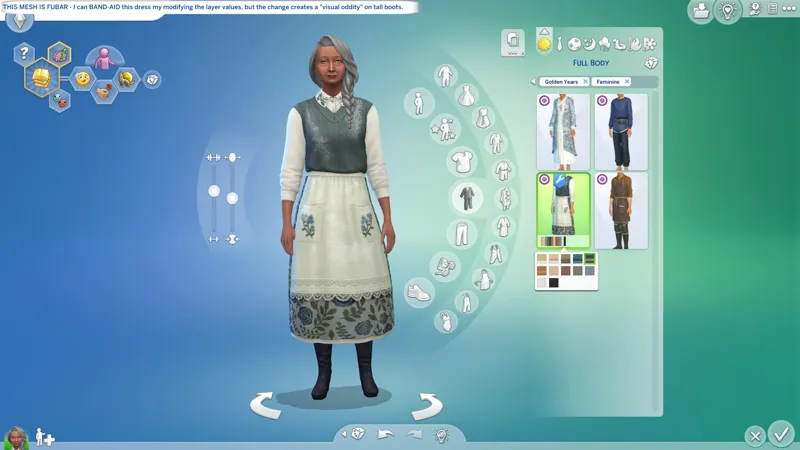
When worn with tall boots, the bottom of "SP66DressBaker" is chopping off and the shadow under the dress is going wonky.
TWO (2) things are causing this:
The KNEE layer value is wrong.
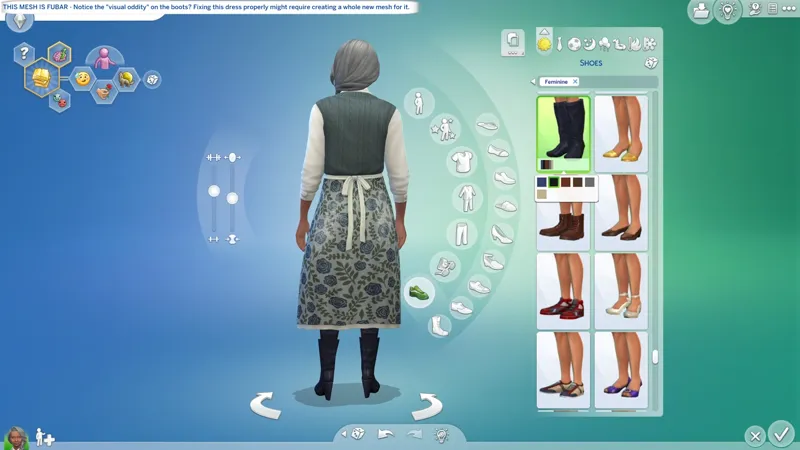
The mesh layers for the dress don't match the mesh layers used for tall boots.
We can fix the KNEE layer value easy peasy, but fixing the mesh layers might require creating a whole new mesh for the dress.
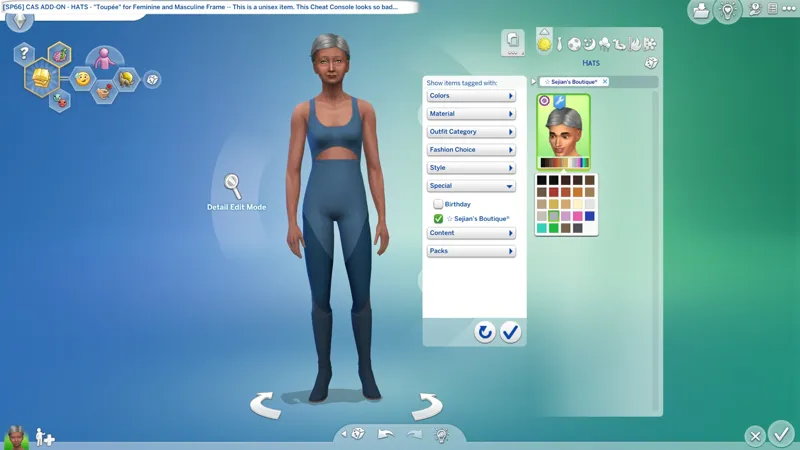
It looks fixed in the second screenshot, but it's not. The third screenshot shows the "visual oddity" on boots caused by the mismatched mesh layers. The modified KNEE layer value is correct, but the mesh layers don't "align".
If the dress was a smidge longer, the "visual oddity" would not be visible.
Put simply, the mesh for "SP66DressBaker" is not compatible with tall boots.
This is similar to the issue I encountered when wearing tall boots with Sifix's long skirts, except in their case, those skirt meshes have no mesh layers at all.
—
I can't really explain this properly because I'm not a CAS creator and there are gaps in my knowledge, but all long BOTTOMS have "layers" in the lower region of the mesh that correspond to different sections of the leg - ANKLE, CALF, and KNEE - and they match the "layers" found in tall SHOES (like boots).
Each "layer" has an easily modifiable numerical value assigned to it. If the value is higher on the SHOES, then the SHOES "go over" the BOTTOMS, and if the value is higher on the BOTTOMS, then the BOTTOMS "go over" the SHOES. It's a simple concept, and it functions a lot like the "SortLayer" value found in "CAS Part" resources.
☆// - SP66 CAS OVERRIDES:
TBC...
☆// - CONTAINS (0) TS4SCRIPT + (1) PACKAGE:
This is a simple CAS override.
This should NEVER contain TS4SCRIPT files, BATCH files, EXE files, or anything other than PACKAGE files and my "#Sej" folder.
This section exists as a reminder that we are in someone's crosshairs.
Rogue TS4SCRIPT files, BATCH files, EXE files, etc., encountered where they don't belong could contain malicious PYTHON script or other !@#$ that will attempt to infect your device and steal your personal information when executed by you or the game. Malware can ruin lives. Don't !@#$ around.
sej_CASOvrdMERG_SP66_[YYMMDD]_[RELINFO].zip
sej_CASOvrdMERG_SP66.package