
1.19.1.0 Released!
The last 9 days were very busy packing in new features, tweaks, and bug fixes to 1.19 (see release notes below). Just use VaM_Updater.exe in your existing install area to get it. If you don't have VaM yet, see this post:
https://www.patreon.com/posts/downloading-and-32794384
Release Notes:
Features:
Browsing: New “flattened” browsing mode using “flattened” shortcut. Shows all files from all folders in packages and in some cases local files for the current thing being browsed (scenes, presets, etc.)
Browsing: New “filtered” browsing mode that allows browsing var packages through regular directory traverse. Only package directories that have content relevant to what is being browsed is shown
Packaging: Packaged clothing and hair items can now be opened in creator. Cannot save to a package but can make local modified copy.
Packaging: Added new PC EA (Paid Content Early Access) license choice, with additional secondary license and EA end date setting
Packaging: Added Copy To Clipboard button for package items that have a promotional or informational link
Plugins: new FileManagerSecure class in MVR.FileManagementSecure namespace, for safe i/o operations, including package file access. https://apidoc.virtamate.com/api/MVR.FileManagementSecure.FileManagerSecure.html
Plugins: added function to get list of shortcuts for a give directory name
Tweaks:
Morphs: On Latest filter added to morphs UI to prevent showing of older versions of morphs from same package
Morphs: Ignore custom morphs that have no deltas or formulas (e.g. Figure ID: Genesis2Female)
Morphs: Ignore custom morphs that have identical min and max
Morphs: loading preset or merge loading scene no longer unsets animatable if it was already set
Morphs: loading preset or merge loading scene no longer sets min/max unless it is to increase range
Browsing: Texture select now allows full computer browse
Browsing: Plugin select now allows full computer browse
Browsing: CustomUnityAsset now allows full computer browse
Audio: Merge load scene can now reuse audio files that were already loaded, saving load time
Audio: URL browse now uses “Custom/Audio” as suggested folder.
ImagePanel*: now uses “Custom/Images” as suggested folder.
ImagePanel*: gif reader now supports gifs in var packages
VAC: opening VAC/zip files in scene browser now auto-extracts any embedded VAR files to AddonPackages folder if they do not yet exist
VAC: packaging now embeds meta.json just like VAR packages and lists references it has to VAR packages
Bug Fixes:
Load of scene using femaledummy leaves waiting for popup open
Fixed ability to make .var file into an unzipped directory of the same name and use it as a virtual package
Fixed VAC packaging breaking when VAR reference was present
Fix for certain style of wav file url no longer working (fixes E-Motion plugin)
Fix for triggers playing audio clips from var packages
Fixed package check and fix references with cslist files that specified files in sub-directories
Fixed issue with VR keyboard not going inactive after save
Fixed min/max loading of custom morphs that did not have integer min and max values
Fix null reference error when trying to package male and female hair or clothing item with same ID
Fix for new file management system to allow read of read-only files
Added new atoms ImagePanelTransparent and ImagePanelTransparentEmissive that were supposed to be in 1.19.0.5
Fix for Ren* and femalecustom skins to add in missing Global Illumination Filter parameter
Fix for plugin c# compiler to properly manage streams to allow remove of file lock when parsing fails
Fixed issue with url triggers in var packages with SELF references
Enjoy!
Meshed
Comments (17)
Aha ! I’m on Oculus Rift - so A or X . Thanks
Q) (total beginner here) I successfully loaded VAM & launched desktop mode with the ‘creator’ keys . ... when I try and do same thing in VR mode , system seems stuck on “ready” button . I.e. I press the button and nothing happens
Do you see the pointers move when you move your VR controllers? On Index or Vive, the button to press by default is "A", not triggers, since triggers are used for grabbing. On Oculus, the button to press is A or X.
hi, I have a problem with some of the morphs after 10 min they reset themselves to 0 can you please help?
A morph reset occurs every 10 minutes to prevent graphical issues from floating point error accumulation. Some morphs control other morphs. During this reset, if these morphs are not set exactly to 0, they will modify the values of other morphs they control. In the UI, these morphs might show 0.00, but might actually be 0.0003, which is considered active. An example morph is Left Hand Fist. It controls Left Fingers Fist and Left Thumb Fist. If you adjust Left Fingers Fist while Left Hand Fist is not 0, the value will get snapped back at the 10 minute reset. To work around this, you simply need to make sure these top controlling morphs are set to 0. Click the "Only Active" toggle in the morph UI and look for them. Click the "0" button to make sure they are set to exactly 0. Then you can modify the morphs they control and the values will not get reset at the 10 minute reset.
The beginners guide says "Load up VaM in either Desktop or VR mode " ... how do I do this for Quest? Ie how do I get it on there (sorry if I sound like a complete novice)
For Quest, you must use Link system and have Oculus Home running, then just launch VaM.exe. https://support.oculus.com/525406631321134/#setup
Dollmaster that comes with the release dont work, no menu, how can i fix this?
same problem here... we'll have to wait for dollmaster update.
Hello ! not working with Win10 Pro can you answer my message ? thanks !
When will fluids make it onto the scene?
Not until 2.X when skin collision is more accurate and will work with fluids better
Hi there, i've been a user since a while now, can i make some suggestions? :) 1. I would really like to have an option do disable the blue line for the left hand. 2. An option to scale the size of the VR hands. 3. Beeing able to ''lock'' or select a default loading location for poses. Thank you :)
Is there a granular way to load in the settings for a model? Like a way to save only the modifications I make to a character's face and then apply them to another character?
There is way, but it involves some manual work. Save a preset that includes what you want to save (morphs -> Morph Preset, textures -> Skin Preset, combination -> Appearance Preset). Find the file on disk (Custom/Atom/Person/Appearance/Preset_.vap, and open in a text editor. Change the first parameter "setUnlistedParamsToDefault" to "false". Now in rest of file start removing things you don't want changed, and then resave the file. When you now apply the preset, it will act like a merge-apply, leaving everything the same except for what is specified in the file. I hope to work up a way to make these custom presets in-game.
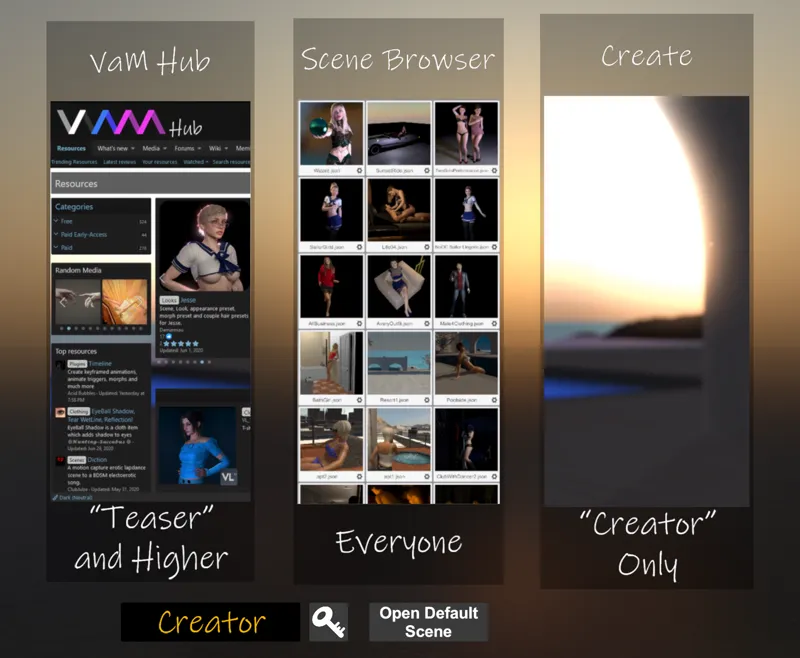
Hey a question about this game, if I download it does it have a community hub style like some VR games where you can download the scenes and/or models in the app? Or would I only have the base game when downloading and I'd have to go through and download every single thing I want to view/use through online sources else where? I know Yiffalicious has a decent in app community loader, and having to do everything outside the app would be kinda cumbersome. Thanks for any info! Would like to know before I get into it.
there's a discord and reddit community for vam, you can start there, so I guess the latter.