
Third-Day:💙✨ʂƚιƚƈɦɱαʂ ƈɦασʂ υɳɯɾαρρҽɗ✨💙||𝐓𝐡𝐞 𝐒𝐢𝐦𝐬 𝟒 𝐀𝐞𝐬𝐭𝐡𝐞𝐭𝐢𝐜 𝐒𝐞𝐭||Eight Days of Christmas
🤎💭Cozy update complete—compatible with Sims 4 (12/2/25)💭🤎
🎄💙 Ohana means trouble. Stitchmas is officially unwrapped!💙🎄
Hi Simmers!💙💫
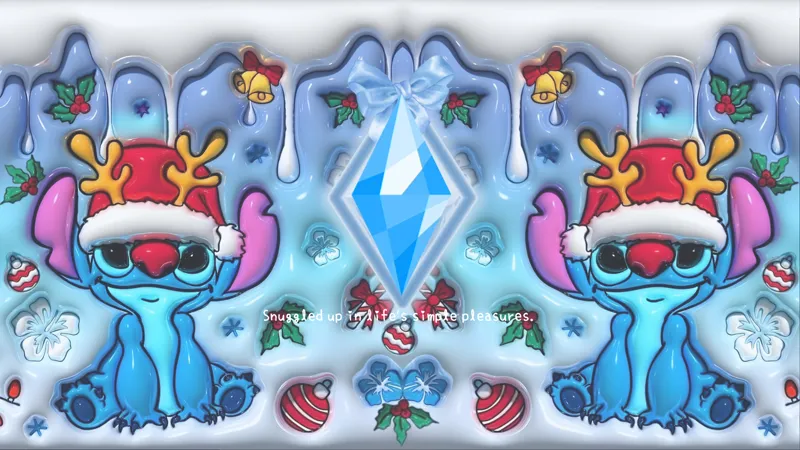
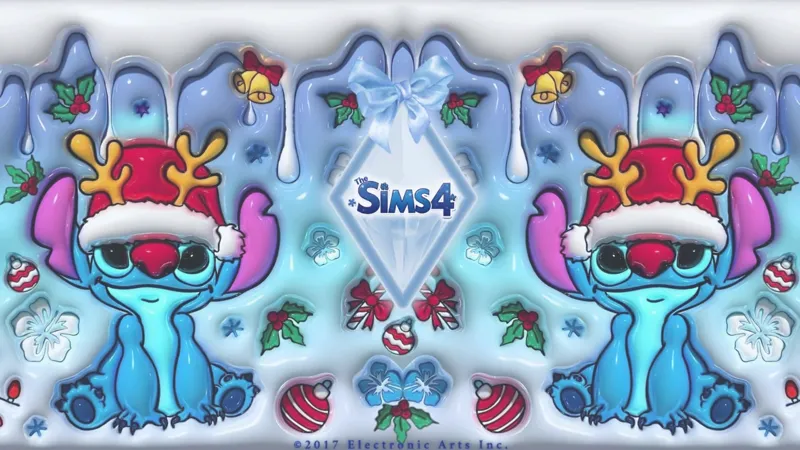
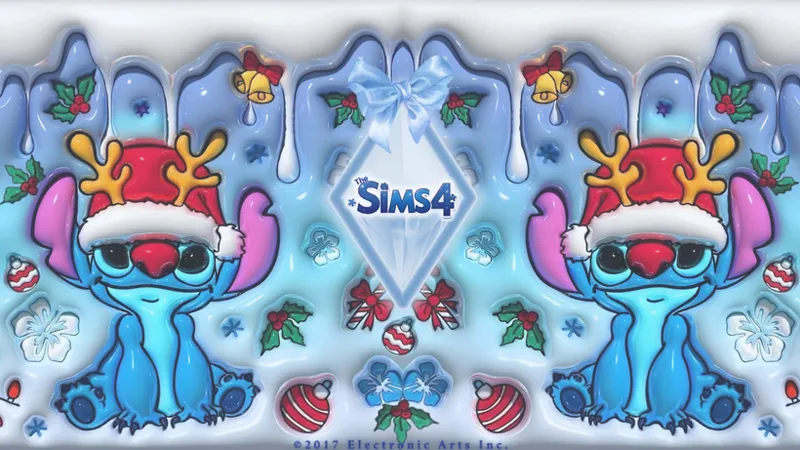
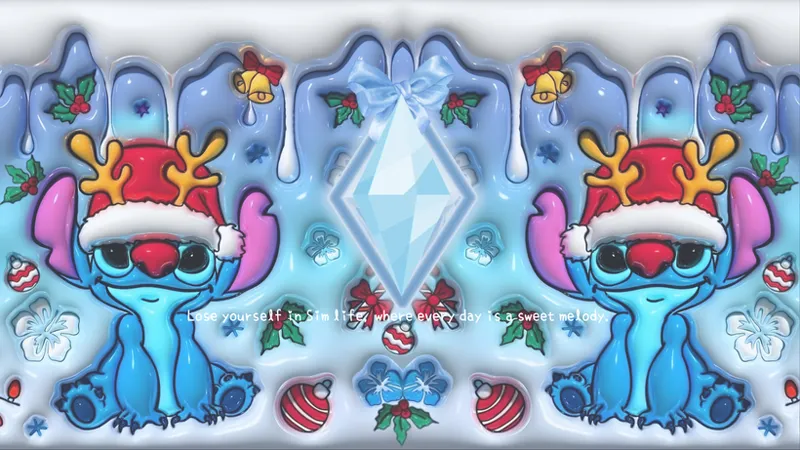
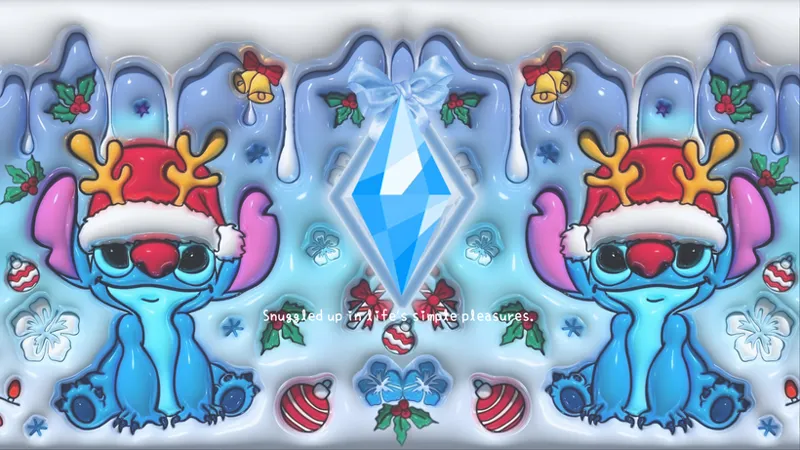
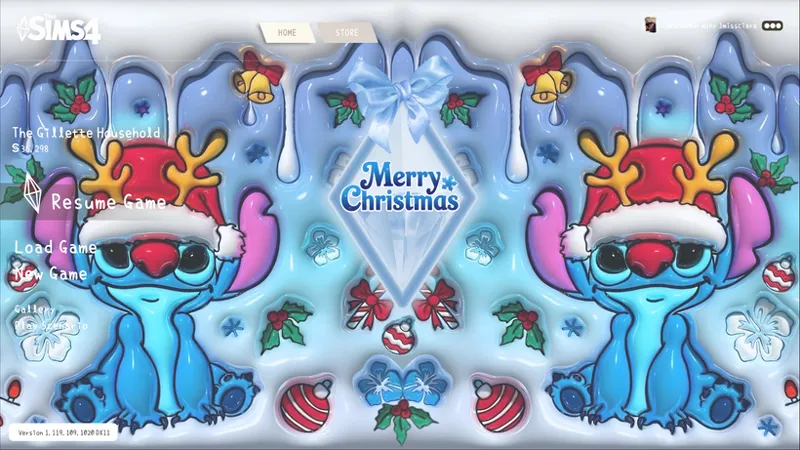
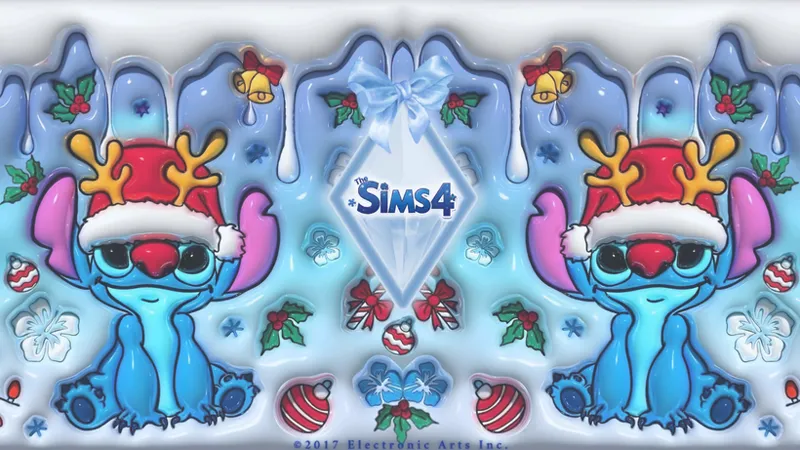
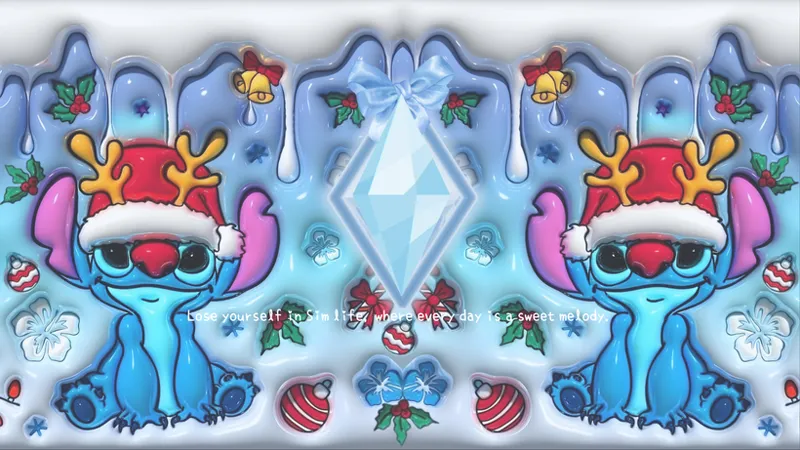
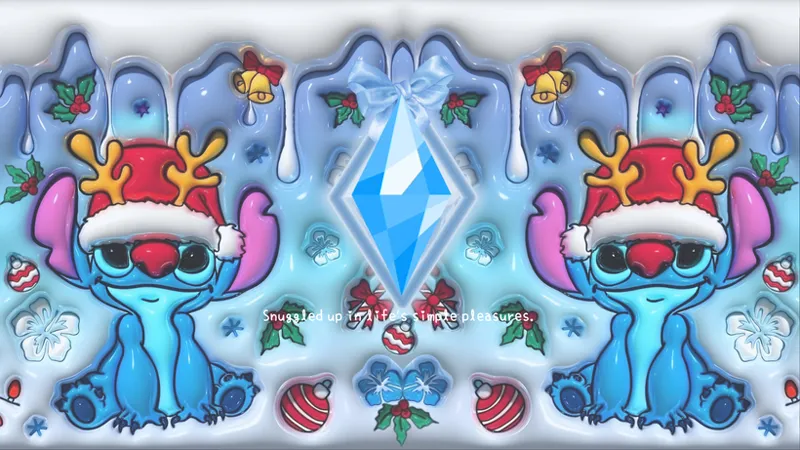
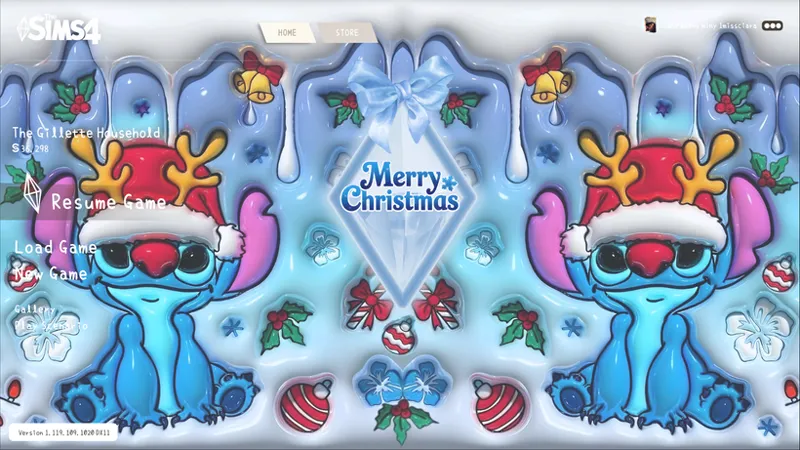
I’m back with a festive little troublemaker. ʂƚιƚƈɦɱαʂ ƈɦασʂ υɳɯɾαρρҽɗ is a fully refreshed version of one of my pieces from last year’s Eight Days of Christmas event. It was originally my Day 3 gift, but I wanted to bring it back bigger, brighter, and much more chaotic for the season.
This updated set has better clarity, richer color, and that candy-glazed holiday shine that Stitch truly deserves. Think frosty blues, sugar-sweet glow, and just a sprinkle of Christmas chaos, wrapped up and ready for your game. It's perfect for anyone who wants their loading screens to feel playful, frosty, and just a little bit unhinged in the cutest way possible.
*I highly recommend downloading the No-Intro Mod as well for a smoother experience( that mod removes the short EA intro animation)*
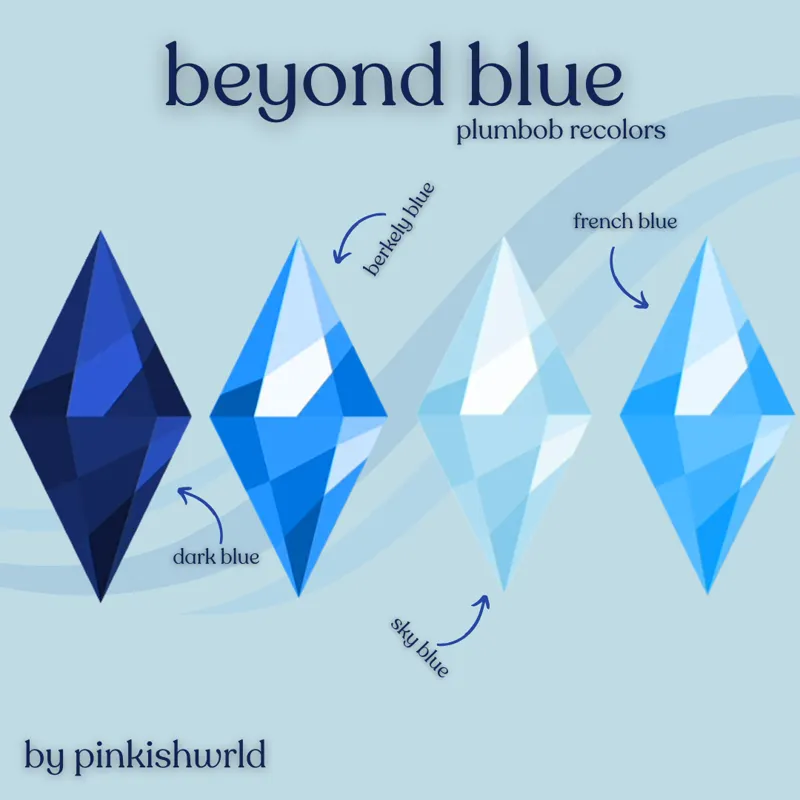
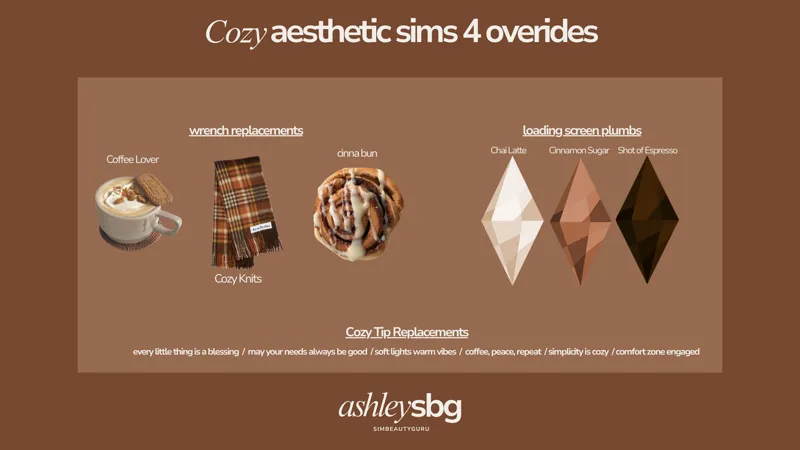
I've been dying to use these! Check out the gorgeous blue Plumbob recolors{here}🥹💙 + the cozy loading screen tips are from {here}!💫
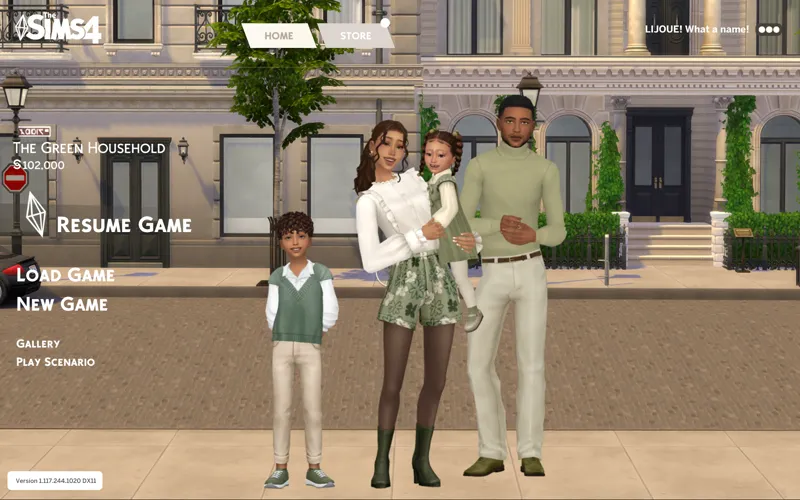
🤎🤍 𝙼𝚊𝚒𝚗 𝙼𝚎𝚗𝚞 𝙾𝚟𝚎𝚛𝚛𝚒𝚍𝚎 𝙸𝚗𝚜𝚝𝚊𝚕𝚕𝚊𝚝𝚒𝚘𝚗 🤍🤎
Download the required Main Menu Base File by Lijoue – this is essential for the override to work properly.
Download my custom main menu override package file below ⬇️
(Optional): For an extra clean look, you can also grab the Main Menu Fan Logo and No Sims Household Image add-ons by Lijoue!
🤍A few key reminders🤎
Terms of Use: Please don’t re-upload or claim my work as your own.
Also, if you run into any issues, feel free to message me; I’m always happy to help!😊
⚠️ Important Reminder: The Sims 4 only allows ONE start screen, ONE loading screen, and ONE active main menu override at a time!⚠️
**I got inspiration from this picture🥹💙*
Enjoy the chaos, and happy Stitchmas! 💚❤️💙— Simmer Ciara🤎🤍
Comments (5)
yesss i love this!
Awe so happy you love it!🤗💙
Do o only have to pick one
If you just want just the loading screen, you would have to only download the one that says "loading screen" if ya want all three(the start screen, loading screen and the main menu you would have to download each file separately!
Perfect