
Early Release: RoboOctopus!!
***THIS FILE IS NO LONGER INCLUDED FREE WITH SUBSCRIPTION.
Use the member's 50% OFF discount code if you want to purchase it.
Hey Everyone!!
Every June I create a 'Robo' design to celebrate the anniversary of the start of MatMire Makes!
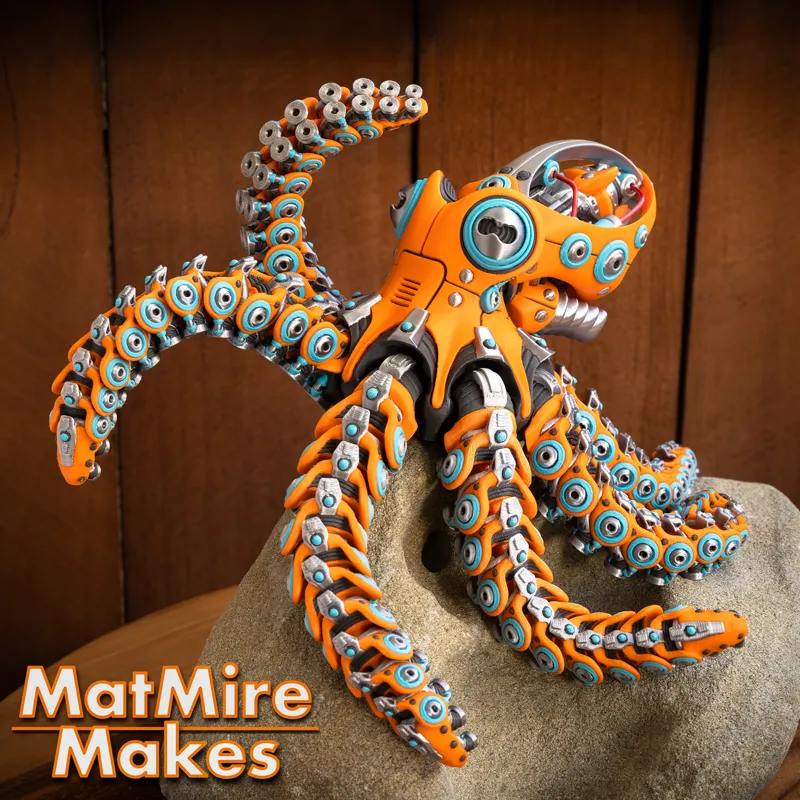
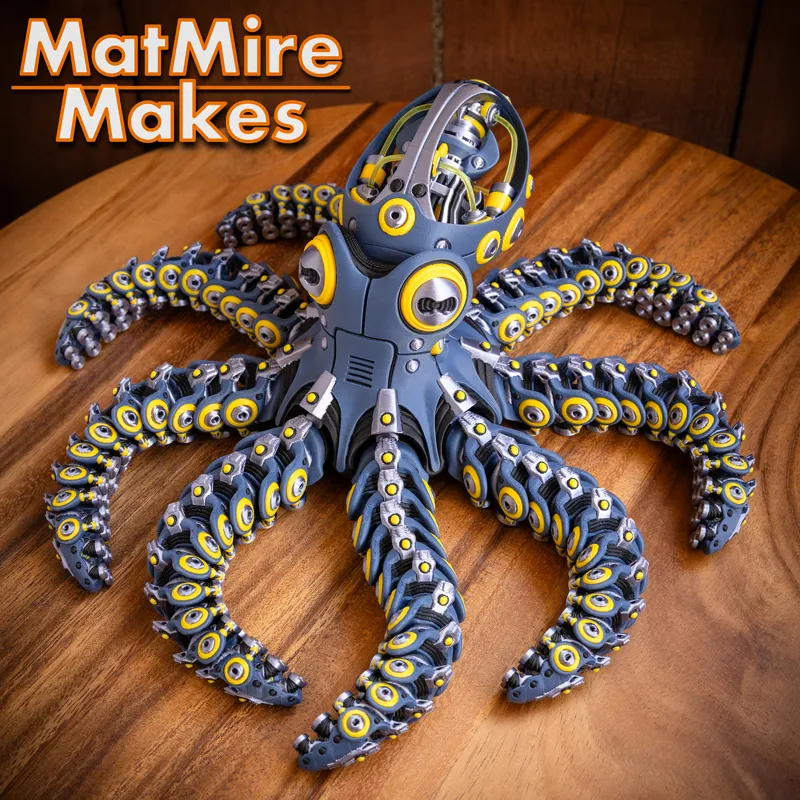
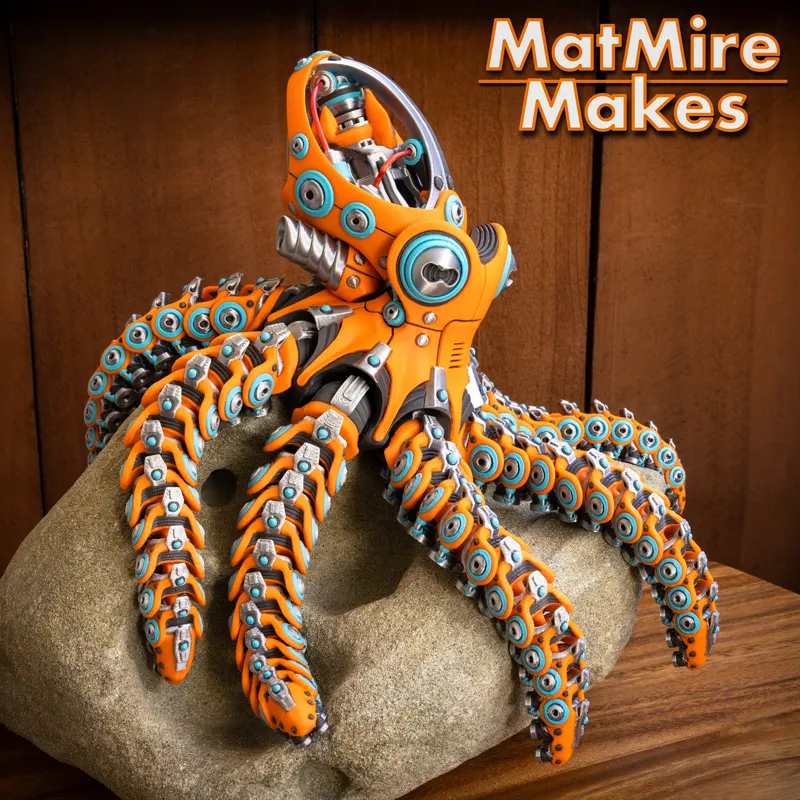
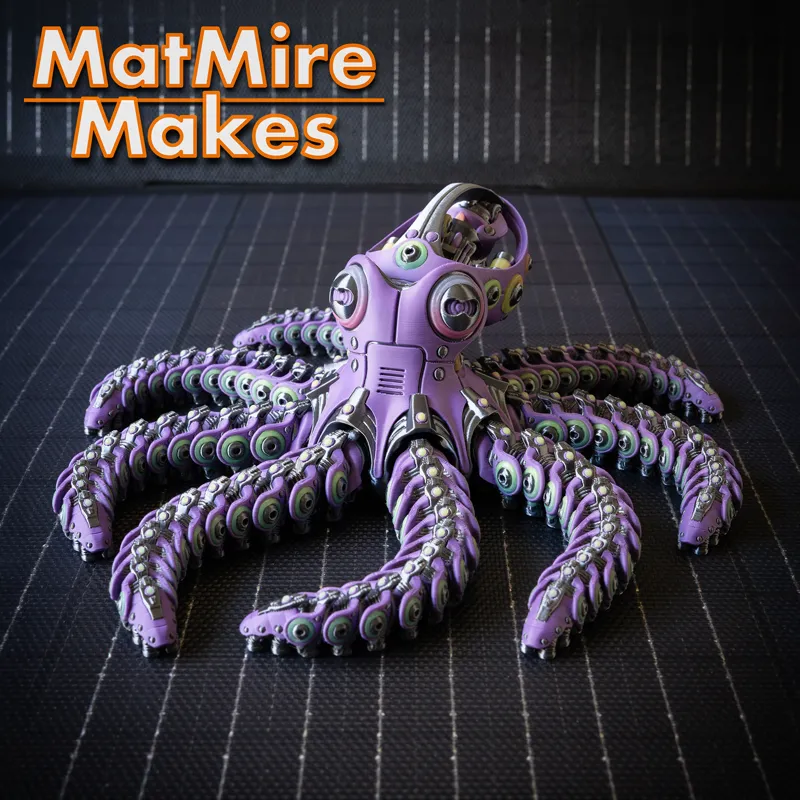
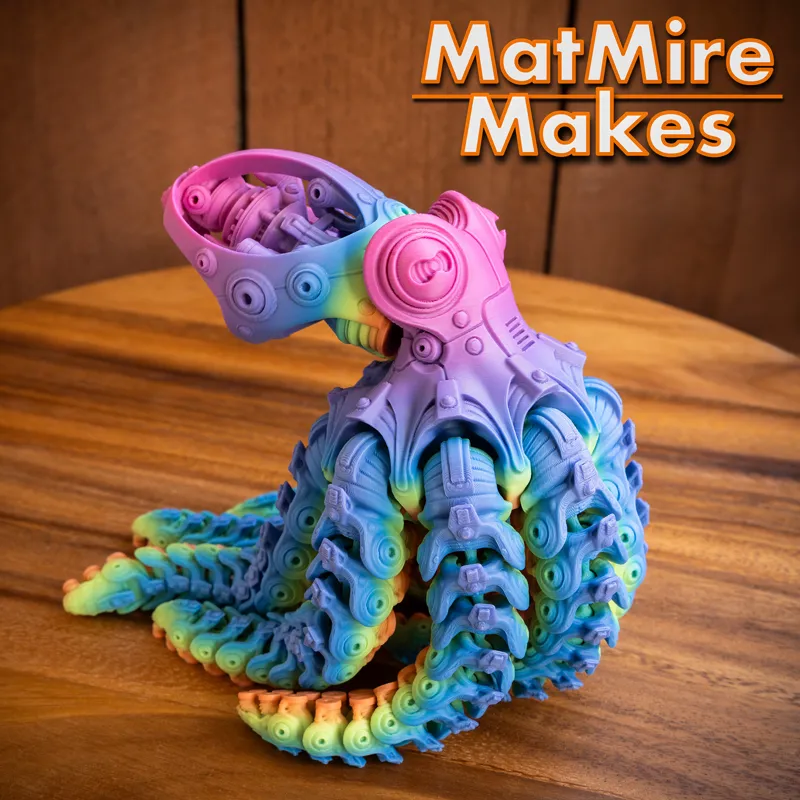
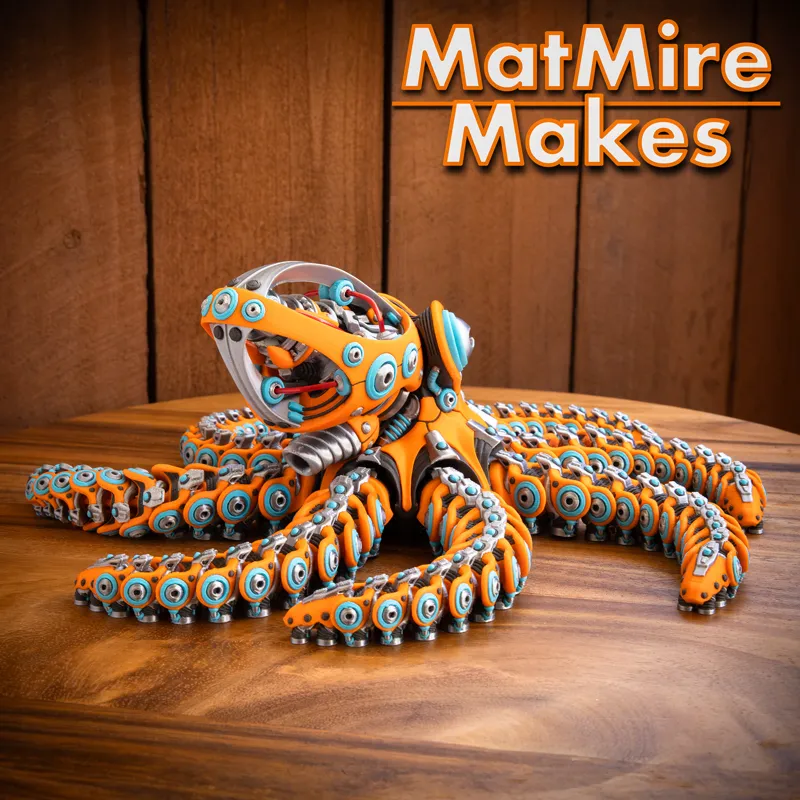
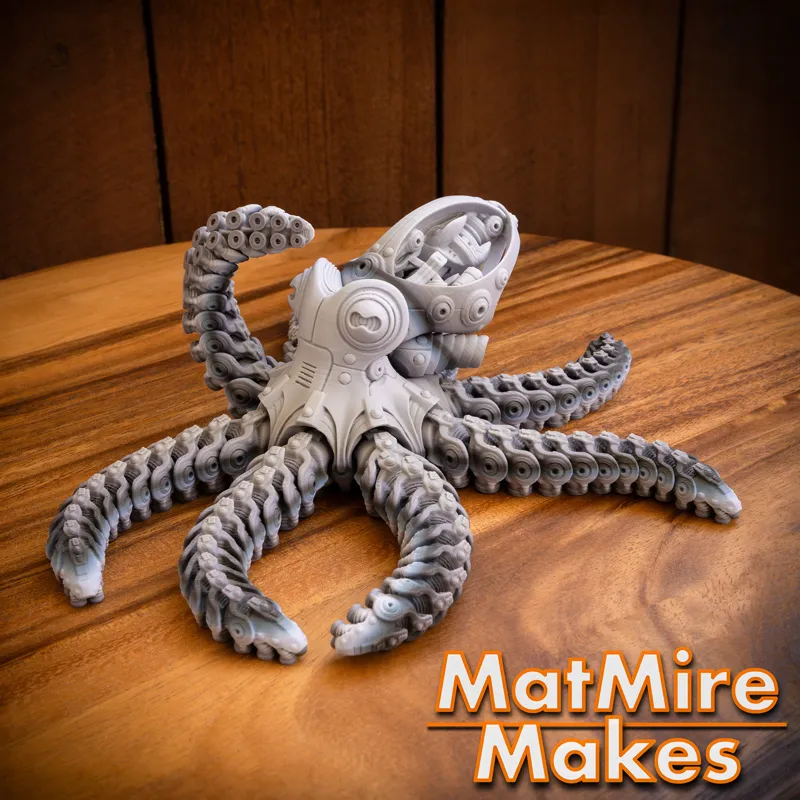
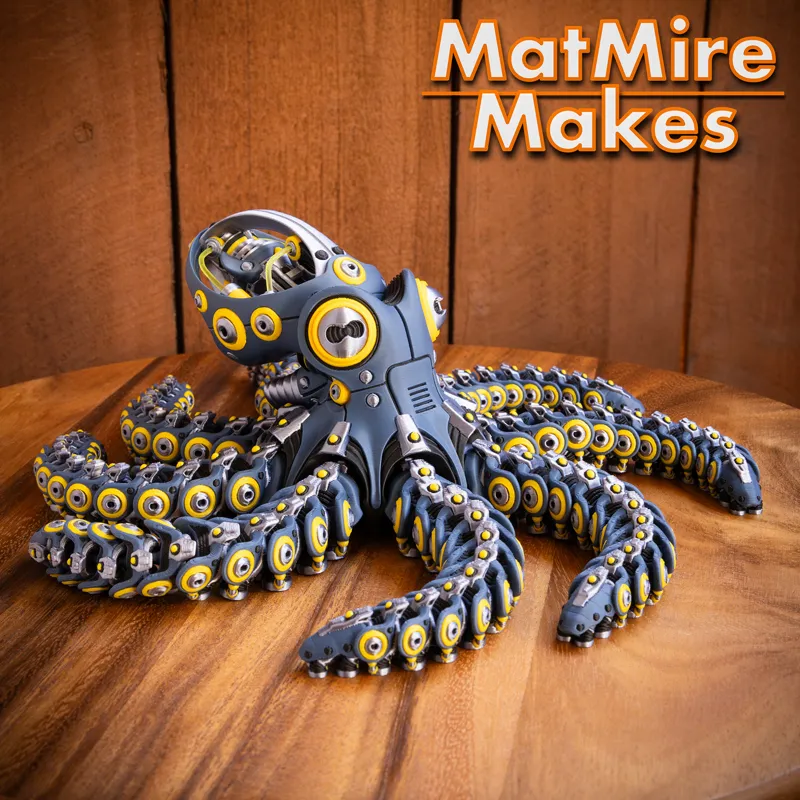
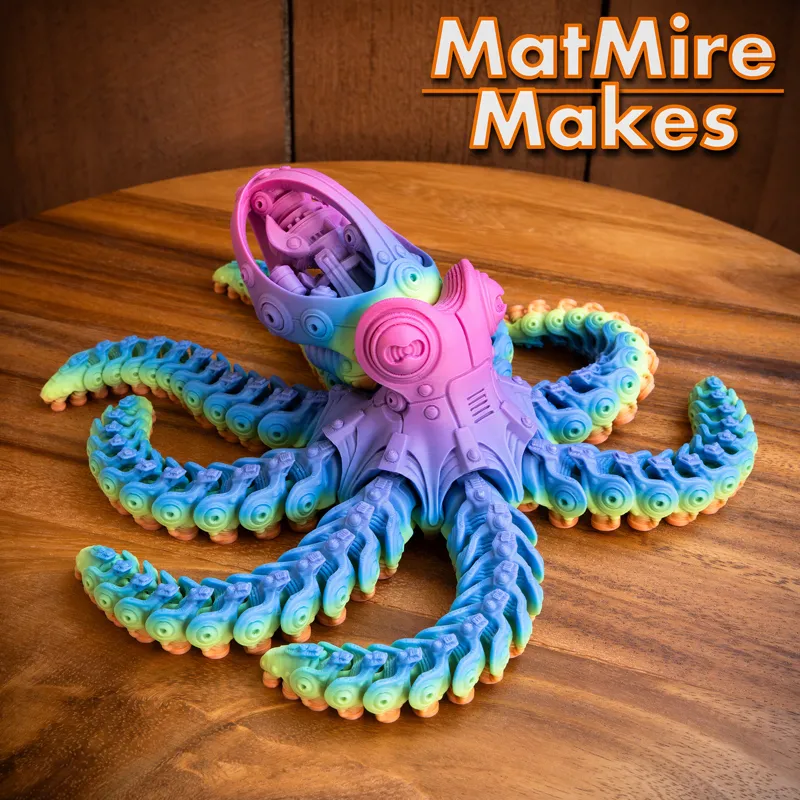
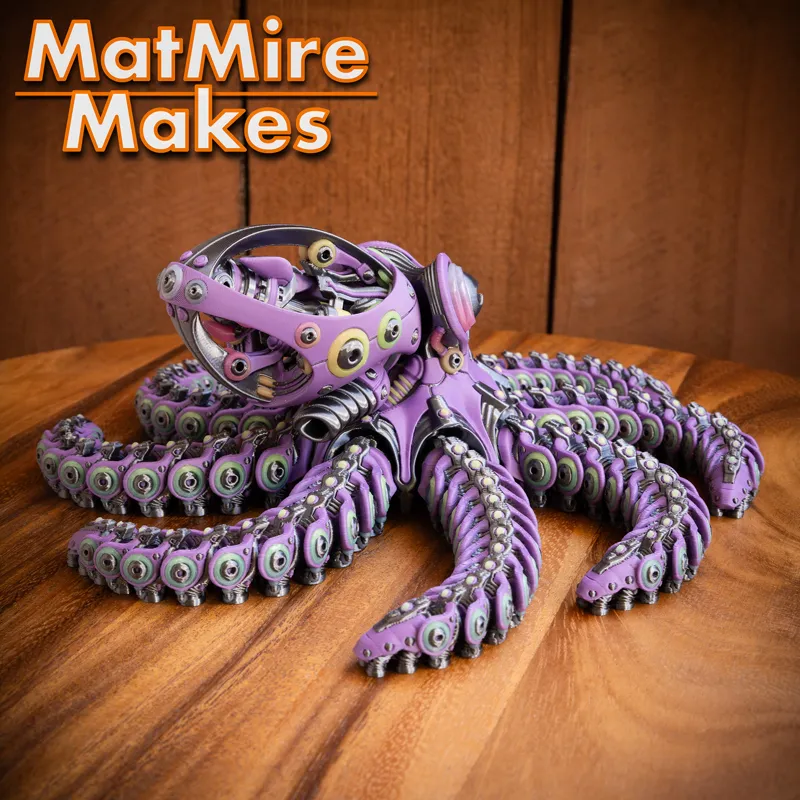
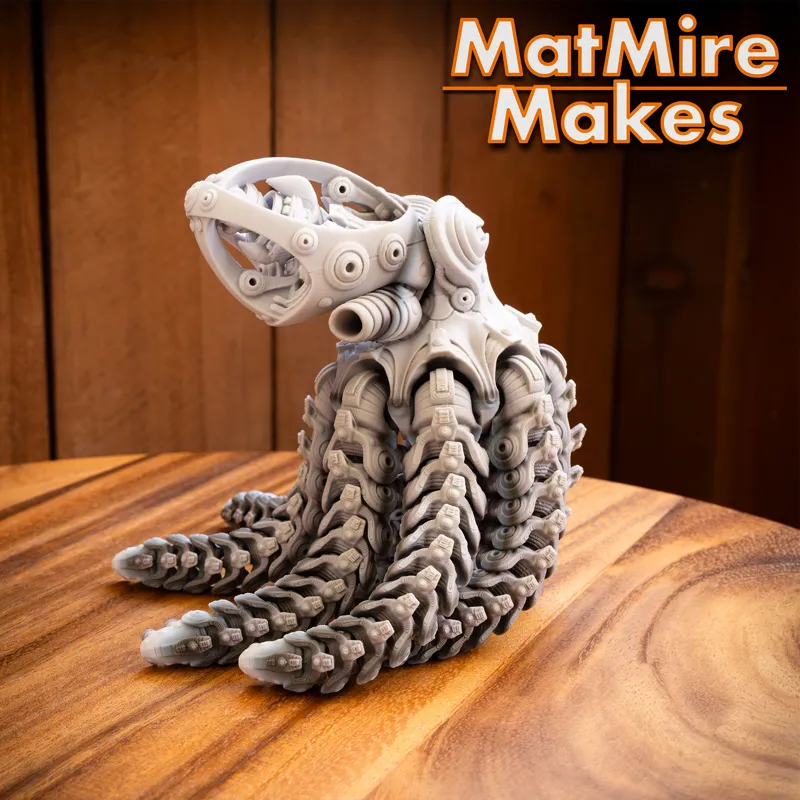
For my 4th Anniversary release, we have the RoboOctopus!! It was a very challenging but incredibly fun build! Some fun details... it features a rotating syphon on the underside of the mantle that moves the internal mechanical "guts," plus built-in nubs to pin the arms at an upward angle for extra posing options. You can also cut a few pieces of filament for optional "tube" details inside the mantle (Jig Stl included for cutting them to the correct length)
See this assembly video on how it all works... Here.
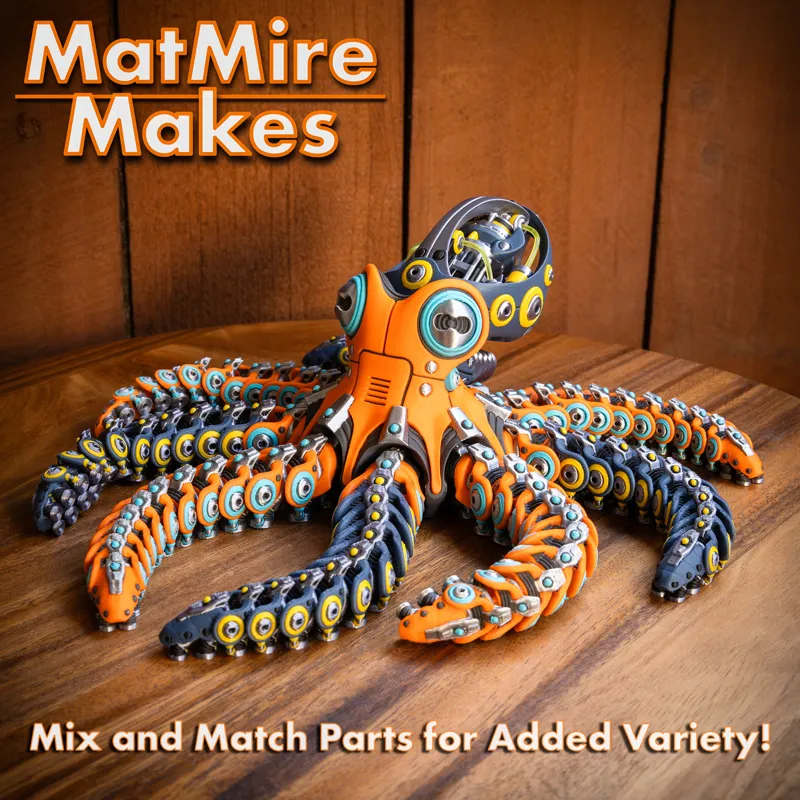
This is a highly detailed model with lots of color swaps (and lots of arms!), so expect fairly long print times. It prints in several snap-fit pieces. If you're printing multiple units, plate them up by part (e.g., all arms on one plate, all mantles on another) to maximize color-swap efficiency. You can even mix-and-match different color combos for infinite variety. Feeling adventurous? The multi-part design makes it perfect for jumbo-sized scaling!
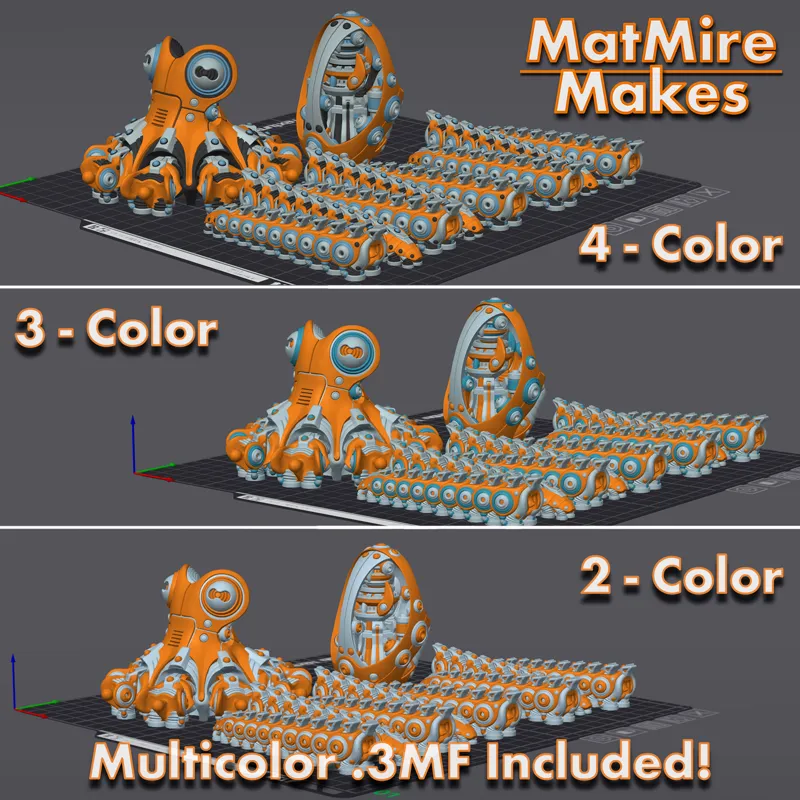
Includes a more detailed 4-Color 3MF file, and filament-saving 3-Color and 2-Color 3MF files for faster prints.
I hope you like it!
Matt
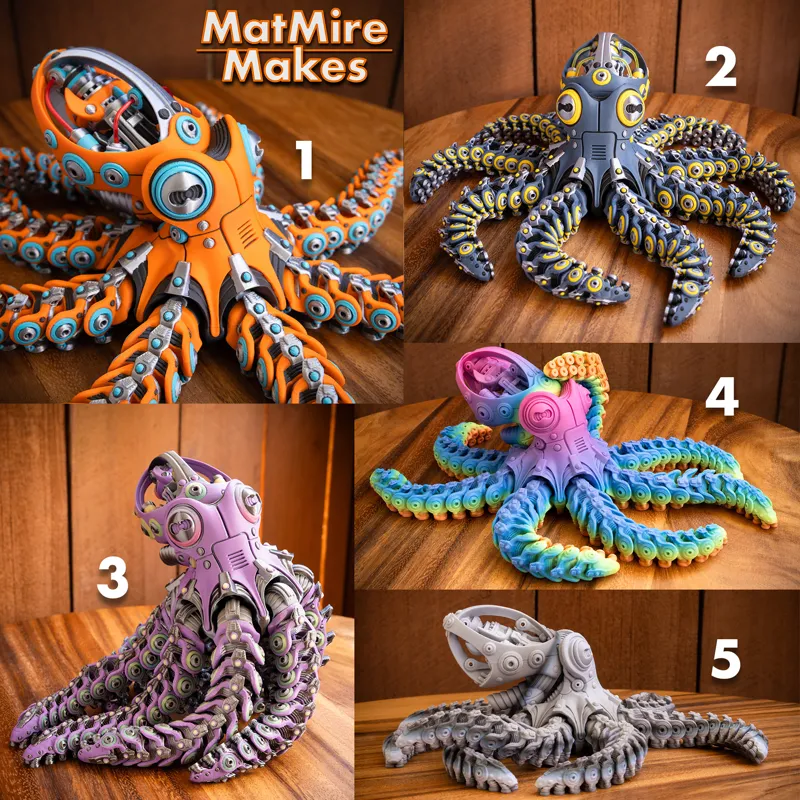
Pictured Prints use the following filaments***
1) Snapmaker SnapSpeed Orange, Eryone Matte Aqua Blue, Ziro Silky Silver, Snapmaker Ash Grey
2) Eryone Navy Blue, Snapmaker SnapSpeed Yellow, Ziro Silk Silver Gray, Ziro Matte Black
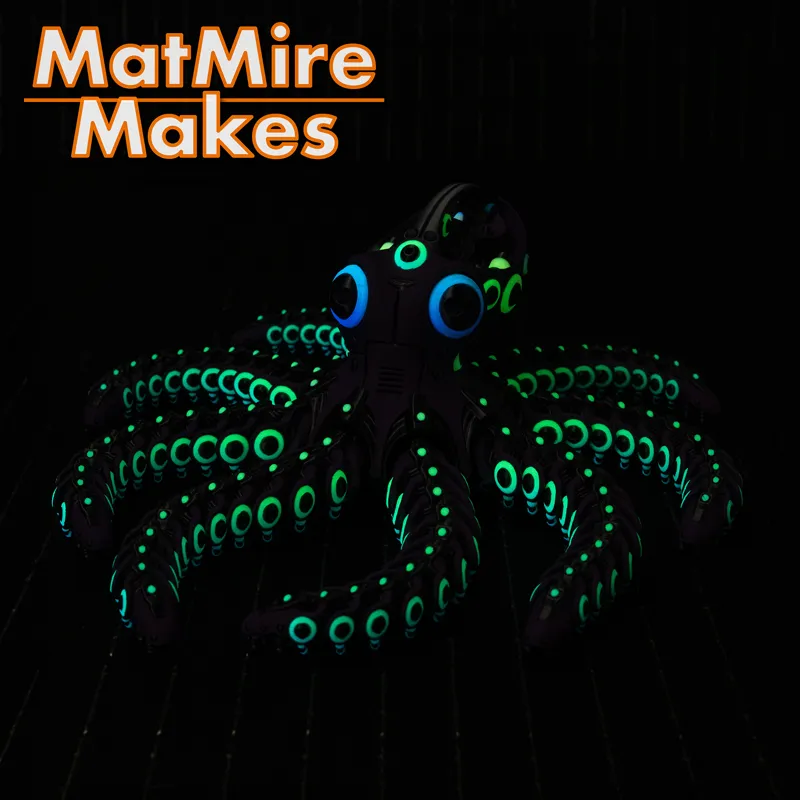
3) Eryone Blue Violet, Polymaker Luminous Rainbow (GitD), Ziro Silky Silver Black
4) iSANMATE PLA+ Rainbow
5) Ziro Gray Layer Rock
*To Download: Click Here to go to the Pinned "the Hub - Info and Current Download Links" post
3D PRINTING SETTINGS:
Body: Print in place.
Mantle: Snap-fit to Body using Connector.
Arms (x8): Snap-fit to Body. Print 8 copies.
Connector: Use to connect the Mantle to the Body.
Multicolor 3MFs:
- 4 color, 3 color, & 2 Color versions included (for faster prints)
- For A1-Mini: (see PDF guide)
- Compatible with PrusaSlicer, Bambu Studio, Orca based slicers
(for Orca based slicers… it's often better to use File>Import rather than Open Project, so that it doesn't import any printer specific presets/settings.)Tool_Filament_Cut_Jig: Use this jig to cut 1x Long piece and 2x Short pieces of filament, to add to the mantle as added tube details (optional). (see video)
Tool_ConnectorHelper: Simple tool to aid in inserting connector pins (see video)
Brims recommended: I have brims turned on in the 3MFs (with 0.25mm gap for easier removal). With the smaller footprint provided by the arms' suckers, I feel like a brim is good insurance for a long print like this. That said, you can turn them off if you prefer not to use them.
No supports
10%-15% Infill (I recommend Gyroid, Crosshatch or 3D Honeycomb)
3 Walls. (Assuming 0.4mm nozzle. Adjust wall count to account for alternate nozzle sizes)
This should generally scale down to about 75% with full articulation, on a well calibrated printer. Your mileage may vary.
*To Download: Click Here to go to the Pinned "the Hub - Info and Current Download Links" post
***Paid Links. As an Amazon Associate I earn from qualifying purchases.
Comments (60)
Is there anyway to get the file for this model? I thought I downloaded it when it cam out but I cant find it.. let me know thanks
You should be able to download it from the monthly MMF shares I send out. Check your MyMiniFactory Library in the Shared With Me section.
If the file is bought on cults can we sell it too? some creators allow it if we purchase the file. I have a couple of creators who will put their files up for sale and it incls selling of the print when complete?
Not unless you are also a merchant tier subscriber. My individual file are sold as private-use only. To sell prints of my designs you have to be actively subscribed to the "merchant" commercial tier of my Patreon or MMF Tribe.
This is sick
where do I find the 50% OFF discount code?
The 50% OFF code changes every month, but is always listed in my “Hub” info post, which is linked above. Scroll down to the “Past Public Releases” section to find it.
Can this be made on a P2S
I had to purchase this file today. Thanks for the creation it’s epic
We downloaded the file but. Cant get it to finish slicing. Keeps saying g-code error
Try using File > Import to load the 3MF. If that doesn’t work, email me the error you get at: help@matmiremakes.com
Just a question so if I join your Patreon today, do I get the Robo octopus and the other Robo items?
Only the Robo Octopus is included this month, but members get a 50% OFF coupon for older public releases. You could use that toward the other Robo designs.
awesome design... everything just popped into place...thank you and Happy 4th anniversary! I used bambu lab filament close to same colors suggested. I dont see a way to post a pic but it is awesome.
This print turned out amazing!
Printing...
It prints so good and looks absolutely amazing we need more robo's!!
LOVE THIS GUY! I started planning as soon as I saw it and just finished him today!
Hi. Can I download this from Minifactory?
It will be shared with you on MMF with the end of the month access invite. Those will go out tonight. :)
How do you attach a pic here
Unfortunately, pics can't be posted in the comments. If you are in my Discord server, you can post them in the #photos channel there.
Dude.... this is so cool. Mad talent.
Los vendes escho
Wow that is so awesome !!! Great design so creative!!!
Did anyone have problems with the 4 color file for Bambu? I tried several times and had the same issue. It looks great on my plate in preview, but after it goes thru prepare it only has 3 colors and something strange blurred across my plate. Any advice would be greatly appreciated!
Hmm, sounds like maybe your file is corrupted? I’d say try redownloading it and see if it helps. If not send me an email at help@matmiremakes.com with pics of what you are seeing. Maybe save out your Bambu session as a separate project file and send it to me as well.
Where do we find the filament cut jig?
It’s in the download zip file. It’s called “MMM__Tool_RoboOctopus_Filament_Cut_Jig_v01”
This looks amazing! What layer height do you reccomend on the H2C?
0.2mm is a good standard, 0.16mm if you want a slightly finer print quality but at the expense of longer print times.
I bought a membership so I can print this but can find the pinned post or download link.
Hi! Click the “to download: click here” link in this post and it will take to the Hub post.
This guy is a big job even for my U1
Outstanding!
which color file would you suggest to import for the Snapmaker U1? The Bambu ones or the Prusa? While i'm asking...in general would the answer be the same on any of the designs that have to folders to choose from? Thanks. Can't wait to print this.
What other slicing software do you have? I open the file in creality then export it as a generic 3mf. MOST of the time all the settings are carried over. I don't have to set color or anything.
I can fit 2 on a plate with a H2C! Love it! Now we need to make a 200% version! Absolutely amazing work!
I like this a lot, is it possible to get a version with regular eyes?
Fabulous model. I'm a little scared to slice it and see how much filament/time/purge it will take.
Be afraid...be very afraid.....unless you have a tool changer 😀
not sure if i missed it in the post. but in bambu it opened at .20mm layer height, and snapmaker orca .16. Which do you recommend?
Hmm. Your Snapmaker session is likely loading it with whatever print profile/settings you previously printed with, since it wasn’t saved out from Snorca. I upload my 3MFs with 0.2mm height because that’s the most commonly used. I personally prefer to use 0.16mm… it just adds more print time and purge filament (if you don’t have a tool changer printer).
Amazing good 😊👏🏻
Wow! You pulled out all the stops on yet another amazing model! Amazingly cool!!!
love it
so cool
Looks amazing can’t wait get back from vacation to print this !!!
This is extremely cool!
ohhhh this goes straight on the top of my print list !!!
He did it again...wow
i can't wrap my head around how you design things like this. This is completely amazing! Can't wait to print.
Holy crap this thing is absolutely amazing.
That's absolutely amazing! Can't wait to print it.
This is amazing! Absolutely gorgeous design!!!
Coooooool!
Someone call a robo-vet, because that thing is sick.
Let's gooooo!! This is so cool!!
🤯🤯🤯insane
That’s pretty cool