
TOOL v2.5.1: Quality-of-Life Improvements - Public Release
DOWNLOAD DELETED. THIS POST IS OLD.
FIND THE LATEST AT TwistedMexi.com
🚨🚨🚨🚨🚨🚨🚨🚨🚨🚨🚨🚨🚨🚨🚨🚨🚨🚨
This is a general quality-of-life update for TOOL. The main feature is that apartment and dorm lots should now be fixed, so that objects taken off-lot should no longer disappear when you load these lots.
2.5.1 HOTFIX:
A bug slipped pass the early access period, and 2.5 had an issue that could prevent loading apartment lots. This has been corrected and TOOL users should update immediately. Thanks!
2.5 UPDATES:
TOOL will now notify you in-game when an update is available. This should help reduce the amount of people clinging to year old versions of TOOL.
Due to a game bug introduced by EA several patches ago, off-lot objects were disappearing any time players loaded an apartment/dorm style lot. I've implemented a workaround for this.
Reduced the radius for closing the grouping box, as TOOL users are usually working in a smaller space than Create-A-World testers. This means you'll be able to click closer to the original point before it will snap close.
2.4 UPDATES:
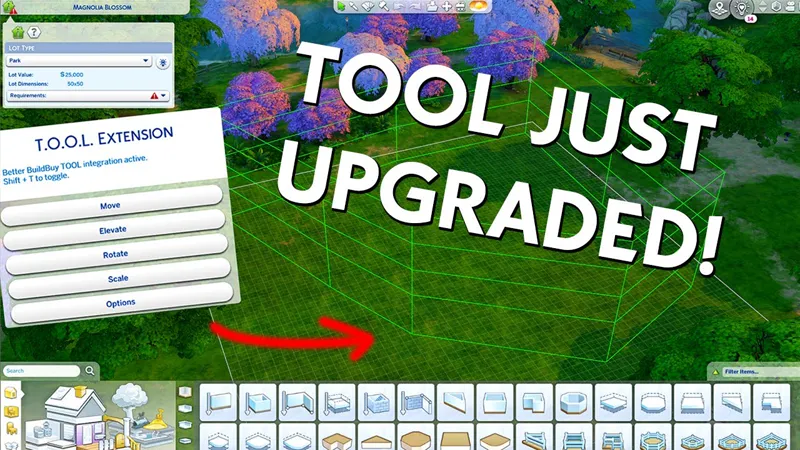
The grouping box now supports any polygonal shape.
The grouping box visualizer follows terrain
The grouping box can now select multiple levels.
====Original Post====
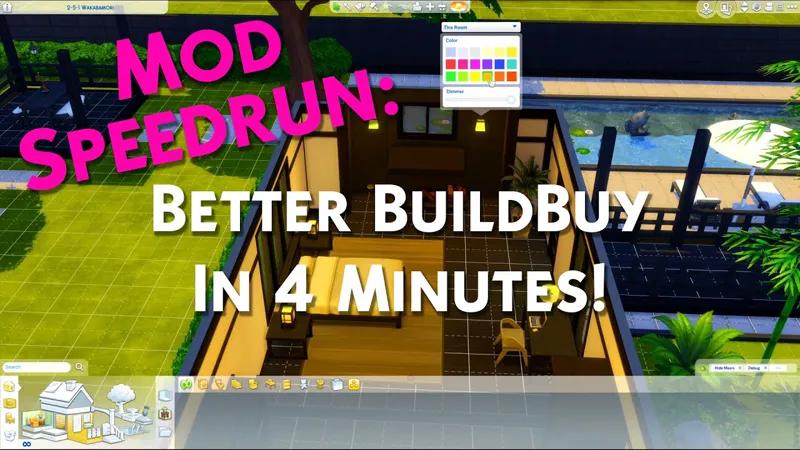
Want TOOL in build mode? Grab Better BuildBuy as well!
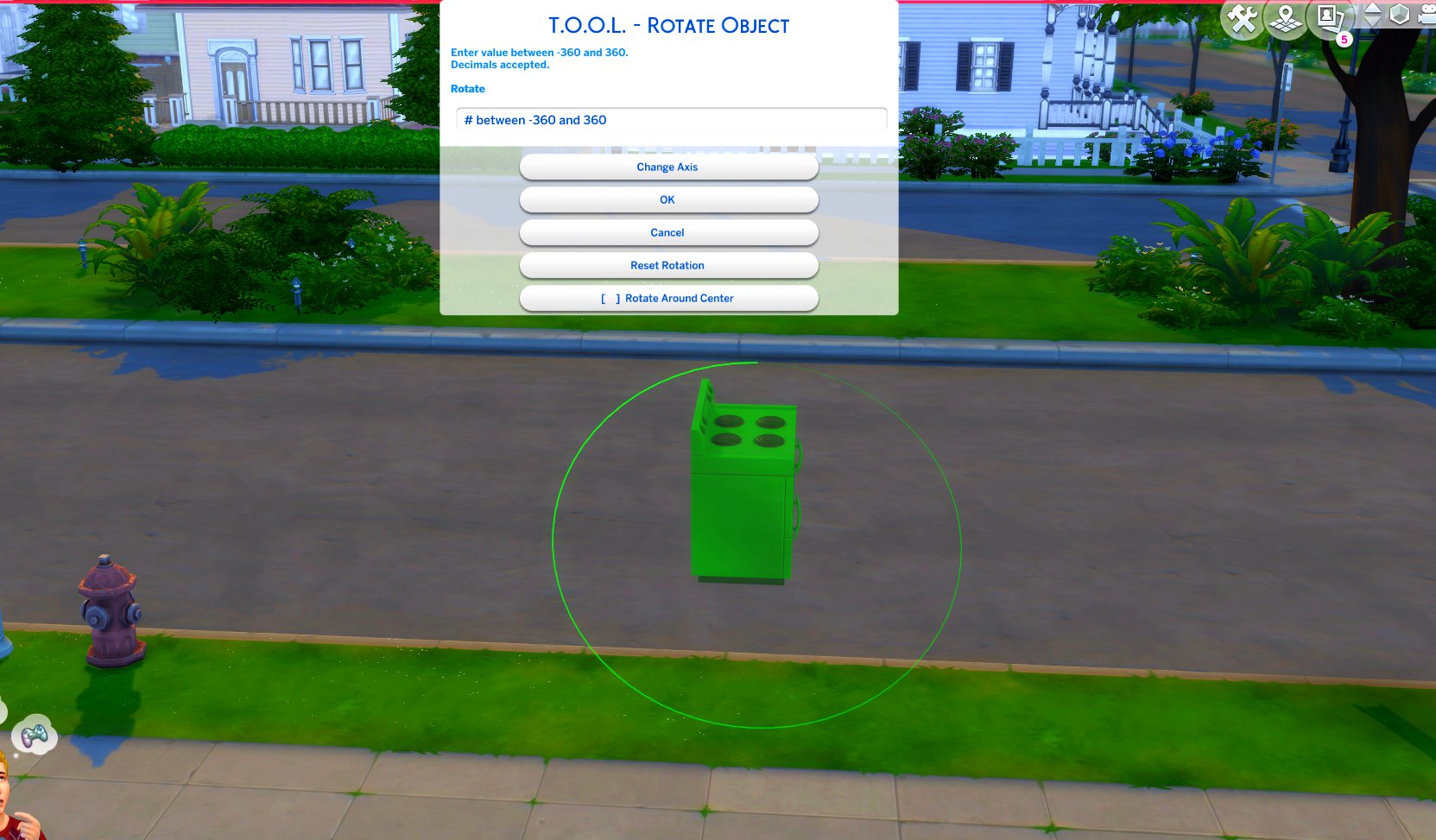
TOOL v2.3 brings a new feature called Rotate Around Center. It's a toggle in the rotate dialog that lets you choose whether group rotation will rotate all objects around their own axis, or around the group's center.
This video demonstrates the difference.
Many players requested this, as it'll allow them to rotate TOOL-only builds after they've finished, instead of having to plan which rotation they want to begin with. I hope everyone enjoys.
Rotation Around Center added to Rotate Dialog
Added an improved rotation indicator. The circle is now a gradient.
Dim = 0. Bright = 360.
Positive rotation amounts will always move dim -> bright.
TOOL Quick-Start
The usage is the same as regular TOOL, except you will automatically be placed in TOOL mode any time the TOOL dialog is open.
Toggle TOOL in build mode by pressing Shift+T
In addition, shift+clicking surfaces will automatically place a group box marker. This can be used in combination with the Toggle Group button to highlight many objects at once.
When the TOOL extension is open, ctrl+z and ctrl+y will handle the TOOL undo/redo instead of the buildbuy undo/redo. Buildbuy undo still works when TOOL is closed.
If you're new to TOOL entirely, refer to my original tutorial.
Install Instructions
⚠ FOLLOW IT WORD FOR WORD. ⚠
1. Delete any existing copies you have for TOOL.
2. Open the "TwistedMexi's TOOL v2.5 Official" zip and drag the "Tmex-TOOL" folder inside to your mods root. That's it! Do NOT restructure or modify the files in any way.
3. Make sure 👉Script👈 Mods are enabled in gameplay options -> "Other". Restart if it wasn't.
TOOL Mod Just Got An Upgrade! - TOOL v2.4 | The Sims 4 (YouTube)
Comments (19)
Mcc command center
Sims 4 ver 1.84 dont work with this. I can get into the main menu.
Update your game.
i can't open tool extension. i press shift + T but nothing is coming up
So I'm kind of new to mods and cc's and I'd really like to use TOOL and a few others that I've seen others use but I'm running into some type of issue. I'm not sure if it's something I'm doing wrong or what it is but when I open the sims 4 it shows tool but not the bbb mod but then tool doesn't work when I'm playing the game, I can't get it open. Can you help me figure this out?
Make sure that you're turning Organized Debug on in the filters.
I was wondering how I had robots in my foundations 😂🤦🏾♀️
I can't wait to begin playing with this TOOL ;) but I guess I have some cc that is blocking it from activating? Basically I can't seem to ever find the option. Attempting to create an inversely slanted roof in Build Mode but Shift + T isn't doing anything. FYI I am using a Mac keyboard but I don't think there should be any key-binding issues with that.
Make sure script mods are on, it's separate from normal mods. Come to discord.twistedmexi.com if you need help
hahaha I tried to play for a bit yesterday without tool and BBB installed as well as MCCC. It didn't go well so I can't say this enough THANK YOU.
I've always thought of it as a shame that we need mods such as these to truely play an enjoyable game because Maxis won't fix even simple problems or add simple solutions.
Hi Mexi - seems that after last patch 15 th march - TOOL Mod causes issues. is it possible to update it for the new patch - I love your mods - thanks for your great work
Hello Tmexi, it seems that the TOOL is preventing the opening of orders for the new neighborhood history functions, can you check, please, thank you;)
Hey Mexi I hope I'm going to ask this in a way that makes sense. So you know how you can move objects by clicking somewhere or by using the grid, and how some lots aren't placed in line with the neighborhood's/game's grid--do you think it would be possible to override the neighborhood/game grid for lots that aren't placed along the X and Y axis and use the lot's grid? Hope that makes sense x
Currently it's not possible, has to use the world grid. Sorry
Hi i am having issues getting this mod to work on my sims 4. I have been struggling for 2 days now. I have tried deleting the game completely, doing re install i followed all your instructions but i cannot get it to work. I got the new updated version but still not getting it work, can you help me? Even the better build buy mod i downloaded followed all your instructions but still cannot get it to work aswell, i really need help.
Come to discord.twistedmexi.com and we'll get you set up
Thank you very much!
Thank you for continually bettering this amazing mod! 🤗❣️🤗