
TOOL v2.3.5 - Spa Day Refresh Update 9/7/21
2.3.5 UPDATES:
Fixed issues with new picker menus causing screen to gray out.
====Original Post====
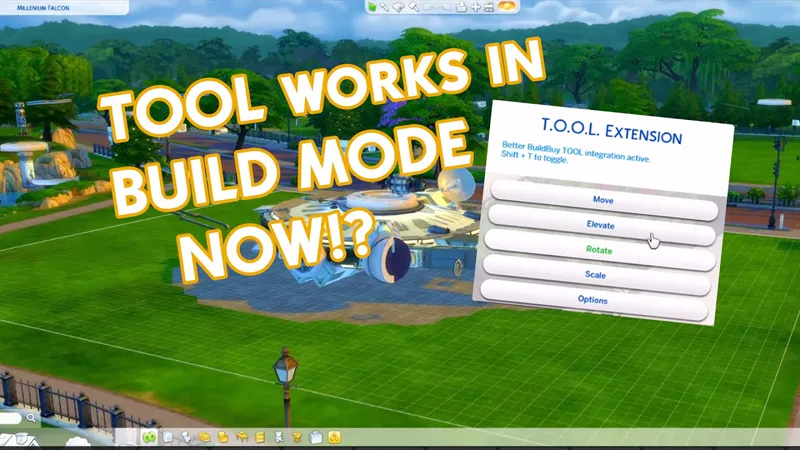
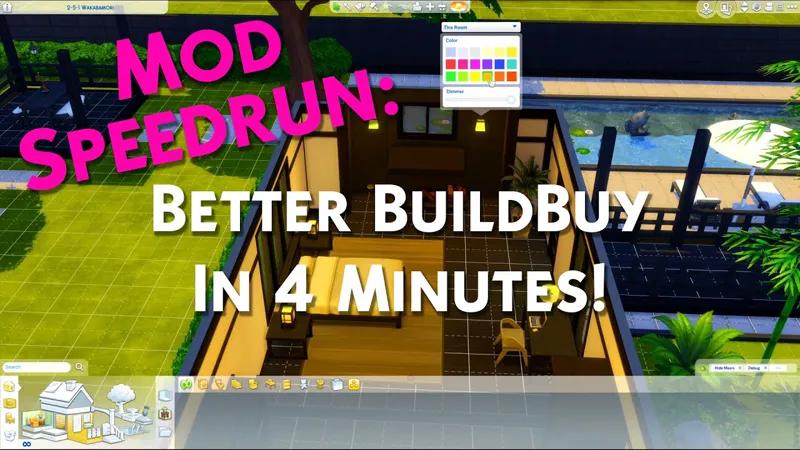
Want TOOL in build mode? Grab Better BuildBuy as well!
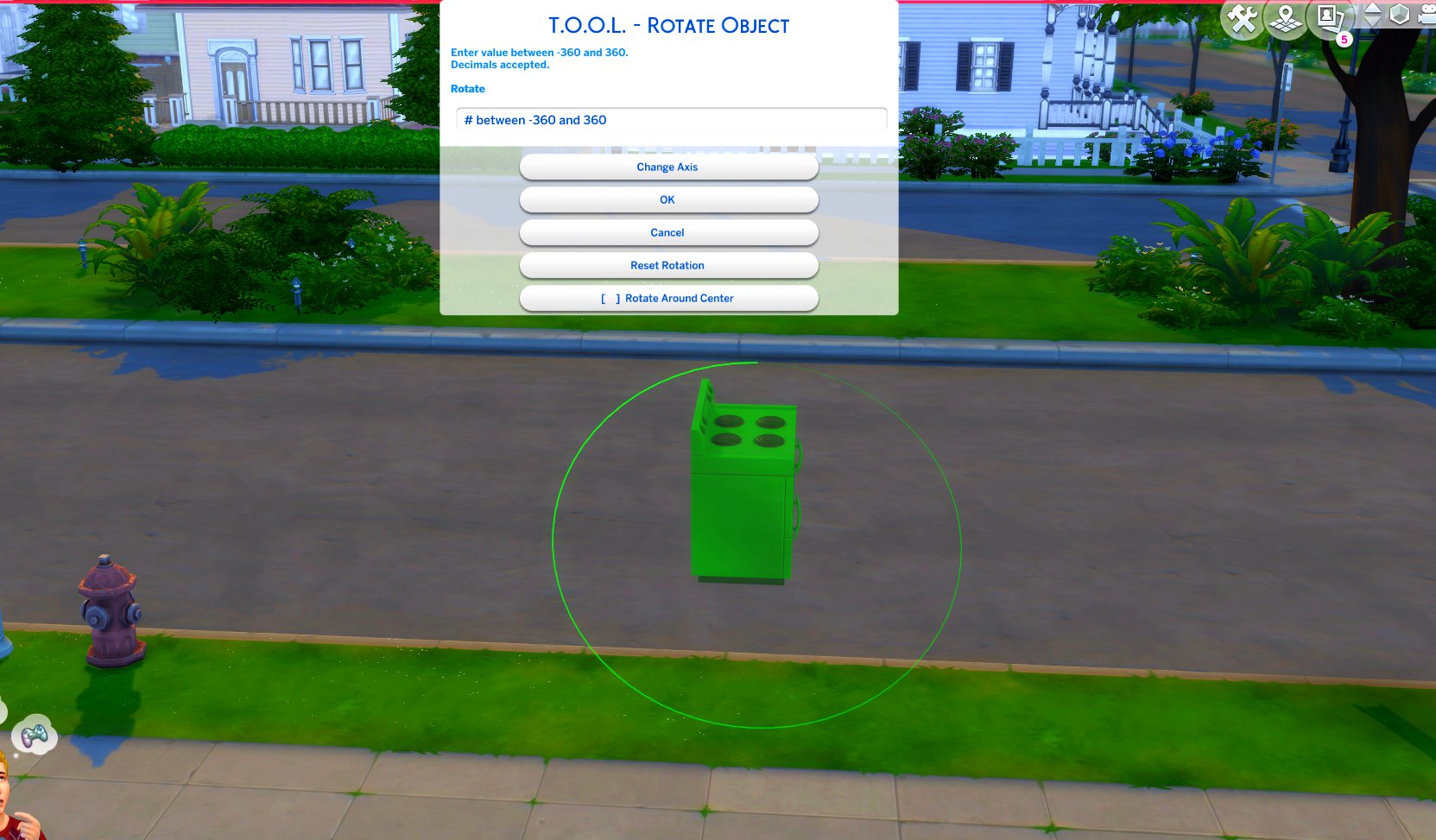
TOOL v2.3 brings a new feature called Rotate Around Center. It's a toggle in the rotate dialog that lets you choose whether group rotation will rotate all objects around their own axis, or around the group's center.
This video demonstrates the difference.
Many players requested this, as it'll allow them to rotate TOOL-only builds after they've finished, instead of having to plan which rotation they want to begin with. I hope everyone enjoys.
Rotation Around Center added to Rotate Dialog
Added an improved rotation indicator. The circle is now a gradient.
Dim = 0. Bright = 360.
Positive rotation amounts will always move dim -> bright.
TOOL Quick-Start
The usage is the same as regular TOOL, except you will automatically be placed in TOOL mode any time the TOOL dialog is open.
Toggle TOOL in build mode by pressing Shift+T
In addition, shift+clicking surfaces will automatically place a group box marker. This can be used in combination with the Toggle Group button to highlight many objects at once.
When the TOOL extension is open, ctrl+z and ctrl+y will handle the TOOL undo/redo instead of the buildbuy undo/redo. Buildbuy undo still works when TOOL is closed.
If you're new to TOOL entirely, refer to my original tutorial.
Install Instructions
⚠ FOLLOW IT WORD FOR WORD. ⚠
1. Delete any existing copies you have for TOOL.
2. Open the "TwistedMexi's TOOL v2.3.4 Official" zip and drag the "Tmex-TOOL" folder inside to your mods root.
3. That's it! Don't restructure or move the files in any way.
Comments (40)
Mine was not working.
it's working on current patch. Stop in my discord and we can help. https://discord.gg/MKdB6vqgZc
Tool is disabling any dialog boxes -- change outfits, aspirations, etc -- any option that requires a pop-up it just doesn't appear. Removed from game until updates are made for Spa day. Thanks!
It was already updated. Make sure you didn't install clean ui. They conflict.
hey, the shift + T it's not working:) I only have this mod installed in my folder and I already have an update for spa day, any advice?? please:)))
Please review the video at the top of the post. You need Better BuildBuy as well in order to use that.
Hi--I love Tool mod and appreciate how fast you are to update it. Sadly for me, after replaced the mod with the Spa Day update this morning my build mode is borked. I've tried removing, turning off, etc., it's definitely something in Tool. My build screen has a play button instead of manage world, is missing almost everything else, and no buttons remaining, like options and gallery, are functional, and all I can do is a force quit. I'm on a Mac. Help?
Is better buildbuy not tool. The update for bbb isn't ready yet
aww thankyou been pining for this mod :) loll
Thanks for the update! I knew my picker menus were goofy but so glad I don’t have to sift through a ton of cc’s to find the culprit! 🤣 many thank you’s! ❤️
When will the update be? Today the game has been updated and the mod does not work (((
I was out of town, it'll be looked at today.
pressing shift + T nothing happens. Any advice? I only have this mods installed
Need both tool and better buildbuy for the build mode integration. Tool by itself only works in live mode by shift clicking objects
Hola, este mod ya funciona con la nueva expansión? :D
Yep
I love this mod! Was asking if there was a way to 'toggle active object here' but alls you need to do is click! its even easier than before! x
Hello there everyone! Someone else is having issues with the move X/Y option? My guide lines don't show straight up anymore, but angled, which was not happening before :(
some lots are crooked. I don't recommend using the move grid unless you absolutely have to. There's easier ways to move with TOOL.
Thanks for this verry cool mod. But I have some difficultys right now. The mod causes UI glitches, if you look at the boards in H-o-B. Pictures of locals don't show up, per example. I've the current version (v2.3.3) and tested it, by only having T.O.O.L in my mods folder, and also deleted the localthumpcash.package. The Failure occures anyway. Another point: If someone is calling, the UI glitches as well (it dose not show up in "the right shape"). But I don't know if this is also caused by T.O.O.L. Haven't the chance to test this yet.
It's a known issue, visual only. I hope to have an update out later today.
Hola, esta es la actualización para que funcione bien Henford World? Es que no me deja entrar al mundo...
The Mod is blocking the entrance to the Henford World ... idk why. But if I'm removing it, everything works.
You need to update the mod. I updated it two days ago to support the new world.
Shift t isn't working for me despite updating this anyone else having this issue
You need Better buildbuy for that.
Thank you very much for updating so fast.
It doesn’t pop up when I click Shift + T
You need Better buildbuy too for that.
I love this mod! I was wondering, is there any way to delete in-world interactive objects (IE vendor stalls or public toilets) with tool and don't have them show up again when you reload the save? I'm a fantasy player and the modern world clutter bugs me to no end
No, sorry. That's outside the scope of TOOL. You can delete some existing items temporarily but they'll be back when you reload the zone. Stay tuned for my other projects.
I dont know why but it does not work
Join my discord and our team will help you get it working. Invite link on TwistedMexi.com
I can't believe how fast you always update your mods when bugs are discovered, it is greatly appreciated!!! You are the Sims MVP without a doubt.
Yes, I want to thank you as well, for the quick update and your work
Thank you so much <3
Thank you for being so quick to update, your mods are the best!
I cannot thank you enough (over and over) for all you do - you're simply awesome! 🥰🤗🥰
Thank you!!
Thank you!