
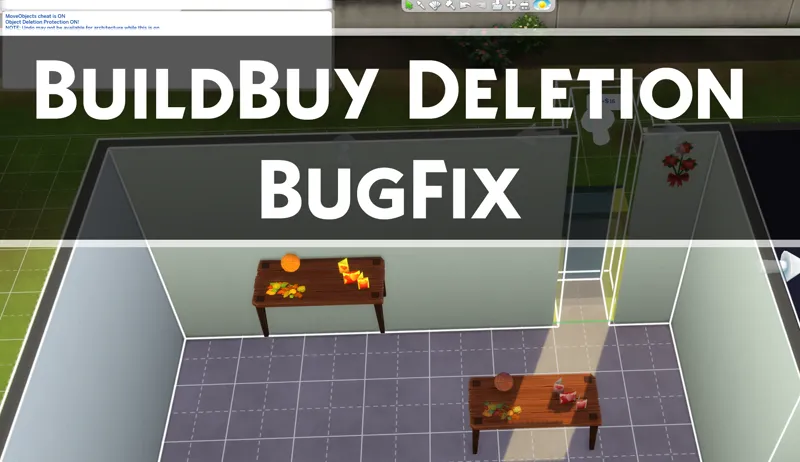
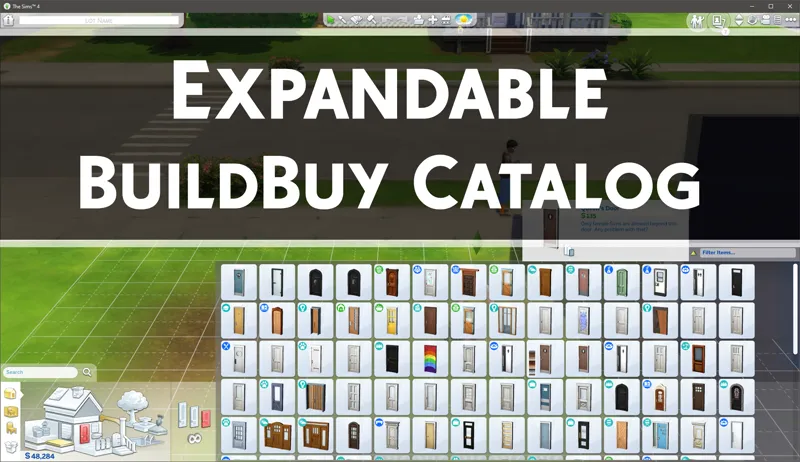
BuildBuy Deletion Fix (Expandable BuildBuy Included)
DOWNLOAD REMOVED. THE MOD IS SEVERELY OUTDATED AND BREAKS GAME FUNCTIONALITY. IT WILL BE ADDED TO BETTER BUILDBUY SOON.
Thank you.
This is a special version of the Expandable Catalog. It includes a new workaround that will hopefully be obsolete soon, when EA fixes the actual issue. These are combined mods because they depend on the same files. If you were using Expandable BuildBuy already, replace it with the files in the zip below. The last few game patches have caused build issues, one of the primary ones being that anything from changing a wallpaper to adding a wall or frieze can cause objects to randomly be deleted inside the room.
The issue is triggered by:
Updating wallpaper
Updating floor patterns
Editing walls
Editing Friezes
Editing Spandrels
Editing Fences
This special version includes a cheat called "bb.protect" which blocks objects from being deleted. You can still grab an object in this mode and delete it, but all other tools will be prevented from deleting an object. In order to safely change walls without losing objects, you should type bb.protect into the cheat bar before making any architecture changes. Once you're done updating the walls or floor, type it again to toggle it off.
NOTE: When bb.protect is on, undo will not work for architecture changes. This is because the undo thinks it needs to restore objects that we never let it delete in the first place. For this reason, only use bb.protect when necessary and turn it off when done.
If you don't understand what this is for, you probably don't need it. If you want the normal catalog expansion, you can grab that HERE
Installation
Open the zip file below and drag the .package and .ts4script files to your mods folder. Make sure script mods are enabled in gameplay options.
Use the "bb.protect" cheat to toggle the object protection.
I'm releasing this without an early access period because it's a bugfix that the community could benefit from immediately. If you find this helpful, please consider joining me on Patreon.
Thank you.
Comments (6)
Thank you! I'd join/become a Patron if I weren't so hopelessly broke... <3
Thank you so much - you make building a breeze 💕
I am getting this in case it takes a while for EA to fix the issue.
Why are you not running Electronic Arts o the Sims team yet? You are a godsend. thank you, thank you, thank you !!!
Yes, moo won't stop clutter and other slotted objects from disappearing. It's mainly an issue when the counter or table isn't at floor level
ive been using moo to get around it, is protect better?