
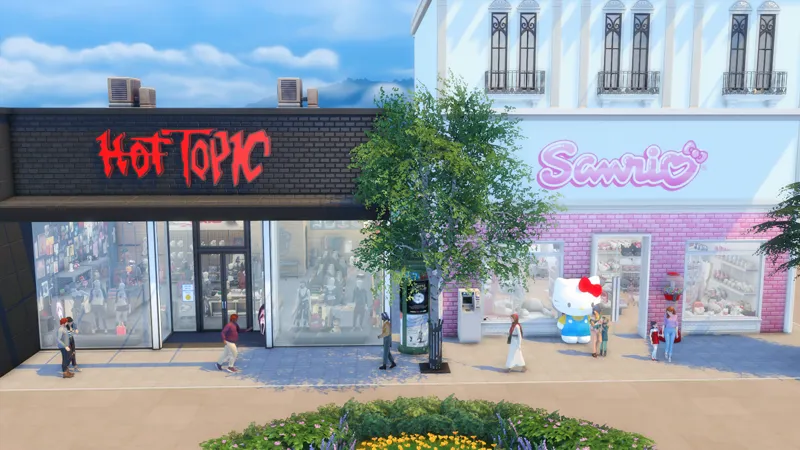
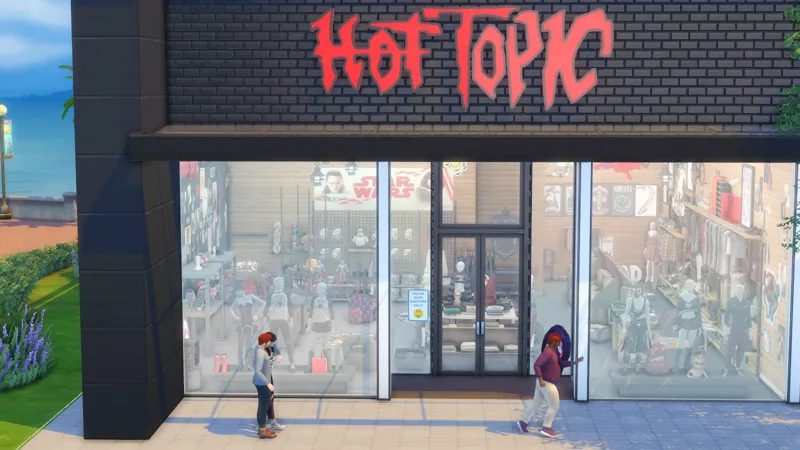
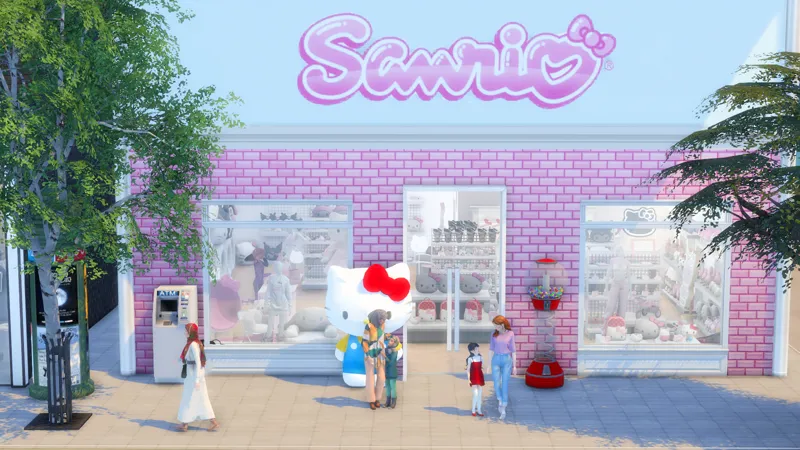

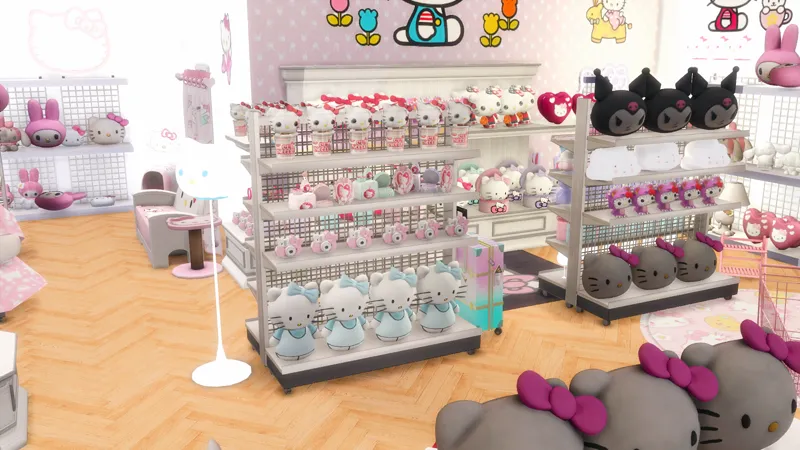
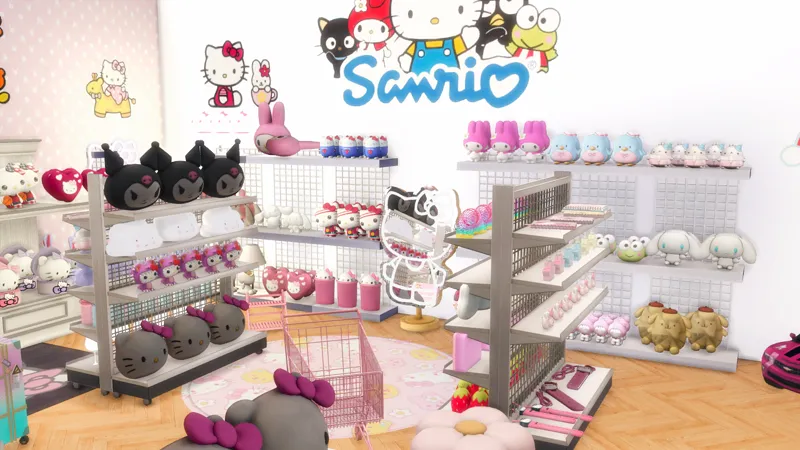
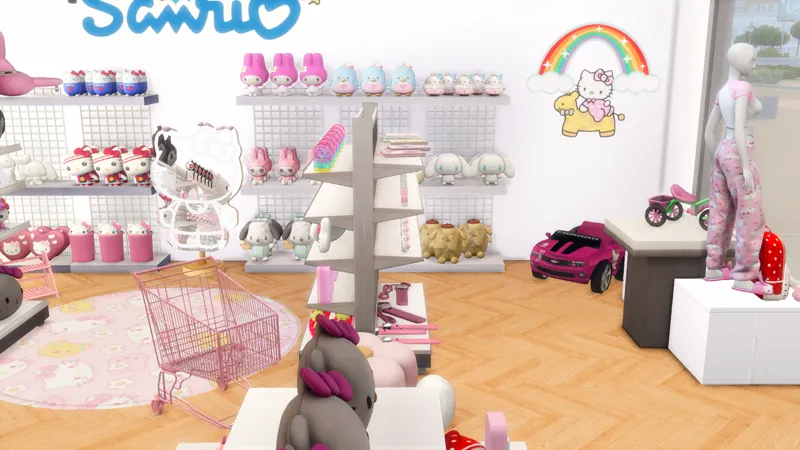
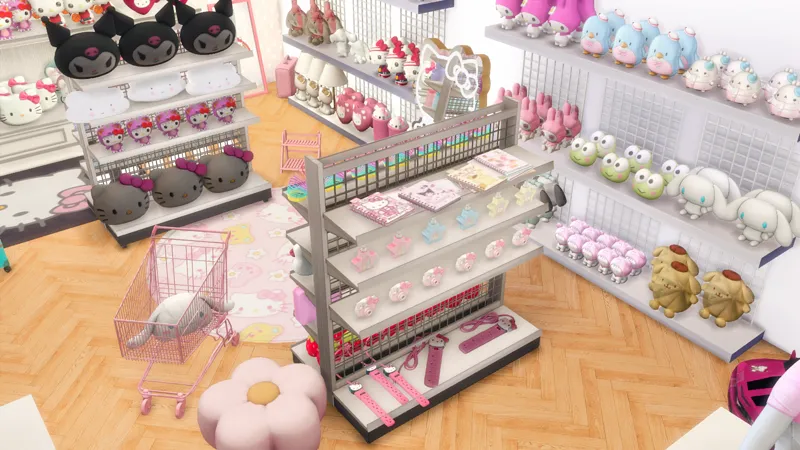
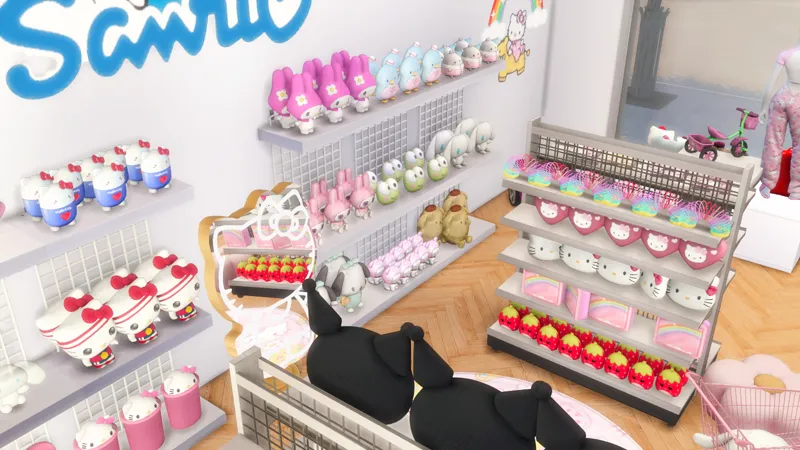
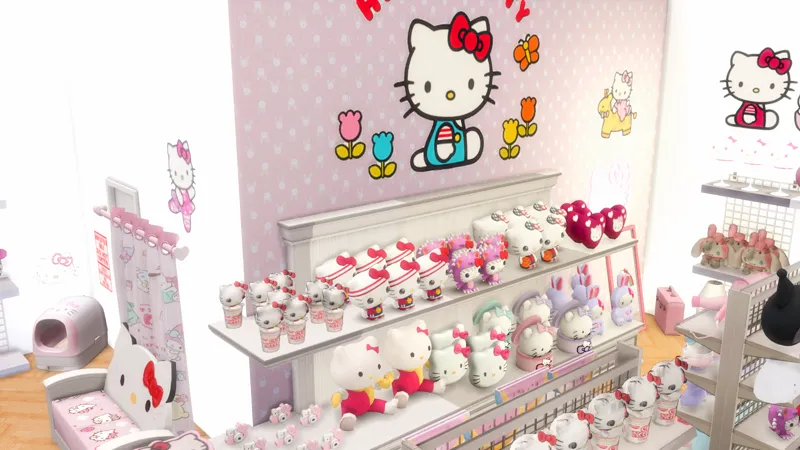
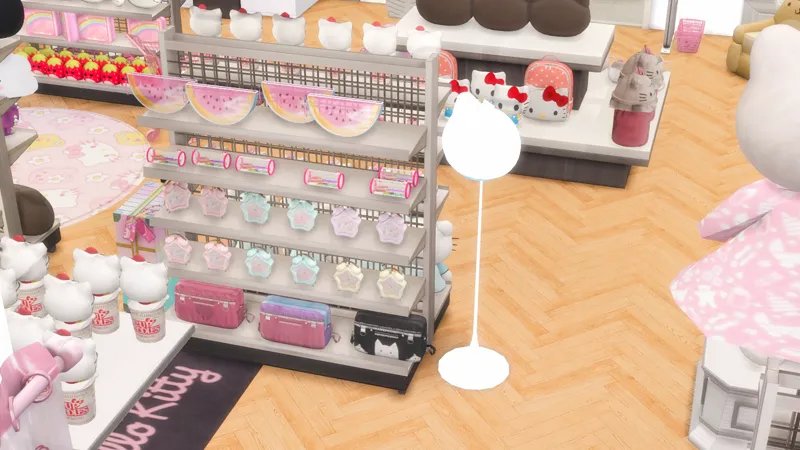
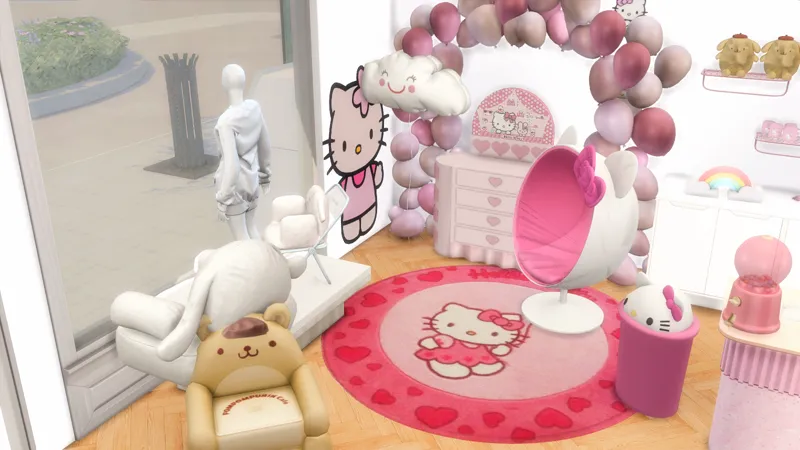

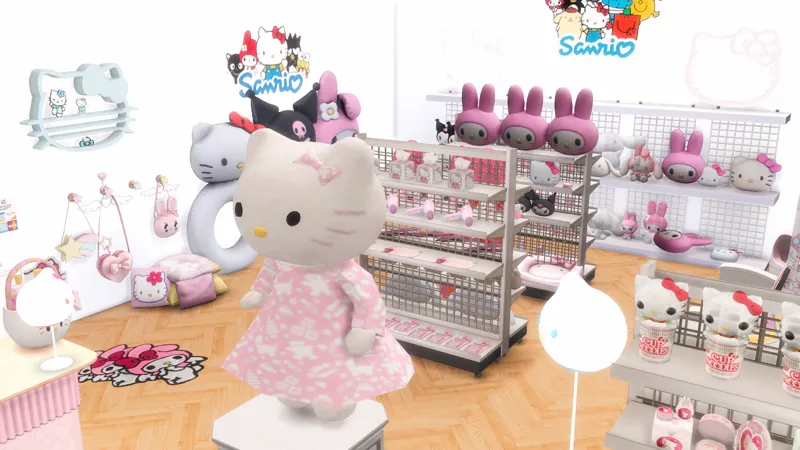
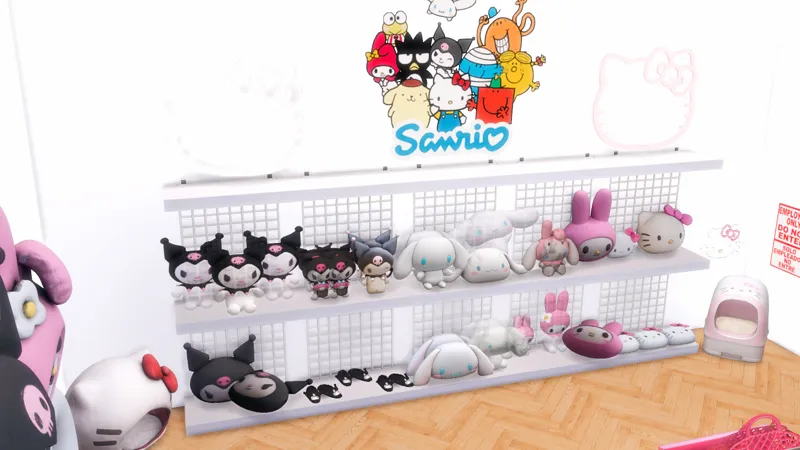
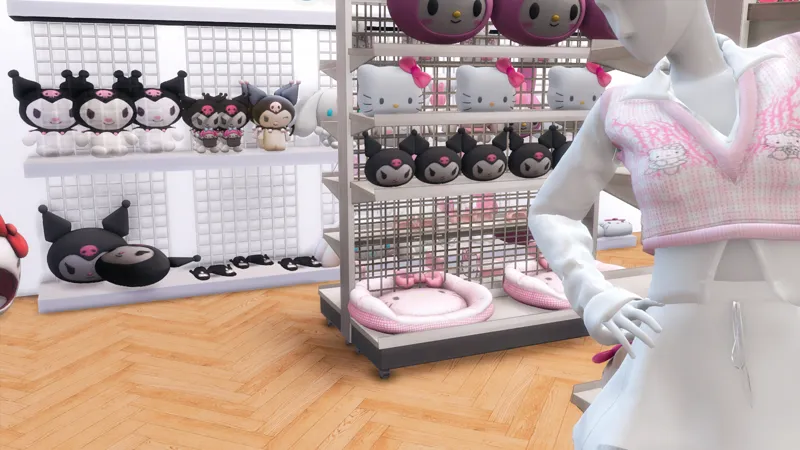
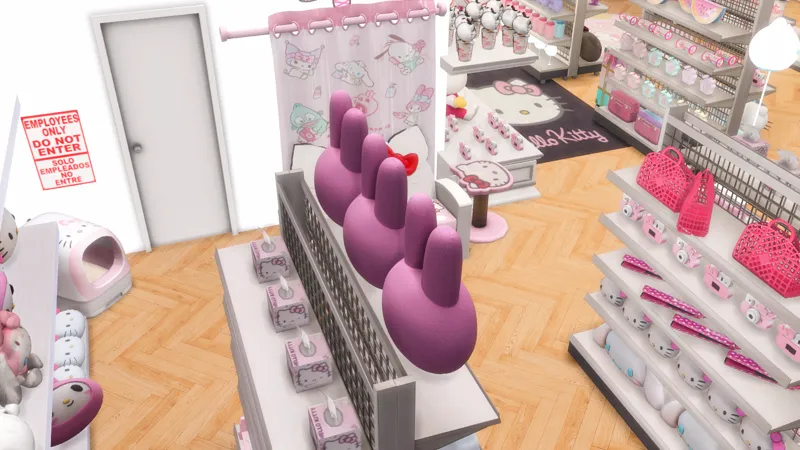
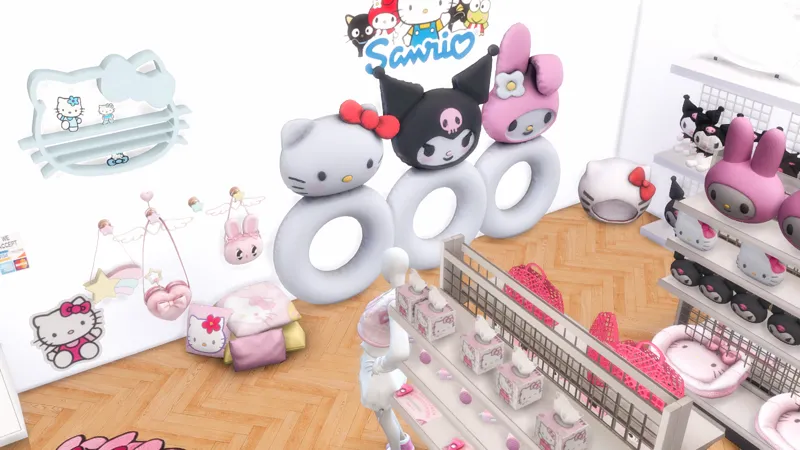
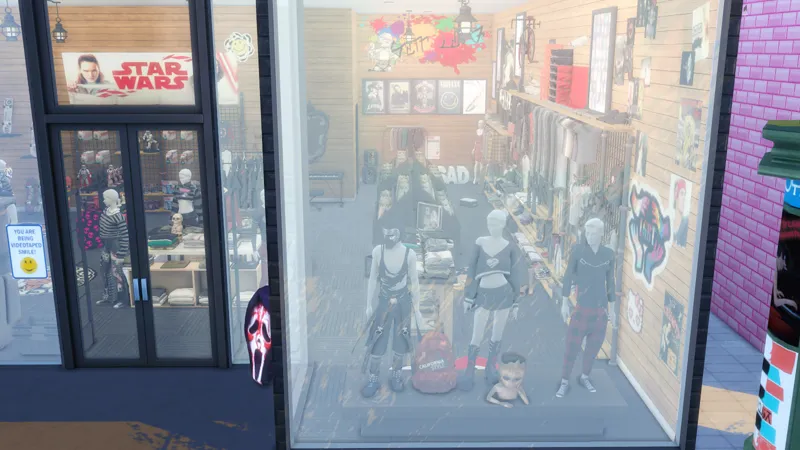
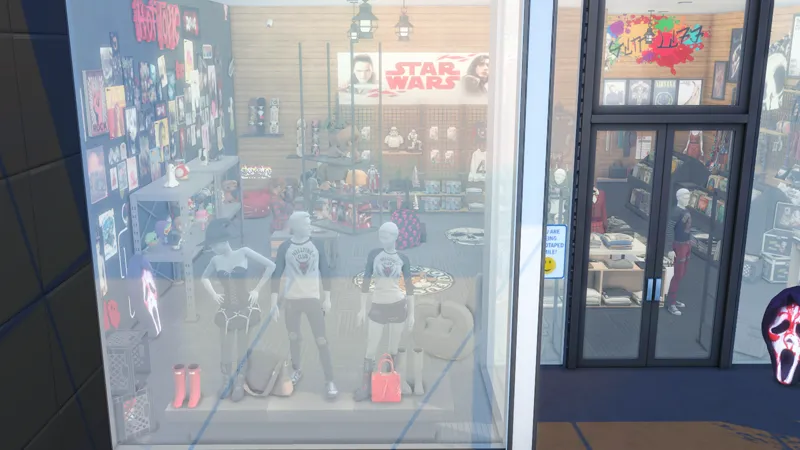
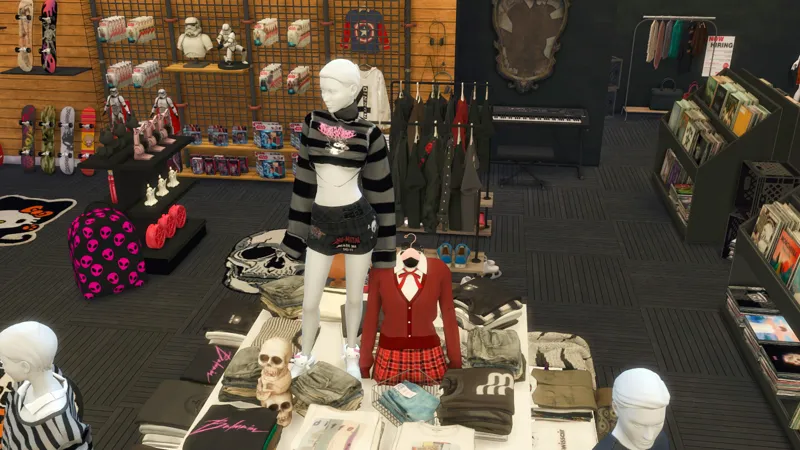
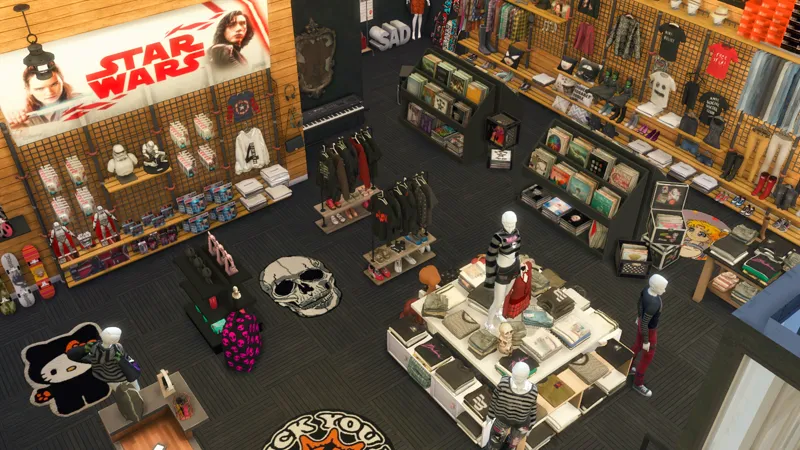
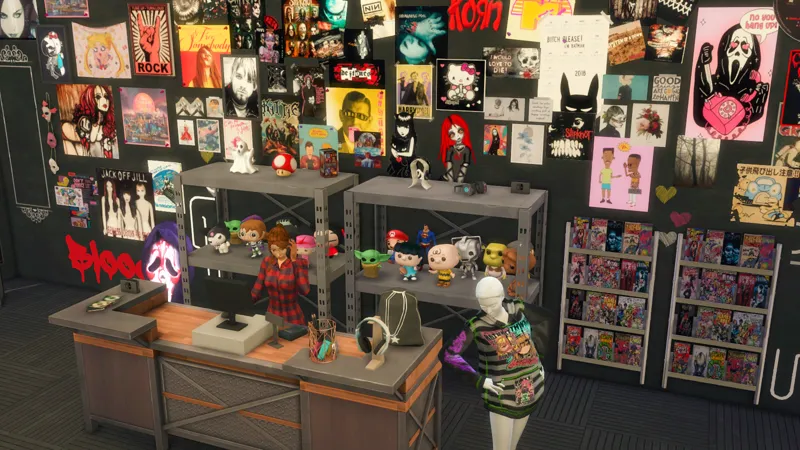
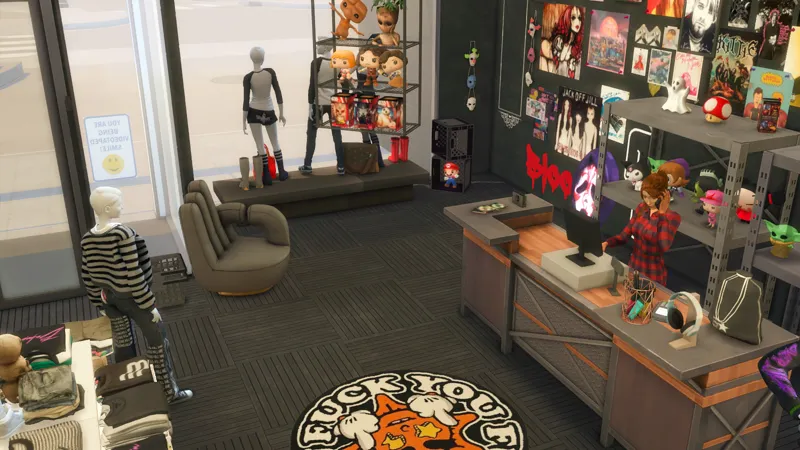
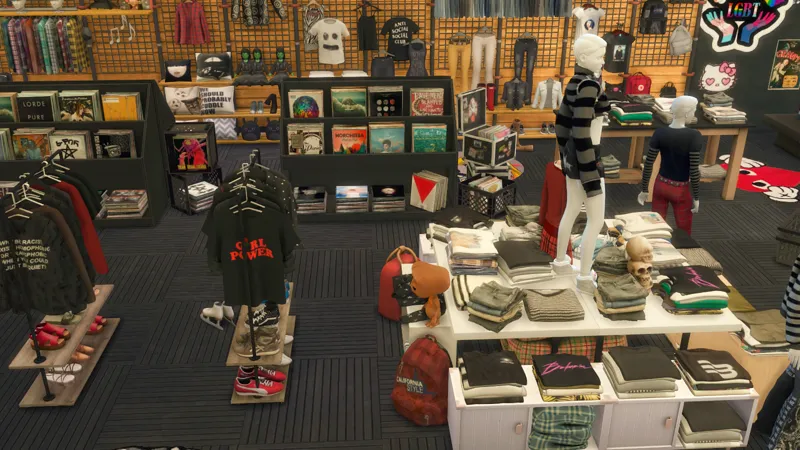
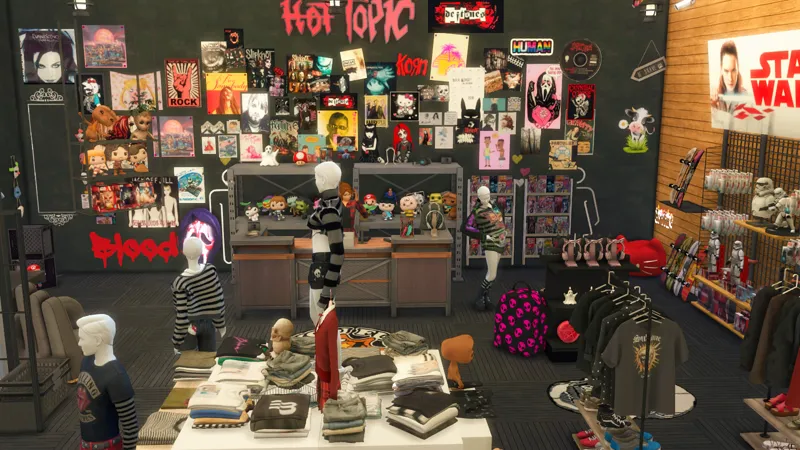
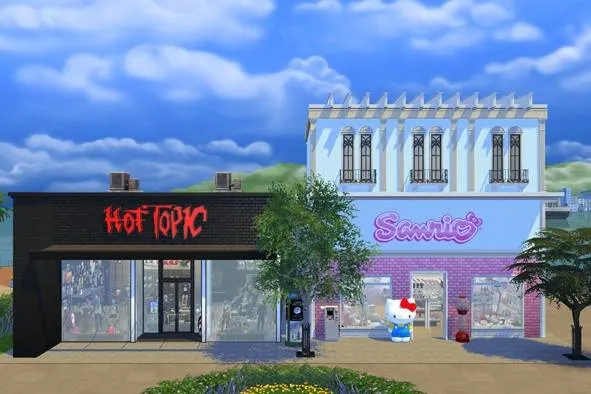
SANRIO X HOT TOPIC
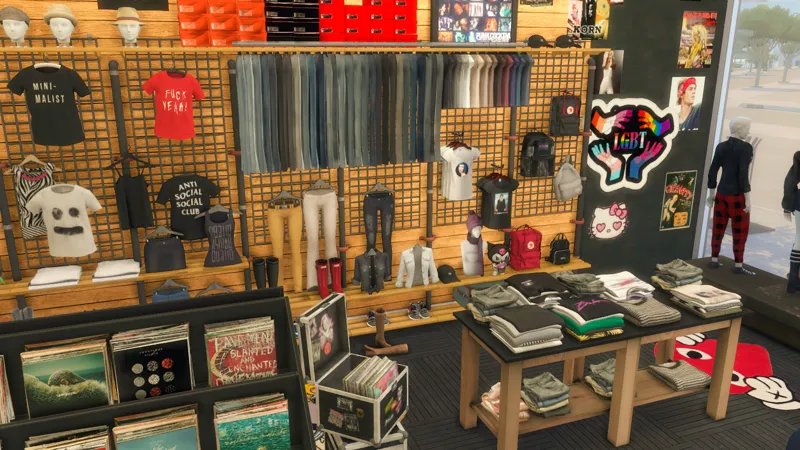
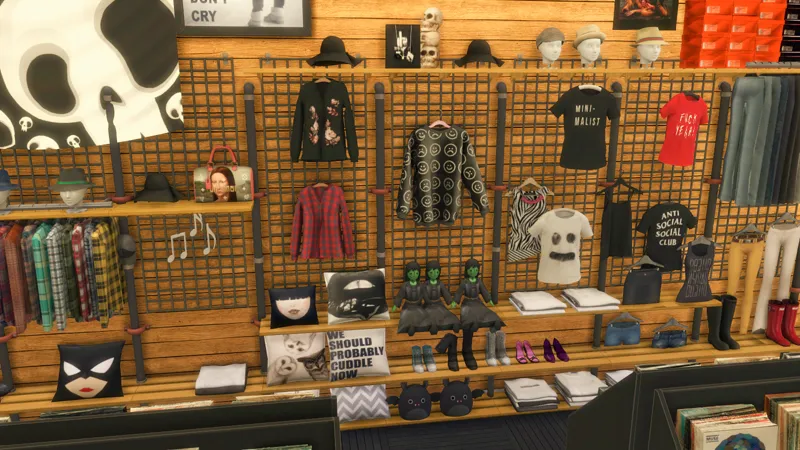
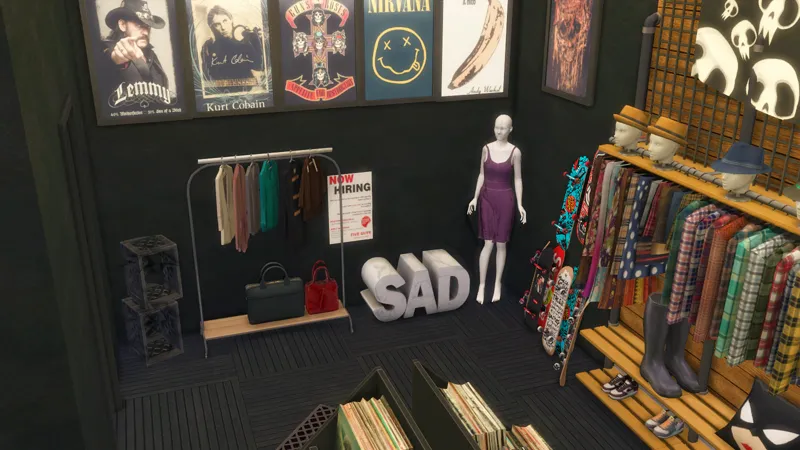
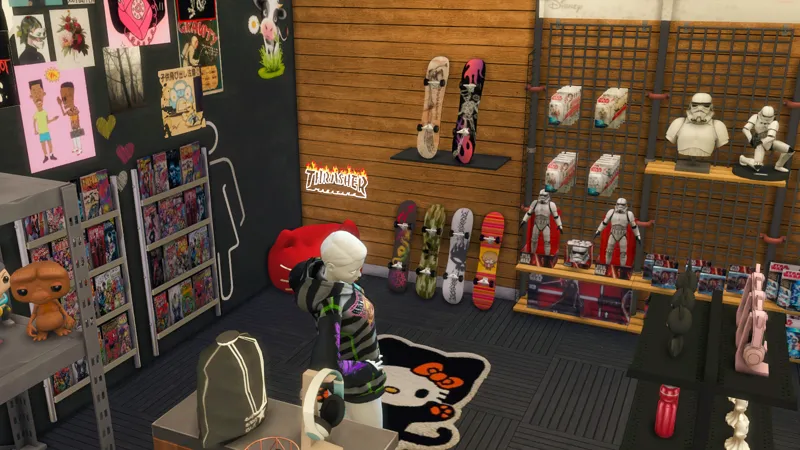
This month I asked for suggestions on new buildings and a patron suggested these two stores. I only knew Sanrio, even thought I don´t have none on my country. I searched about them and I thought "WHY NOT". This was so fun to make. If you like clutter, you will enjoy these builds.
NOTE: If you want to own a retail store, don´t forget to "set for sale" the objects.
THANK YOU SO MUCH FOR SUPPORTING ME!! IT MEANS A LOT!
Information about the lot:
Lot size: 20x15
World: San Sequoia
Lot Type: Retail
1 floor
183.254 + simoleons
You need to own the following packs:
High School Years
Cottage Living
Eco Lifestyle
Discover University
Get Famous
City Living
Get To Work (THIS IS A MUST)
Dream Home Decorator
Journey to Batuu
Incheon Arrivals
Courtyard Oasis
Paranormal
Nifty Knitting
Tiny Living
Movie Hangout
Spooky Stuff
This is how it looks like in your library:
Please do not claim any of my sims or builds as your own.
MAKE SURE 'BB.MOVEOBJECTS' IS ON BEFORE PLACING LOT.
***make sure to download both the CC and Tray files for the lot to show up***
HOW TO INSTALL CC AND LOTS?
Download the lot (link below).
Unzip the download, if it’s a .rar or .zip file (you will see a folder called Mods and some other files).
Move the files located inside the mods (format .package), to the mods folder of your game. This will typically be in folder in “[DRIVE LETTER]:\Users\[USER NAME]\Documents\Electronic Arts\The Sims 4\Mods.” (Replace your own Windows user name and the letter for your hard drive. ) If the “Mods” folder doesn’t exist, you can make your own, as long as it’s in the same location. Move the other files (that can be in the following formats .blueprint, .bpi, .trayitem, .room and .householdbinary.) to the Folder Tray “[DRIVE LETTER]:\Users\[USER NAME]\Documents\Electronic Arts\The Sims 4\Tray.”
Thanks to all the creators that made this build possible, specially Bknysimz, JenniSims, Hydrangea, Sims41ife, Kirikasims, Jomsims, Victorrmiguell, PlatinumLuxeSims for creating amazing Sanrio CC.
CREDITS: 3D Muhari Sims | Gazoul | Around The Sims 4 | JCTekkSims | Syboulette | PralineSims | Atomiclight | Severinka | Mutske | Peacemaker | SIMcredible | Ravasheen | waronkcc | Novvvas | Pinkbox AnYe | Ddaeng-sims | Harrie | Dreamteamsims | LeoSims | Winner9 | MXIMS | xldkx | Cowbuild | KKB | SIXAMcc | Slox | SierraTheSimmer | Yourdorkbrains | Bellassims | Midnitehearts | Bangkoksims | Soloriya and more.
My gallery ID is "TotsNChildren"
Comments (6)
i wanna downlaod this so bad! wheres the linkkkk?
This build is broken, and I don´t know if I´m going to be able to fix it. You may be able to fix it using S4S Batch fix.
Is this still available for download? There's no link.
I´m updating
Hello! I have made sure that I opened the bb.moveobjects before placing it and downloaded all the cc you provided. But why does it still prompt me that one or more items have not been installed on my computer and it shows that the items have been removed after placing it in the game?😿
Sometimes it’s just a bug in the game itself. For example, I once got that same message saying that some CC was missing, even though I hadn’t added any CC to the build.