
IMPORTANT!
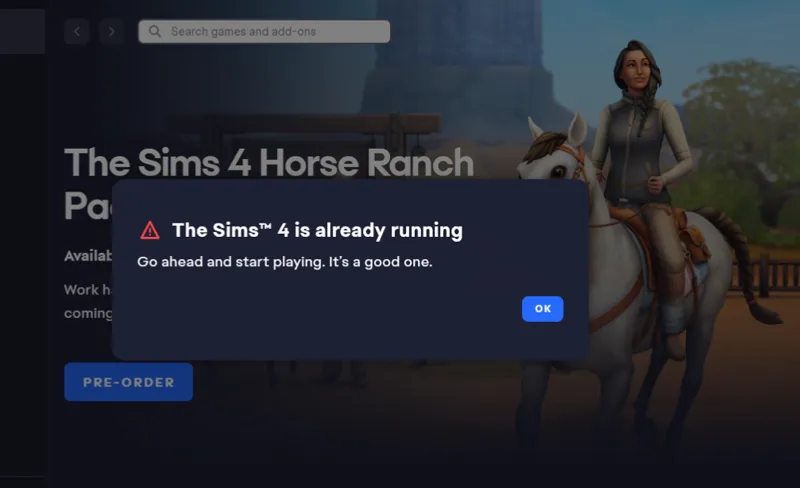
While I was getting to the game to test the stores I just made I came across this message. I´m trying to figure how to solve this to be able to get to the game and test the stores.
EDIT: Unfortunately, I had to uninstall the game and EA app and install again to solve this issue, but now everything works fine.
Comments (4)
No need remove mods or anything else. no need clear cache etc either .... CTRL + ALT + Delete ... task manager .. find all instances of EA and sims 4 right click end them by force, hard shut off computer and restart ... should be fixed ... its a glitch in the matrix of programs not closing correctly
I did that too and it didn´t work, so I had to uninstall the EA app and the game and install all again.
This happened to me after adding a bunch of restaurants to my game. Haven’t had the time to go through and figure out which one is causing the issue.
I already remove all CC/mods, restart my pc, repair the game, clean caches EA APP, save files, tray files everything and I still have the problem. So now I´m trying the System restore point. If this don´t work I will have to reinstall the game.