
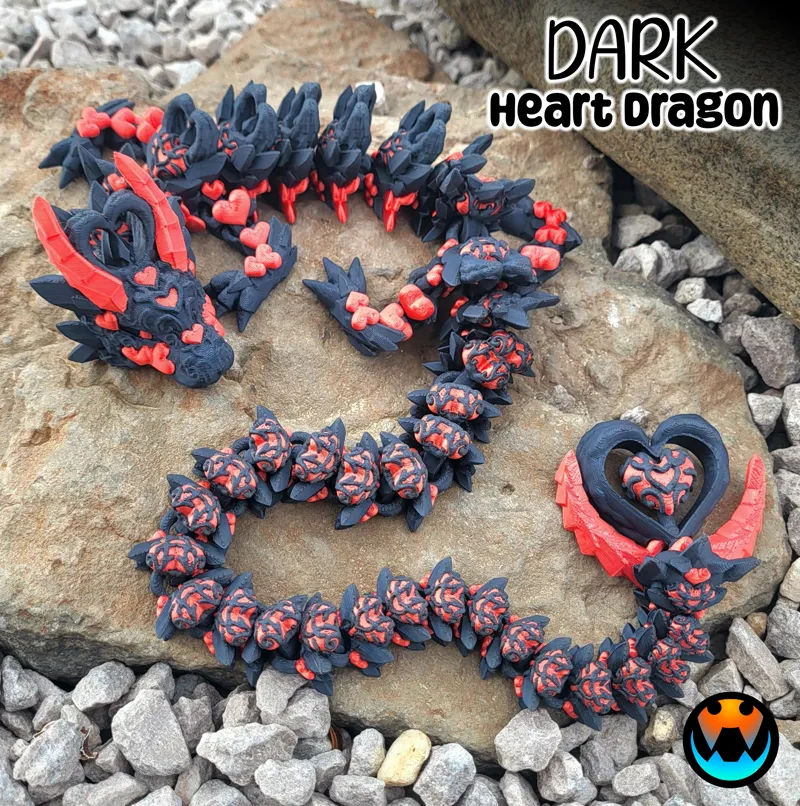



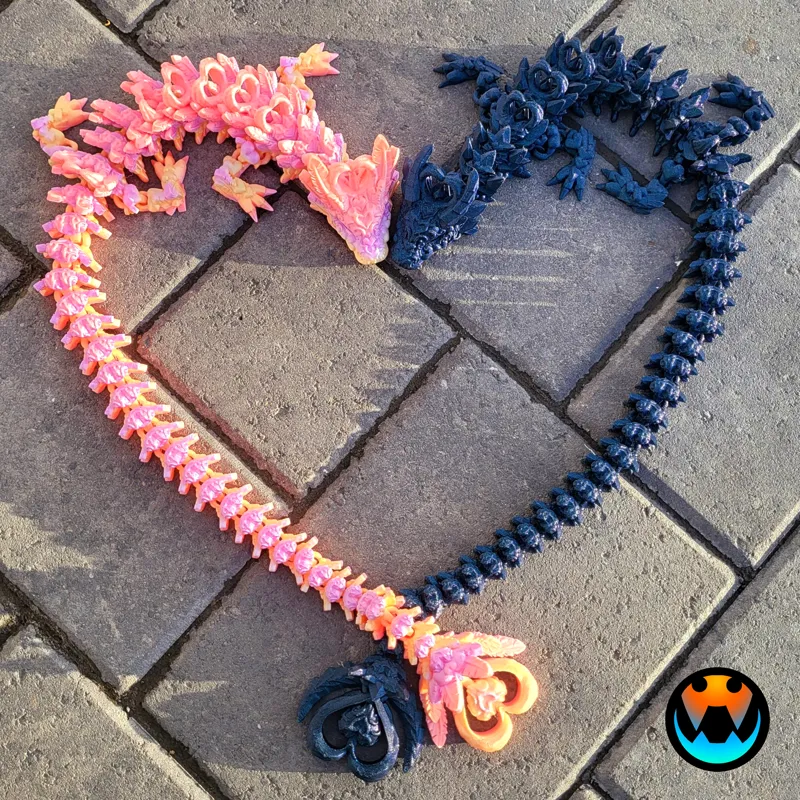
DARK Heart Dragon! (2 of 2 Heart Dragons)
This was a JANUARY Design and has been Archived! If you were subscribed in January, you will receive an email from MyMiniFactory within the week to access the archived files from that month. If you are starting your Subscription in February 2024, Welcome! Your exclusive models are available immediately in the Exclusive posts (link below) and the February Models will be in the February posts tab as they come out over the month! https://www.patreon.com/cinderwing3d?filters[tag]=Exclusives
If you missed this model or any others they are available on MMF for purchase! Please use the Discount code: CINDERFEB24
https://www.myminifactory.com/users/Cinderwing3D?show=store
-----------------------------------------------------
Hi Cinders!
I have TWO Cinder-style Dragons to release to you all this month! I LOVE this fun matching PAIR! Make sure you download BOTH each in their own post!
----> DARK Heart Dragon is attached below! LIGHT Heart Dragon is HERE! <----
The Dark Heart Dragon brings a whole new meaning to the phrase "Love Hurts"! Among it's striking detailed hearts are pointy arrows, which are quite pokey!vvv
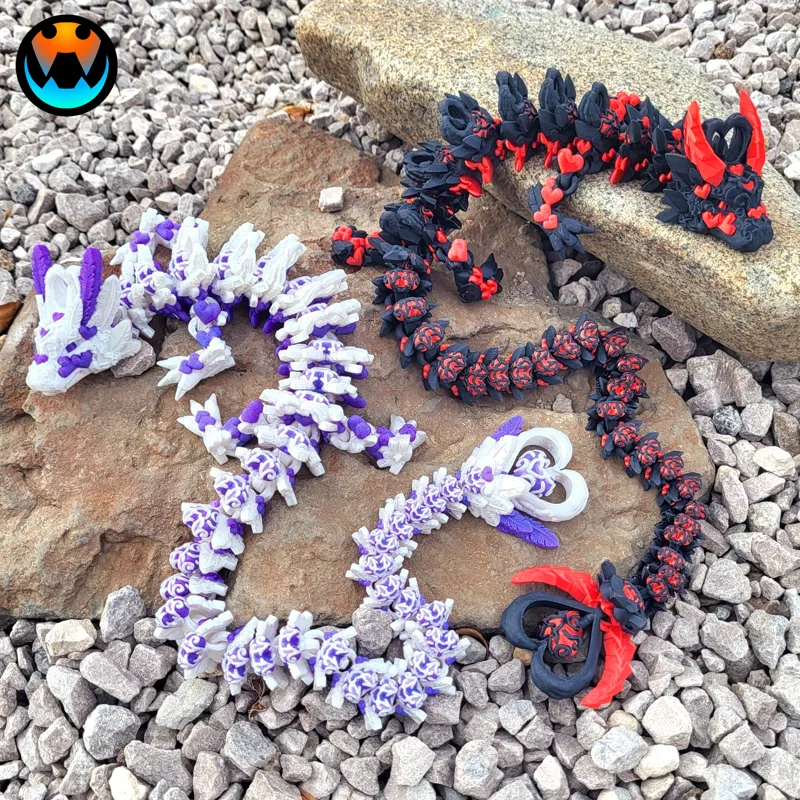
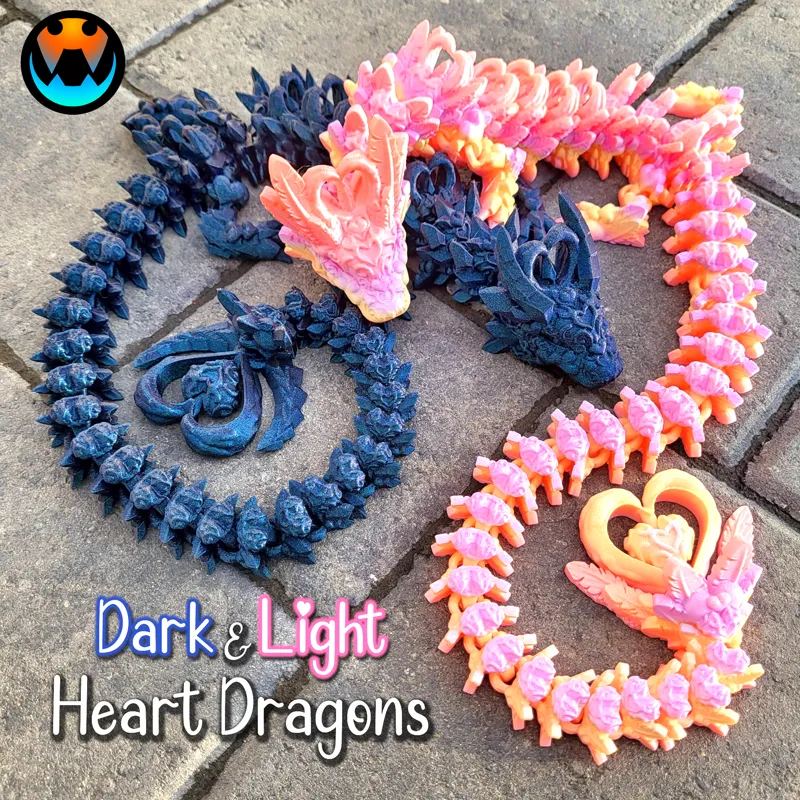
The Light Heart Dragon is covered with beautiful hearts and feathers! The round feathers make it a nice, friendly dragon to hold!
Both the Light and Dark Heart Dragons have similar arching hearts on their head and back, along with a spinning heart on their tails! Both complete this adorable pairing!
-Tracy
---------------------------------------------------
Admin Jazzy spent days digitally painting the MMUs for you all so you have the easy option of multicolor! Thank you Jazzy!
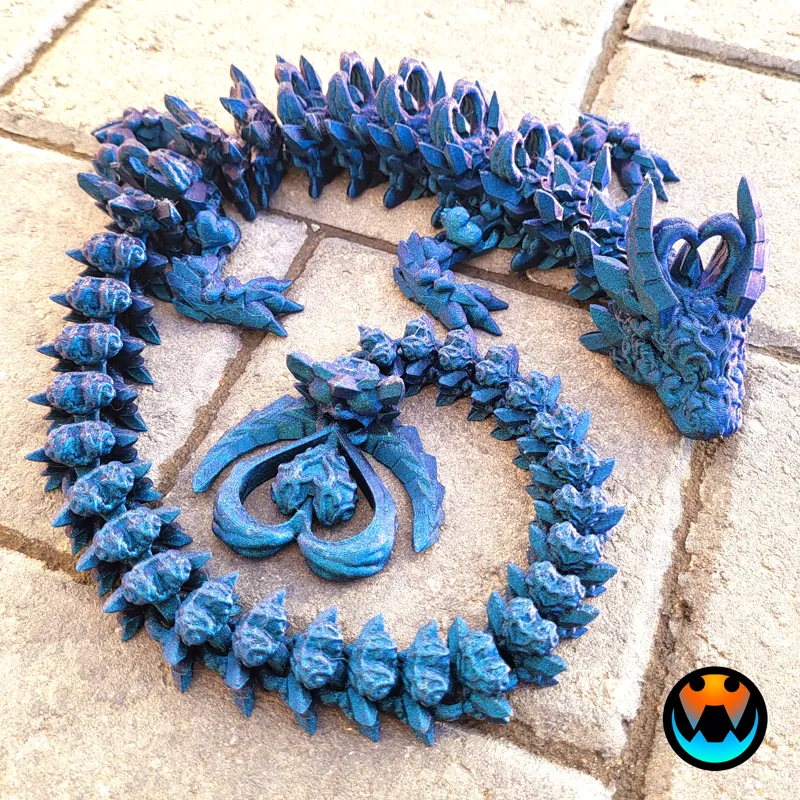
Filament Used: Solid color LIGHT Heart is ZIRO Sweet. Multi-color LIGHT Heart is silk white with Stronghero3D Mirror Chrome Purple/Blue. Solid color DARK Heart is Flashforge Burnt Titanium, Multi-color DARK Heart is silk black with silk red.
Filament: https://www.amazon.com/shop/cinderwing3d
Print Settings: .2 Layer height, 15% infill, gyroid infill, no brim, and no supports. Please join our discord chat below for more help and discussions.
------------------------------------------------------
JANUARY 2024 Models: HERE
EXCLUSIVE Rose Frog - RELEASED
Tiny Heart Dragon - RELEASED
EXCLUSIVE Baby Wolf Dragons (winged and wingless) - RELEASED
BONUS COMMUNITY MOD Heart Spider - RELEASED
Light Heart Dragon (1 of 2) - RELEASED
Dark Heart Dragon (2 of 2) - RELEASED
-------------------------------------------------------
PLEASE READ
Please remember, NO sharing, re-selling, or distributing this digital file or modifications of it in any way.
Please see WELCOME POST for questions, all exclusive releases, and links: https://www.patreon.com/posts/welcome-to-info-71819754
All Supporter Exclusives: https://www.patreon.com/cinderwing3d/collections
Discord is our MAIN form of communication and way to provide help! Please join our community below: Discord chat HERE: https://discord.gg/cinderwing3d
For any help requests or issues please go through this email: Email (contactcinderwing3d@gmail.com) OR through a Discord ticket!
Thank you, Cinders, for your support!!! And Thank you to our Admin Jazzy and Test Team for all your hard work!

Comments (27)
so this may be a stupid question, but I just recently got a dual extrusion printer. When I load the MMU file the colors do not come up? since this is my first time using it I am learning. I see how I can color the individual parts on my own then merge them together, but would like to use to color pattern you did already any advice or hints would be greatly appreciated
Are you using Prusa? You have to slice to see the colors!
Jazzy's Painting Skills are on point! Great model and 3MF file.
the sections are not connected
I have made several attempts at printing the MMU file on my Bambu A1 and it has failed every time. The last time around layers 15-20 the leg joints completely fail to print. I get two errors in Bambu Studio, the first is "newpieces.stl_3 is too close to others" then after slicing I see "It seems object DarkHeartDragon_Rev4.stl_1 has floating cantilever". I am fairly new to multicolor printing and Bambu Studio, am I doing something wrong when importing or slicing the model?
I have had a few failed attempts too with the MMU file as well (front right leg at around the same layer numbers as you). Make sure you select all then right click and choose assemble. This got rid of the first error that you are getting. As for the floating cantilever error - not sure - I just ignored it and hoped for the best! Jazzy (Discord) suggested I try using a brim (thanks!) - will give the MMU file a try doing that next. I am now trying the stl version to see if that prints properly for me! I am sure it is something I am doing wrong or my printer being weird!! (X1C).
Just printed both versions - LOVE THEM - small note, the arrows inside the hearts of the Dark Dragon,had a few minor failures - so, if you do any sort of updating, maybe make them just a touch thicker at the point of the arrow?
We actually already did this, was it the heart arch? It is a bit of an overhang so I would recommend going a tad slower there but we'll absolutely look into it again
I am sorry if I missed this in an earlier comment, but what printer is being used for the multicolor dragons?
Various Bambu Labs printers, but these files will also work with Prusa's MMU as well as IDEX and basically anything that can use Prusa Slicer!
I went to change up a few colors and found that when the mmu file is brought into bambu studio all of the dragon links are separated and it is not as a whole object.
That is correct. This was done to make repainting it easier. This way you can paint piece by piece!
Added to the que to print after I do some cosplay stuff!
I'm also not sure who is testing these, but this is another dragon with missing bottom layers. Check the heart on the end of the tail's first layer at a .2 layer height, it takes 5-6 layers to be filled in. If anyone' getting adhesion issues there, that's why.
Hey there, we aren't able to recreate this. Did you by chance simpify the model? This will break the mdoel and it is not recommended you do so.
I love them so much!
Glad I got 3 P1S recently so I don't have to stop one for this.
whats the length at 100% approximately ???? I am so excited to print both !
27 inches
I'll love to see one with roses and flowers are Feathers
Love!! Need babies and tadlings too <3
nice !!!
literally canceled what i was printing to start this one lol. nice!
Omg. Starting her now.
These are STUNNING! We are running to print these ASAP. My husband said a Ying Yang dragon duo would be cool later on if you need more ideas!
Love this one!!
They look amazing!!