August 9, 2026
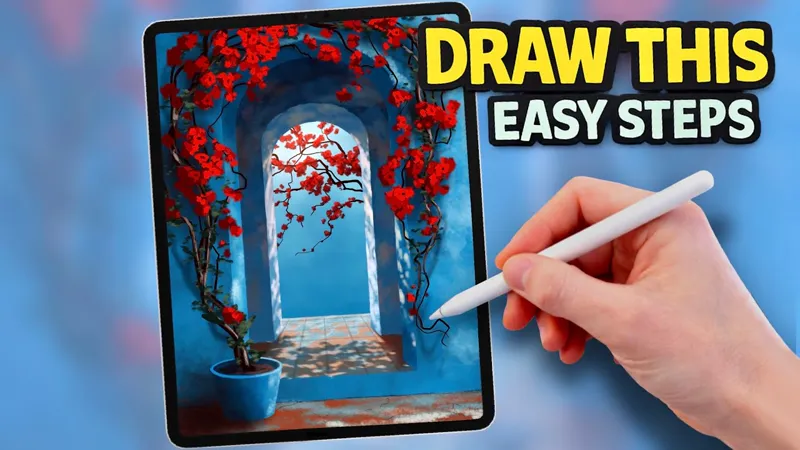
New sunlit tutorial up now!
Having trouble importing the palette?
Download the .swatches file to your iPad.
Open the Files app and tap the file, or in Procreate go to Colours → Palettes → + → Import Palette.
If you’re using the Patreon app and it doesn’t work, try opening the post in Safari instead.
Make sure you’re using the latest version of Procreate.
Codes
076EA5 A6E6FA 17496F 01294D 35333B 010513 18648C 60615F EFF0EB C8CBC5
0271B7 1A7FBC 042C4C A0ACAD 0188CE 091410 445A42 537455 8E3219 AD543A
B7DEEF 67A9C4 D59072 560802 100001 523935 A4938D 4E0000 950200 E10B00
Draw a Beautiful Sunlit Archway in Procreate | Step-by-Step Tutorial (YouTube)