
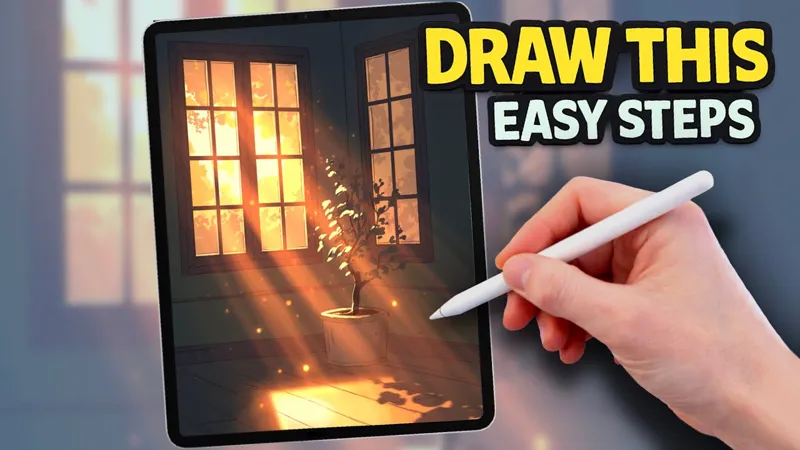
Glowing Window light drawing tutorial
Having trouble importing the palette?
Download the .swatches file to your iPad.
Open the Files app and tap the file, or in Procreate go to Colours → Palettes → + → Import Palette.
If you’re using the Patreon app and it doesn’t work, try opening the post in Safari instead.
Make sure you’re using the latest version of Procreate.
Codes
242B36 273132 23242D 262A2F 1B212A FBE9BF F6C46F ECA953 BC845B 9C6E55
202B2E 283228 F7D799 34393C 56473F 282628 D17B44 D04C31 FF6618 FFEC9A
0D0D11
Draw Beautiful Window Light in Procreate | EASY Step by Step Tutorial (YouTube)
Comments (2)
Thank you for your recent focus on buildings and man made structures. I would love more tutorials featuring urban environments. Thank you again!
Hi! I just wanted to say thank you. 😊 I’m a complete beginner, and your videos are actually what made me want to start drawing. I’ve followed a few of your tutorials, and they’ve helped me so much. Now I really want to start drawing my own landscapes, buildings, cars, and scenes from my own photos using your techniques. Do you have any tips on how to make that step? And how do you usually choose your color palettes? Thanks again for all the amazing tutorials they’ve been a huge inspiration!