
How to Customize your Apartment
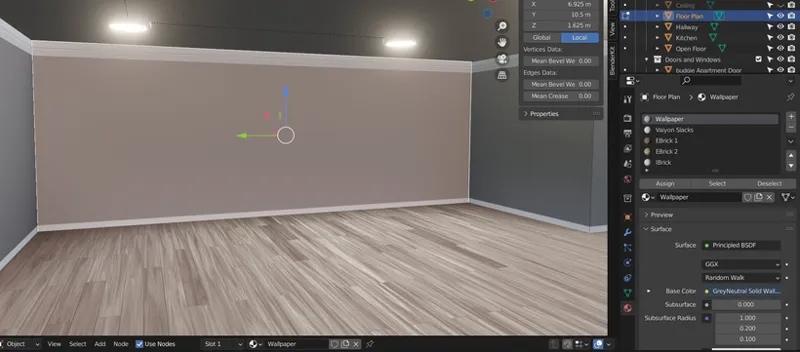
I recognized that the way I’ve done the apartment interior walls, in materials, makes it difficult to change if you only want to change select walls.
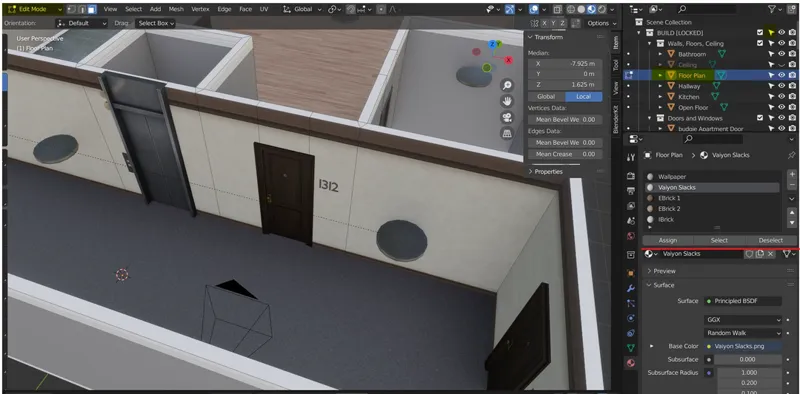
Firstly, you’ll have to re-enable the picker tool (refer to my first tips post to see how to do that). Click the “Floor plan” in viewport or the items list and go into edit mode.
With the materials tab, you should see a new bar of buttons “Assign, Select, Deselect”
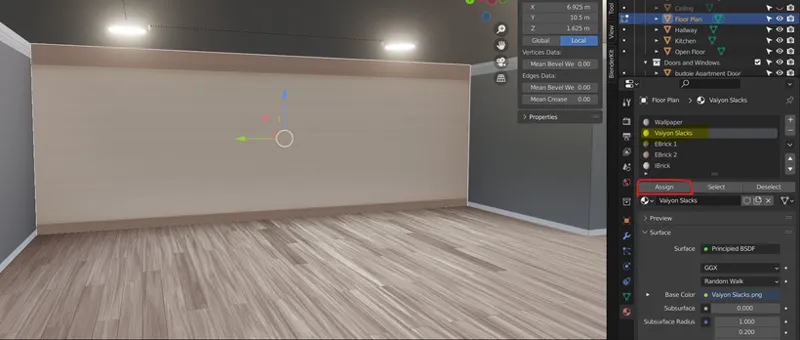
There you can use “Select” and “Deselect” to highlight or remove highlights from your desired material. With the “Assign” button you can manually reassign a material onto selected faces.
(i.e changing one face of a cube from Material 1 to Material 2)
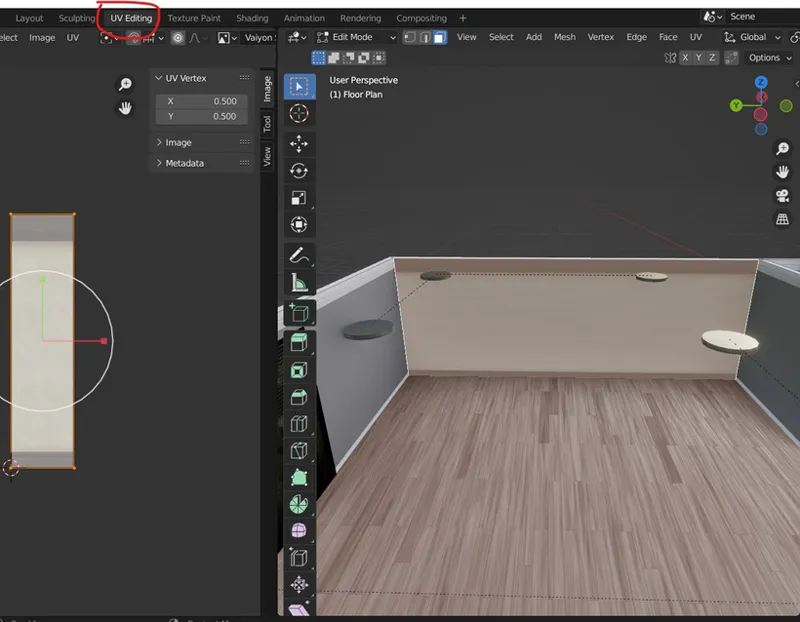
Once that’s done, go to the UV map tab at the very top of the Blender program. Edit the UV to get desired look