

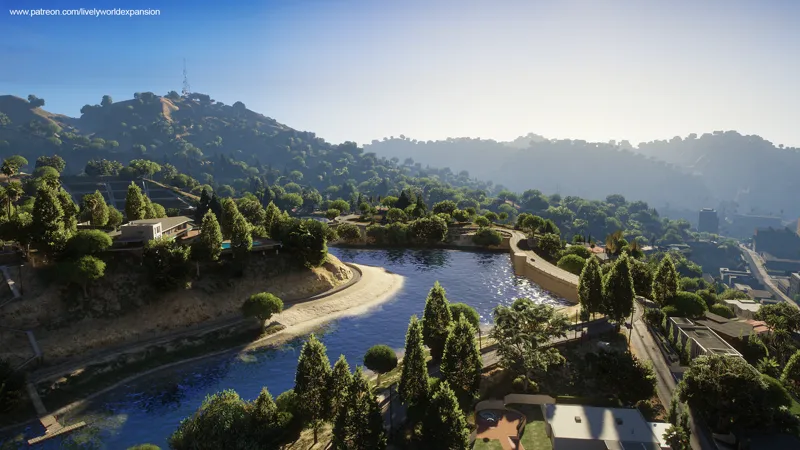


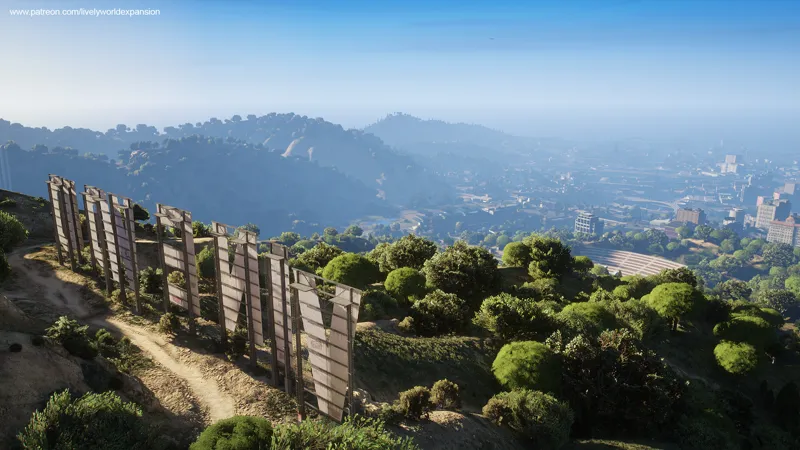

Lively World Expansion for NaturalVision Enhanced / Compatibility Update Download
Update May 22nd, 2025
May 22nd Patch Note
Following feedback from testers and users regarding texture issues, we’ve released a patch for version V2.9 that restores the original default LOD (Level of Detail) values.
In the initial V2.9 update, LOD values were significantly increased, which led to both performance drops and texture rendering issues. This patch reverts those changes, which should:
Improve FPS performance
Fix texture loading problems for affected users
We understand that resources are currently limited, but we remain committed to providing the best experience possible. Thank you for your continued support and patience.
May 17th Patch Note
This is an update patch for our recent V2.9 Enhanced release, adding optional compatibility with the new NaturalVision Enhanced while keeping the Vanilla version still separately accessible.
This version will be reintroduced as a seamless part of the LWE Enhanced edition in upcoming updates.
Download
Scroll down to the Attachments section below to download this version
Installation
Enhanced Single Player Installation with NaturalVision Compatibility
Make sure NaturalVision Evolved (NVE) Enhanced is installed first
Navigate to your GTA 5 Enhanced game directory
Copy the folder named "onigiri" from LWE into your GTA 5 Enhanced game directory
You can now enjoy Lively World Expansion with NVE compatibility!
How to Fix Texture Loss Issue?
We’ve concluded that the texture loss issue when using NVE and LWE is caused by the 'Open All Interiors' mod. It’s recommended to avoid using 'Open All Interiors' mod temporarily until we have more resources available for GTA 5 Enhanced.
How to Fix Shadow Flickering Issue?
Option 1: Reduce Extended Distance Scaling to 0
Option 2: Set Ray Tracing BVH to High and Disable Long Shadows in Graphics Settings
Option 3: If Issues Persist, Consider Disabling Ray Tracing Entirely
Note: As the Enhanced version of GTA 5 is still new and has limited or no modding resources available, tackling certain compatibility issues like shadow flickering is especially challenging. We are actively working on this and doing our best to find a long-term solution. Thank you for your patience and support!