

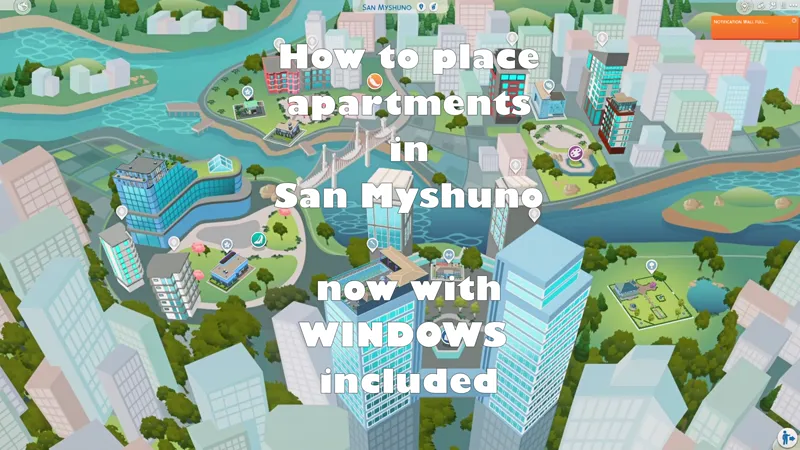
Placing San Myshuno Apartments
I thought I would do a quick updated tutorial on how to place apartments in San Myshuno. All my apartments now have windows included and are easy to place. (My apartments before this update did not have windows included).
You can replace an apartment in a few easy steps:
load the correct apartment (I always name the apartment in the description)
delete everything in the apartment, including the interior walls
grab the new apartment from the gallery or your library
align the exterior walls and place the apartment
You can easily replace most of the windows from build mode, but I still use TwistedMexi's T.O.O.L to change the front door.
Comments (2)
Hey! Thank you for the video. How do you delete the rooms in one go?
Click on each room and press delete. This one was one big open area that's why it deleted so much