




Happy Cookout Season // The Cookout Spot
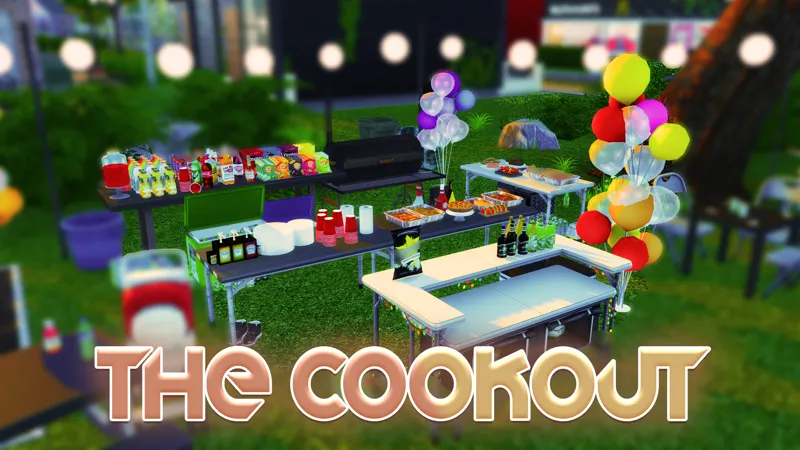
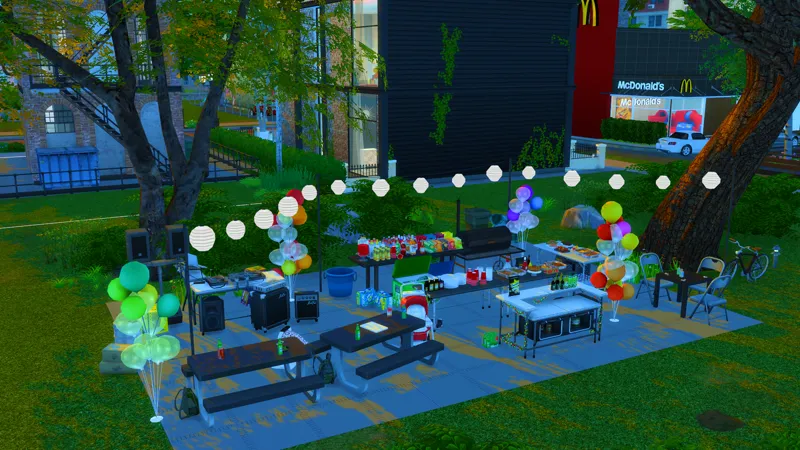
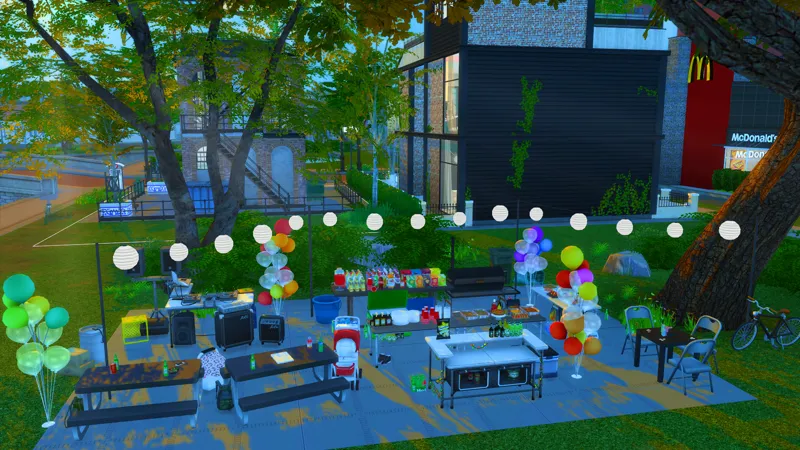
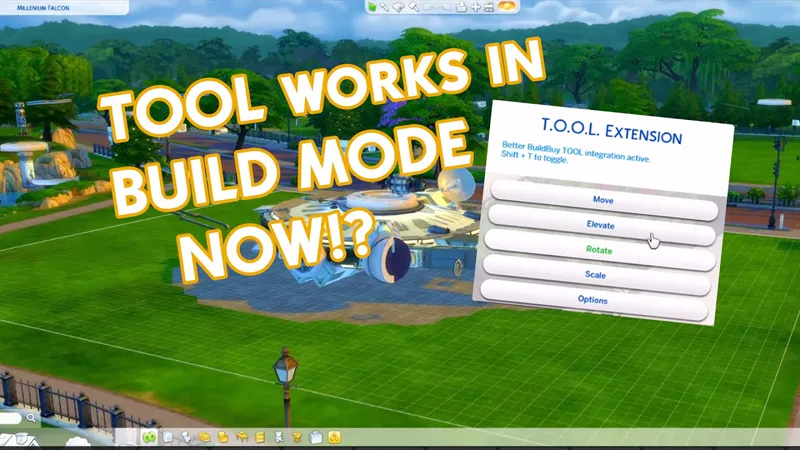
Hey y'all! Happy Cookout Season! I made this little setup for a cookout spot in my game and definitely wanted to share it with you guys! Using the T.O.O.L Mod I was able to highlight everything in the room and move it into a the small open spaces in the neighborhood. I show what I mean breifly in my latest video here 🥩COOKOUT🥩
About the build
This is a room build! It can be placed anywhere especially, if you use the T.O.O.L mod you can place it in your neighborhoods and watch people enjoy them a nice cookout!
How to Install
Download the .ZIP file
Locate your Sims 4 folder i.e Documents>Electronics Arts>Sims4
Open the "mods" folder in the .ZIP file and add the cc to your mods folder
Open the "Tray Files" in the .ZIP file and add the files to your tray folder
And that's it! When you open your game, go to the gallery and you should see the build in your library.
BUT DEE GURLL, I don't see it! Make sure you select "show custom content" on the left panel of the gallery and you should see it!
Thank you again for pledging! I hope you enjoy the build!
Remember to stay beautiful, stay lovely and have a grand, grand day!
Comments (7)
Hey Dee, Do I need the tool mod to place it down on a lot?
No you only need the tool mod if you want to move it off a lot. For example in the areas behind neighborhood where stalls spawn
Hey Dee!! Im over here praying ! we get Liv house from your rags to riches! I loved it!!!
Yes! Its on my list!
Thanks Dee I figured it out.
I never can figure it out downloaded, added to my mods folder. Added to the folder titled tray. Enabled custom content. Made sure it was on on the gallery and still isn’t there. I’m so bad with getting CC to work.
Make sure you check the box labels "Include custom content" on the left panel of the gallery. Also make sure you're placing your tray files in the Tray folder and the cc in the mods folder. That's it!