
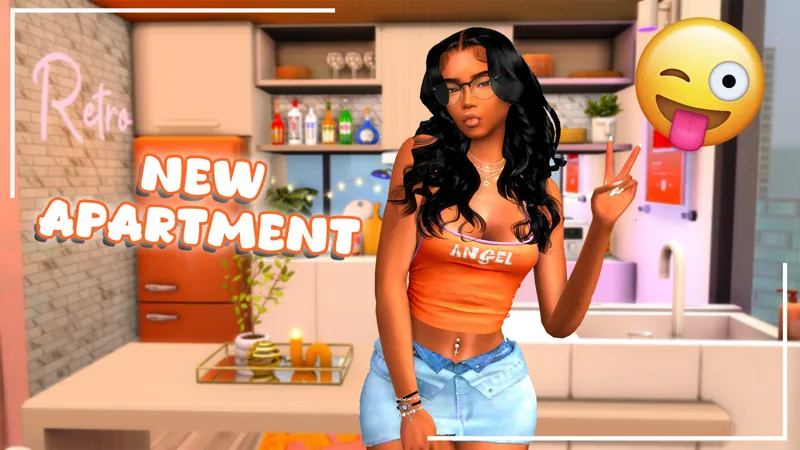
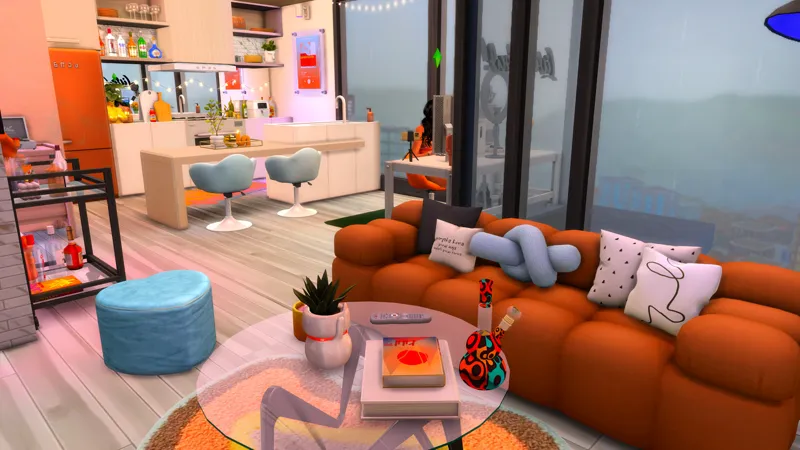
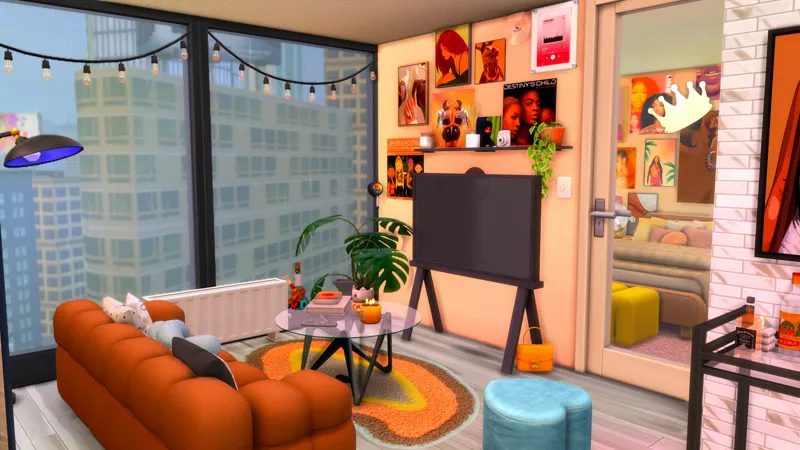
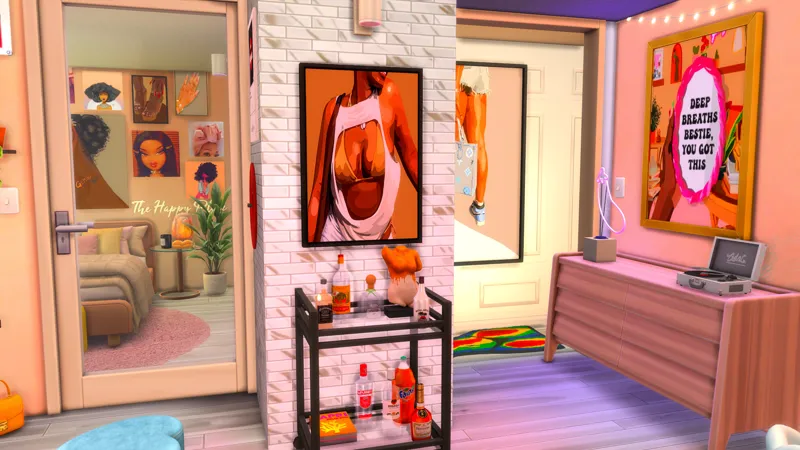
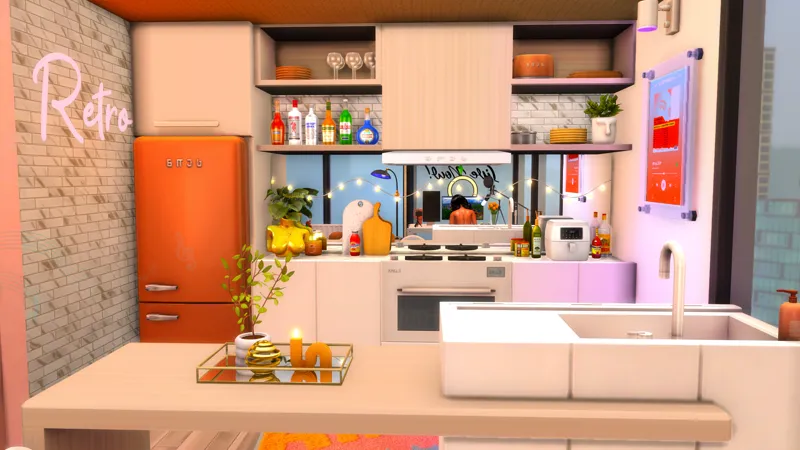
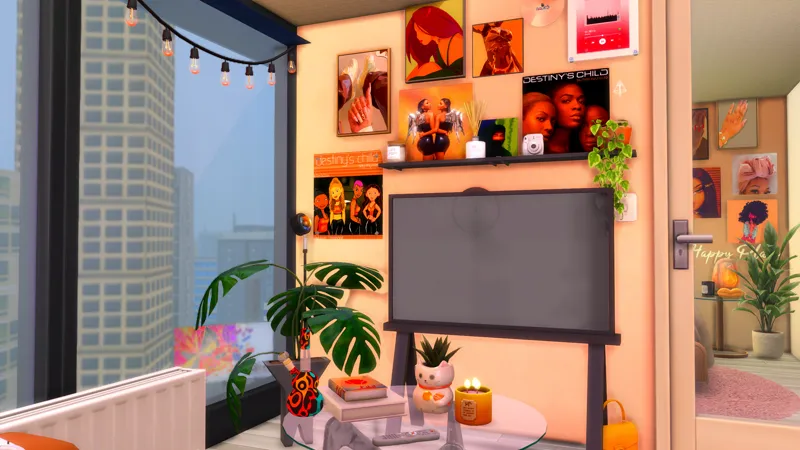
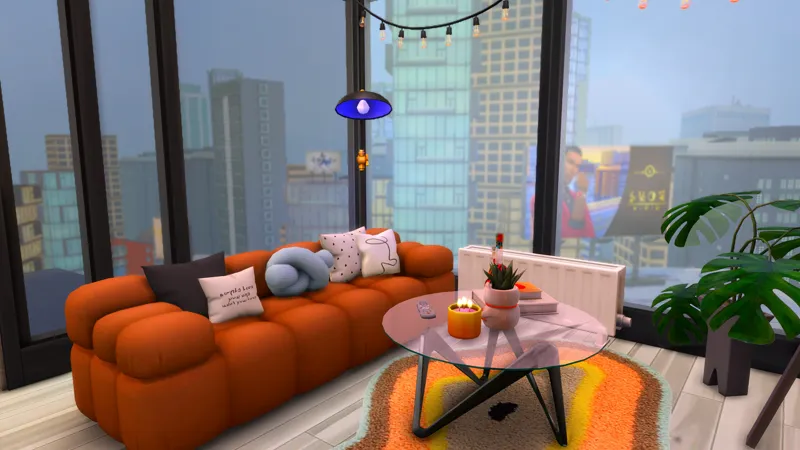
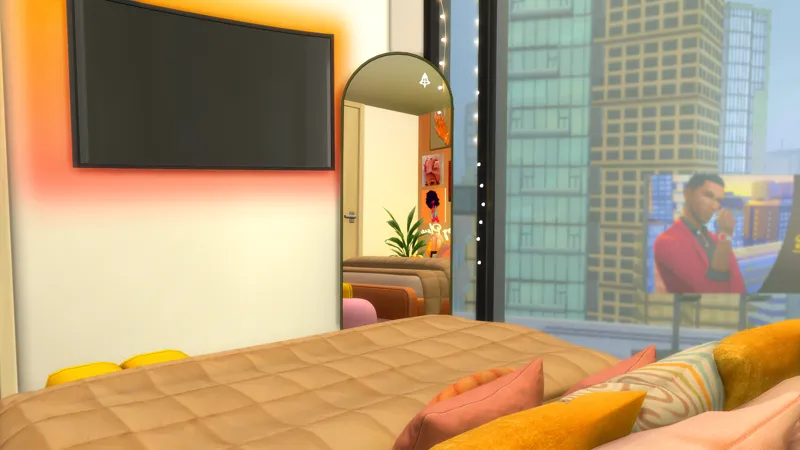
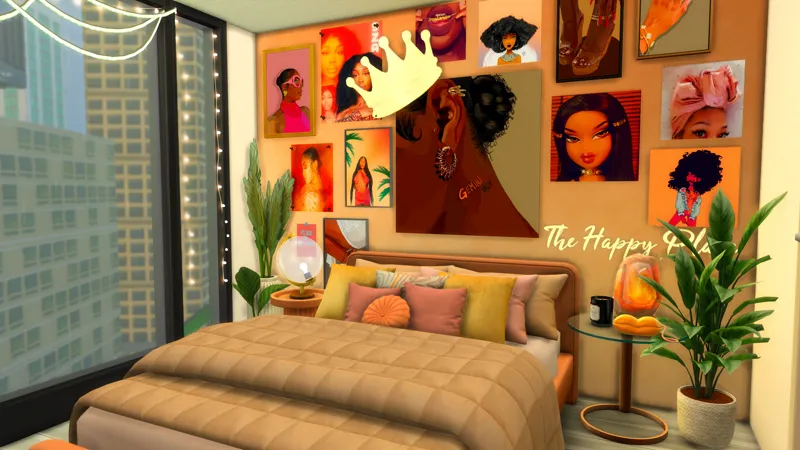



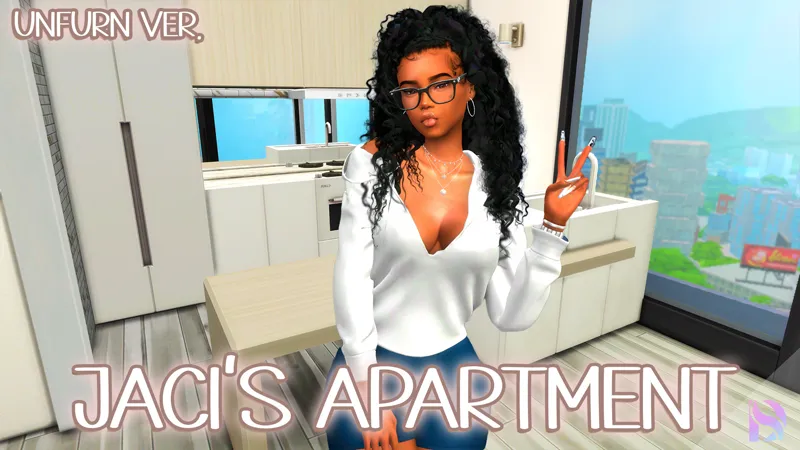
Jaci Sunset City Apartment (FURNISHED) // Stardom Act II
Public Release June 20th 2024
Hey hey hey I'm back with another build this month, Jaci Sunset City Apartment, from Stardom Act II! I absolutely love this apartment and so many of you do as well! Another build planned for next month is an office building for your freelance and work from home sims! Thank you for the support DeeSquadt!
If you want the unfurnished apartment, you can check out this post HERE
About This Build
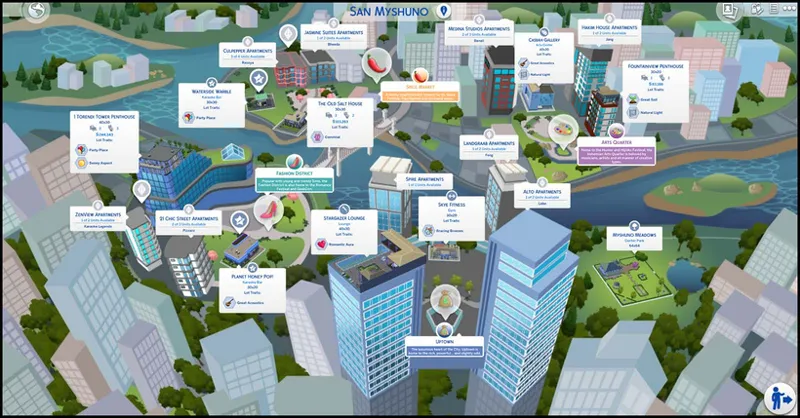
This build was built in San Myshuno in the Fashion District! This apartment in the 21 Chic Street Apartments. The official apartment is 13 21 Chic Street Apartment. For this to function like an apartment, you will need The Sims 4 City Living. You can place this as a room as well if you don't want the apartment feature! Please remember to replace the walls and such where the doors are located!
Please note, when you place the lot, you may receive a message saying items have been replaced or deleted. That is due to the chair update or other mods like wonderfulwhims or Basemental, or in game pictures!
✨I recommend you save all of my CC in one folder from my builds to avoid duplicates!✨
✨MODS I USED THAT YOU NEED✨
RVSN - Easy Peasy Light System
Around the Sims 4 Air Fryer + (Icemunmun Air Fryer Required)
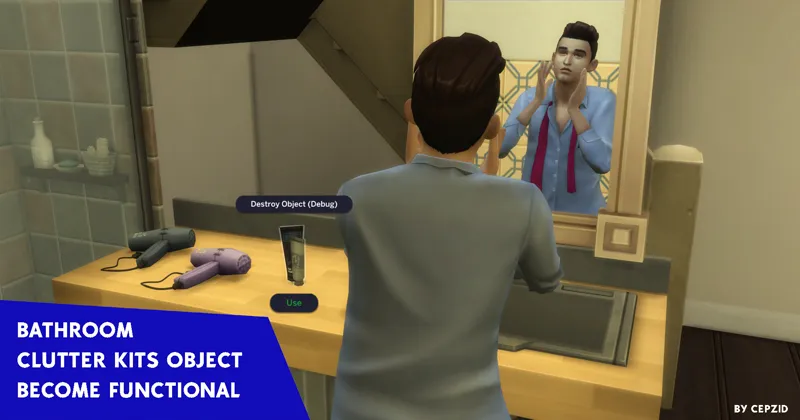
✨RECOMMENDED✨ Zulf-Bathroom Kit Functional
How to Install Manually - Do Not Use CurseForge to Put into your Mods Folder
Download the .ZIP file
Locate your Sims 4 folder i.e Documents>Electronics Arts>The Sims4
Open the "CC" and "Mods" folder in the .ZIP file and add the cc to your mods folder
Open the "Tray Files" in the .ZIP file and add the files to your tray folder
And that's it! When you open your game, go to the gallery and you should see the build in your library.
BUT DEE GURLL, I don't see it! Make sure you select "show custom content" on the left panel of the gallery and you should see it!
Thank you again for pledging! I hope you enjoy the build!
Remember to stay beautiful, stay lovely and have a grand, grand day!
Comments (5)
Hi, Dee! How do I make the switch to the dx11 or whatever it's called? I just downloaded this build. I only had two issues: the orange wall in the bedroom and the glass door by Harrie are multicolored with question marks. For now, I have replaced the wall and door with something I have in my game already.
It’s in the game settings. But I made this build a while ago. I’m no longer on d 11 it gave me too many issues
When i download i dont have the option to set as apartment only room
Make sure you add walls where the doors are. Place the lot, replace the walls and then try. The only way to upload an apartment to the galley is by making it a room.
yesss love this apt